

Mobile Office Checklist for Remote Work While Traveling
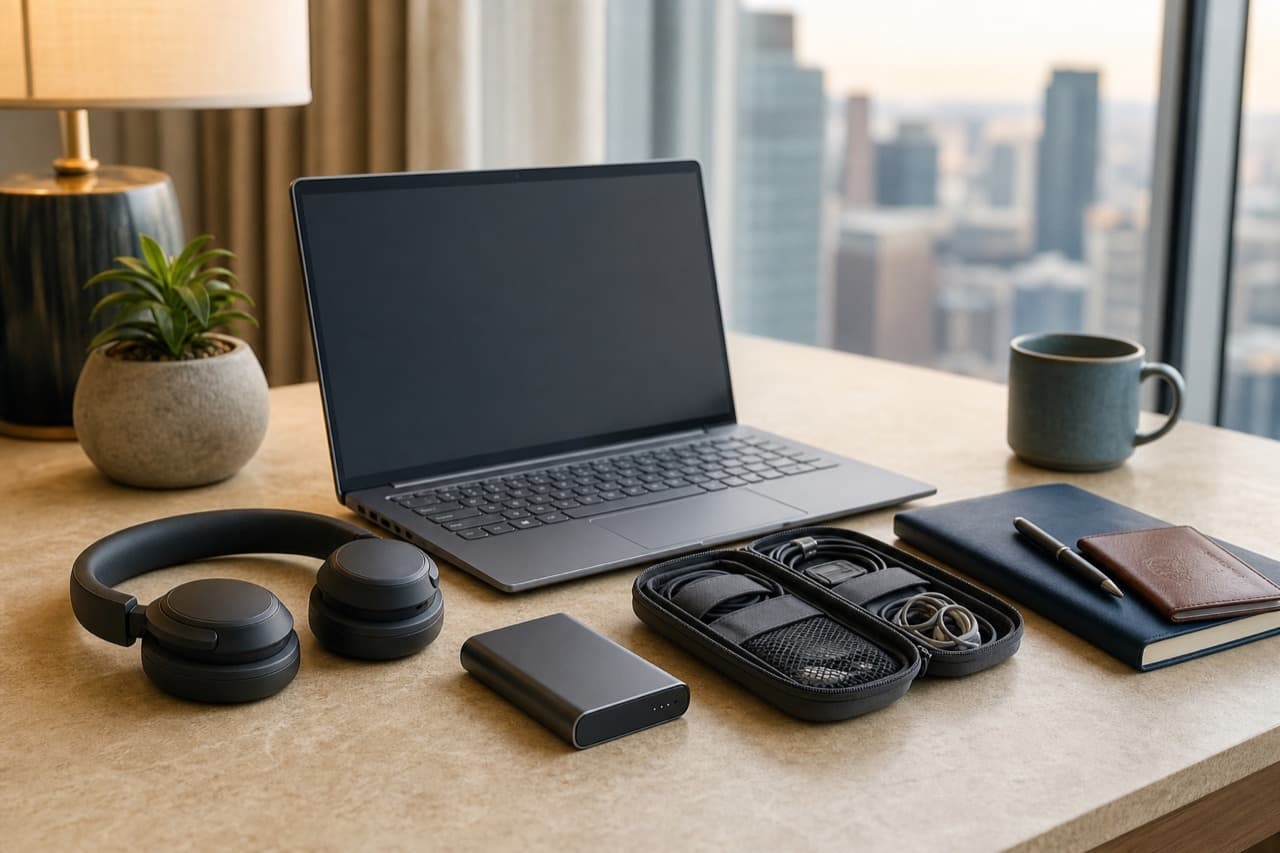
A good mobile office checklist for remote work while traveling covers five things: a second way to get online, enough power for a full workday, a laptop setup you can use for hours, security that survives a lost bag, and the admin (employer, visa, tax) that keeps the trip legitimate. This one is for employees and freelancers who work from rented rooms, cafes and airports, and it focuses on workflow and risk rather than a gadget wish list.
Key takeaways
- Redundancy beats gear: have two ways online, two ways to charge and two copies of every important file.
- Verify the Wi-Fi before you book. Ask the host for a recent speed test that includes upload, because steady upload and low lag matter more than a big download figure on video calls.
- Keep the laptop, charger, power bank, headphones and backup drive in your cabin bag, never in checked luggage.
- Turn on disk encryption, backups, a password manager and two-factor authentication before you leave, not after something goes wrong.
- Rules on working from another country, including immigration, employer policy and tax, vary widely, so check official sources or a professional before you commit.
Before you leave: the admin checklist
The boring items cause the most damage when skipped, so start here.
- Employer policy: confirm in writing whether you may work from the destination, whether a VPN or company device is required, and which hours you must overlap with your team. Some companies restrict working abroad for security or tax reasons.
- Immigration: tourist status in many countries does not permit remote work, while some offer a specific remote-work or digital-nomad visa. Check the destination government’s official site, and do not rely on forum posts.
- Tax and insurance: working abroad can create tax or social-security obligations at home or abroad. A tax professional is the right person to ask. Also check that your travel or health insurance covers your trip length, and whether your devices are covered.
- Accounts: update recovery emails and phone numbers, print or store backup codes for two-factor authentication offline, and tell your bank you are traveling so cards are not frozen.
- Phone: if you plan to use an eSIM, confirm the phone is carrier-unlocked and eSIM-capable before you leave.
Connectivity: your office is only as good as the internet
Most failed workdays on the road are connectivity failures. Build the plan in layers.
- Primary: the accommodation Wi-Fi. Before booking, ask the host for a screenshot of a speed test taken in the room, whether the router is near the room, and whether there is a wired connection. Video calls typically need a few megabits per second in each direction, but they need it steadily.
- Backup: your phone as a hotspot, using a local SIM, an eSIM or an international plan. Read the plan terms, because some limit tethering or slow it after a quota.
- Cheap insurance: a small USB-C to Ethernet adapter, since many thin laptops have no network port and wired connections are often steadier than Wi-Fi.
- Fallback venue: a coworking day pass, library or hotel lobby you have already identified, so you know where to go if both options fail.
Treat public Wi-Fi as untrusted. Use your phone hotspot or a VPN for work accounts, keep the laptop’s firewall on, and turn off file sharing and automatic joining of open networks. For deeper reading on wireless gear at home, see our Wi-Fi 6 router upgrade guide.
Power for a full workday on the road
Look at your laptop charger’s label. It lists the output in watts, and most thin laptops use somewhere in the 45 to 100 watt range. It also lists an input range; if that reads 100 to 240V, you only need a plug adapter for the local sockets, not a voltage converter. One compact multiport USB-C power delivery charger can often run a laptop and a phone together. The details of watts, GaN and cables are in our fast charging explained guide.
A power bank is the backup for long travel days and for cafes without outlets, but choose one whose USB-C output meets your laptop’s wattage, or it will only slow the drain. Airlines require spare lithium batteries to travel in the cabin, with limits by watt-hour; our guide to organizing travel cables, power banks and adapters covers the airline rules and plug types. If you bring a power strip, check that it is rated for the local voltage.
Workspace and ergonomics away from a desk
A laptop flat on a bed or café table puts the screen too low for long sessions. The cheapest upgrade is a fold-flat laptop stand plus a compact keyboard and mouse, which lets you raise the screen toward eye level and keep your forearms comfortable. If you notice recurring pain, talk to a health professional rather than relying on a gadget.
For calls in noisy places, a headset or headphones with a decent microphone does more for your professional impression than a better webcam. ANC headphones such as the Baseus Bowie H1s ANC Wireless Headphones are one option; check the product page for microphone details, multipoint pairing and battery information, and see our comparison of ANC vs passive noise isolation for what noise cancelling does and does not block. Sit facing a window or lamp for calls; our budget webcam lighting guide shows how to look better with little gear.
When you choose where to work, cafes are fine for a few hours of focused tasks if you buy something and check that laptops are welcome. For all-day work, a coworking day pass, library or the accommodation’s desk is more reliable.
Security checklist for a mobile office
- Encrypt the disk: turn on FileVault on a Mac, or BitLocker or device encryption on Windows, so a stolen laptop is not an open book.
- Back up in layers: keep cloud-synced work files plus a small encrypted external drive, stored in a different bag from the laptop. The common rule is three copies on two kinds of media with one off site.
- Use a password manager and two-factor authentication through an authenticator app or a hardware security key. Keep backup codes or a spare key apart from your phone.
- Enable device tracking and remote lock on the laptop and phone, and update software before you travel.
- Carry the laptop in your cabin bag and never leave it unattended at a cafe, even for a minute. A zipper that locks and a bag you can keep in front of you help; see our backpack security guide.
- Know your lost-device plan: which accounts you would revoke, where the serial numbers are written, and who at work to notify.
What to pack: core kit and optional extras
| Item | Why it earns its place | Priority |
|---|---|---|
| Laptop and multiport USB-C charger | Powers the laptop and phone from one outlet | Core |
| Two USB-C cables, one short and one long | Cables fail, and a spare saves a day | Core |
| Power bank within airline limits | Backup for travel days and outlet-free venues | Core, in the cabin |
| Phone with hotspot or eSIM plan | Your second internet connection | Core |
| Headphones with a microphone | Calls and focus in noisy places | Core |
| Encrypted external drive | Offline backup that does not need Wi-Fi | Strong add |
| Fold-flat laptop stand and compact keyboard | Comfort for sessions longer than an hour | Strong add |
| USB-C to Ethernet adapter | Steadier connection when a port is available | Strong add |
| Plug adapter | Needed if local sockets differ from yours | Destination-dependent |
| Portable second monitor | Extra screen space, but extra weight and another cable | Situational |
The bag matters as much as the contents. Our guide to the carry-on backpack for digital nomads helps with size, weight and laptop access, and our look at smart accessories for remote workers covers a fixed desk when you settle somewhere longer.
A repeatable workday routine on the road
- On arrival: run a speed test in the room, find the nearest outlets, and set up the stand and keyboard before opening the laptop.
- Before travel days: sync files for offline use, download slides and maps, and charge the laptop and power bank fully.
- Each week: run a backup and check that your recovery methods still work.
- Across time zones: add your team’s zones to your calendar, agree on core overlap hours, and tell colleagues when you will be traveling and offline.
- If the internet fails: hotspot first, then the cafe or coworking fallback you already chose.
Mistakes to avoid
- Trusting an advert that says fast Wi-Fi. Ask for proof with upload numbers, or you may be stranded on a slow line.
- Relying on one connection. One failure then becomes a lost workday.
- Checking the laptop or a power bank in the hold. Spare lithium batteries must go in the cabin, and the laptop is safer there too.
- Working on sensitive accounts over open Wi-Fi. Use a hotspot or VPN instead.
- Assuming a tourist stay allows remote work. Immigration rules differ by country.
- Packing every gadget. Weight and cables add up; carry what you use every day and leave the rest.
- Leaving encryption and backups for later. You cannot enable them after the laptop is stolen.
Which kit fits your trip
- Pick the lean cabin-only kit if you move every few days: laptop, one charger, power bank, headphones and a phone hotspot, with a fold-flat stand if your bag allows.
- Pick the fuller kit if you stay a month or more or spend most of the day on calls: add the keyboard, Ethernet adapter and encrypted drive.
- Pick a coworking base if your work depends on video calls and the accommodation Wi-Fi cannot be verified.
For more travel gear and bags, browse Outdoor and Travel.
Frequently asked questions
What do you need for a mobile office when traveling?
At minimum: a laptop with a multiport USB-C charger, a power bank within airline limits, a phone that can work as a hotspot, headphones with a microphone, and a backup of your work files. A fold-flat stand and a compact keyboard make long sessions more comfortable.
How do I get reliable internet while working from another country?
Use layers: verified accommodation Wi-Fi, your phone as a hotspot through a local SIM or eSIM, and a coworking or cafe fallback. A USB-C to Ethernet adapter helps when a wired port is available.
Is public Wi-Fi safe for remote work?
Treat it as untrusted. Use your phone hotspot or a VPN for work accounts, keep your firewall on, and turn off file sharing and auto-joining of open networks.
Can I work remotely on a tourist visa?
It depends on the country, and many do not allow it. Check the destination government’s official immigration site, and ask an immigration or tax professional about your specific situation.
How do I keep my laptop and data safe while traveling?
Turn on full-disk encryption, back up to the cloud and an encrypted drive, use two-factor authentication, and keep the laptop in your cabin bag and in sight. Enable remote lock and tracking before you leave.
Shop Outdoor & Travel
View all →
Zealot S56 Rugged Outdoor Bluetooth Speaker
In stock · Ships in 7–21 business days
 Sale
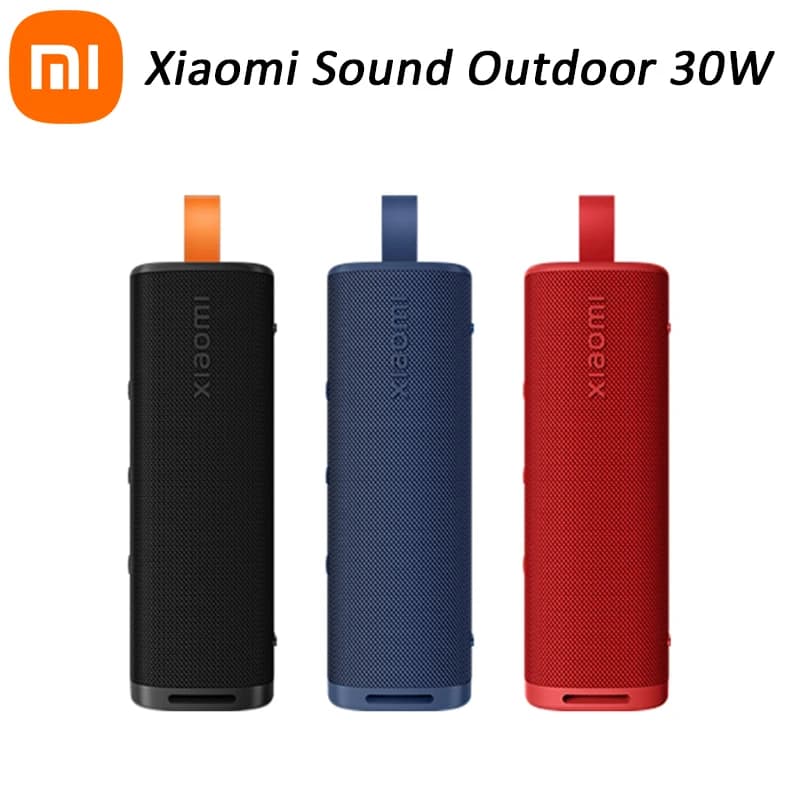
SaleXiaomi Sound Outdoor Portable Bluetooth Speaker
In stock · Options available · Ships in 7–21 business days
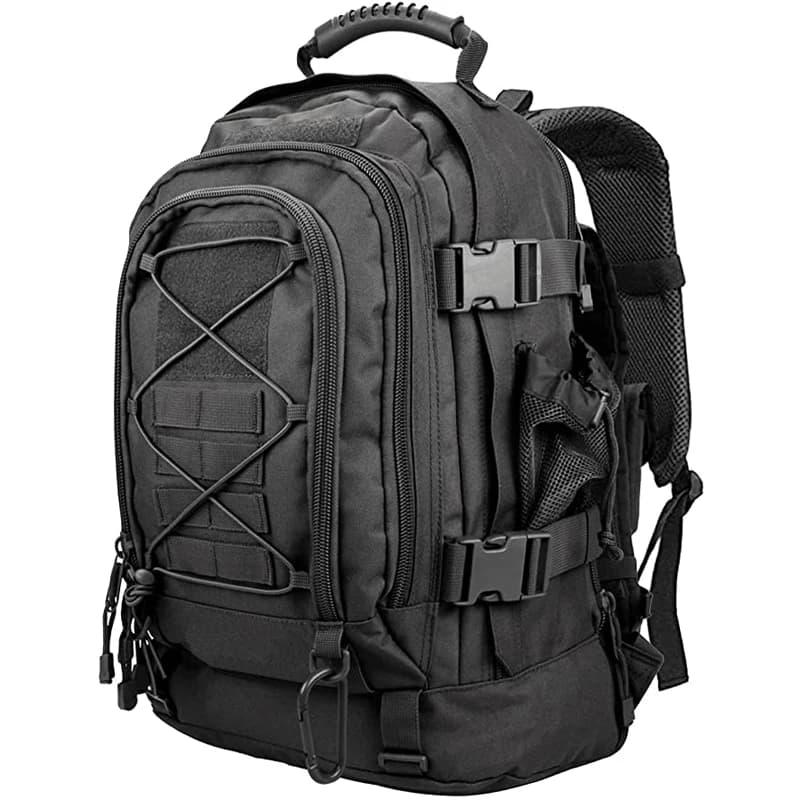
LQArmy 60L Tactical Backpack with Molle Webbing
In stock · Options available · Ships in 7–21 business days
Continue reading
 Outdoor & Travel
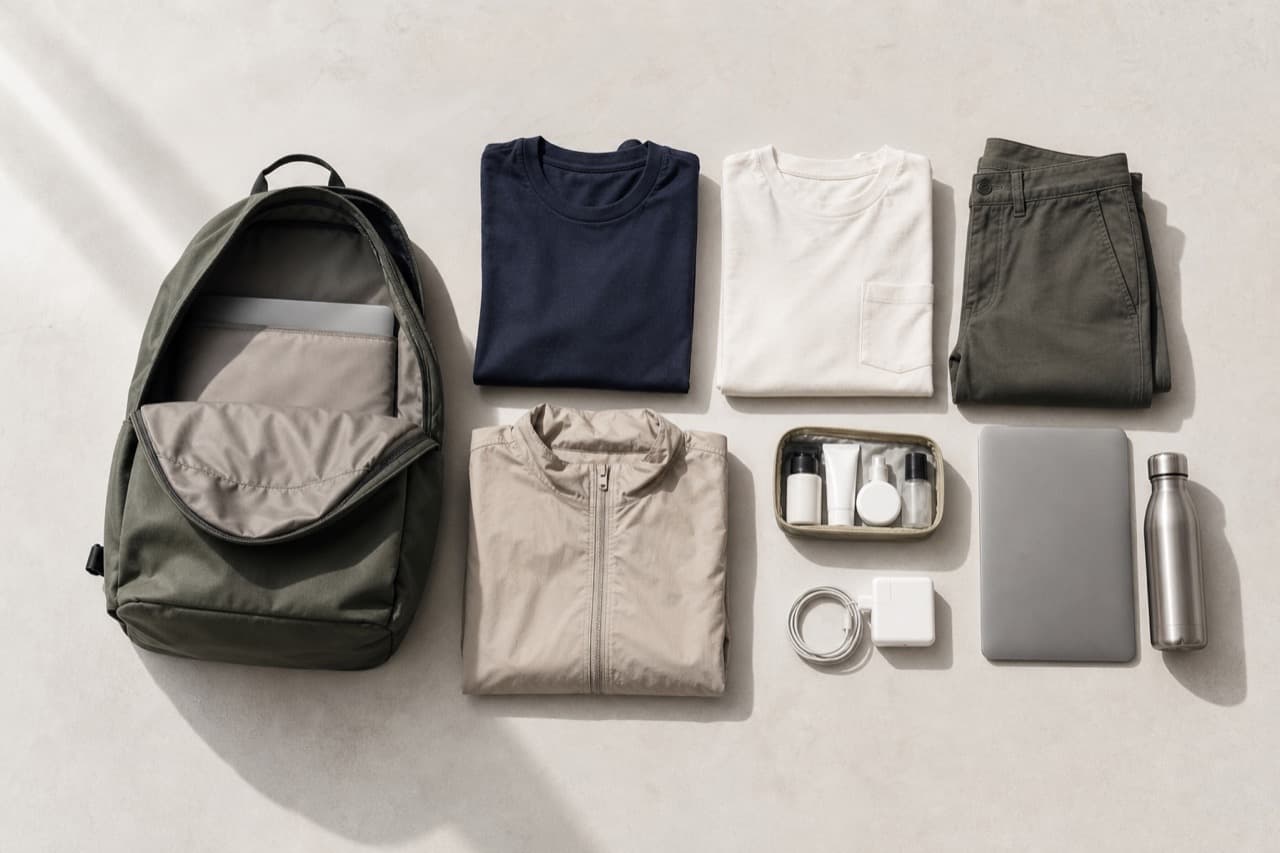
Minimalist Packing List for Travel and Remote Work
A minimalist packing list for travel and remote work: how many clothes to bring, a lean laptop kit, carry-on weight limits and what to cut before you go.
 Outdoor & Travel
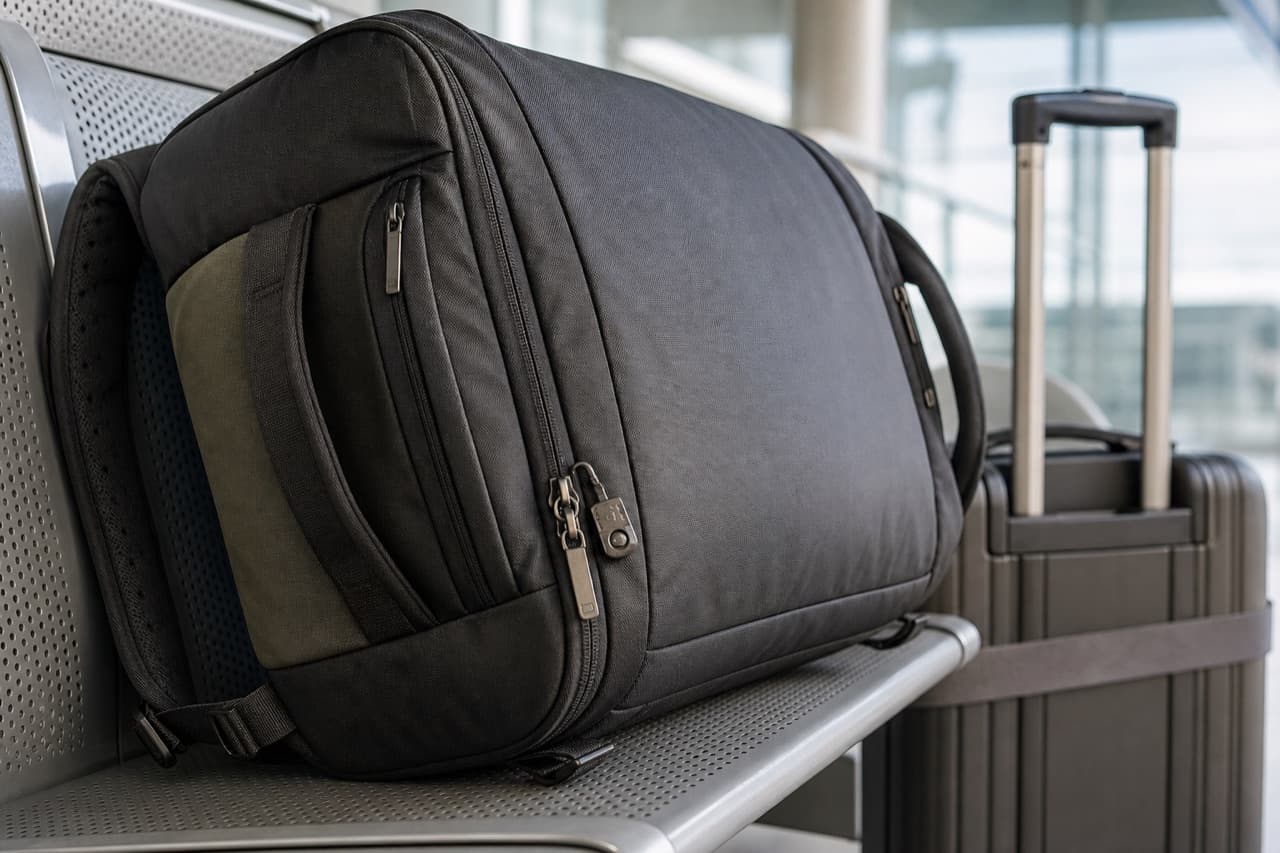
Backpack Security: Anti-Theft Features That Work
A backpack security guide for travelers: which anti-theft features matter, how zipper tricks and slash thefts work, and simple habits that keep valuables safe.
 Outdoor & Travel
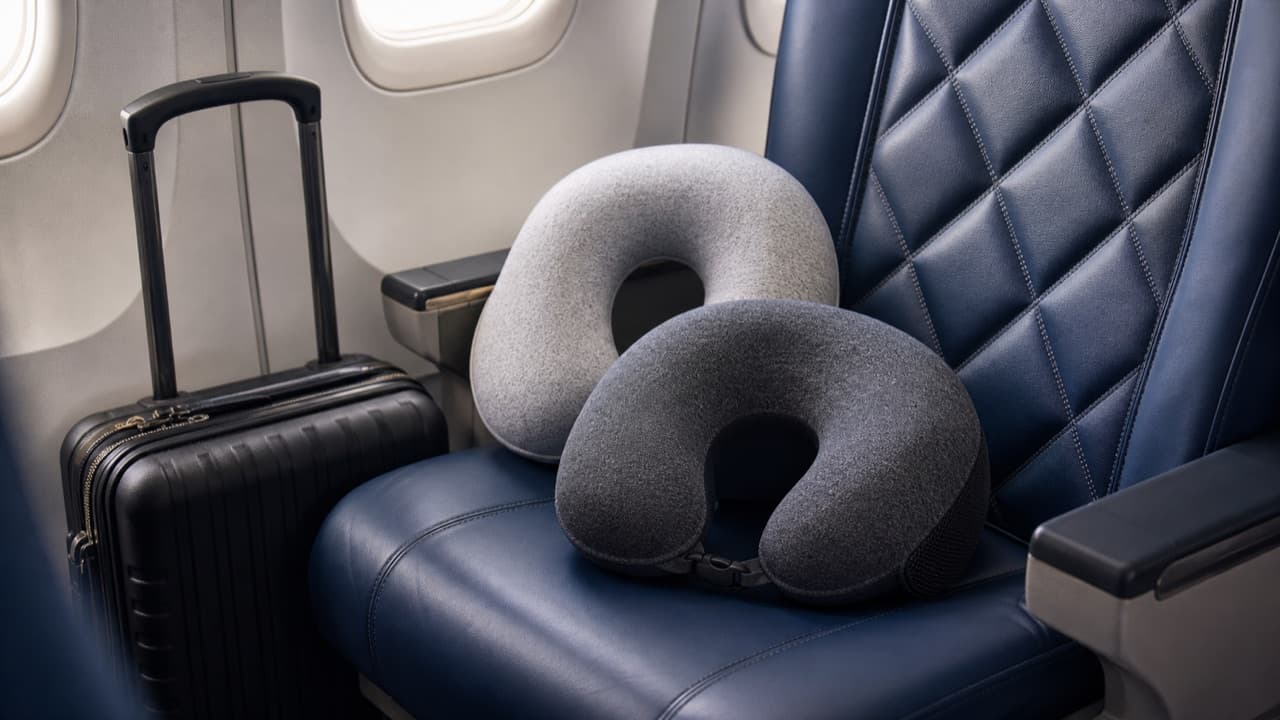
Travel Pillow Neck Support: Match the Shape to How You Sleep
Travel pillow neck support explained: which shape stops forward nodding or side drops, memory foam vs inflatable, sizing, hygiene and seat-specific tips.