

Smart Accessories for Remote Workers: A 2026 Desk Setup
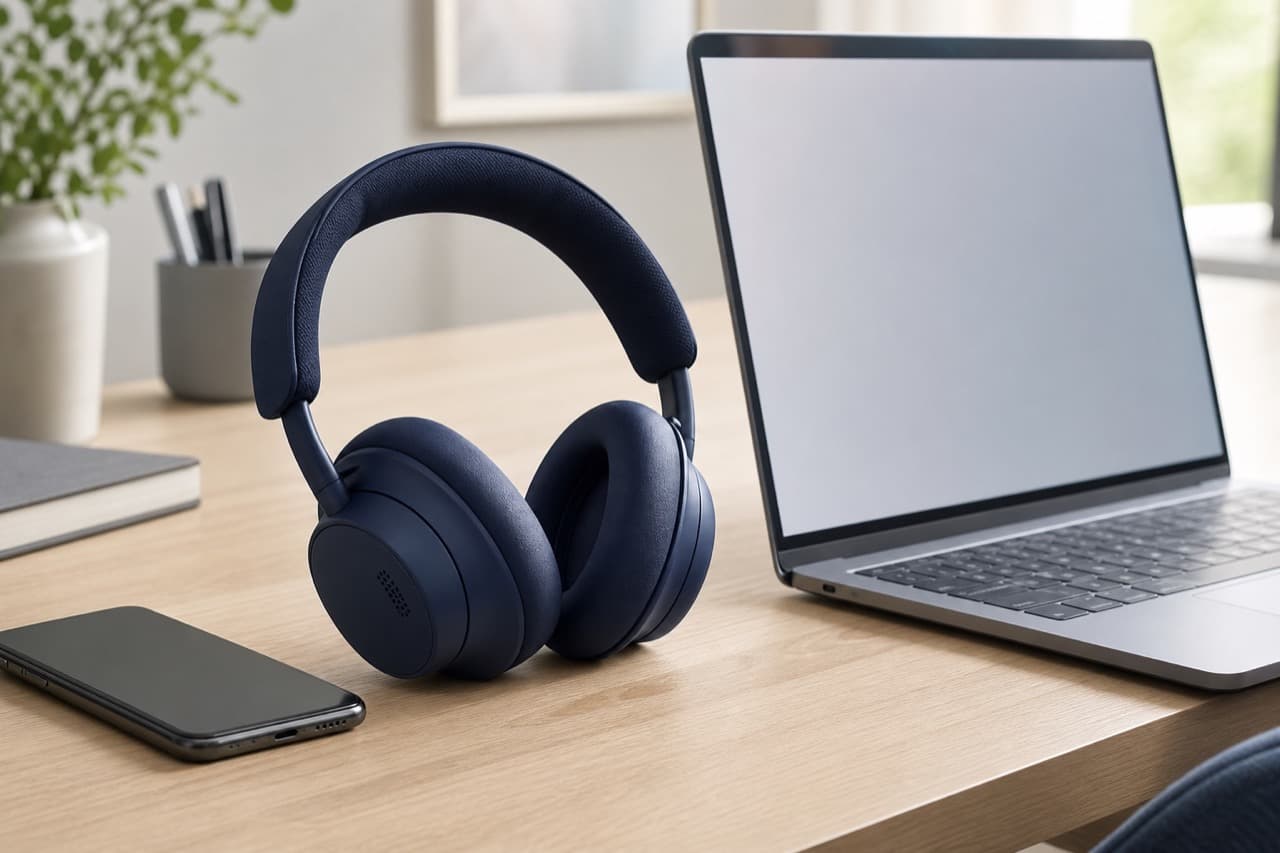
The smart accessories for remote workers worth buying first are the ones that fix how you sound, how you look and how reliably you stay connected: a headset with a good microphone, decent lighting, a single-cable dock and a stable network. Ergonomic and automation upgrades come next, and gadgets that only look clever come last. This guide is for people who work from home most days and want a desk setup that holds up through eight hours of calls, with a priority order so you spend in the places colleagues and your back will notice.
Key takeaways
- Audio matters more than video on calls; a headset or headphones with a close, noise-reducing microphone beats any laptop mic.
- Light your face from the front before upgrading the webcam; a 1080p camera in good light usually looks better than a 4K camera in a dim room.
- A USB-C dock or hub turns laptop setup into one cable, but only if it matches your laptop’s display and charging support.
- Wired Ethernet or a well-placed router solves more call dropouts than a faster internet plan.
- Smart plugs and scheduled lighting are cheap ways to separate work hours from home hours without new habits.
Priority 1: a headset or headphones with a real microphone
Laptop microphones sit an arm’s length away and pick up keyboard clatter, room echo and the dishwasher. A microphone closer to your mouth captures more voice relative to noise, which is why even modest headsets sound clearer than built-in mics. For remote work, check four things:
- Microphone design: boom microphones are clearest; headphones with multiple beamforming microphones are a good compromise if you also want them for music and travel.
- Multipoint Bluetooth: lets the headset stay connected to a laptop and phone at once, so a phone call does not require re-pairing.
- Comfort over hours: clamping force, ear cushion depth and weight matter more on day three than on day one. Over-ear cushions that fully surround the ear tend to be cooler on the ears than on-ear pads.
- Noise cancellation: useful in a shared home or a noisy street. ANC reduces what you hear; it does not by itself stop the microphone from picking up noise.
ADLTHUB lists the Baseus Bowie H1s ANC headphones and QCY H3 ANC headphones; check the product pages for microphone, multipoint and battery details before buying for work use. If you are weighing ANC against simple isolation, our ANC vs passive noise isolation explainer covers what each blocks.
Priority 2: lighting and the webcam
Webcams are small sensors, and small sensors produce noisy, soft images in low light. Fix the light first. A soft light in front of you, slightly above eye level, and a window beside you rather than behind you, will improve almost any camera. Avoid sitting with a bright window at your back, which turns your face into a silhouette as the camera exposes for the sky.
When you do upgrade the webcam, 1080p at 30 frames per second is plenty for most meeting platforms, which compress video heavily anyway. Features that matter more than resolution are autofocus, a physical privacy shutter, a mount that sits at eye level on your monitor and a field of view that does not show your whole room. Our budget webcam lighting guide walks through inexpensive lighting setups.
Priority 3: a USB-C dock or hub for one-cable setup
A dock lets you plug in one cable and get your monitor, keyboard, mouse, Ethernet and charging. It is the accessory that makes a laptop feel like a desktop. The catch is that USB-C ports vary widely: some support video and charging, some only data. Before buying, confirm your laptop port supports DisplayPort Alternate Mode, Thunderbolt or USB4, and USB Power Delivery charging.
| Option | Best for | Watch out for |
|---|---|---|
| Compact USB-C hub | One monitor, a few USB ports, light charging pass-through | 4K displays often limited to 30Hz; hub can run warm |
| Powered USB-C dock | Desk setups with monitor, Ethernet and full laptop charging | Needs its own power brick; check charging wattage to the laptop |
| Thunderbolt or USB4 dock | Two or more high-resolution monitors and fast storage | Higher cost; full features only on compatible laptops |
Mac users should note that many base-model Apple silicon MacBooks support only one external display natively, regardless of how many HDMI ports the dock has. The USB-C hub buying guide explains display, data and charging limits in detail.
Priority 4: a stable network
Frozen video and robotic audio are usually caused by Wi-Fi, not your internet plan. Video calls need modest bandwidth, often a few megabits per second each way, but they are sensitive to dropouts and latency spikes. In order of cost:
- Move the router out of cabinets and closer to your desk, or move your desk.
- Run an Ethernet cable from the router to your dock if the distance is practical. A wired connection removes most Wi-Fi variability.
- Upgrade an old router or add a mesh node if your desk is far from the router. Our Wi-Fi 6 router upgrade guide covers when that helps.
Priority 5: comfort and automation upgrades
Once calls are reliable, invest in the things you touch all day. An external keyboard and mouse let you put the laptop screen at eye level on a stand or behind a monitor, which most people find more comfortable than looking down at a laptop for hours. Keyboard switch type is personal; the mechanical keyboard switch guide explains linear, tactile and clicky options, and clicky switches can be audible on calls.
Smart plugs and smart lighting are the cheapest automation. Schedule a desk lamp and monitor to switch off at the end of the workday, or set a plug to cut power to chargers overnight. Use plugs only within their rated load, and avoid them for space heaters unless the plug and heater manufacturers explicitly allow it. A wireless charging stand or alarm clock on the desk, such as the 6-in-1 smart alarm clock and wireless charger, keeps your phone charged and visible for two-factor codes; check the product page for supported phones.
Mistakes to avoid
- Buying a 4K webcam for a dark room. Resolution cannot fix poor light, and meeting apps compress the stream anyway.
- Assuming any USB-C hub will run your monitors. If the laptop port lacks video output, the hub’s HDMI port will do nothing.
- Relying on ANC to make you sound clear. Noise cancellation affects what you hear. Microphone placement and noise suppression decide what others hear.
- Chasing internet speed instead of fixing Wi-Fi. A faster plan rarely fixes dropouts caused by distance, walls or interference.
- Skipping ergonomics. A laptop on a dining table for months invites neck and wrist discomfort. A stand, external keyboard and supportive chair are part of the setup, not extras.
Which upgrades fit your remote setup?
Pick a headset and lighting first if you are on calls most of the day. Pick a dock first if you move a laptop between desk and couch or travel, so setup becomes one cable. Pick network fixes first if colleagues regularly say you froze. Pick ergonomic upgrades first if you already have reliable calls but end the day stiff. If you also work from cafes and hotels, the mobile office checklist covers portable gear. Browse headphones, chargers and desk tech in the electronics and accessories category.
Frequently asked questions
What tech do you need to work from home?
At minimum: a reliable laptop, a headset or headphones with a decent microphone, good front lighting and a stable internet connection. A dock, external monitor, keyboard and mouse make long days more comfortable. Add automation like smart plugs only after the basics work.
Is a headset better than AirPods-style earbuds for work calls?
A headset with a boom microphone usually captures your voice more clearly because the mic sits close to your mouth. Earbuds are convenient and many have good noise suppression, but voice quality varies more. Comfort over long sessions also differs by person.
Do I need a docking station or a hub?
A small hub is enough for one monitor and a few accessories. A powered dock suits a permanent desk where you want full laptop charging, Ethernet and possibly two monitors. Check your laptop’s USB-C capabilities before choosing either.
How can I improve my video call quality cheaply?
Face a window or put a soft light in front of you, raise the camera to eye level and use a wired Ethernet connection if possible. A headset with a close microphone improves audio more than any camera upgrade improves video.
Are smart plugs useful in a home office?
Yes, for scheduling lamps, monitors and chargers so work equipment switches off at the end of the day. Stay within the plug’s rated load and follow the appliance manufacturer’s guidance for high-draw devices such as heaters.
Shop Tech & Gadgets
View all →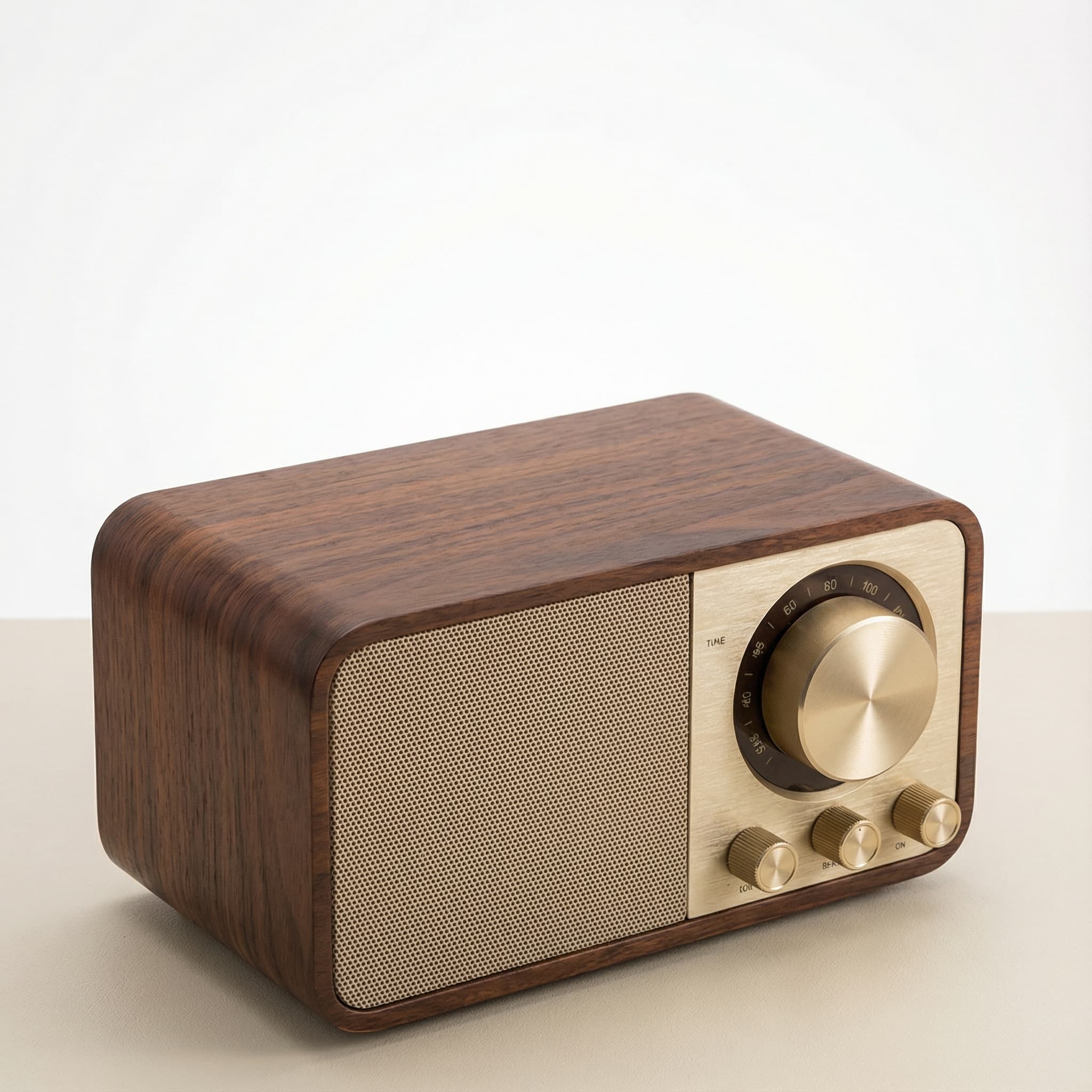 Sale
SaleRetro Wood-Cabinet Bluetooth Speaker with FM Radio
In stock · Ships in 7–21 business days
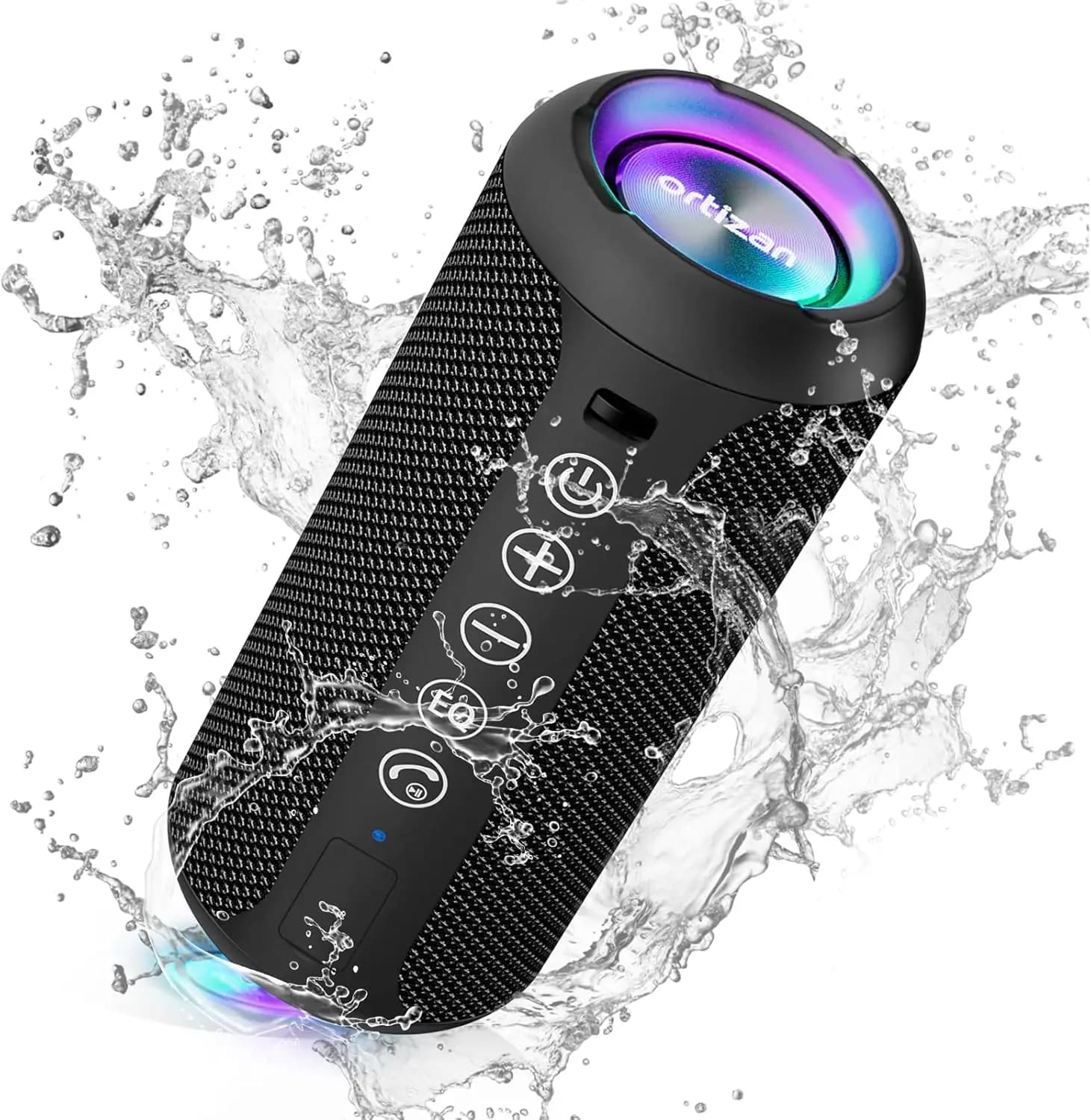
Ortizan X10 Portable Bluetooth Speaker with RGB Lights
In stock · Options available · Ships in 7–21 business days
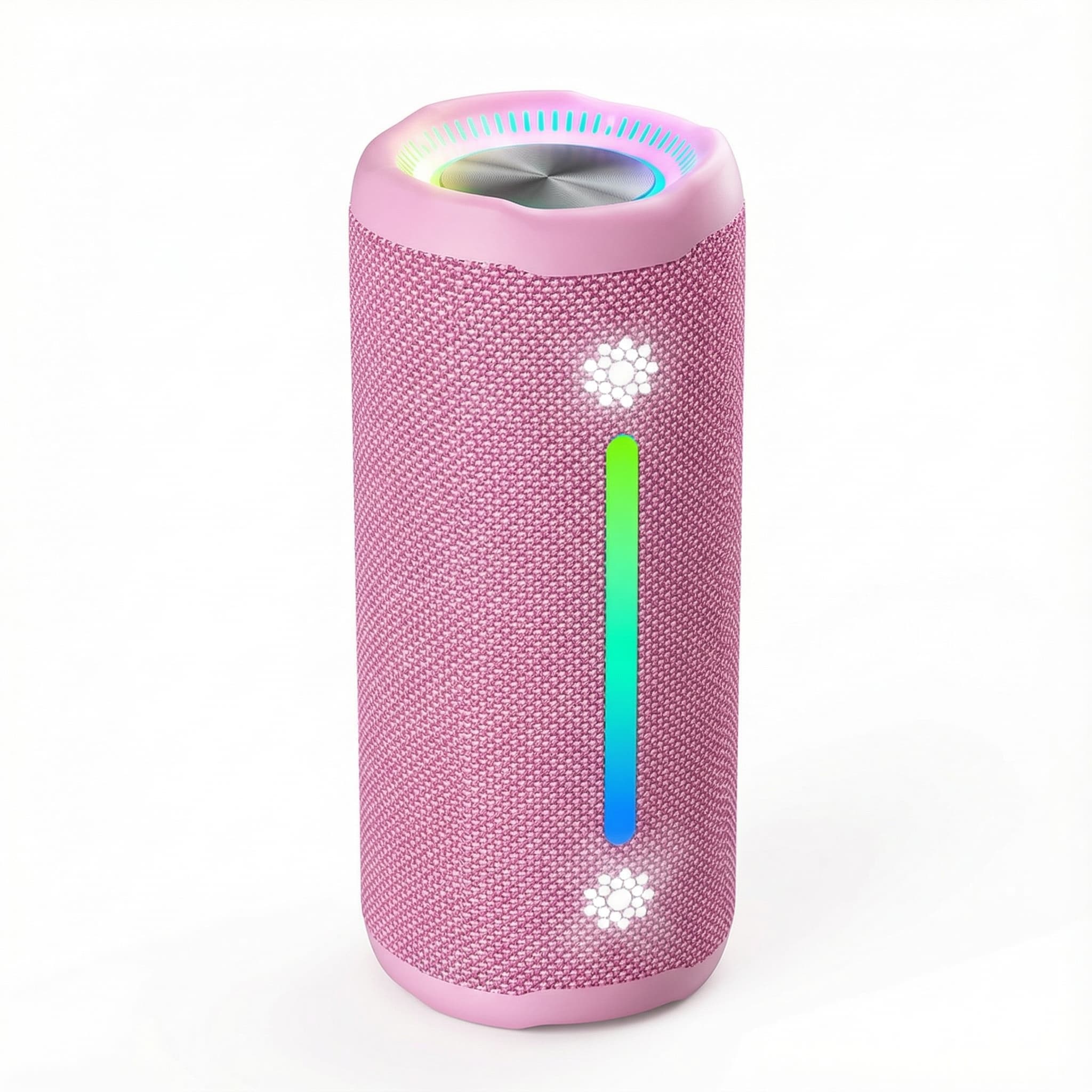
Ohayo X10 Max Bluetooth Speaker with Bass Boost and Lights
In stock · Options available · Ships in 7–21 business days
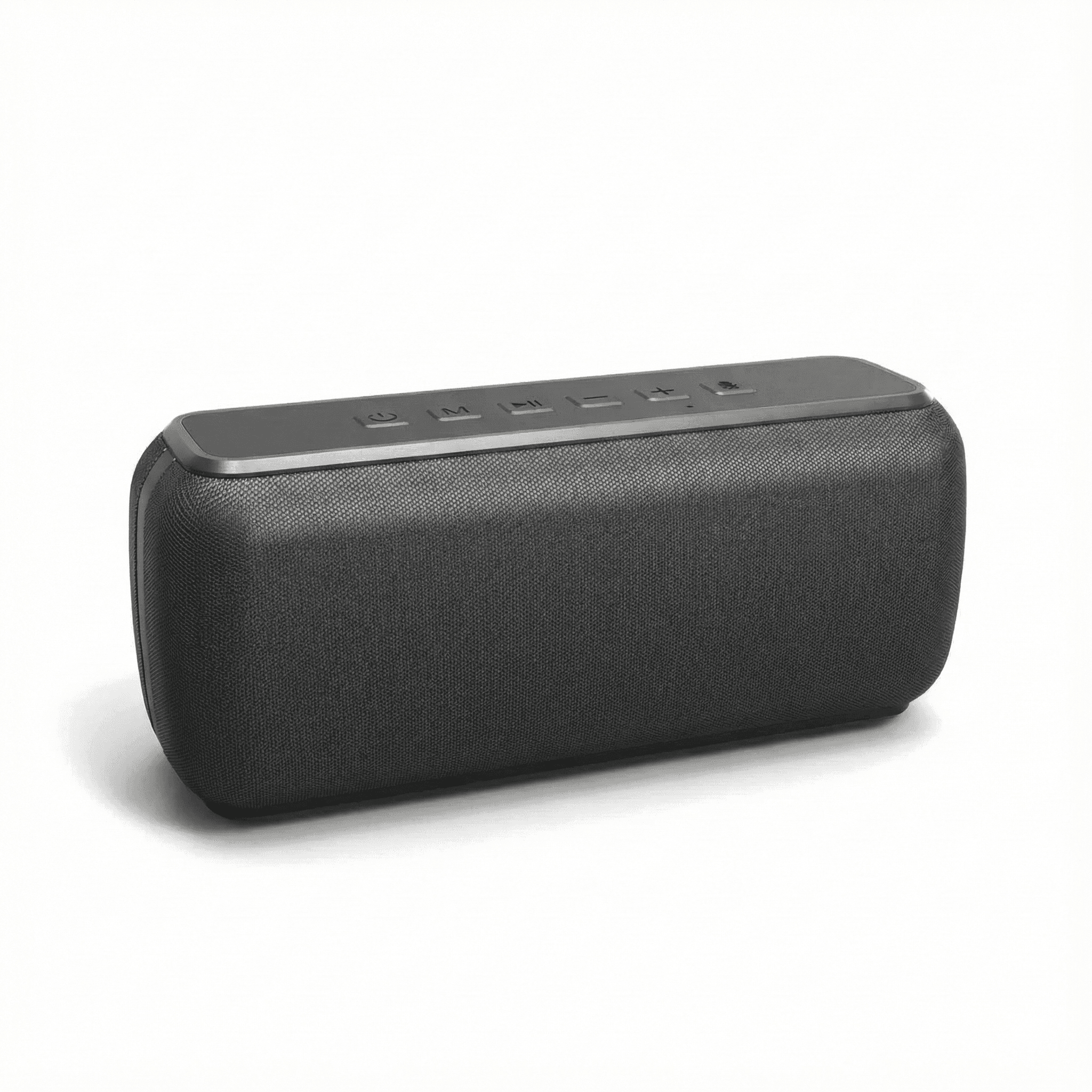
Xdobo X8 II Portable Bluetooth Speaker with Power Bank
In stock · Options available · Ships in 7–21 business days
Continue reading
 Tech & Gadgets
Smart Plug Vacation Mode: Set Up Safe Away Schedules
Smart plug vacation mode explained: how to set realistic away schedules, which appliances never belong on a smart plug, and how to plan for outages and hacks.
 Tech & Gadgets
Wi-Fi 6 Router Upgrade: Is It Worth It in 2026?
Wi-Fi 6 router upgrade guide: when it beats your old router, how it compares with Wi-Fi 6E and 7, what AX numbers mean, and how to size it to your plan.
 Tech & Gadgets
Bluetooth Speaker Stereo Pairing: Setup, Sync and Lag Fixes
Bluetooth speaker stereo pairing explained: which speakers can pair, how to set up left and right channels, and how to fix dropouts and video lag.