

Bluetooth Speaker Stereo Pairing: Setup, Sync and Lag Fixes
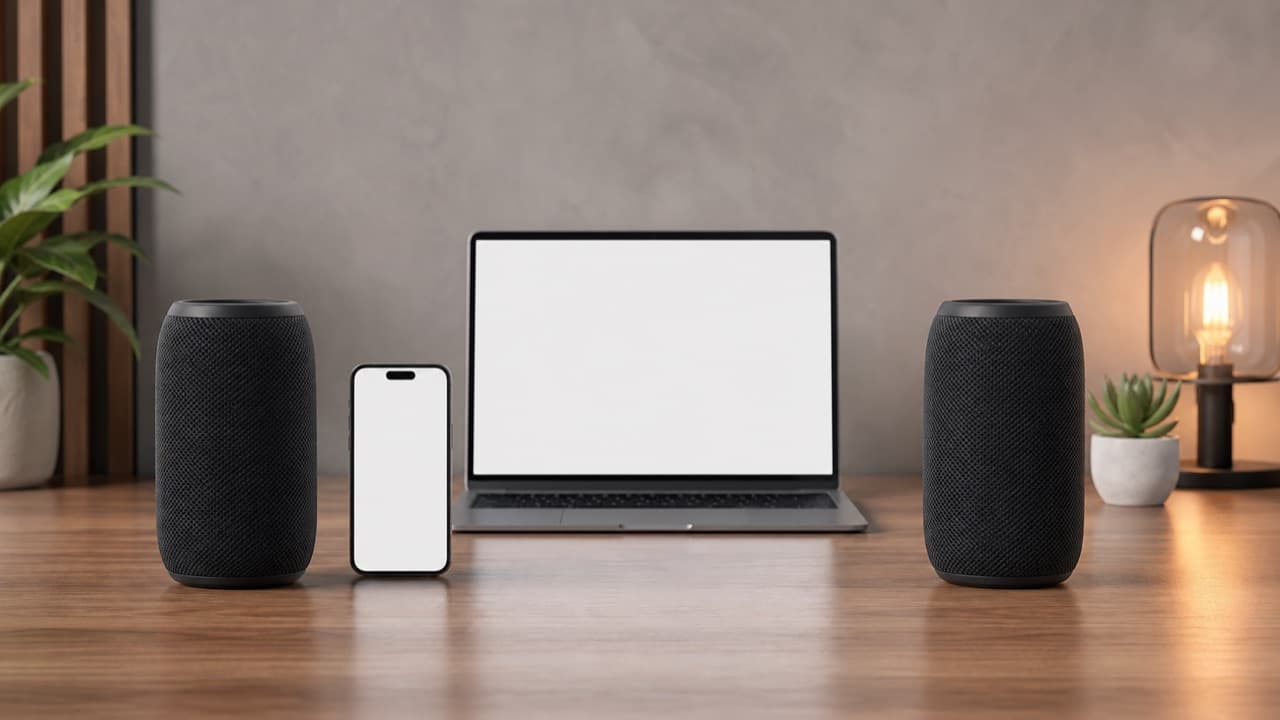
Bluetooth speaker stereo pairing works only when two speakers support the same linking feature, usually made by the same brand and often the same model family. If you own two speakers from different makers, expect to get the same mono signal from both, not true left and right channels. This guide is for shoppers planning a two-speaker setup, and for anyone whose pair sounds out of sync or keeps dropping one side.
Key takeaways
- Stereo pairing is a manufacturer feature, not a Bluetooth default. Check the exact model names in the manual or app, not just the brand.
- Party mode (both speakers play the same mono signal) and stereo mode (one plays left, one plays right) are different things. Many speakers offer only party mode.
- Only one speaker, or the app, talks to your phone. The second speaker is fed by the first, which is why range and battery on the primary unit matter most.
- Standard Bluetooth audio commonly adds roughly 100 to 250 ms of delay. That is invisible for music and obvious for video and games.
- Place the pair about 6 to 10 feet (2 to 3 m) apart and roughly the same distance from where you sit for a believable stereo image.
How Bluetooth speaker stereo pairing actually works
Ordinary Bluetooth connects one source (your phone) to one speaker. To play through two speakers, something has to relay the audio. In most consumer products that something is the speakers themselves: your phone connects to a primary speaker, and the primary passes audio to a secondary speaker over a private link. Brands market this under names such as True Wireless Stereo (TWS), stereo mode, party link or similar. The names are not standardized, and the systems from different brands do not talk to each other.
There are three common outcomes when you link two speakers:
- Stereo mode: the primary plays the left channel and the secondary the right, or the reverse. This is what you want for music and film.
- Party or dual mode: both play the same mono mix. It fills a bigger space with volume, but you lose stereo separation.
- Multi-speaker broadcast: some speakers link many units at once for a larger space. Newer Bluetooth LE Audio hardware supports a broadcast feature called Auracast, but support in portable speakers is still uneven, so confirm it is listed before you count on it.
Our separate guide to multi-speaker party linking covers the larger-group case in more detail. Here we focus on a two-speaker stereo pair.
Check compatibility before you buy the second speaker
This is where most disappointment starts. Buying a second speaker to match your first one is the cheapest way to get stereo, but only if you have confirmed the two will link.
- Exact model match. Some brands pair only identical models. Others pair anything in a product line. Look for a sentence in the manual or on the product page naming the compatible speakers, not a vague “supports pairing” badge.
- Firmware and app. Some pairing systems require the brand app, and an older speaker may need a firmware update before it can link to a newer one.
- Feature vs. mode. A speaker that says it can connect to a second speaker may mean party mode only. Search the listing or manual for the words stereo, left and right, or L/R.
- Battery and size differences. Two different-sized speakers can link, but they will differ in tone and maximum volume, and the smaller one may distort when the larger is turned up.
Before you buy, browse the electronics and accessories category and open each speaker’s product page for its listed pairing and connection features. If a listing does not mention stereo pairing, assume it is not supported until the seller confirms it.
How to set up a stereo pair, step by step
The exact button sequence varies by brand, so follow your manual for the linking gesture. The general order avoids most problems:
- Charge both speakers. A low battery on either unit is a common cause of dropouts and failed linking.
- Update firmware through the brand app if one exists.
- Forget or remove both speakers from your phone’s Bluetooth list to clear stale connections.
- Turn on both speakers, place them next to each other, and use the documented linking gesture on the primary speaker.
- Wait for the confirmation tone or indicator that the pair is linked, then choose stereo mode if the speaker offers a choice.
- Connect your phone or laptop to the primary speaker only, and play a test track that has clear left and right panning.
If the channels come out reversed, most systems let you swap them by physically swapping the speakers or by using the app. Do not expect to fix it in your phone’s balance setting.
Fixing dropouts, one-sided sound and sync problems
| Symptom | Likely cause | What to try |
|---|---|---|
| Only one speaker plays | The link to the secondary was lost or never completed | Power both off, clear the phone pairing, and repeat the linking sequence with the speakers side by side |
| Secondary cuts in and out | Distance, obstacles, or low battery | Move them closer, charge both, and keep clear line of sight between the two units |
| Music stutters on both | Phone-to-speaker link congested | Move the phone closer to the primary, pause other Bluetooth devices, and avoid crowded 2.4 GHz areas near routers and microwaves |
| Echo or phasing between speakers | Small timing difference between the two units | Restart both, keep them the same model, and place them at a similar distance from you |
| Video lags behind the picture | Bluetooth latency, sometimes made worse by pairing | Use a low-latency mode if the speaker offers one, or use a wired input |
Bluetooth uses the crowded 2.4 GHz band, the same band used by many Wi-Fi networks, cordless devices and microwave ovens. Walls, people and even a phone in a back pocket can weaken the link. If a pair works in the living room but stutters in the garden, distance and obstacles are the first suspects.
Why video lags and what you can do about it
Bluetooth audio has to be compressed, transmitted and decoded, and that takes time. With the default SBC codec the delay is commonly in the range of 100 to 250 ms, and it varies by device. Many phones and video apps compensate for a single speaker’s delay automatically, so a single speaker can look fine while a linked pair does not. Adding a relay hop can add a bit more delay, and the app cannot always correct for that.
Practical options: pick a speaker that lists a low-latency or video mode, connect the source by cable if there is an AUX input, or use the pair for music and a soundbar or wired speaker for TV. Our guide to Bluetooth codecs and range explains why the codec matters, and the soundbar connection guide covers wired and optical options for TV.
Mistakes to avoid
- Assuming any two speakers will pair. Cross-brand stereo linking is uncommon, and even within a brand it can be limited to certain models.
- Mixing up party mode and stereo. Two speakers playing the same mono signal do not create a stereo image, and a listing that only says “dual pairing” often means exactly that.
- Connecting the phone to both speakers. In most systems the phone should connect only to the primary. Connecting it to both can break the link.
- Placing the speakers in the same corner. Stereo needs separation. Two speakers side by side behave like one louder speaker.
- Ignoring the tone difference. Buying a smaller, cheaper second speaker can leave the pair lopsided, with mismatched bass and volume limits.
- Judging sync on a single test. Test with music and with a short video clip, since audio-only listening hides delay.
Which setup fits you
- Choose an identical matched pair if you want the simplest, most reliable stereo for a desk, bedroom or patio, and you mostly listen to music.
- Choose party mode across two speakers if you care about covering a larger area with volume at a gathering and do not mind mono. See our guide to choosing a portable Bluetooth speaker for size and loudness trade-offs.
- Choose a wired connection or a soundbar if you mainly watch video and lip-sync matters more than cutting the cable.
- Buy one better speaker if you have no matching second unit. A single well-placed speaker often beats two mismatched ones.
Whichever route you choose, read the product page for exact pairing details, connection options, delivery and returns before ordering.
Shopping for a pair? ADLTHUB carries several portable speakers, including the Tribit StormBox Mini, the Xdobo X8 II and the OHAYO X10 Max. Before buying a second unit, confirm on the product page that the model supports stereo (TWS) pairing.
Frequently asked questions
Can I pair two different Bluetooth speakers for stereo sound?
Usually not. Stereo linking is built into each brand’s own system, so speakers from different makers rarely connect to each other for left and right playback. Some brands allow pairing across models in the same product line, so check the manual for the compatible model list.
What is the difference between party mode and stereo mode?
Party mode plays the same mono signal from both speakers to fill a larger space. Stereo mode sends the left channel to one speaker and the right channel to the other, which gives better separation for music and film.
Why does only one of my paired speakers play sound?
The link between the two speakers most likely dropped or never completed. Charge both, turn them off, remove them from your phone’s Bluetooth list, and repeat the linking steps with the speakers next to each other.
Does pairing two speakers reduce battery life or range?
It can. The primary speaker often works harder because it relays audio to the secondary, so it may drain faster. Keeping the speakers charged and close together gives the most stable link.
How do I stop video from being out of sync on Bluetooth speakers?
Use a low-latency mode if your speaker and source support it, or connect by cable. Standard Bluetooth audio adds noticeable delay, and a linked pair may add slightly more, so wired or soundbar setups are more reliable for TV and games.
Shop Tech & Gadgets
View all →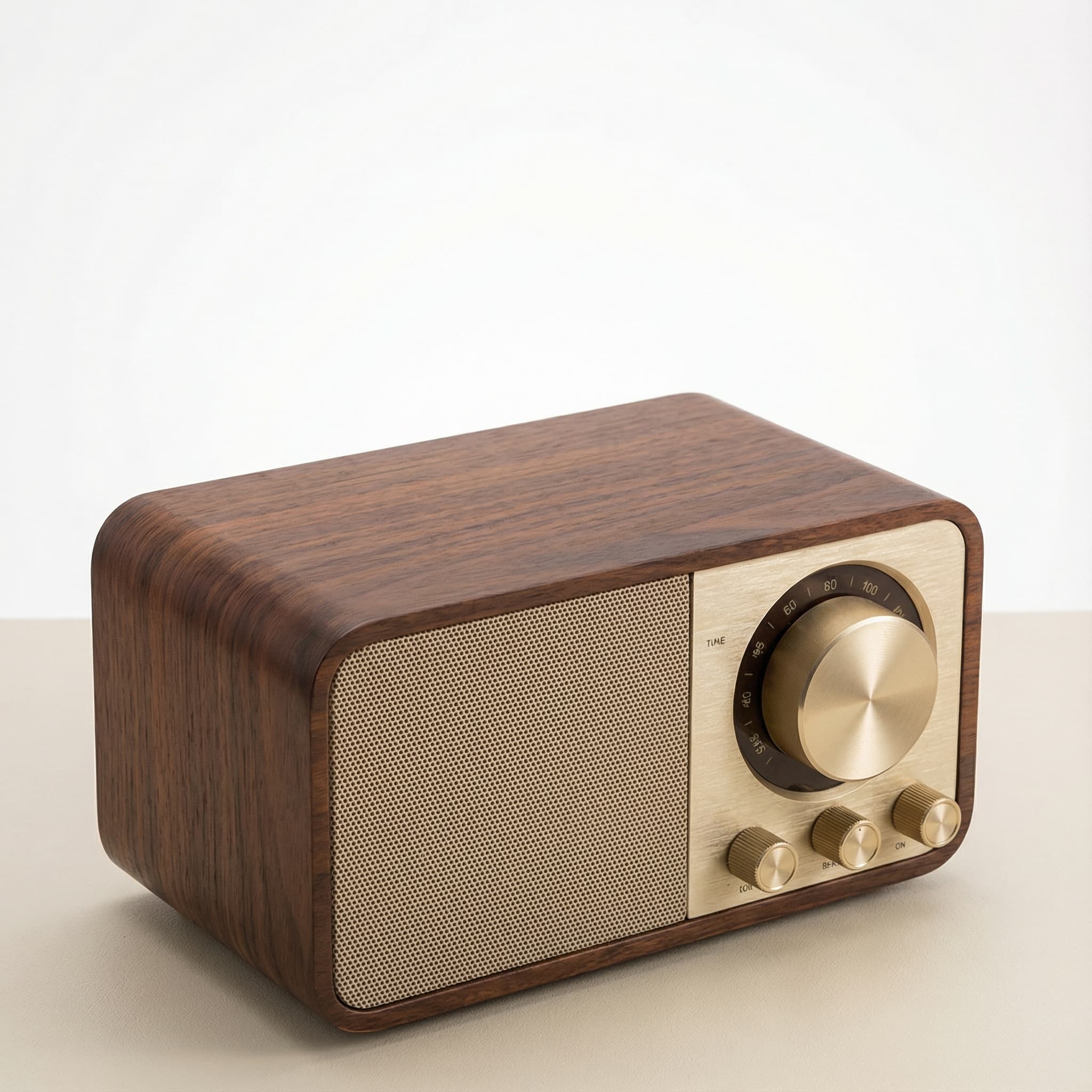 Sale
SaleRetro Wood-Cabinet Bluetooth Speaker with FM Radio
In stock · Ships in 7–21 business days
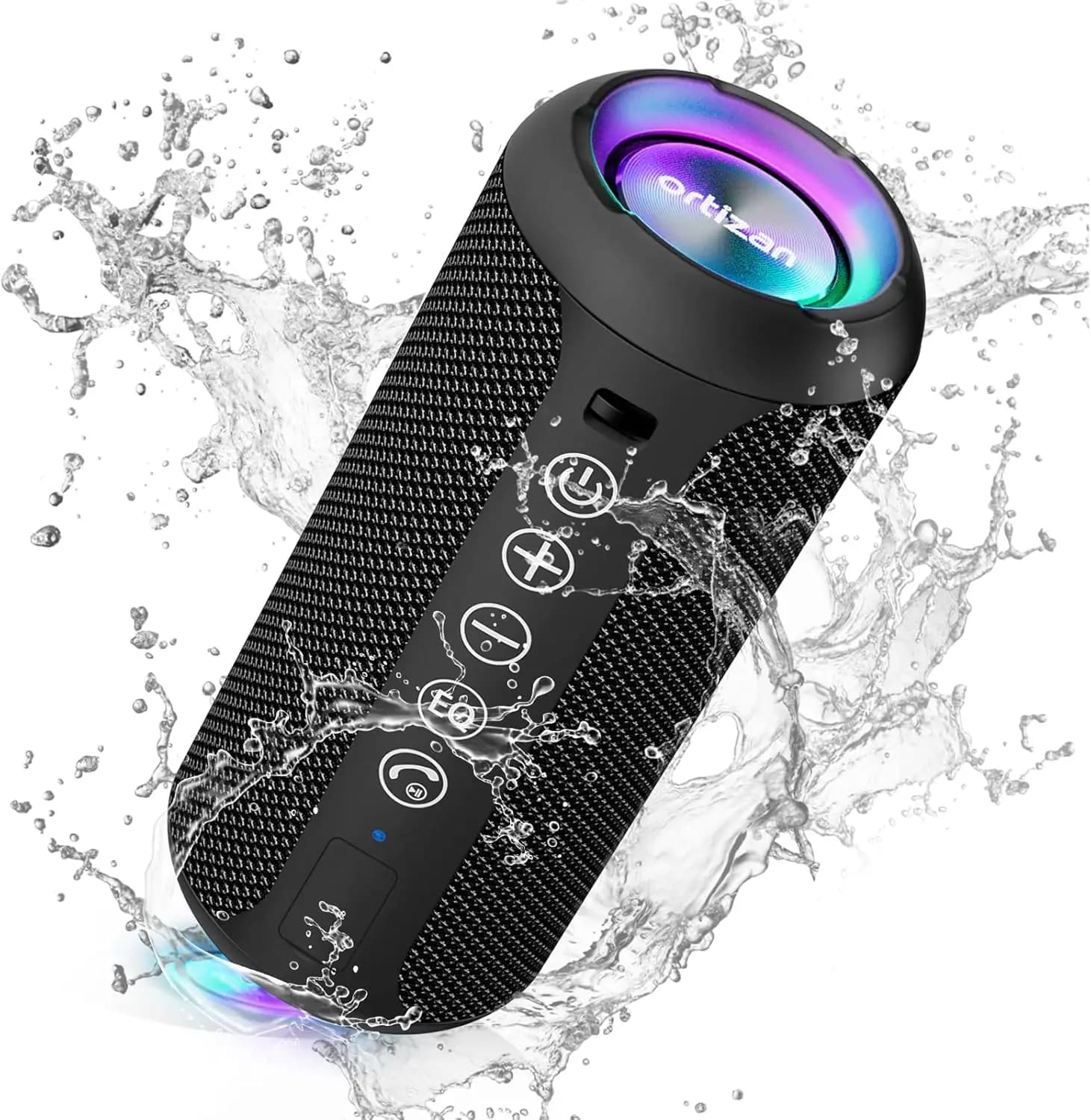
Ortizan X10 Portable Bluetooth Speaker with RGB Lights
In stock · Options available · Ships in 7–21 business days
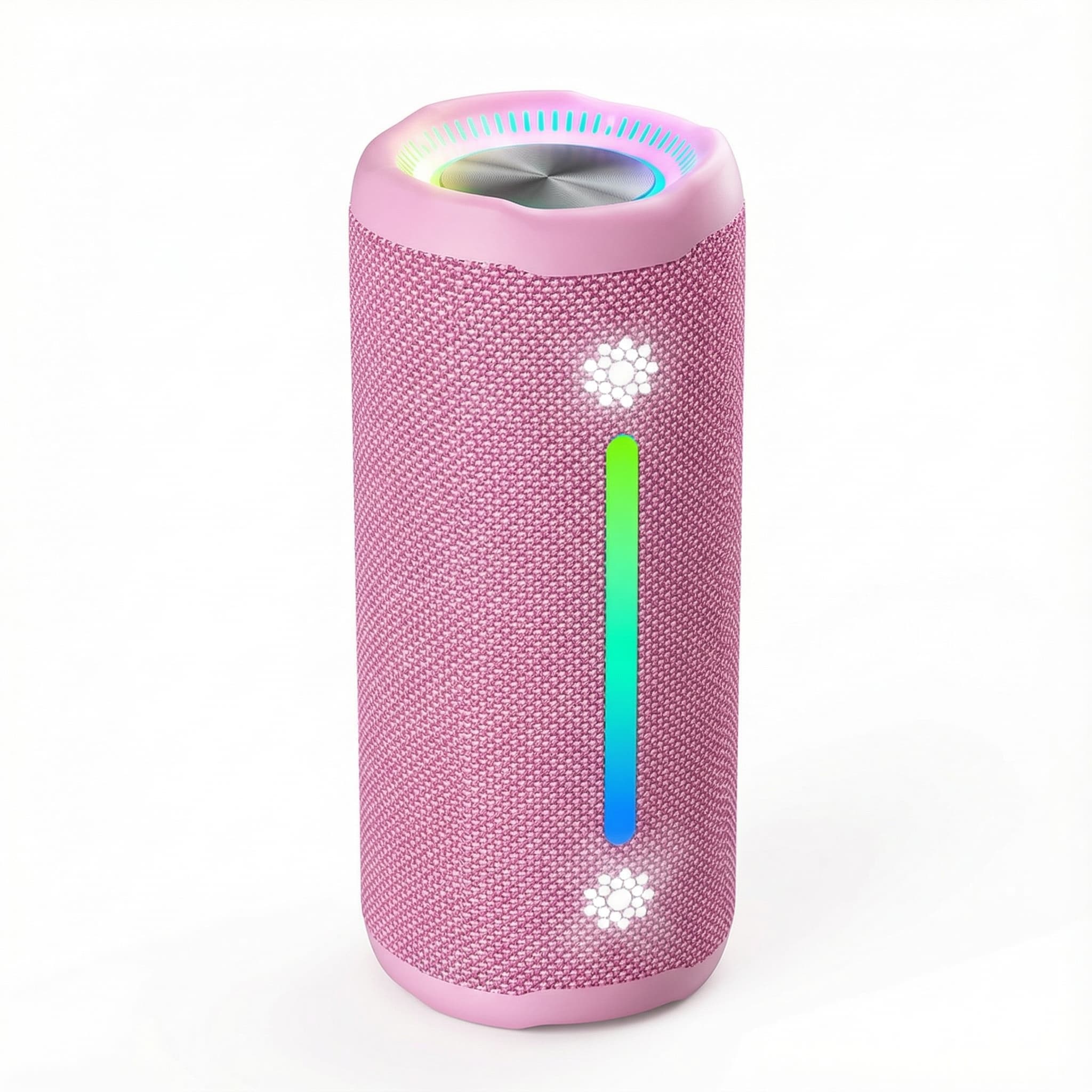
Ohayo X10 Max Bluetooth Speaker with Bass Boost and Lights
In stock · Options available · Ships in 7–21 business days
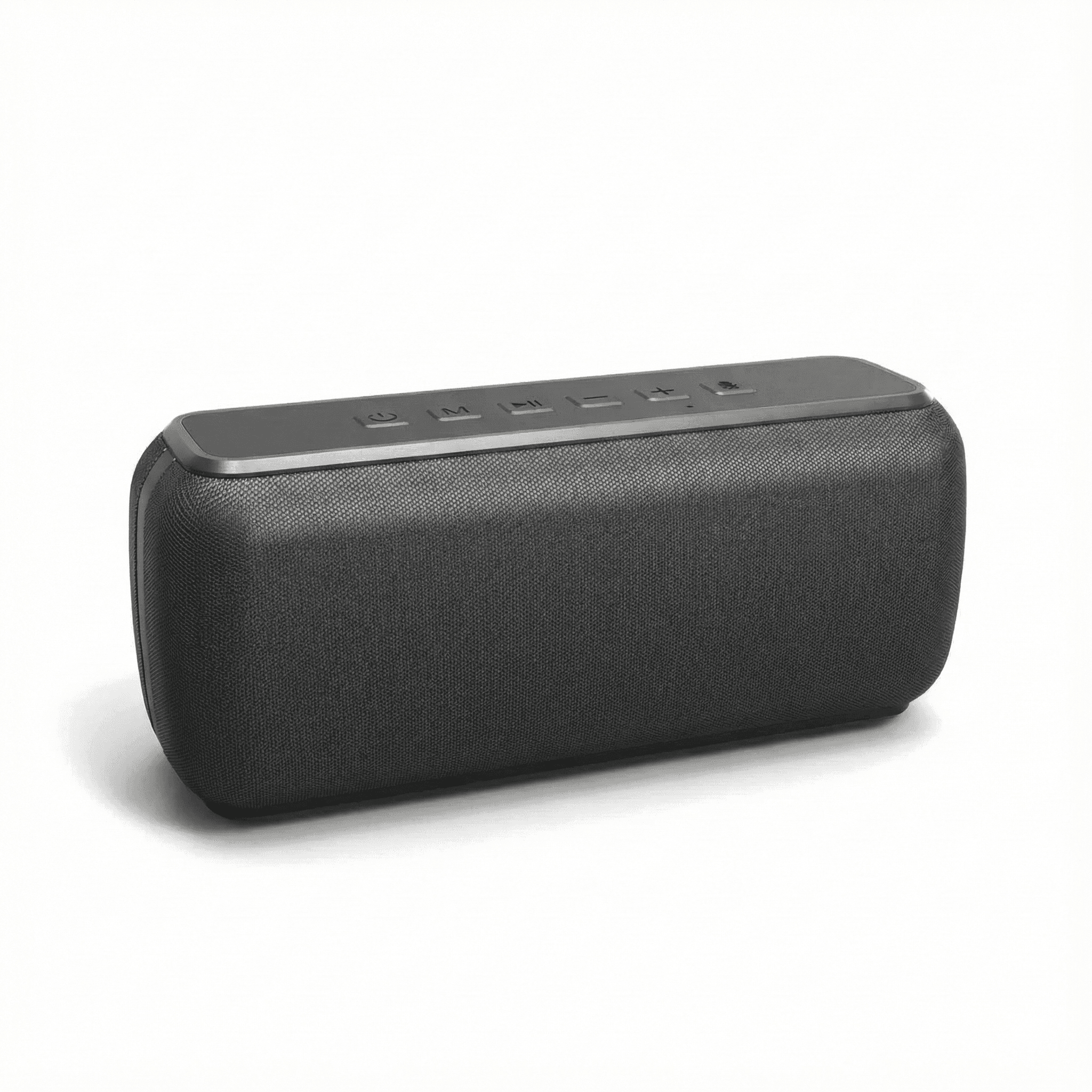
Xdobo X8 II Portable Bluetooth Speaker with Power Bank
In stock · Options available · Ships in 7–21 business days
Continue reading
 Tech & Gadgets
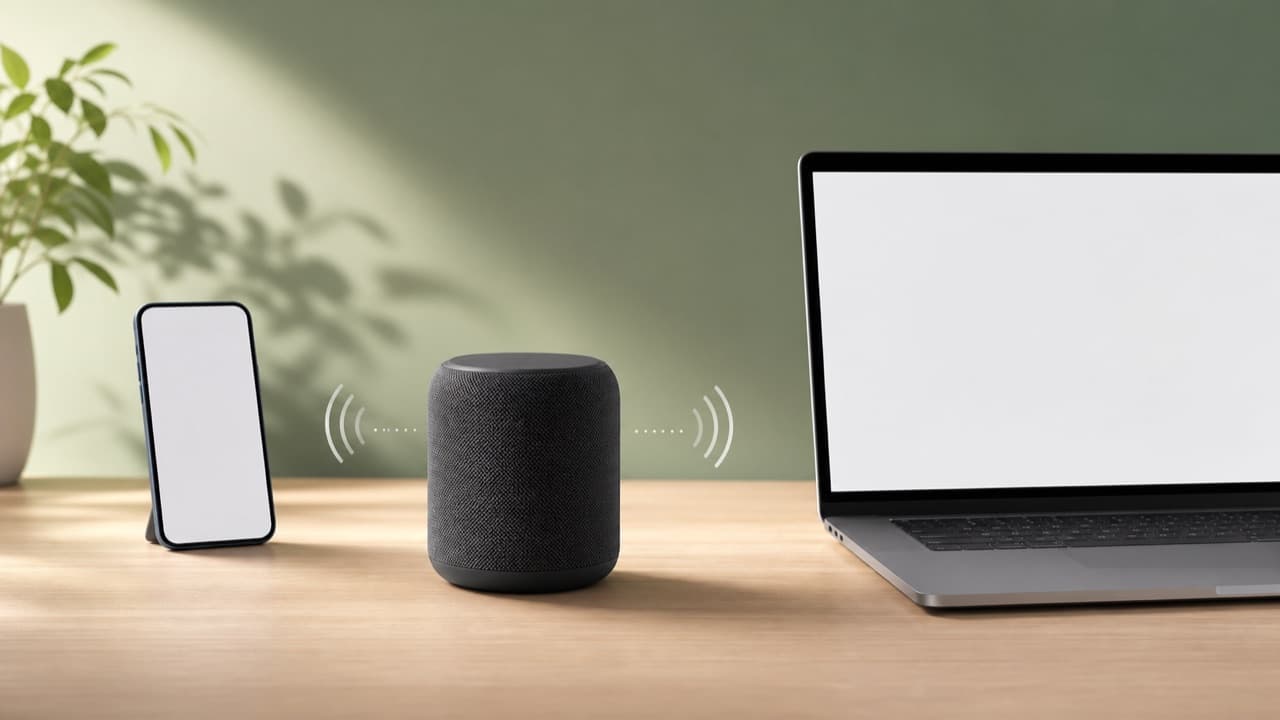
Bluetooth Codec and Range Guide: Quality, Lag and Dropouts
A Bluetooth codec and range guide: how SBC, AAC, aptX, LDAC and LC3 are negotiated, what real-world range to expect, and how to fix lag and audio dropouts.
 Tech & Gadgets
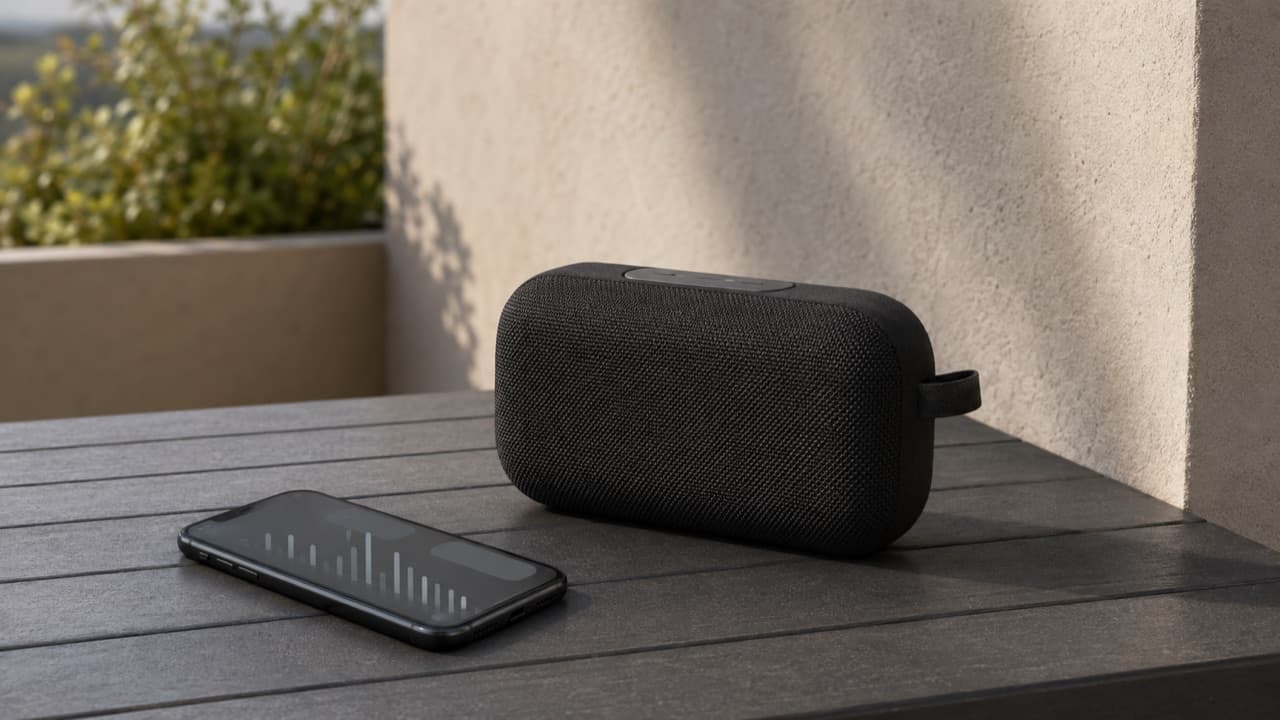
Portable Speaker EQ Settings: How to Get Better Bass
Portable speaker EQ settings explained: how bass boost, app presets and placement change the sound, why bass fades at high volume, and how to tune it well.
 Tech & Gadgets
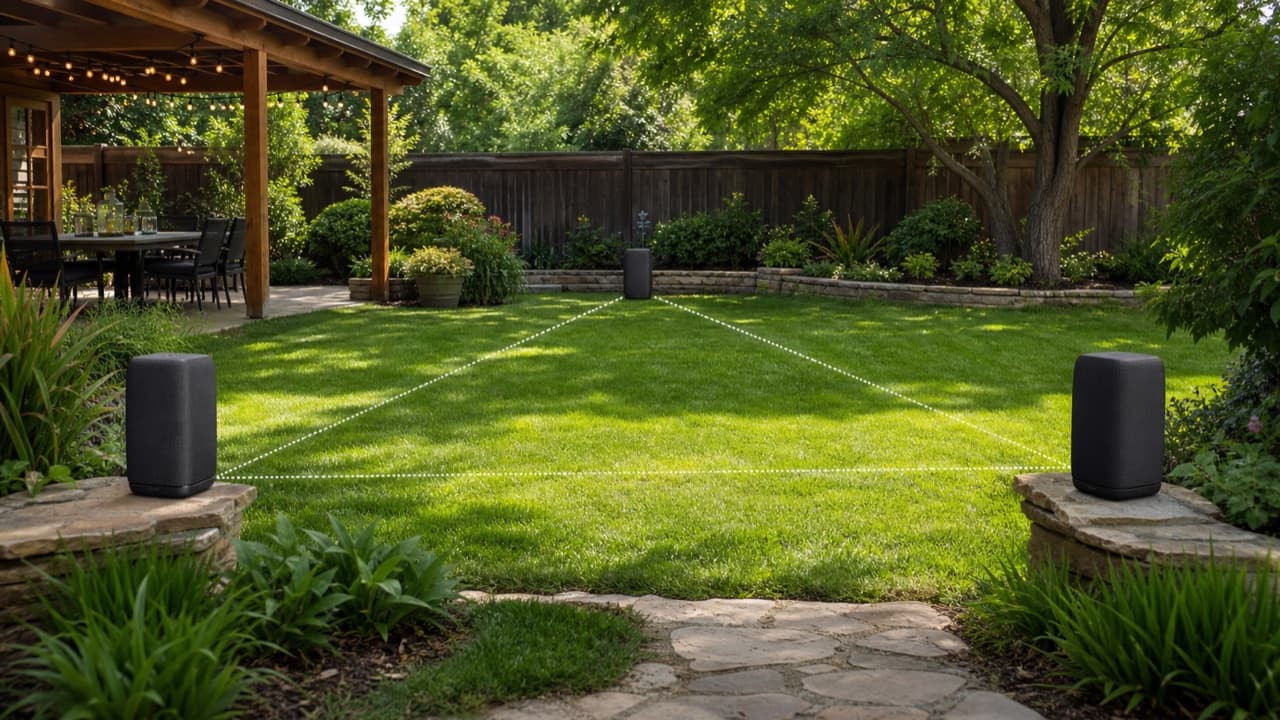
How to Connect Multiple Bluetooth Speakers for a Party
How to connect multiple Bluetooth speakers: compare party mode, Auracast and Wi-Fi multiroom, then link, place and test speakers for even, echo-free sound.