

Smart Alarm Clock with Wireless Charger: What to Check
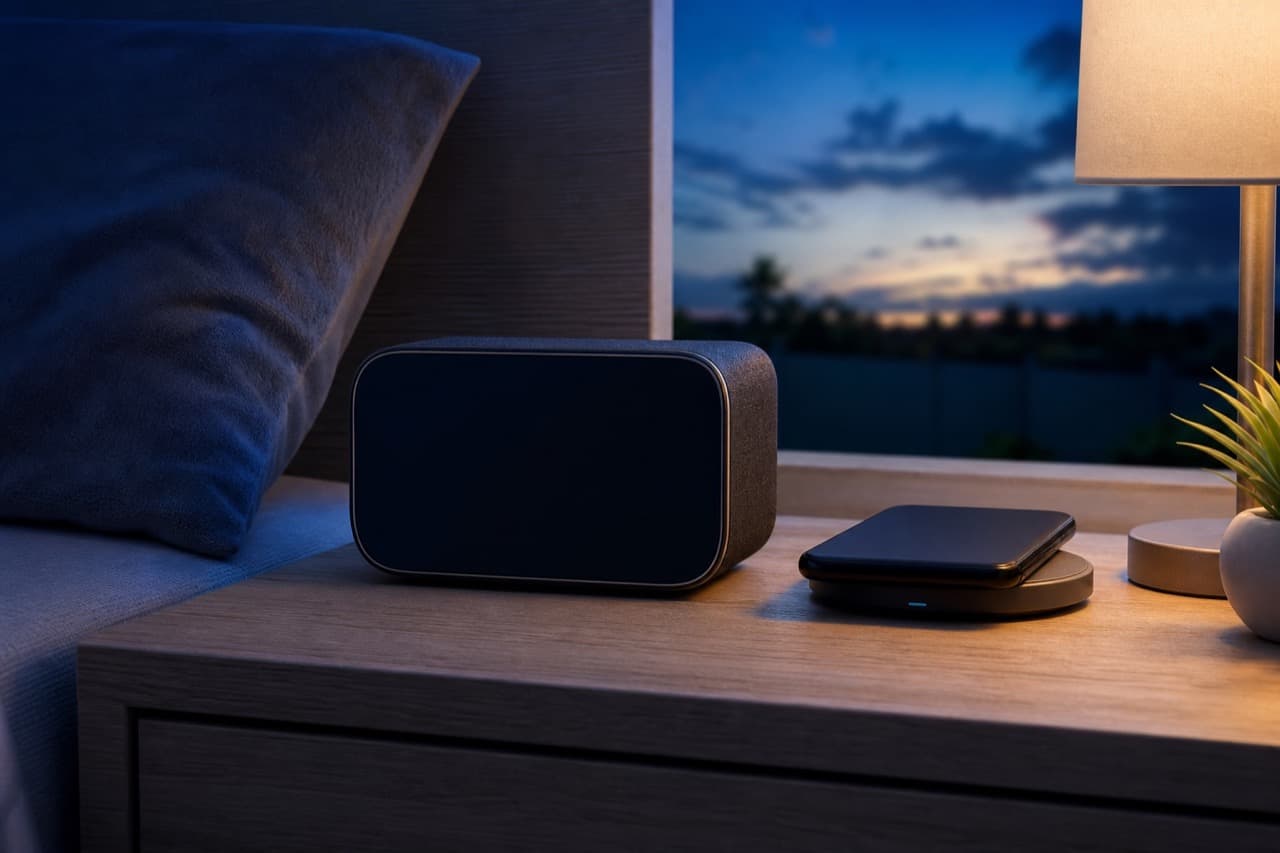
A smart alarm clock with wireless charger is worth buying when it charges your phone at a useful speed, dims enough not to light up the bedroom, and still wakes you if the power blinks overnight. Those three points decide whether it replaces both your clock and your charging cable or ends up as a nightstand gadget you work around. This guide is for anyone choosing a bedside clock-and-charger combo for an iPhone, Android phone, earbuds or smartwatch, and it covers the specs that listings tend to blur.
Key takeaways
- Check the wireless standard: Qi works with most recent phones, Qi2 adds magnetic alignment, and MagSafe-certified chargers are what unlock faster charging on many iPhones.
- The headline wattage is a maximum; most iPhones charge at about 7.5 W on a standard Qi pad, and many clocks only reach their top output with a specific wall adapter.
- A display that dims to near-off, or switches off on a schedule, matters more for sleep comfort than any app feature.
- Look for a backup battery or memory that keeps the time and alarm after a power cut.
- Cases thicker than about 0.12 to 0.2 in (3 to 5 mm), metal plates and pop-sockets block or slow wireless charging.
Wireless charging standards and what they mean for your phone
Almost all bedside chargers use the Qi standard from the Wireless Power Consortium. Compatibility is broad, but the speed your phone actually gets depends on both ends:
| Standard or mode | Typical real-world speed | Notes |
|---|---|---|
| Basic Qi (BPP) | About 5 W | Works with almost every Qi phone and earbud case; slow but cool-running and fine overnight. |
| Qi on recent iPhones | Up to about 7.5 W | iPhones cap non-certified Qi pads at this level. |
| Qi extended power (Android) | Often 10 to 15 W | Depends on the phone brand; some brands reserve faster speeds for their own chargers. |
| Qi2 / MagSafe certified | Up to 15 W, newer Qi2 versions higher on supported phones | Magnetic alignment keeps the coil centered, which also reduces heat. |
For an overnight charger, speed is less critical than it seems; even 5 W fills most phones in a night. Speed matters when you want a quick top-up in the morning or you also charge earbuds and a watch from the same base. If you want the background on watts, adapters and cables, our explainer on fast charging, GaN chargers, USB-C PD and MagSafe covers it.
Alignment is the hidden spec
Flat pads without magnets are sensitive to placement. If the phone sits a little off-center, charging slows, the base heats up, or it stops entirely and you wake to a low battery. Magnetic Qi2 or MagSafe-style pads remove most of that risk for compatible phones. For non-magnetic designs, look for a raised lip or angled stand that holds the phone in the same position every time.
Power adapters: the reason many clocks underperform
A clock that promises 15 W wireless output needs more than 15 W going in, because wireless charging loses some energy as heat and the clock, display and speaker also draw power. Many units ship with only a cable, or with an adapter that does not reach the full rating. Before buying, check the product page for:
- The required input, for example a USB-C Power Delivery or Quick Charge adapter of a stated wattage.
- Whether an adapter is included, and whether it is a US plug.
- Whether the clock’s own USB port for a second device shares the same power budget, which can slow the wireless pad while both are in use.
Using a small 5 W phone cube is the most common reason a new clock “charges slowly” or “keeps stopping”. Our wireless charging alarm clock troubleshooting guide covers that and other fixes once the clock is on your nightstand.
Clock features that matter at 3 a.m.
Brightness and dimming
Bright white or blue digits are the main complaint with bedside clocks. Look for several brightness steps that include a very low setting or display-off, ideally with an automatic night schedule or ambient light sensor. Warm amber or red digits are easier to live with in a dark room than cool white. A charging indicator LED that cannot be turned off is worth checking, too.
Alarm options
Useful features include dual alarms, weekday-only schedules, snooze length you can change, and a volume range that starts gently. Some clocks add a sunrise-style light that brightens before the alarm; treat that as a comfort feature rather than a sleep treatment. If you share a room, test whether the alarm sound and display can be set separately.
Power-cut memory
Plug-in clocks lose the time in an outage unless they have a coin cell or internal backup. Some keep time but not the alarm, and some flash until reset. If you rely on the clock to wake you, this is a deciding spec.
App or no app
Some smart clocks set time and alarms through a phone app over Bluetooth or Wi-Fi. That is convenient, but check what still works without the app, what permissions it asks for, and whether the clock sets its own time automatically.
Multi-device stands: phone, earbuds and watch
A 3-in-1 or 6-in-1 base can clear several cables off a nightstand, but each extra pad shares power. Earbud cases charge at low wattage, so they are easy. Smartwatches are the trap: Apple Watch uses its own magnetic charging standard, not Qi, so a stand must include a compatible watch puck or a slot for Apple’s cable. Many Android watches use brand-specific pucks or pins as well. Confirm your exact watch model is supported before buying a multi-device clock.
ADLTHUB’s 6-in-1 Smart Alarm Clock and Wireless Charger is one combined option; check its product page for the supported devices, input adapter, output figures, delivery and returns. You can compare other bedside tech in electronics and accessories.
Safety and placement basics
- Keep metal objects such as keys, coins and credit cards with chips off the pad; good chargers include foreign object detection, but do not rely on it.
- Give the base airflow. Pillows, books and bedding over the charger trap heat, and phones slow charging when they get warm.
- Use the adapter and cable the manual specifies, and avoid cheap uncertified adapters on a device that runs unattended every night.
- Keep drinks off the charging surface; most clocks are not water resistant.
Mistakes to avoid
- Trusting the box wattage. A 15 W label means nothing for an iPhone on a non-certified pad, which typically tops out near 7.5 W.
- Ignoring the case. Thick rugged cases, wallet cases and magnetic mounts can stop charging altogether.
- Skipping the dimming check. A clock you have to cover with a book every night defeats the point.
- Assuming the watch will charge. Watch charging is brand-specific; verify the model.
- Forgetting outages. Without backup, one short power blip means a missed alarm.
How to choose the right clock charger
Pick a simple Qi clock with strong dimming if you charge one phone overnight and care most about a dark room. Pick a Qi2 or MagSafe-certified magnetic model if you use a recent iPhone or Qi2 Android phone and want reliable alignment and faster top-ups. Pick a multi-device station if you charge earbuds and a watch every night, but only after confirming watch compatibility and the included adapter. If you mostly charge in the morning before leaving, prioritize real charging speed; if you charge overnight, prioritize dimming and alarm backup.
Frequently asked questions
Do wireless charging alarm clocks work with all phones?
They work with phones that support Qi wireless charging, which includes iPhone 8 and later and many Android phones. Speed varies by phone, and budget phones without wireless charging will not charge at all. Thick or metal-backed cases can also block charging.
Is it safe to charge a phone wirelessly overnight?
Generally yes, because phones manage their own charging and slow down as the battery fills. Keep the charger ventilated, use the recommended adapter, and keep metal objects off the pad. Many phones also offer optimized or adaptive charging settings that limit time at 100 percent.
Why does my alarm clock charger charge my phone so slowly?
The most common reasons are an underpowered wall adapter, poor coil alignment, a thick case, or a phone that limits speed on non-certified chargers. Heat also slows charging, so check that the base is not covered.
Can an alarm clock wireless charger charge an Apple Watch?
Only if it includes a compatible Apple Watch charging puck or a dock for Apple’s cable, because Apple Watch does not charge from a standard Qi pad. Check the product page for your watch model before buying.
Will a wireless charging clock keep the alarm during a power outage?
Only if it has a backup battery or memory. Many plug-in clocks reset when power drops, so check the listing or manual for battery backup if you depend on it to wake up.
Shop Tech & Gadgets
View all →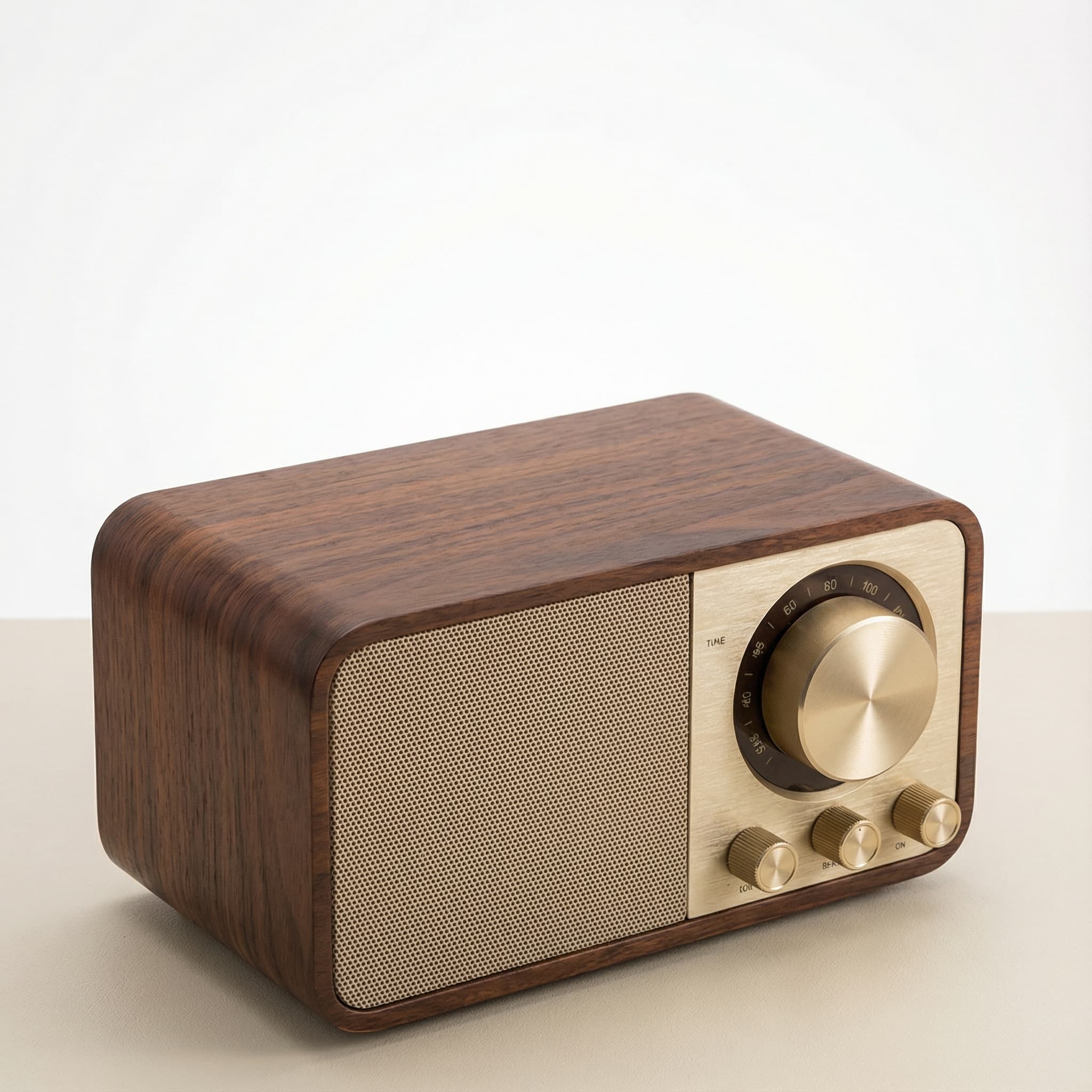 Sale
SaleRetro Wood-Cabinet Bluetooth Speaker with FM Radio
In stock · Ships in 7–21 business days
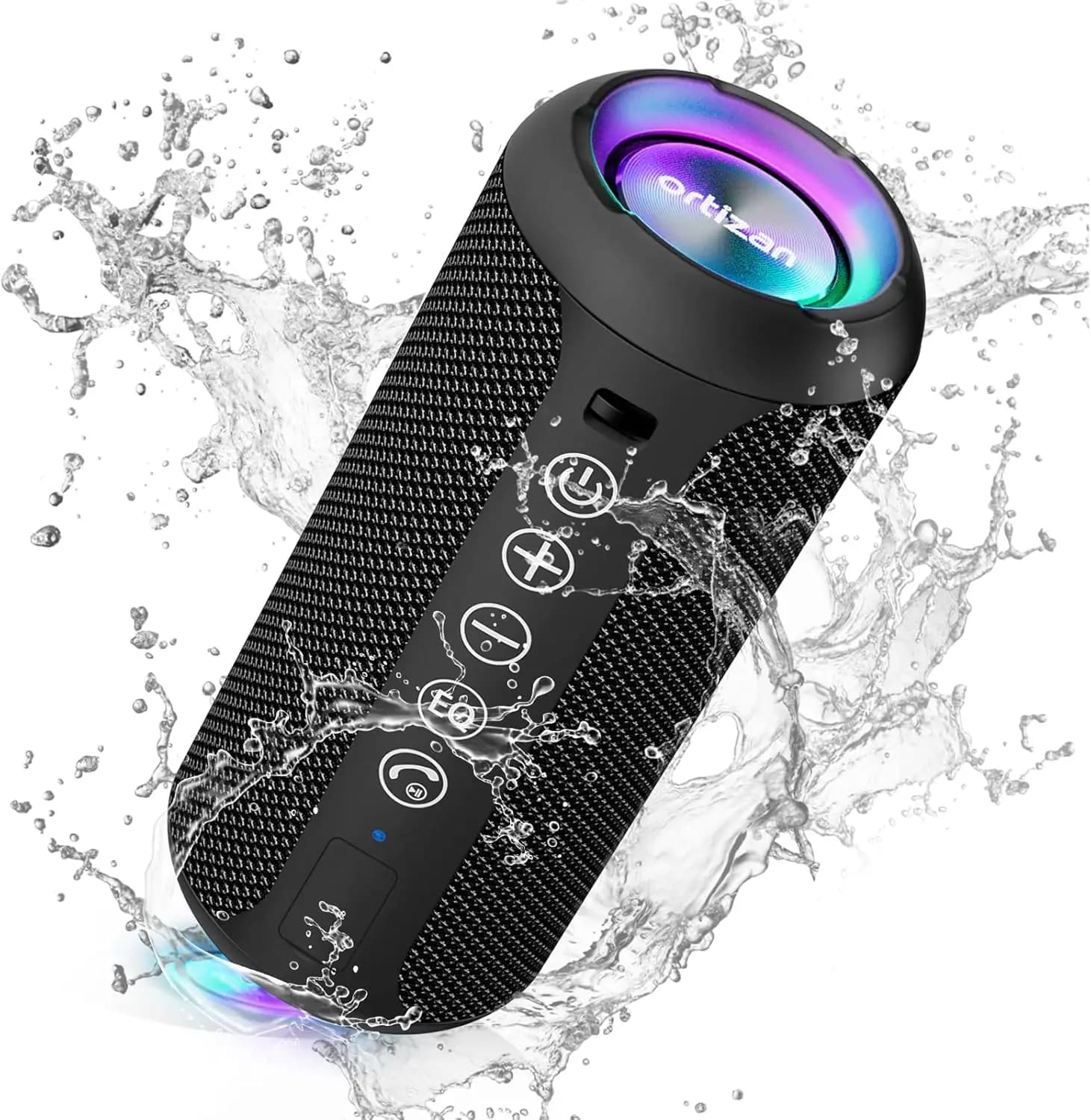
Ortizan X10 Portable Bluetooth Speaker with RGB Lights
In stock · Options available · Ships in 7–21 business days
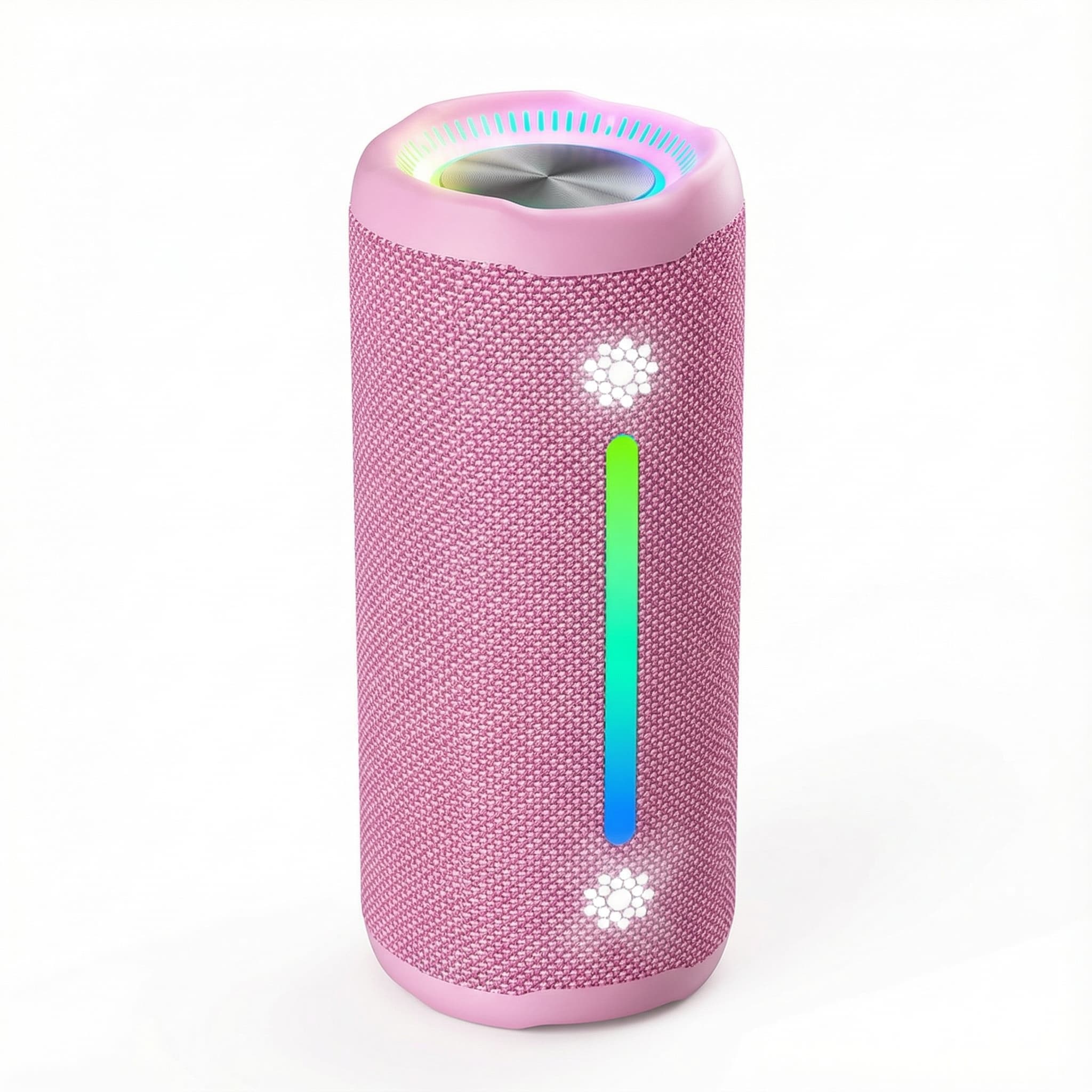
Ohayo X10 Max Bluetooth Speaker with Bass Boost and Lights
In stock · Options available · Ships in 7–21 business days
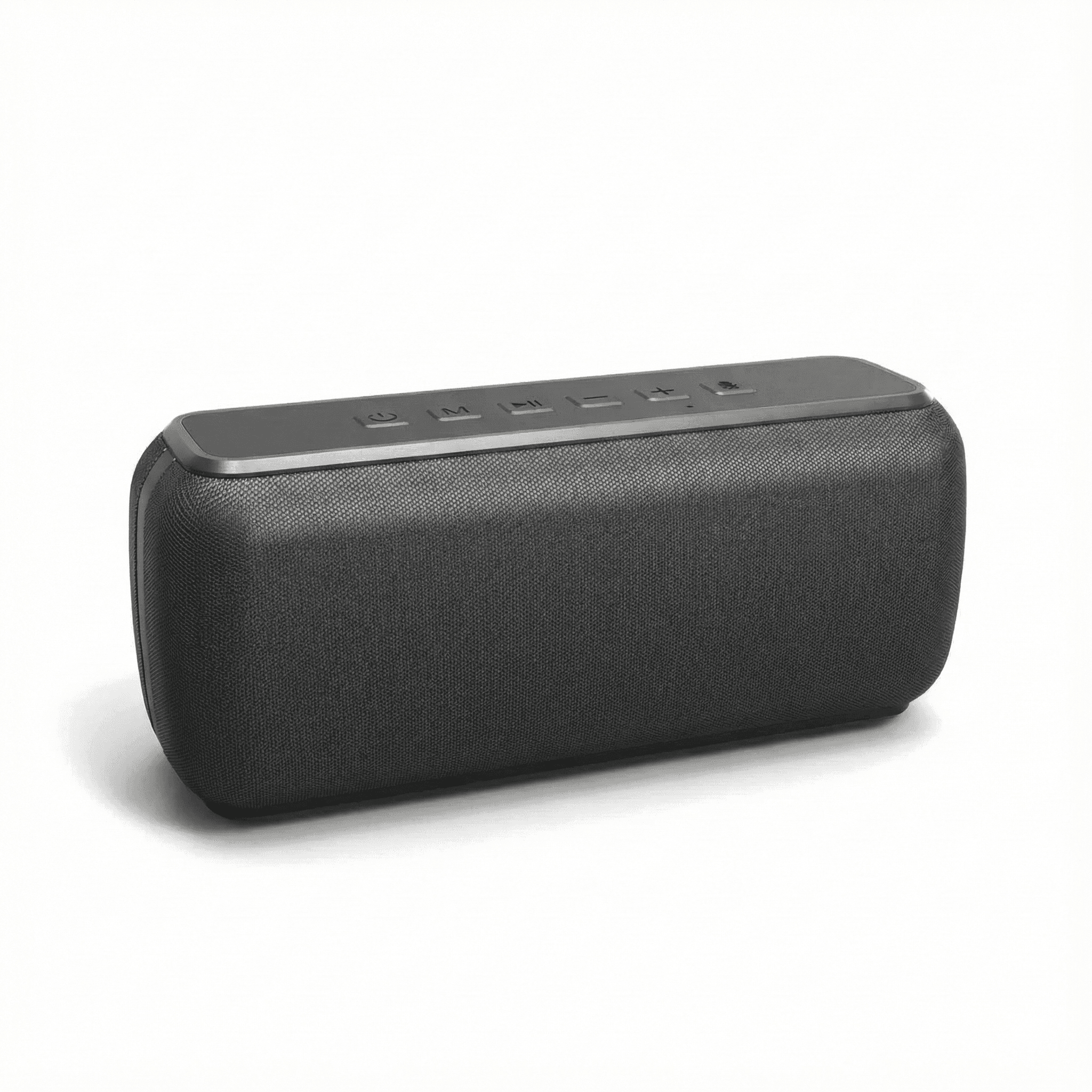
Xdobo X8 II Portable Bluetooth Speaker with Power Bank
In stock · Options available · Ships in 7–21 business days
Continue reading
 Tech & Gadgets
Wireless Charging Alarm Clock Not Working? Fixes
Wireless charging alarm clock not working? Fix phones that will not charge, charge slowly or stop at 80 percent, plus clocks that lose time or glow too bright.
 Tech & Gadgets
Smart Plug Vacation Mode: Set Up Safe Away Schedules
Smart plug vacation mode explained: how to set realistic away schedules, which appliances never belong on a smart plug, and how to plan for outages and hacks.
 Tech & Gadgets
What Size Portable Speaker Do You Need? Loudness Guide
What size portable speaker do you need? Match speaker size class to room, crowd and listening distance, and learn how loudness falls with distance outdoors.