

How to Clean Headphones and Portable Speakers Safely
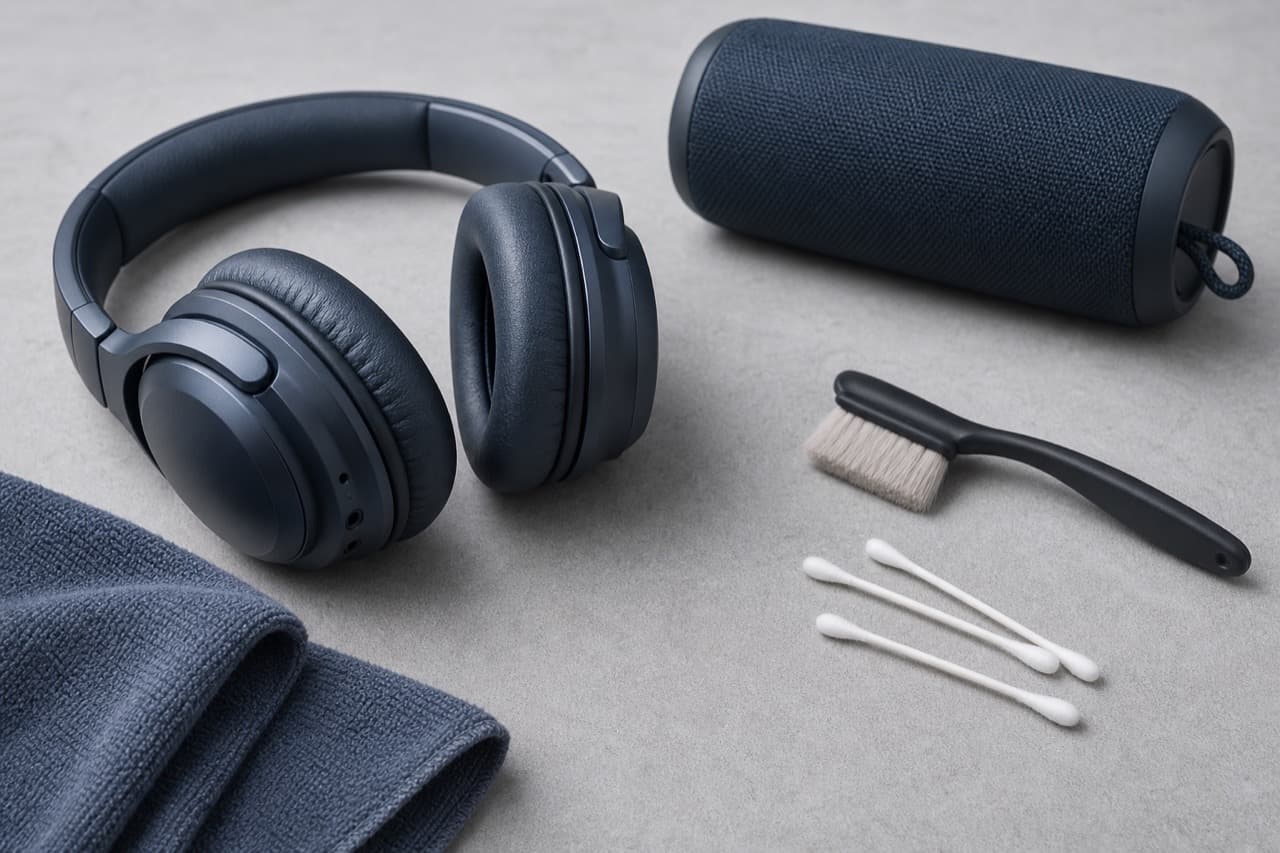
Knowing how to clean headphones and portable speakers well keeps them sounding right and charging reliably: dry-brush the grilles and mesh, wipe surfaces with a cloth barely dampened with water or 70% isopropyl alcohol, and keep liquid out of ports and drivers. Only rinse a speaker if it carries a water-resistance rating that allows it, and even then use fresh water with port covers closed. This guide is for owners of over-ear and on-ear headphones, earbuds, and Bluetooth speakers who want hygienic gear without voiding the warranty or damaging delicate parts.
Key takeaways
- Power off and disconnect charging cables before cleaning anything electronic.
- Use a soft dry brush first and liquids second. Most grime on grilles and mesh is dust and wax that a brush removes without risk.
- 70% isopropyl alcohol on a cloth is widely recommended for hard surfaces and many ear pads; never pour it or spray it directly onto the device.
- An IPX7 rating means the speaker survived immersion in fresh water under test conditions. It does not cover salt water, chlorine, soap, pressure washing or a wet charging port.
- Let anything that got wet dry fully before charging. Charging a damp USB-C port can corrode the contacts.
- For storage longer than a few weeks, leave batteries partly charged rather than full or empty.
What you need
- A soft, clean toothbrush or small paintbrush for grilles and mesh.
- Microfiber cloths, one dry and one for dampening.
- 70% isopropyl alcohol or alcohol wipes (higher concentrations evaporate too fast to clean well and can be harsher on some finishes).
- Cotton swabs and a wooden toothpick for seams.
- Reusable adhesive putty for lifting debris from earbud mesh, used gently.
Avoid bleach, ammonia-based glass cleaners, abrasive powders and compressed air blasted into earbud nozzles or ports. Strong air can push debris further in or stress the thin driver membranes.
How to clean over-ear and on-ear headphones
Ear pads
Ear pads absorb sweat and skin oil, which breaks down protein leather (the most common faux-leather) and leads to flaking. Wipe them weekly with a cloth lightly dampened with water and a trace of mild soap, then a cloth with plain water, then dry. Many manufacturers also permit a gentle wipe with 70% isopropyl on faux leather; check the manual, as some coatings dislike alcohol. Fabric or velour pads can be brushed and spot-cleaned; if they are removable and the maker allows it, hand-wash the covers only, never the foam inside, and let them dry completely.
Most pads twist or unclip off. Removing them lets you clean the scrim, the thin fabric over the driver, with a dry brush. Do not press on it or wet it: the driver sits right behind.
Headband and housings
Wipe the headband and outer cups with a damp cloth. Keep moisture away from microphones (small holes on the cups) and touch-control surfaces. ANC headphones such as the Baseus Bowie H1s or QCY H3 use outer microphones for noise cancelling; blocked mic openings can weaken cancellation, so brush them gently.
When to replace ear pads
Cracked or flattened pads change the seal around your ears, which reduces bass and noise cancelling. Replacement pads are common for popular models; measure the old pad’s outer diameter and attachment style before ordering. The ANC vs passive noise isolation guide explains why the seal matters so much.
How to clean earbuds and their case
- Remove silicone or foam tips. Wash silicone tips in warm water with a drop of mild soap, rinse and let them dry completely before refitting. Foam tips should usually just be wiped; many are not designed for washing and are meant to be replaced.
- Clean the nozzle mesh dry. Brush across the mesh with the opening facing downward so debris falls out rather than in. Press reusable putty gently onto the mesh and lift to pull out wax. Avoid poking with pins.
- Wipe the shells with a cloth barely dampened with 70% isopropyl.
- Clean the charging contacts. Wipe the metal contacts on the buds and inside the case with a dry swab or one lightly touched with alcohol. Dirty contacts are a common cause of one earbud not charging.
- Brush out the case and wipe its interior. Lint in the cradles can stop buds from seating properly.
How to clean a portable Bluetooth speaker
Start dry for every speaker: brush dust and sand from the grille, along seams and around buttons. Then decide how wet you can go based on the rating.
| Rating | What it covers | Cleaning you can do |
|---|---|---|
| None or IPX4 and below | No protection or splashes only | Dry brush, damp cloth on surfaces, never rinse |
| IPX5 or IPX6 | Water jets under test conditions | Gentle rinse under a low tap stream if the manual allows; port cover closed |
| IPX7 or IP67 | Temporary immersion in fresh water, typically up to 1 m for 30 minutes | Rinse in fresh water after sand, salt or pool use; dry before charging |
| IP6X (first digit 6) | Dust-tight | Sand and dust are less of a risk to internals, but still brush grilles |
Ratings describe a new device under lab conditions; seals age, and drops can compromise them. The waterproof speaker IP ratings guide explains each digit. A rugged unit like the Tribit StormBox Mini lists its rating on the product page; check it, and the manual, before rinsing any speaker.
After a beach or pool day: salt and chlorine crystals corrode metal grilles and stiffen rubber seals. If the speaker is rated for immersion, rinse it in a bowl of fresh water with ports sealed, shake out water from the passive radiators, and let it dry with the grille facing down. Fabric-wrapped speakers can hold moisture for hours, so give them extra time.
Charging ports: look inside with a flashlight. Lift lint out with a wooden toothpick, never a metal pin, and only with the device off. Many speakers detect moisture and refuse to charge until the port dries; wait it out rather than forcing it.
Storing headphones and speakers
- Use the case. Hard cases protect headbands from cracking and keep pads from being crushed in a bag.
- Store dry and moderate. Keep gear away from hot cars, radiators and direct sun. Lithium-ion batteries age faster in heat.
- Charge level for long storage. For weeks or months unused, store at roughly half charge and top up every couple of months if the manual suggests it. The portable speaker battery care guide covers charging habits in detail.
- Let pads air out after workouts before zipping headphones into a case.
Mistakes to avoid
- Spraying cleaner directly onto devices. Liquid runs into grilles, mics and ports. Always apply it to the cloth.
- Rinsing a speaker because it “looks rugged”. Without an IPX5 or higher rating and manual approval, water can reach the electronics.
- Charging while wet. Moisture in USB-C ports plus voltage can corrode pins and cause permanent charging faults.
- Poking earbud mesh with pins. It tears the mesh or pushes wax onto the driver.
- Using high-concentration solvents. Acetone and similar solvents can cloud plastics and dissolve coatings.
- Sharing earbuds without cleaning tips. Ear tips carry wax and bacteria; wash or swap them first.
How to choose your cleaning routine
- Daily commuter: weekly wipe of pads or earbud shells, monthly mesh and case clean.
- Gym or running use: wipe after each session, wash silicone tips weekly, and choose sweat-resistant gear.
- Outdoor speaker owner: brush after every trip; rinse only rated speakers after salt, sand or chlorine.
- Shopping for new gear: replaceable pads, removable tips and a clear IP rating make long-term cleaning easier. Browse options in the electronics and accessories category.
Frequently asked questions
Can I use alcohol wipes on headphones?
Many manufacturers allow 70% isopropyl wipes on hard surfaces and faux-leather pads, wiped gently without soaking. Some coatings are sensitive, so check your manual. Keep alcohol away from the driver fabric and microphone openings.
How do I get earwax out of earbud mesh?
Remove the tips, hold the bud with the nozzle pointing down, and brush across the mesh with a dry soft brush. Gently pressing reusable putty onto the mesh and lifting it away pulls out stubborn wax. Avoid pins, liquids and compressed air.
Is it safe to rinse a waterproof Bluetooth speaker?
If it is rated IPX7 or IP67 and the manual allows it, a rinse in fresh water with port covers closed is generally fine. Let it dry completely before charging. Lower ratings or unrated speakers should only be wiped.
Why does my speaker say it cannot charge after cleaning?
Many devices detect moisture in the charging port and block charging to prevent corrosion. Leave the speaker in a dry, ventilated spot with the port facing down for a few hours and try again.
How often should I replace headphone ear pads?
There is no fixed interval; replace them when they crack, flake, flatten or no longer seal. Heavy daily use and sweat wear pads faster, and regular gentle cleaning extends their life.
Shop Tech & Gadgets
View all → Sale
SaleRetro Wood-Cabinet Bluetooth Speaker with FM Radio
In stock · Ships in 7–21 business days
Ortizan X10 Portable Bluetooth Speaker with RGB Lights
In stock · Options available · Ships in 7–21 business days
Ohayo X10 Max Bluetooth Speaker with Bass Boost and Lights
In stock · Options available · Ships in 7–21 business days
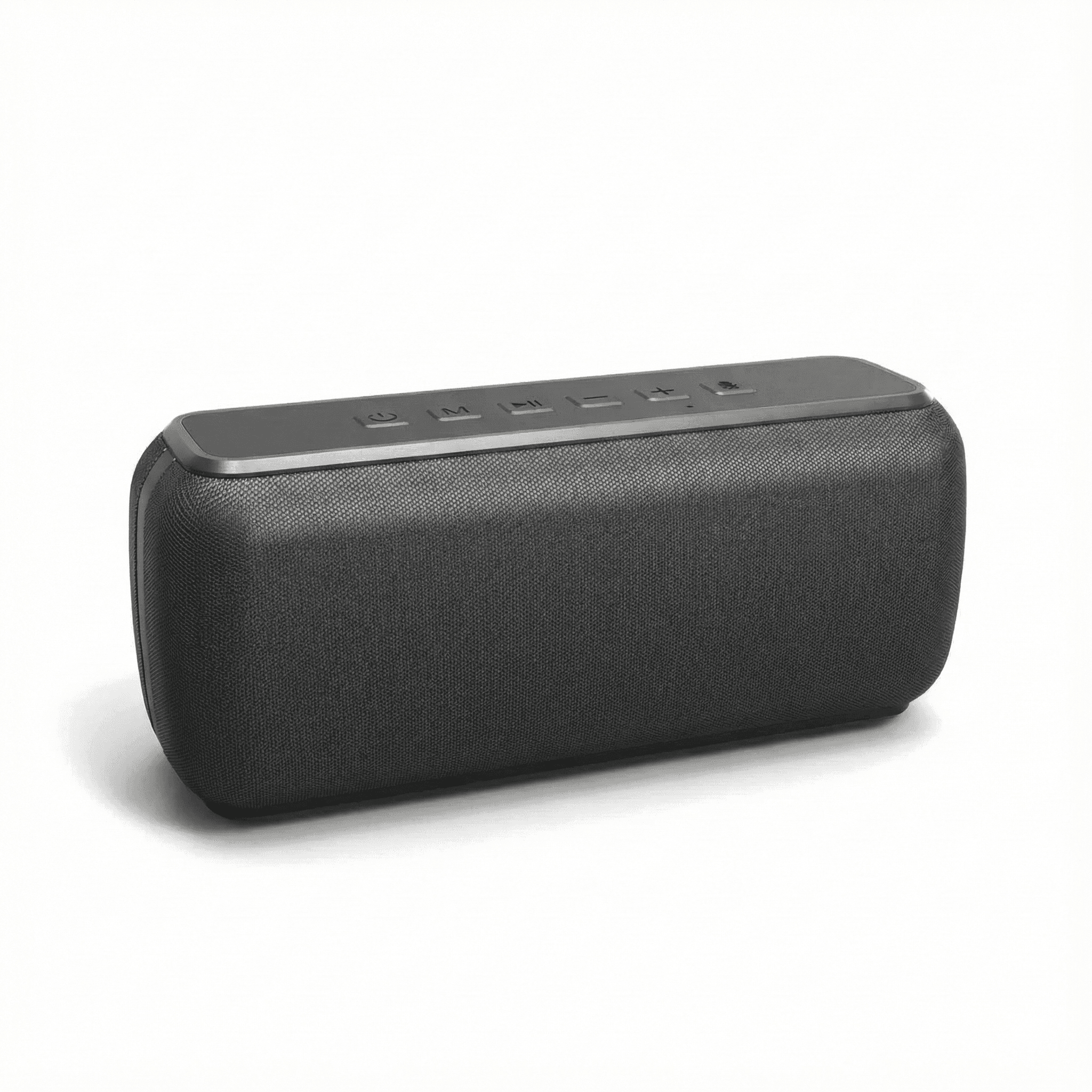
Xdobo X8 II Portable Bluetooth Speaker with Power Bank
In stock · Options available · Ships in 7–21 business days
Continue reading
 Tech & Gadgets
Portable Speaker EQ Settings: How to Get Better Bass
Portable speaker EQ settings explained: how bass boost, app presets and placement change the sound, why bass fades at high volume, and how to tune it well.
 Tech & Gadgets
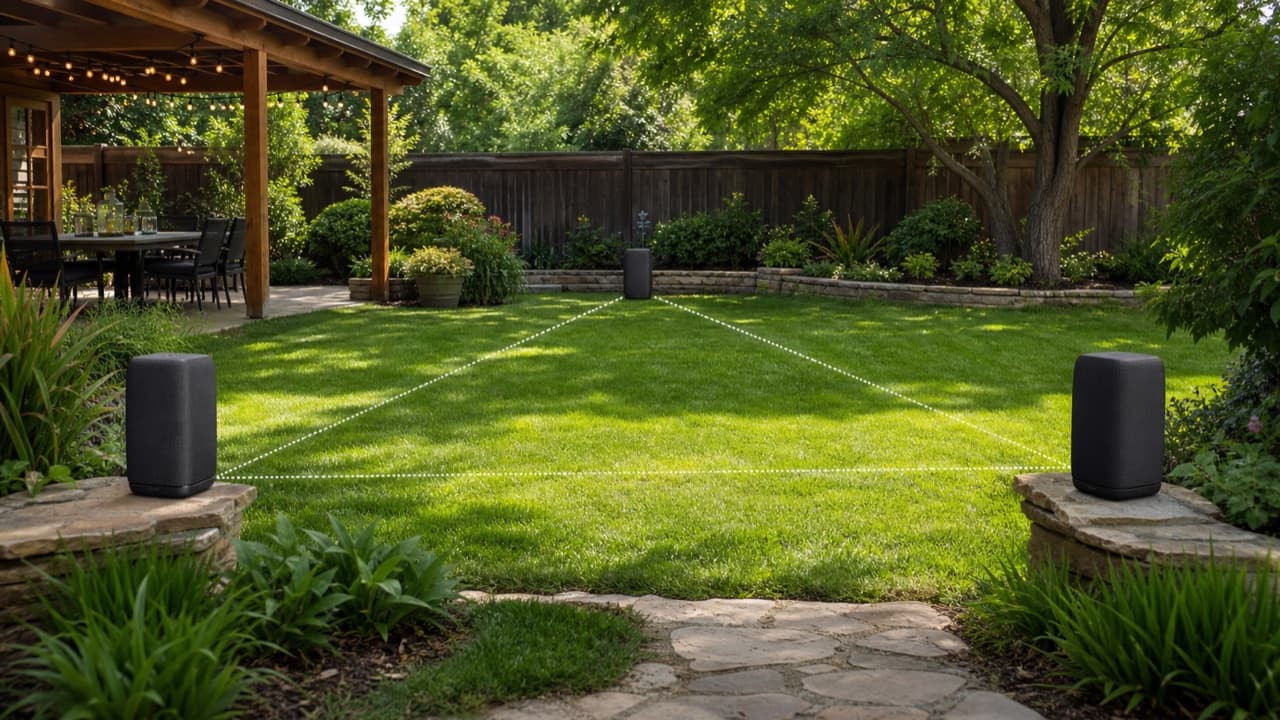
How to Connect Multiple Bluetooth Speakers for a Party
How to connect multiple Bluetooth speakers: compare party mode, Auracast and Wi-Fi multiroom, then link, place and test speakers for even, echo-free sound.
 Tech & Gadgets
What Size Portable Speaker Do You Need? Loudness Guide
What size portable speaker do you need? Match speaker size class to room, crowd and listening distance, and learn how loudness falls with distance outdoors.