

How to Connect Multiple Bluetooth Speakers for a Party
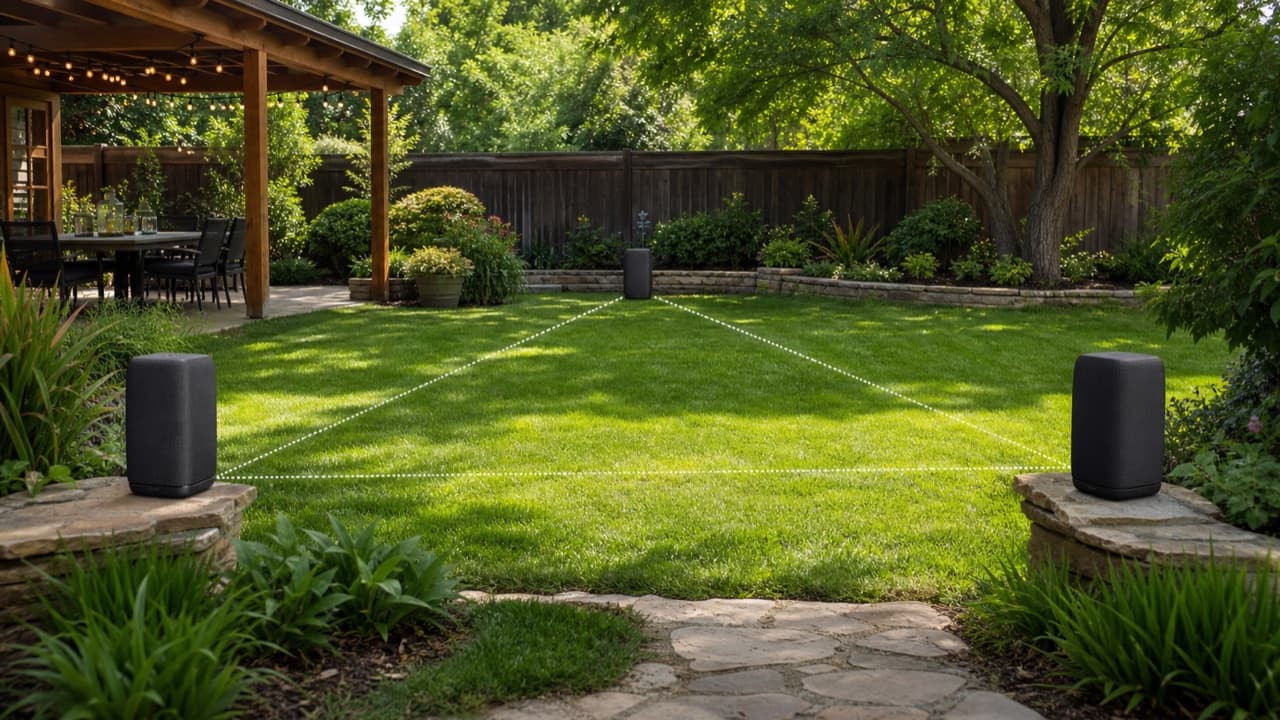
To connect multiple Bluetooth speakers to one phone, you almost always need speakers from the same brand and model family that support that brand’s party or multi-link mode, or newer speakers that support Auracast broadcast audio. A standard phone Bluetooth connection is designed to send audio to one speaker at a time, so the linking is done by the speakers, not the phone. This guide is for anyone planning a backyard party, a long room or a gathering where one speaker is not enough. It covers which linking methods exist, how to set them up in the right order, where to place speakers, and how to avoid the echo and dropouts that ruin multi-speaker sound. If you only want two speakers as a left/right stereo pair, our Bluetooth speaker stereo pairing guide covers that setup in detail.
Key takeaways
- Party linking is usually limited to one brand’s ecosystem and often to specific models; matching Bluetooth version numbers does not mean speakers can link.
- Party mode typically plays the same full mix on every speaker, rather than splitting left and right channels.
- Auracast lets one source broadcast to many receivers, but every device involved has to support it.
- Mixing different models or brands through workarounds often causes audible delay between speakers.
- Spread speakers out to cover zones at moderate volume rather than clustering them and turning everything up.
The four ways to play on multiple speakers
| Method | How it works | Speakers it links | Main limitation |
|---|---|---|---|
| Stereo pair (TWS) | Two speakers split left and right channels | Usually two identical models | Only two speakers; best in one room |
| Brand party mode | Phone connects to one host speaker, which relays audio to others of the same brand | Compatible models from one maker; group size depends on the system | Brand-locked; older and newer generations may not mix |
| Auracast broadcast | A Bluetooth LE Audio source broadcasts one stream any compatible receiver can join | Any Auracast-capable speaker, in principle across brands | Still relatively new; needs supporting hardware and firmware |
| Wi-Fi multiroom | Speakers stream over your home network using a platform such as AirPlay 2 or the maker’s app | Wi-Fi speakers on the same platform | Needs Wi-Fi; most portable Bluetooth-only speakers cannot join |
Some phones also offer a dual-audio feature that sends sound to two Bluetooth devices at once. It can be handy for a quick two-speaker setup, but because each speaker has its own processing delay, mismatched models may drift slightly out of sync.
Check compatibility before you buy a second speaker
The most common disappointment is buying another speaker that looks similar but cannot link. Before ordering, confirm:
- The exact feature name. Brands use their own names for party linking. Look for that name, or “Auracast,” in the specifications of both speakers.
- Model and generation lists. Brands sometimes change linking protocols between generations, so an older speaker may not join a newer one’s group.
- Maximum group size. Systems differ from a few speakers to many; check the stated limit.
- App requirements. Some groups can only be built in the brand’s app, and some features need a firmware update.
- Stereo vs party. A speaker that supports stereo pairing does not necessarily support linking three or more.
Our range includes portable models such as the Tribit StormBox Mini 12W Portable Speaker and the OHAYO X10 Max 35W Outdoor Bluetooth Speaker. Check each product page to see whether it supports stereo pairing or multi-speaker linking, and with which models, before planning a group around it.
How to link speakers: the setup order that works
Most failed groups come from skipped steps rather than faulty speakers. A reliable order:
- Update firmware on every speaker through the brand’s app, ideally a day before the event.
- Charge everything fully. A speaker that drops out on low battery can break the group.
- Clear old links. Disconnect or forget stale pairings on the phone and, if needed, reset speakers that were previously grouped with other devices.
- Pick the host speaker. Connect your phone to one speaker only, following the manual for which unit should be the primary.
- Add the others one at a time using the party button or the app, waiting for each to confirm before adding the next.
- Start playback at low volume, walk the space and check every speaker is playing before raising the level.
Keep the phone near the host speaker. Moving away with the phone in your pocket is one of the most common causes of dropouts, especially outdoors where nothing reflects the signal back.
Placement, delay and echo
Sound travels at roughly 1,125 feet per second (343 m/s), or about one millisecond per foot. That means speakers 40 or 50 feet apart naturally reach a listener at slightly different times. Within a properly synced system, that small natural delay is mostly heard as spaciousness. Problems start when speakers also have different processing delays, which happens when mixing models or using workarounds, and the result is a slap-back echo or a smeared beat.
- Cover zones, not one spot. Place each speaker to serve its own area: by the seating, by the food, by the dance space.
- Avoid facing pairs. Two speakers firing straight at each other across a small area exaggerate any timing difference.
- Raise speakers to ear or table height. Speakers on the ground or in long grass lose clarity quickly.
- Use walls indoors, more units outdoors. Outdoors there is nothing to reflect sound, so several speakers at moderate volume beat one at maximum.
- Keep within range of the host. If a speaker cuts out, move it closer or clear obstructions such as walls, bodies and coolers.
Our outdoor speaker placement guide goes further on surfaces, height and weather.
Plan for the things that go wrong
- Phone calls and notifications: turn on Do Not Disturb on the source phone so a call does not pause or blast through every speaker.
- Battery drain: high volume shortens runtime. Bring a power bank or keep speakers near outlets, and see our portable speaker battery care guide.
- Streaming gaps: download the playlist for offline play if Wi-Fi or cell coverage is weak.
- Weather: check each speaker’s water-resistance rating and keep them off wet grass and pool edges unless rated for it.
- Backup: know how to fall back to a single speaker quickly if the group refuses to reconnect.
Keep volume considerate. Several speakers at moderate volume are easier on guests’ hearing and on neighbors than one speaker pushed to distortion.
Mistakes to avoid
- Assuming any two Bluetooth speakers can link. Linking is a brand feature, not part of basic Bluetooth.
- Mixing generations without checking. Old and new models from the same brand may use different protocols.
- Skipping the test run. Build and test the group before guests arrive, not during the party.
- Clustering all speakers in one corner. You get loudness without coverage and more echo.
- Walking away with the source phone. The phone-to-host link is usually the weakest point.
Which setup should you use?
Use a stereo pair if the party is in one room and you have two identical speakers. Use brand party mode if you already own or plan to buy several compatible speakers from one maker. Choose Auracast-capable speakers if you are buying new and want flexibility to mix brands as support grows. Choose Wi-Fi multiroom for permanent whole-home audio. Speaker size matters too, so read our portable speaker size and loudness guide, and browse the electronics and accessories collection for options.
Frequently asked questions
Can I connect two different brands of Bluetooth speakers together?
Not through brand party modes, which only link the same brand’s compatible models. Auracast speakers may work across brands, and some phones’ dual-audio features can play to two speakers, though sync may not be perfect.
How many Bluetooth speakers can you connect at once?
It depends on the system. Stereo pairing uses two; brand party modes allow larger groups with limits set by each maker; Auracast broadcasts to any compatible receiver in range.
Why is there an echo between my linked speakers?
Echo usually comes from different processing delays, often when mixing models, or from speakers placed far apart and facing each other. Use the same model family and spread speakers to cover separate zones.
Does party mode play in stereo?
Usually not. Party mode typically plays the same full mix on every speaker, while stereo mode splits left and right between two speakers.
What is Auracast?
Auracast is a Bluetooth LE Audio feature that lets one source broadcast audio to an unlimited number of compatible receivers nearby. Both the source and speakers must support it.
Shop Tech & Gadgets
View all →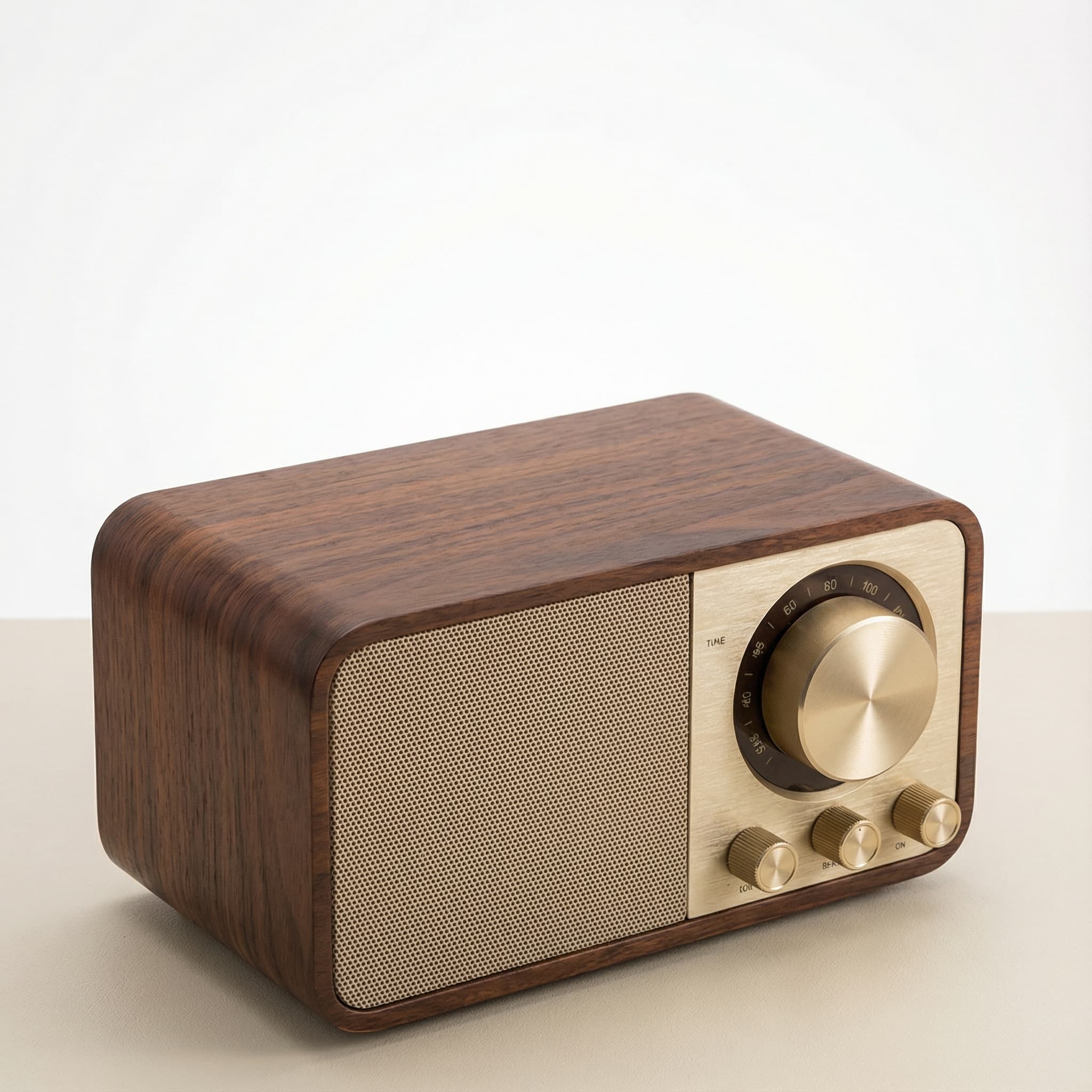 Sale
SaleRetro Wood-Cabinet Bluetooth Speaker with FM Radio
In stock · Ships in 7–21 business days
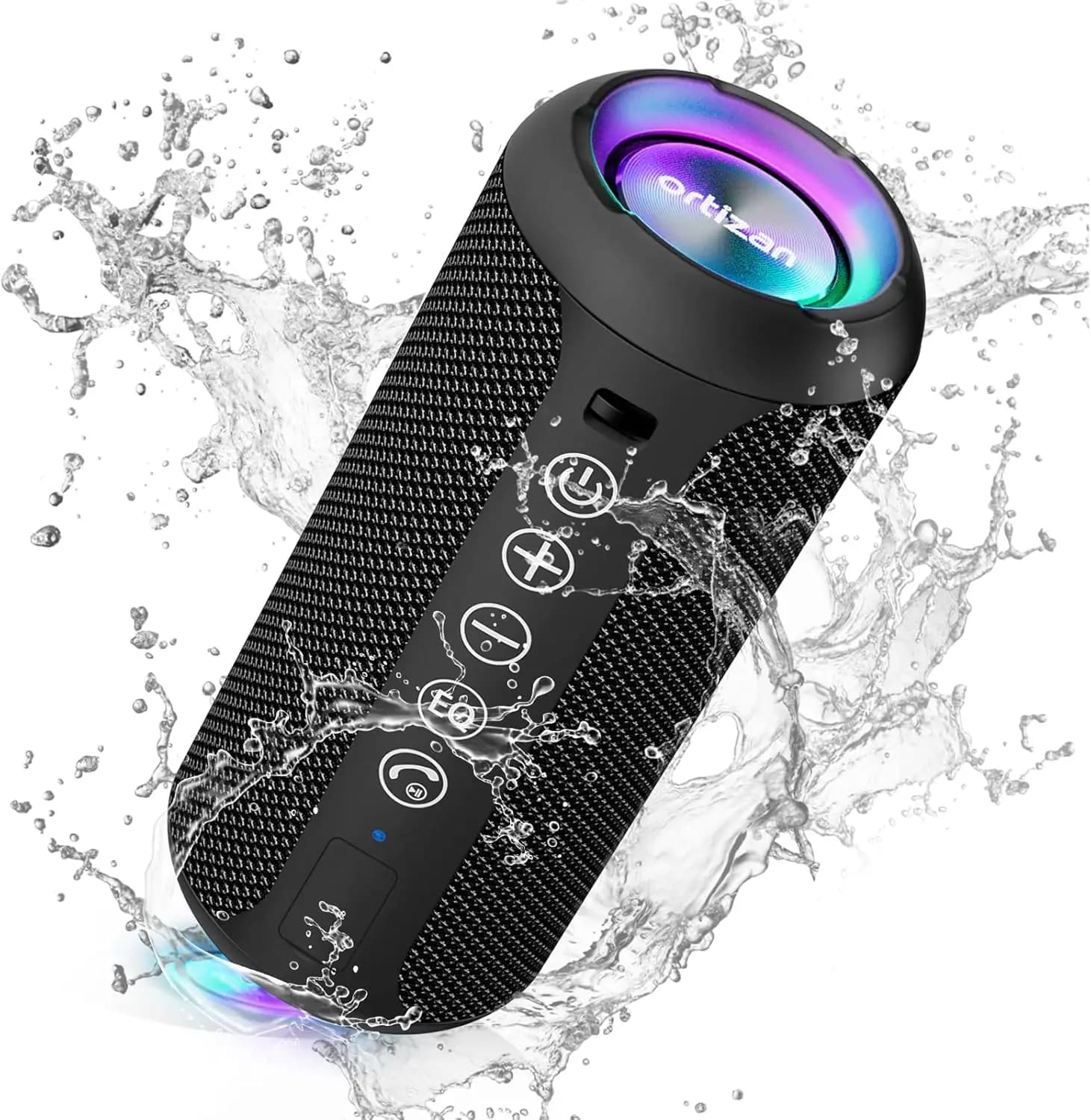
Ortizan X10 Portable Bluetooth Speaker with RGB Lights
In stock · Options available · Ships in 7–21 business days
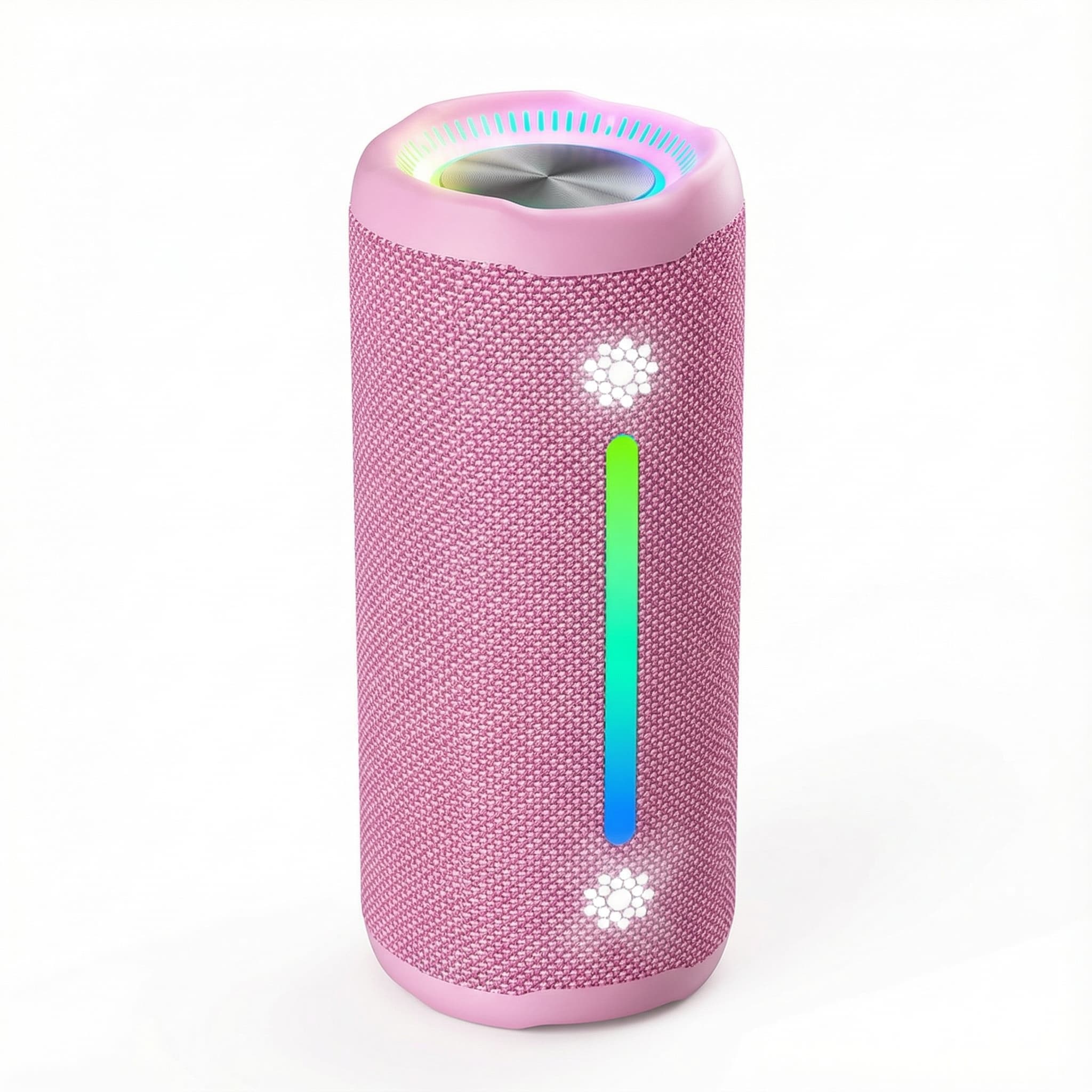
Ohayo X10 Max Bluetooth Speaker with Bass Boost and Lights
In stock · Options available · Ships in 7–21 business days
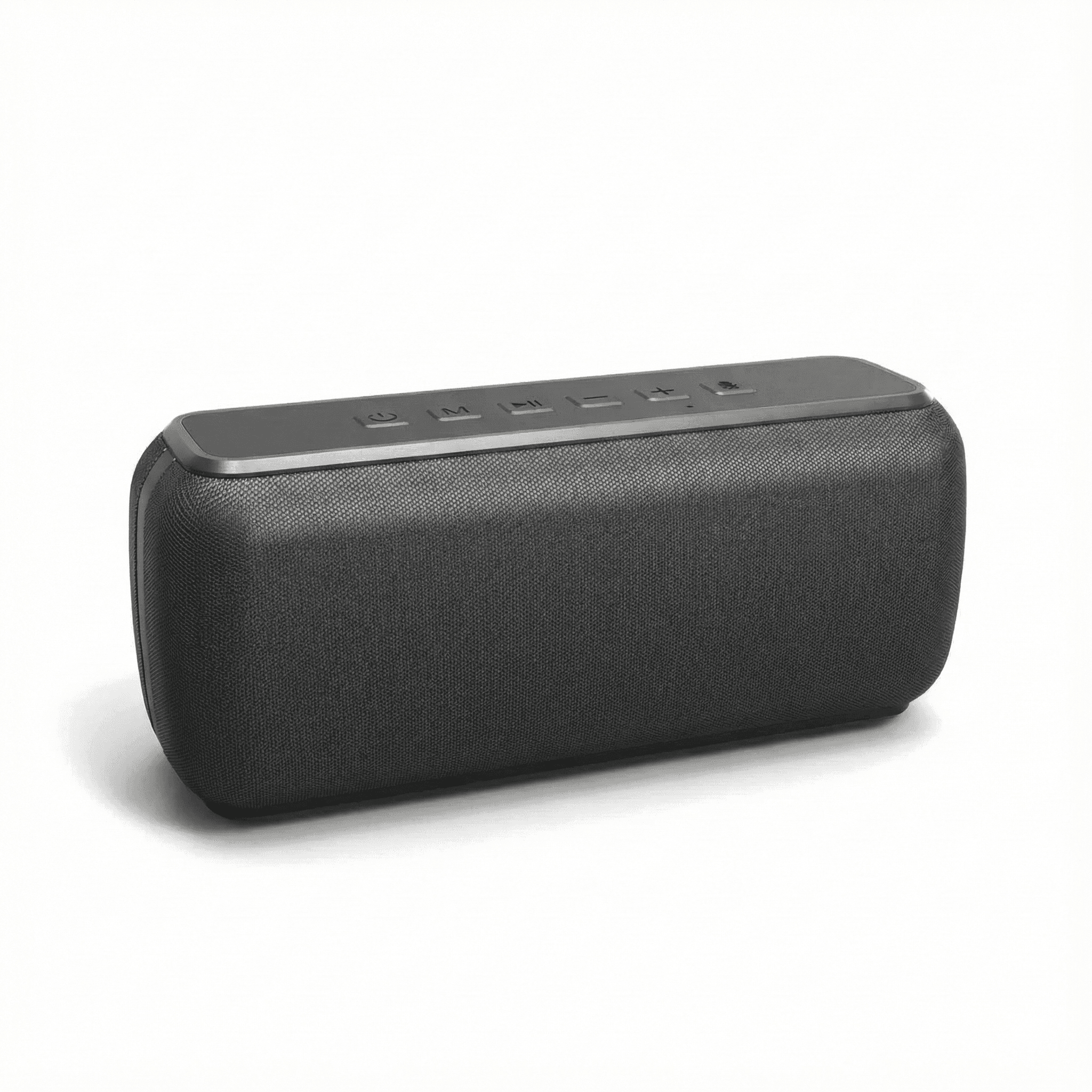
Xdobo X8 II Portable Bluetooth Speaker with Power Bank
In stock · Options available · Ships in 7–21 business days
Continue reading
 Tech & Gadgets
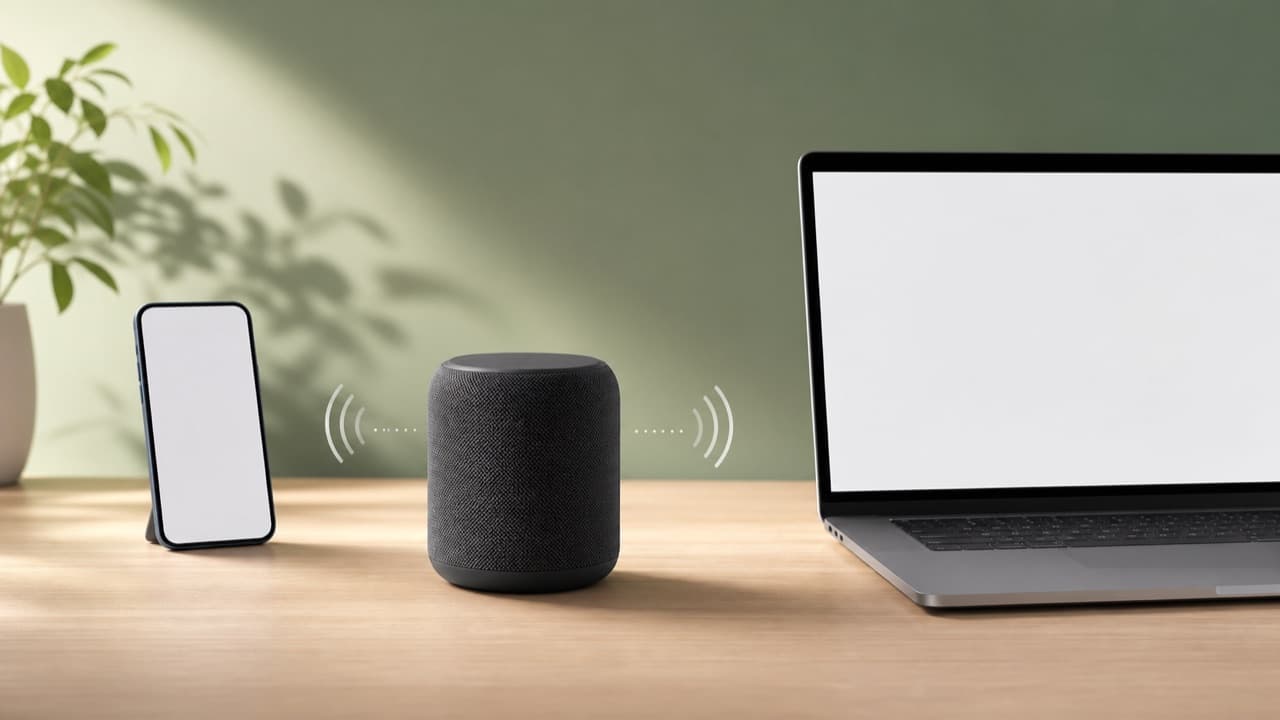
Bluetooth Codec and Range Guide: Quality, Lag and Dropouts
A Bluetooth codec and range guide: how SBC, AAC, aptX, LDAC and LC3 are negotiated, what real-world range to expect, and how to fix lag and audio dropouts.
 Tech & Gadgets
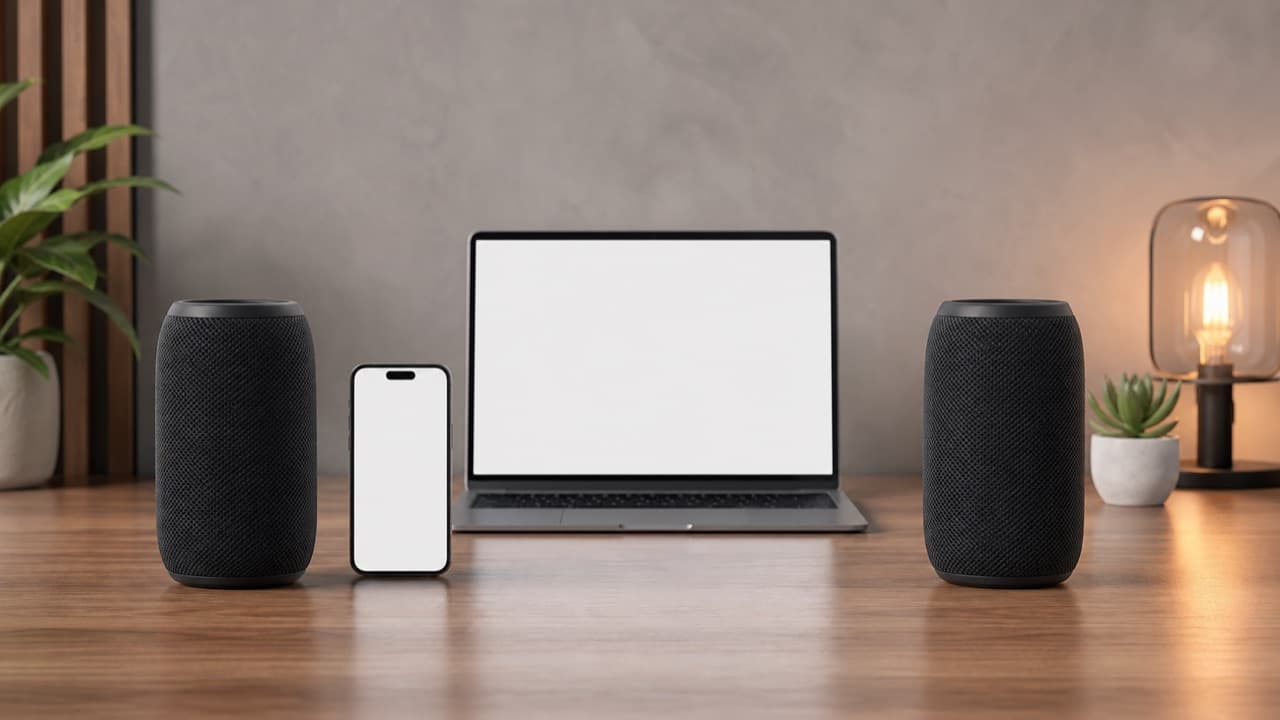
Bluetooth Speaker Stereo Pairing: Setup, Sync and Lag Fixes
Bluetooth speaker stereo pairing explained: which speakers can pair, how to set up left and right channels, and how to fix dropouts and video lag.
 Tech & Gadgets
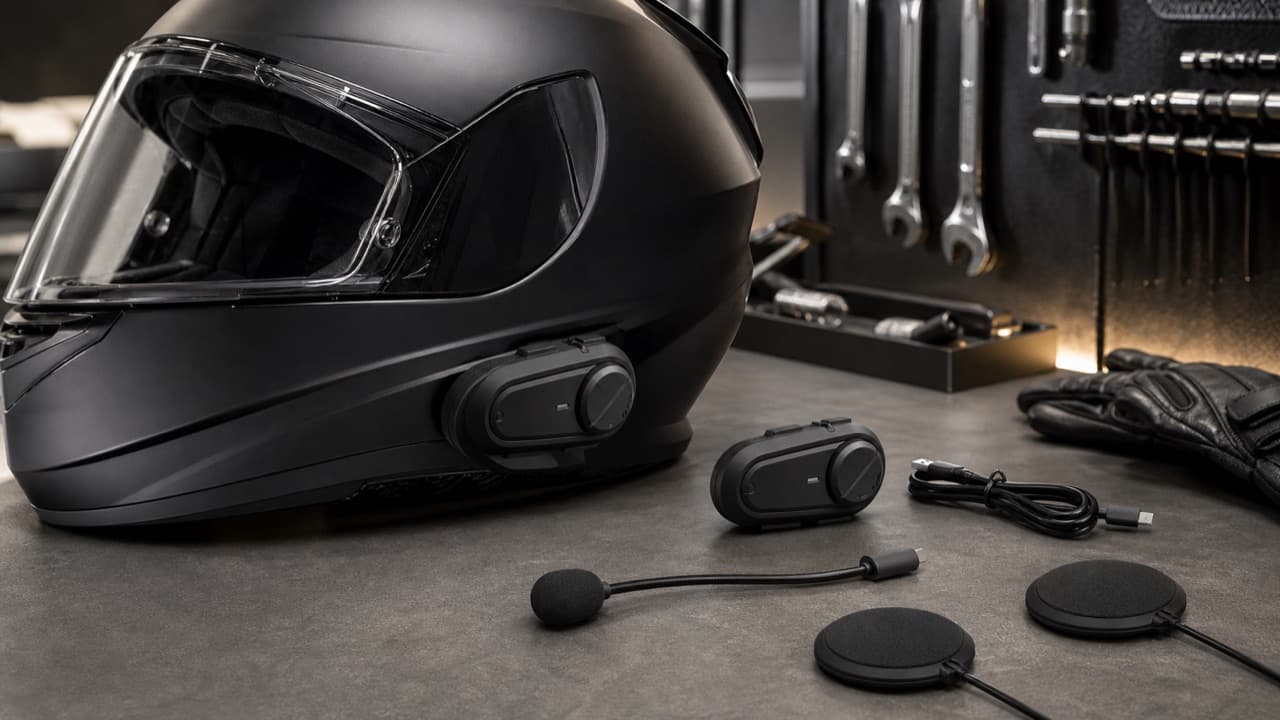
Motorcycle Bluetooth Intercom Guide: Mesh, Range, Fit
Motorcycle Bluetooth intercom guide: compare Bluetooth vs mesh, real-world range, group size, helmet speaker fit, mics, battery and safe-use rules.