

Budget Webcam Lighting: Look Better on Video Calls
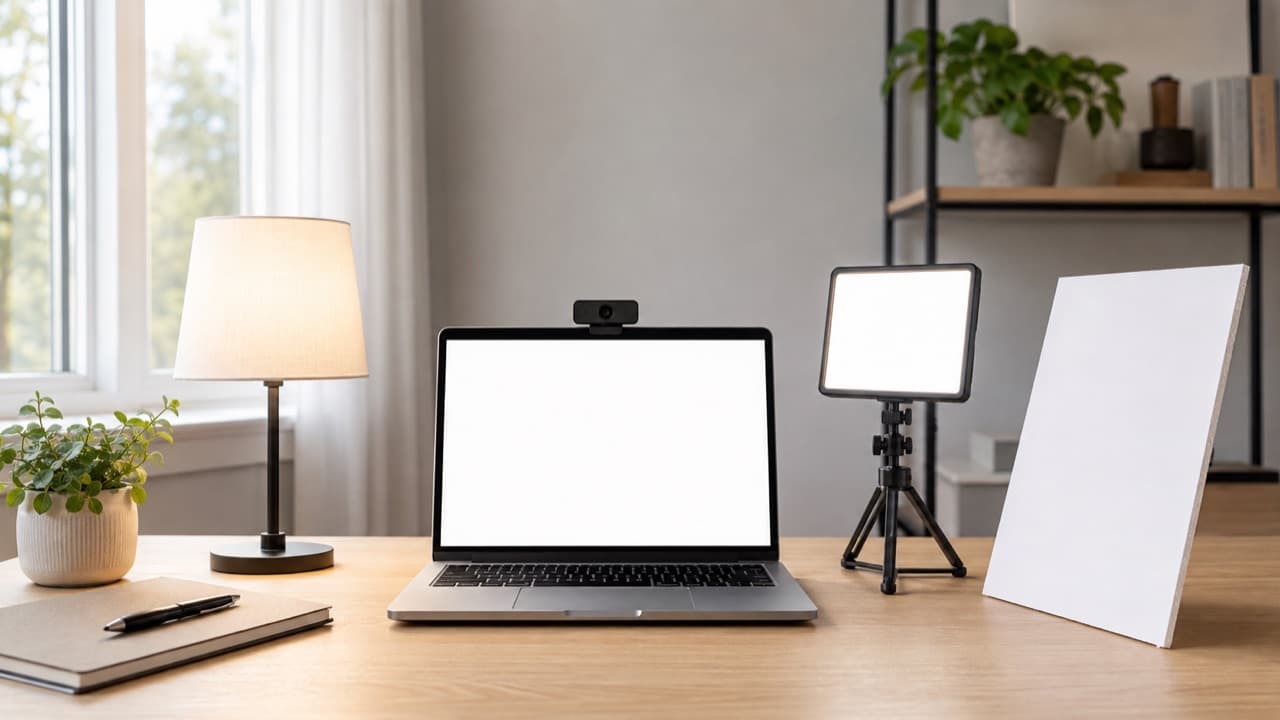
Good budget webcam lighting is mostly about position, not equipment: put a soft light source in front of you, slightly above eye level and a little to one side, keep bright windows out from behind you, and match the color of every light in the shot. A window and a white sheet of foam board can beat an expensive webcam in a dim room. This guide is for remote workers, students and streamers who want to look clear and natural on camera while spending little or nothing.
Webcams have small sensors. In low light they raise gain, which adds grainy noise and smears detail, and their automatic exposure struggles with bright backgrounds. More light on your face, from the right direction, fixes most of what people blame on the camera.
Key takeaways
- Face your light source. A window in front of you is the best free light; a window behind you turns you into a silhouette.
- Place the main (key) light about 30 to 45 degrees to one side of the camera and slightly above eye level.
- Bigger and closer means softer. Diffuse small, harsh lights or bounce them off a wall.
- Don’t mix warm and cool lights in the same shot; pick one color temperature and set every light to it.
- Look for a color rendering index (CRI) of 90 or higher for natural skin tones.
- Lock your webcam’s exposure and white balance once the light is right, so they don’t drift during a call.
Where to put your lights
The key light
Your key light is the main source on your face. Place it in front of you, roughly 30 to 45 degrees to the left or right of your webcam, with its center slightly above your eye line, angled down a little. This mimics natural light, creates gentle shadows that give your face shape, and keeps light out of your eyes. Directly in front and level with the camera works too, especially with a large, soft source, but tends to look flatter.
Fill and bounce
The side opposite the key light will be darker. If the contrast is too strong, add a fill: a white wall, a sheet of white foam board or poster board just out of frame reflects light back into the shadows for free. A second, dimmer lamp works too.
Background and back light
Keep your background a little darker than your face, so the camera exposes for you. A small lamp behind you, out of frame or as part of the scene, separates you from the wall. Avoid bright windows, lamps pointed at the camera and glossy surfaces reflecting light into the lens.
Distance matters more than you’d think
Light falls off quickly with distance: double the distance and you get roughly a quarter of the light. Moving a lamp from 4 feet to 2 feet (about 1.2 m to 0.6 m) from your face makes a dramatic difference without buying anything brighter. Closer also makes the source larger relative to your face, so the light is softer.
Budget webcam lighting options compared
| Option | Typical cost | Strengths | Weaknesses |
|---|---|---|---|
| Window light | Free | Large, soft, flattering | Changes with time and weather; unusable after dark |
| Desk lamp with a high-CRI LED bulb | Low | Uses what you own; easy to move | Needs diffusion; may be warm or cool depending on bulb |
| Small LED panel or clip-on light | Low to moderate | Adjustable brightness and color temperature; compact | Small panels can be harsh close up without diffusion |
| Ring light | Low to moderate | Even, shadowless front light; simple setup | Ring reflections in eyes and glasses; flat look straight on |
| Smart bulb in an existing lamp | Low | Adjustable color; schedules and scenes | CRI and color accuracy vary widely |
| Bounce off a white wall or ceiling | Free with any lamp | Very soft light | Needs a brighter source; light-colored surfaces only |
USB-powered lights are convenient at a desk; check that your laptop or hub can supply enough power, especially if it also runs other accessories. Our USB-C hub buying guide explains power delivery and port limits.
Color temperature and CRI, explained simply
Color temperature, measured in kelvin (K), describes how warm or cool light looks. Around 2700 to 3000K is the warm, yellowish light of typical household bulbs. Around 5000 to 6500K is neutral to cool, like daylight. Neither is “correct” for calls; what matters is consistency.
- Match your sources. If daylight from a window mixes with a warm desk lamp, one side of your face looks blue and the other orange, and your webcam’s white balance can’t fix both.
- Daytime calls by a window: set lamps to a daylight temperature, around 5000 to 5600K.
- Evening calls with warm room lighting: either set your key light warm to match, or switch the room lights off and use only your key and fill.
The color rendering index (CRI) measures how faithfully a light reveals colors compared with a reference source, on a scale up to 100. Cheap LEDs with low CRI can make skin look greenish or gray. Look for 90 or above. We cover CRI in more detail in our LED makeup mirror lighting guide, where accurate color matters just as much.
Webcam settings that make lighting work
- Set your light first, then the camera. Get your face bright and even, then adjust settings.
- Lock exposure. In your webcam’s software or your operating system’s camera settings, turn off automatic exposure if possible and set it so your face is bright but not clipped to white.
- Lock white balance. Auto white balance can shift every time you move. Set it to match your light, or use a preset.
- Set anti-flicker to 60 Hz in the US. Some LED lights and dimmers can cause banding or flicker on camera if this is wrong.
- Turn down screen brightness if your monitor is lighting your face blue from below; add room light instead.
- Position the camera at eye level. A laptop on a stand or a stack of books avoids the up-the-nose angle that no lighting can rescue.
Lighting tips for glasses, darker skin and small spaces
- Glasses: reflections appear when the light is level with your lenses and directly in front. Raise the light higher and move it further to the side, or tilt your frames down very slightly. Large, diffused sources reflect less noticeably than small, bright points.
- Darker skin tones: webcams tend to underexpose darker skin when the background is bright. Increase light on your face, darken the background, and lock exposure for your face rather than the scene.
- Small desks: a clip-on light or a monitor-mounted light bar saves space. Bounce a lamp off the wall behind your monitor if it’s light-colored.
- Shared spaces: a dimmable light lets you work late without lighting up the whole room.
Mistakes to avoid
- Sitting with a window behind you. The camera exposes for the bright window and leaves your face dark. Turn your desk or close the blind.
- Using the overhead light alone. Ceiling lights cast shadows under the eyes and nose. Add a front key light.
- Mixing warm and cool lights. Uneven color is more distracting than slightly dim light.
- Pointing a bare bulb at your face. It’s harsh and makes you squint. Diffuse it or bounce it.
- Covering lamps with paper or fabric that isn’t made for it. Even LEDs get warm. Use diffusion designed for lights, keep materials clear of the bulb, and never cover halogen or incandescent bulbs.
- Buying a bigger ring light than you need. Placement matters more than size; a small light close to you beats a large one across the room.
How to choose your setup
- Pick window light plus a white reflector if most of your calls are in daytime and your desk can face a window. It costs nothing.
- Pick a desk lamp with a high-CRI daylight bulb if you need consistent light day and night on the tightest budget.
- Pick a small dimmable LED panel with adjustable color temperature if you call at different times of day or want to match mixed room lighting.
- Pick a ring light if you mostly need even, simple front lighting and don’t wear glasses, or can mount it high and to the side.
Lighting is only half of looking and sounding professional; our guide to headphones for remote work covers microphones and noise, and the mobile office checklist helps when you’re working away from home. Browse desk gear in the electronics and accessories category.
Frequently asked questions
Where should a light be placed for a webcam?
In front of you, slightly above eye level and about 30 to 45 degrees to one side of the camera, angled down a little. This gives even, natural-looking light with gentle shadows.
Is a ring light good for video calls?
It gives bright, even light from the front and is easy to set up. Its downsides are circular reflections in eyes and glasses and a slightly flat look, so try raising it and moving it a little off-center.
What color temperature is best for Zoom and Teams calls?
Any temperature works if all your lights match. Around 5000 to 5600K suits daytime calls near a window; warmer settings match typical evening household lighting.
How do I stop glare on my glasses on video calls?
Move the light higher and further to the side so reflections bounce away from the camera, use a larger diffused light, and tilt your glasses down slightly. Lowering screen brightness can also reduce reflections from your monitor.
Why does my webcam look grainy even with lights on?
There may still not be enough light on your face, so the camera boosts gain and adds noise. Move the light closer, brighten it or add a second source, and lock exposure so the camera doesn’t compensate for a bright background.
Shop Tech & Gadgets
View all →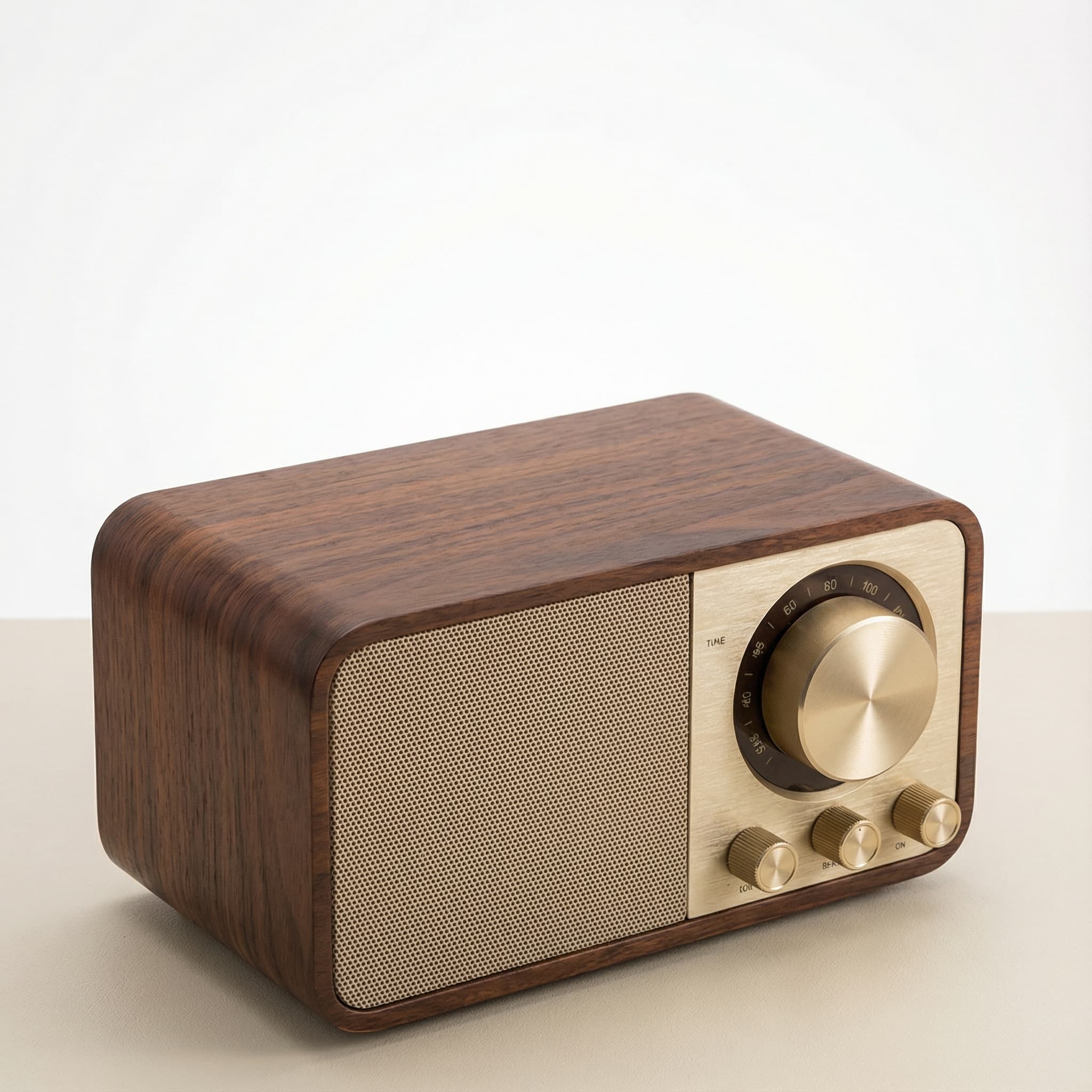 Sale
SaleRetro Wood-Cabinet Bluetooth Speaker with FM Radio
In stock · Ships in 7–21 business days
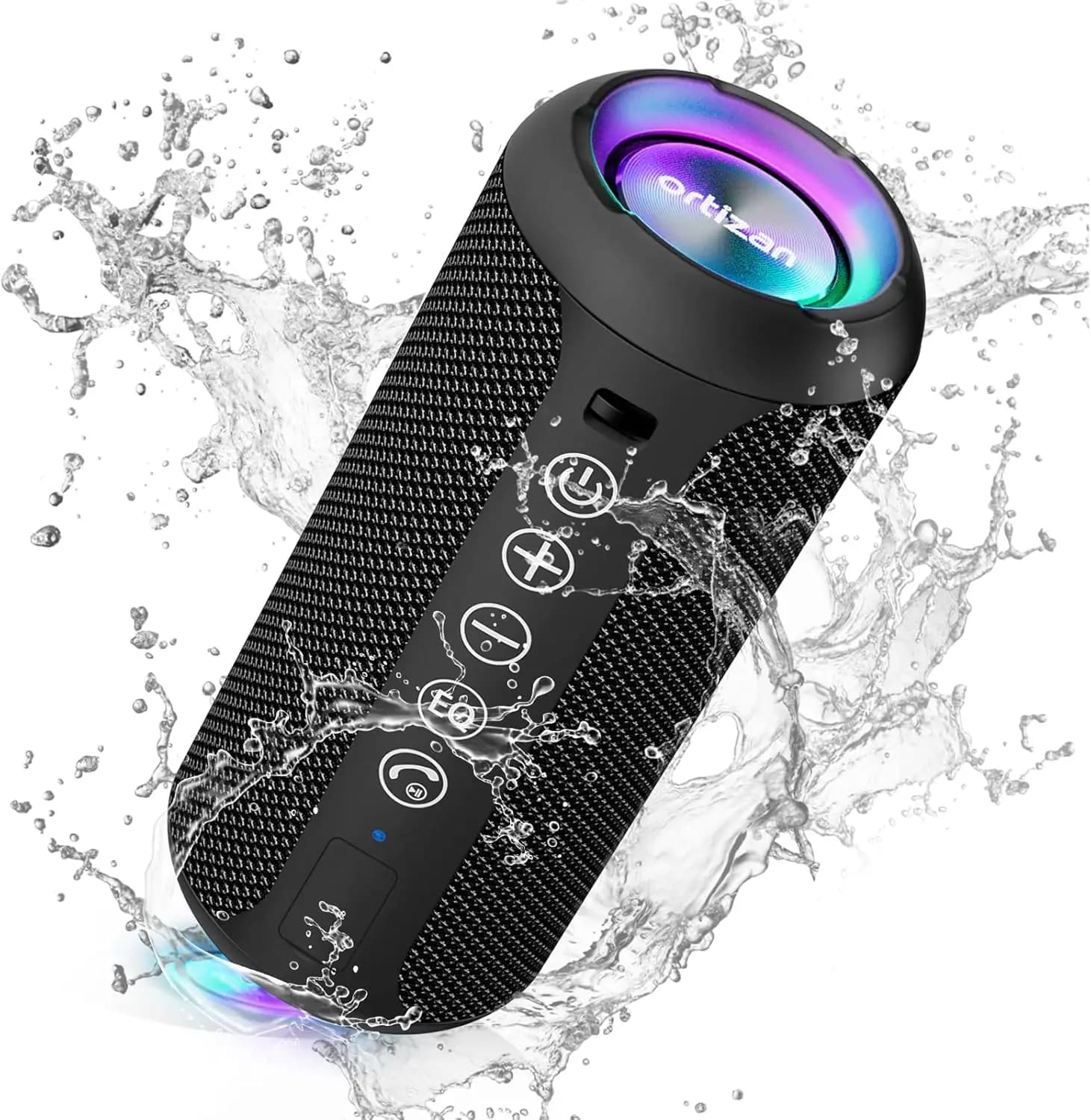
Ortizan X10 Portable Bluetooth Speaker with RGB Lights
In stock · Options available · Ships in 7–21 business days
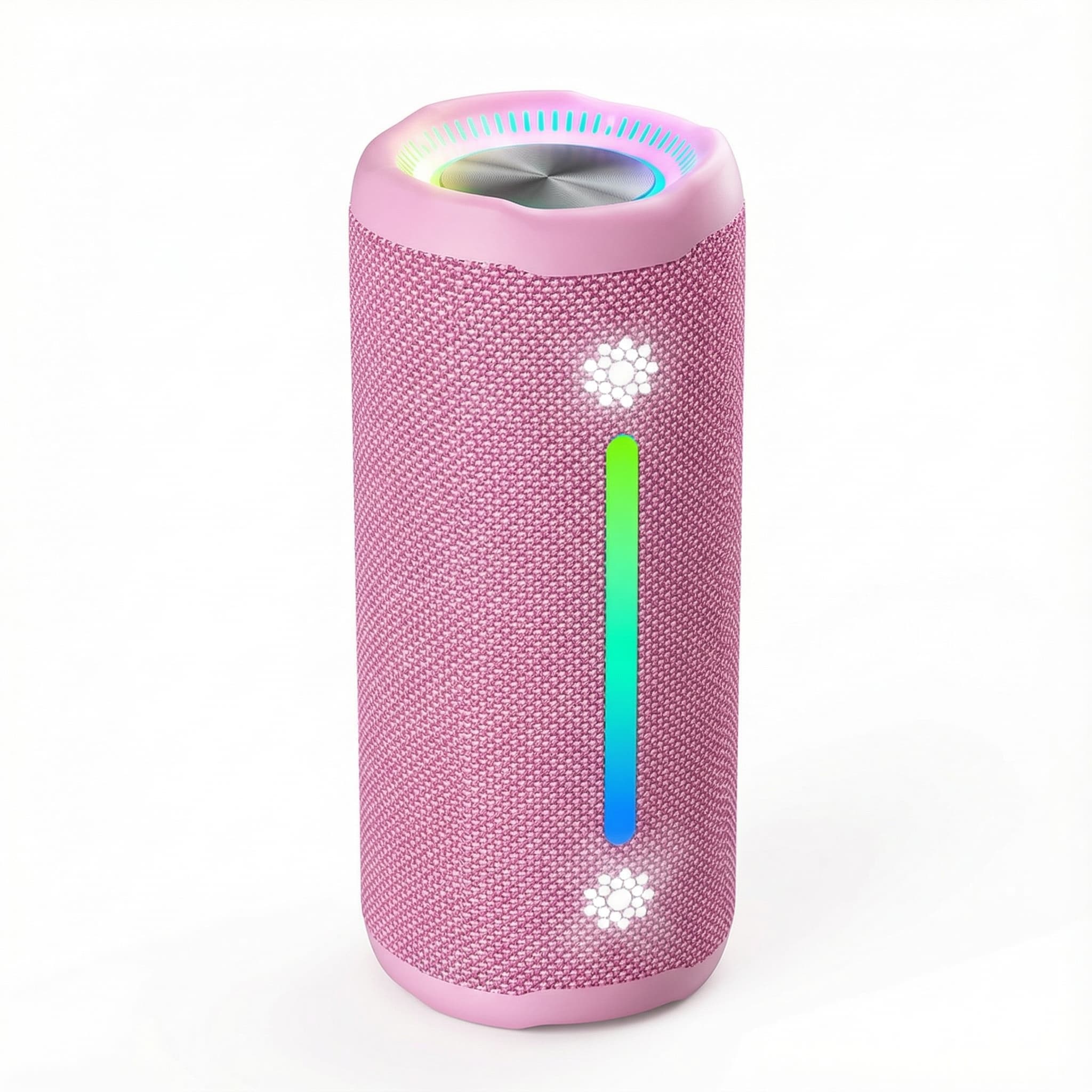
Ohayo X10 Max Bluetooth Speaker with Bass Boost and Lights
In stock · Options available · Ships in 7–21 business days
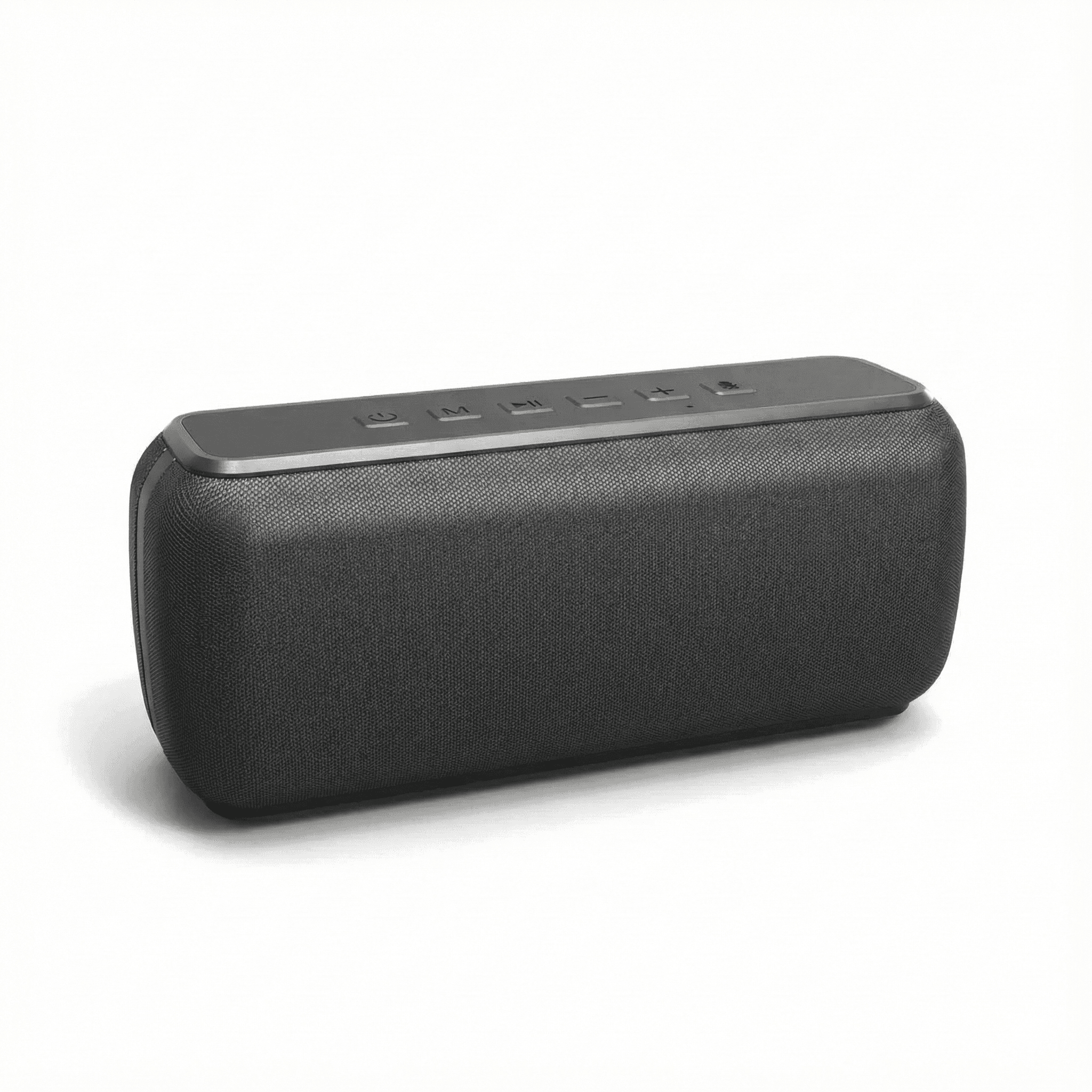
Xdobo X8 II Portable Bluetooth Speaker with Power Bank
In stock · Options available · Ships in 7–21 business days
Continue reading
 Tech & Gadgets
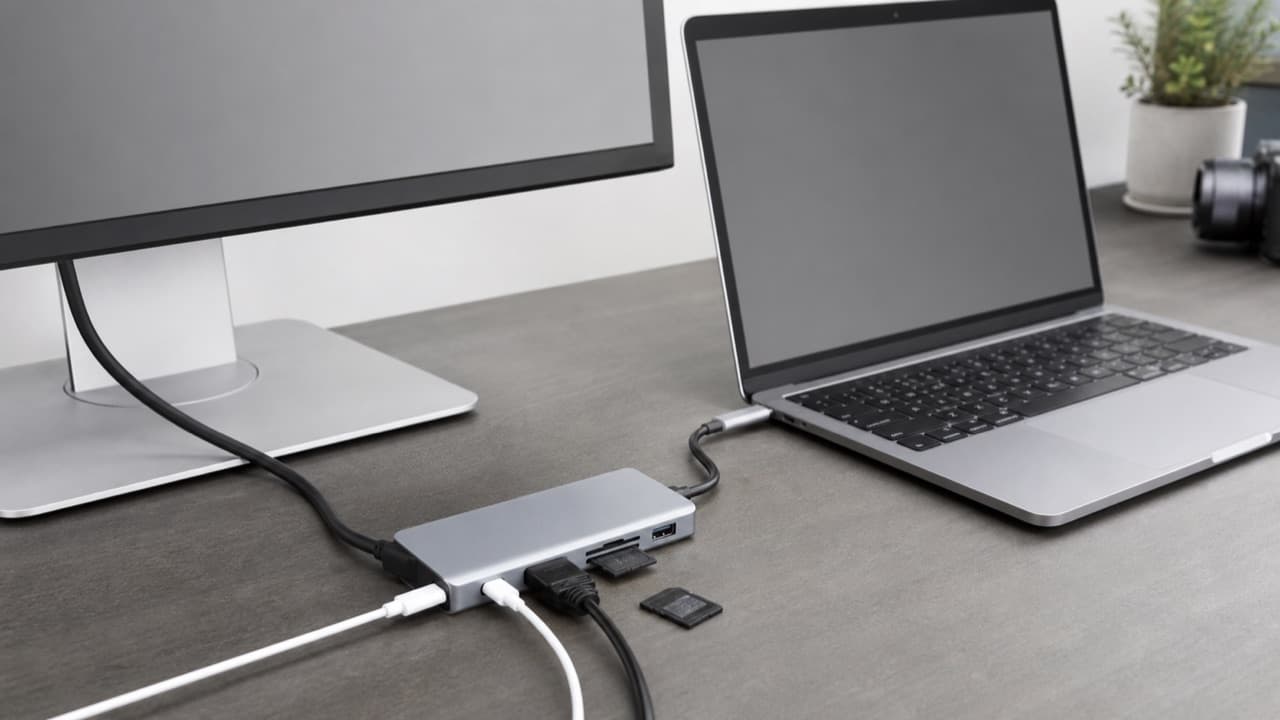
USB-C Hub Buying Guide: Ports, Video and Power Explained
USB-C hub buying guide: check what your laptop port supports, read data speed labels, size power pass-through and match the video and ports you need.
 Tech & Gadgets
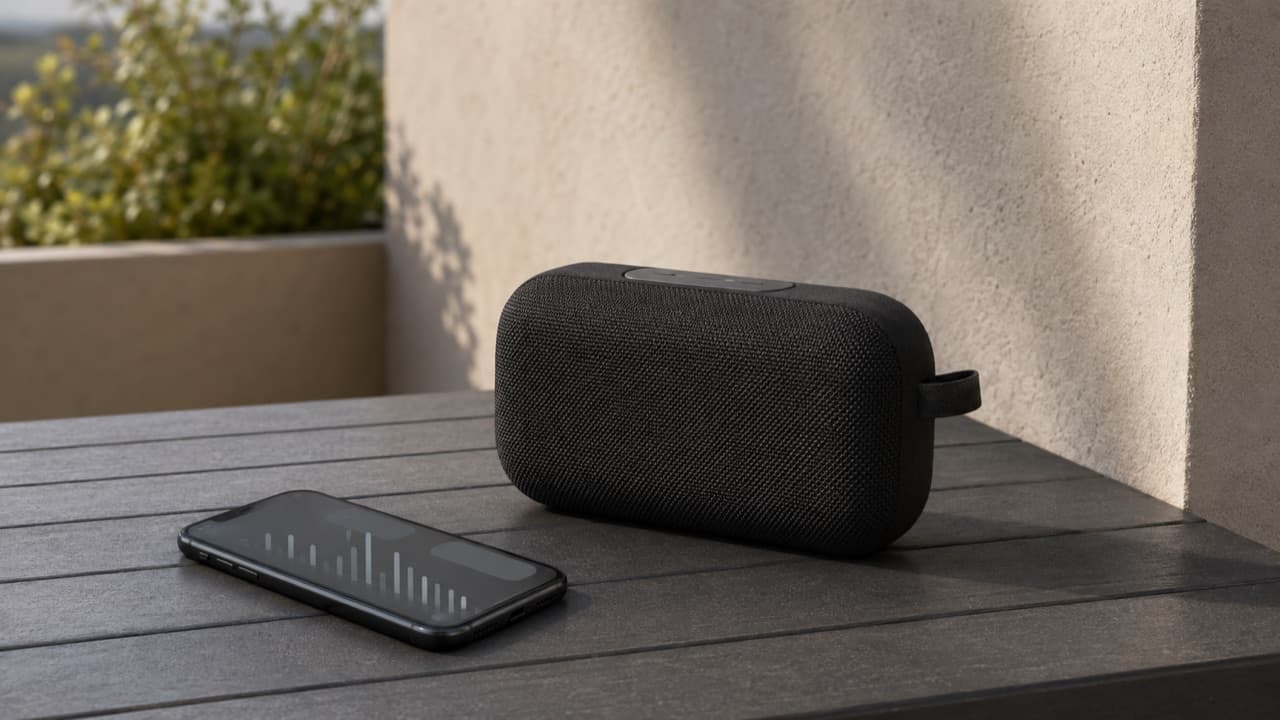
Portable Speaker EQ Settings: How to Get Better Bass
Portable speaker EQ settings explained: how bass boost, app presets and placement change the sound, why bass fades at high volume, and how to tune it well.
 Tech & Gadgets
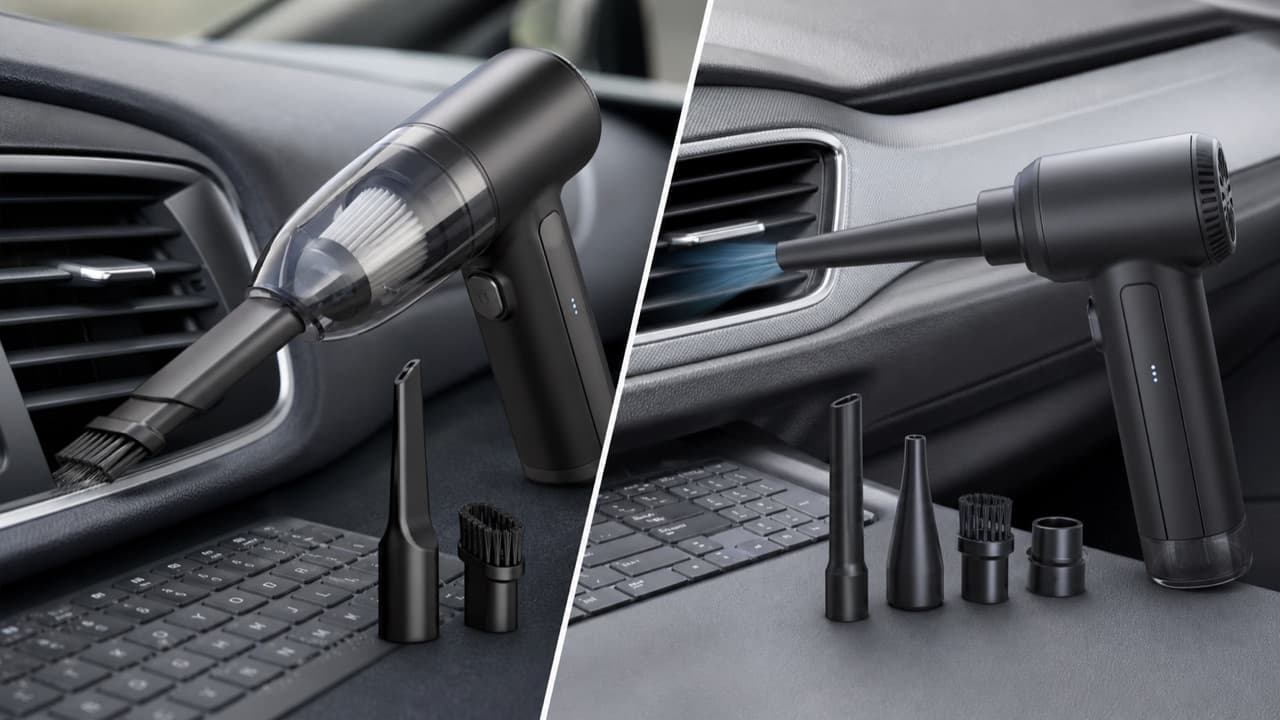
Car Vacuum vs Air Duster: Which Cleans Your Car Better?
Car vacuum vs air duster: what each tool removes, why blowers move dust rather than collect it, 2-in-1 trade-offs and a blow-then-vacuum routine for cars.