

Wireless Charging Alarm Clock Not Working? Fixes
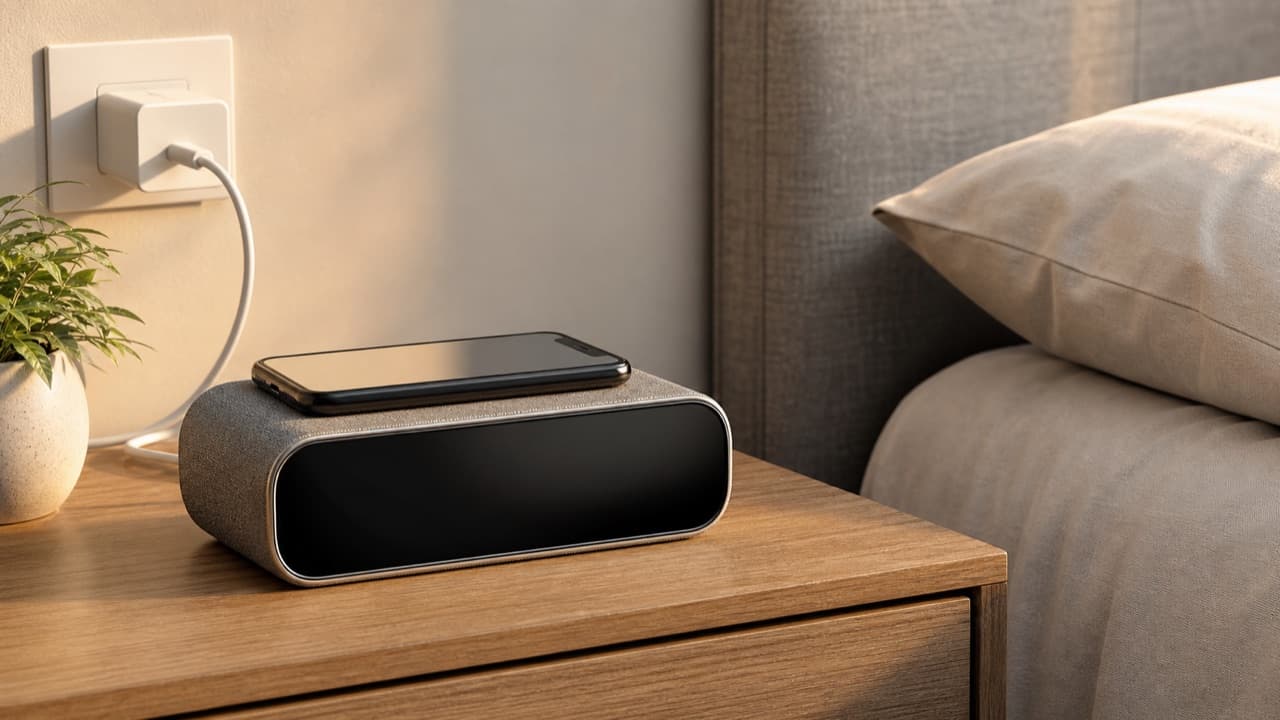
When a wireless charging alarm clock is not working, the cause is usually one of four things: the phone is not centered on the charging coil, the case is too thick or has metal in it, the power adapter cannot supply enough power, or the phone has paused charging on purpose because of heat or a battery-saving setting. Most of these take a minute to fix. This guide walks through each symptom in order, for anyone with a bedside clock charger that has started misbehaving or never worked right. It also covers the clock side: lost time, dazzling displays, alarms that do not sound and buzzing at night.
Key takeaways
- Start with alignment: Qi coils are small, and being a little off-center can stop charging entirely.
- Remove the case to test. Thick, metal, magnetic-plate or wallet cases are the most common cause of failure and heat.
- Use the adapter and cable that came with the clock, or one that meets its listed input. Weak adapters cause slow charging, cycling or a dead charger.
- Stopping at about 80 percent overnight is often your phone’s battery protection feature, not a fault.
- If the pad or phone gets too hot to hold comfortably, stop using it and contact the seller; do not keep forcing a charge.
Phone not charging at all
Work through these in order and test after each step.
- Confirm your phone supports Qi wireless charging. Most recent flagship and many mid-range phones do, but plenty of budget phones do not. Check your phone’s specifications rather than assuming.
- Take the case off. Most Qi chargers work through thin cases, commonly up to about 3 to 5 mm, but not through metal, magnetic mount plates, PopSockets, or cards and key fobs. Credit cards and hotel key cards can also be damaged by the magnetic field.
- Center the phone on the coil. The coil in your phone is usually near the middle of its back, slightly above center on many models. On a flat pad, shift the phone around a centimeter at a time. On an upright stand, a very tall or very short phone may sit with its coil above or below the charger’s coil; some stands have two coils or an adjustable ledge for this reason.
- Check the power supply. Plug the clock directly into a wall outlet using its own adapter and cable. Laptop USB ports, old 5 W phone cubes and long, thin cables often cannot deliver enough. If the clock lists a required input, such as a USB-C adapter with Quick Charge or USB Power Delivery, match it.
- Look for foreign objects. Coins, keys or a metal hairclip on the pad trigger foreign object detection, which shuts the coil off for safety. A blinking indicator light often means this, or a misaligned phone.
- Restart both. Unplug the clock for 30 seconds and restart the phone. Then try a different Qi phone or earbuds case if you have one, to tell a clock fault from a phone issue.
Charging slowly, stopping and starting, or stopping at 80 percent
Slow charging
Wireless charging is less efficient than a cable, and some energy is lost as heat. Typical Qi output to phones ranges from about 5 W to 15 W, depending on the charger, the phone and the standard used. Some phones only accept a lower wattage from third-party chargers. iPhones, for example, typically take up to 7.5 W from a standard Qi charger, while Qi2 and MagSafe chargers can deliver more to compatible models. Check what your phone accepts before blaming the clock.
Charging that cycles on and off
Repeated connect and disconnect chimes usually mean slight misalignment, vibration from notifications nudging the phone off the coil, or an adapter that cannot hold steady power. Turn on Do Not Disturb at night, re-center the phone, and try the recommended adapter.
Stopping at 80 percent overnight
Many phones learn your routine and hold charge around 80 percent until shortly before you usually wake up, to reduce battery wear. On iPhone this is Optimized Battery Charging; many Android phones have an adaptive or protect-battery option. This is normal behavior. You can turn it off in the battery settings if you need a full charge, but it is good for long-term battery health.
Heat
Phones and chargers slow or pause charging when they get warm. Thick cases, a phone running heavy apps, direct sun or a clock pushed against a pillow or headboard all trap heat. Give it airflow. A pad that is warm is normal; one too hot to touch comfortably is a reason to stop and contact the seller.
Clock problems: time, alarms, brightness and noise
| Symptom | Likely cause | What to try |
|---|---|---|
| Time resets after a power cut | No backup battery, or a flat or missing coin cell | Check the manual for a backup battery slot and replace the cell; otherwise reset after outages |
| Clock drifts minutes per month | Normal quartz drift on clocks without automatic time sync | Reset monthly, or sync time from the app if the clock has one |
| Wrong time after daylight saving | Clock does not adjust automatically | Set manually twice a year; check whether a DST setting exists |
| Alarm does not sound | Alarm disabled, volume at minimum, wrong AM/PM, or weekday-only schedule | Confirm the alarm icon is lit, check AM/PM and test with an alarm a few minutes ahead |
| Display too bright at night | Auto-dim off or fixed brightness | Use the dimmer button or night mode; many clocks have several levels or an off setting |
| High-pitched whine or buzz | Coil or power-supply noise, sometimes worse with certain adapters | Try the supplied adapter; if it persists or worsens, contact the seller |
| Bluetooth speaker drops out | Distance, interference or stale pairing | Forget the device on your phone, re-pair, and keep the phone within a few feet |
For more on bedside light, it is worth reading how light color and brightness affect sleep; a dim, warm clock display is usually easier on the eyes at night than a bright blue-white one.
Multi-device clocks: watches, earbuds and extra ports
Clocks with several charging spots share a limited power budget from one adapter. If you charge a phone, earbuds and a watch at once from an underpowered adapter, one of them may charge slowly or not at all. Use the adapter the maker specifies. Watch chargers on these clocks are often designed for a specific watch family, so a watch from another brand may not charge even if it fits physically. Earbud cases need their own Qi support and good centering on the smaller pad.
ADLTHUB’s 6-in-1 Smart Alarm Clock and Wireless Charger is one example of this kind of device; check its product page for compatible phones and watches, the required adapter, delivery and return terms. Our smart alarm clock wireless charging guide covers what to check before buying one, and fast charging explained goes deeper on adapters, USB PD and MagSafe.
Mistakes to avoid
- Using whatever USB brick is nearby. Many clock chargers need a specific fast-charging adapter to run the coil properly.
- Charging through a wallet case. Cards can be damaged and the extra distance adds heat.
- Leaving the clock under pillows or blankets. Trapped heat slows charging and is a safety concern.
- Assuming 80 percent means broken. It is usually a battery-protection setting.
- Ignoring burning smells, swelling, scorch marks or a damaged cable. Unplug immediately and stop using the device.
- Opening the clock to fix it. It voids warranties and exposes you to mains-adapter risk; contact the seller instead.
When to fix, when to return
Fix it yourself if the problem goes away after removing the case, centering the phone, switching to the correct adapter or changing a phone setting. Return or claim under warranty if the clock fails with a bare, Qi-compatible phone on the correct adapter, if it charges one device but not the advertised others, if it overheats, or if the display or alarm fails after a reset. Keep the box and receipt, note what you tried, and check the return window early; our online return policy checklist explains what sellers usually ask for. Browse more desk and bedside tech in the electronics and accessories category.
Frequently asked questions
Why is my phone not charging on my alarm clock’s wireless charger?
The most common causes are a misaligned phone, a thick or metal-backed case, an underpowered adapter or a phone that does not support Qi. Remove the case, center the phone and plug the clock into the wall with its own adapter before assuming a fault.
Why does my wireless charger light keep blinking?
On many chargers a blinking light signals a foreign object, misalignment or a power-supply problem. Clear the pad, re-center the phone and try the supplied adapter. Check the manual, since light codes vary by model.
Why does my phone stop charging at 80 percent overnight?
It is usually a battery-protection feature such as Optimized Battery Charging on iPhone or adaptive charging on Android. The phone holds around 80 percent and finishes before your usual wake-up time.
How thick can a phone case be for wireless charging?
Most Qi chargers work through cases up to roughly 3 to 5 mm, but it varies by charger. Metal, magnetic plates, grips and cards in the case block or disrupt charging regardless of thickness.
Is it safe to charge my phone on a wireless alarm clock overnight?
Generally yes when you use a certified charger, the correct adapter and keep the clock in the open with airflow. Stop using it if it gets too hot to hold, smells of burning or the cable is damaged.
Shop Tech & Gadgets
View all →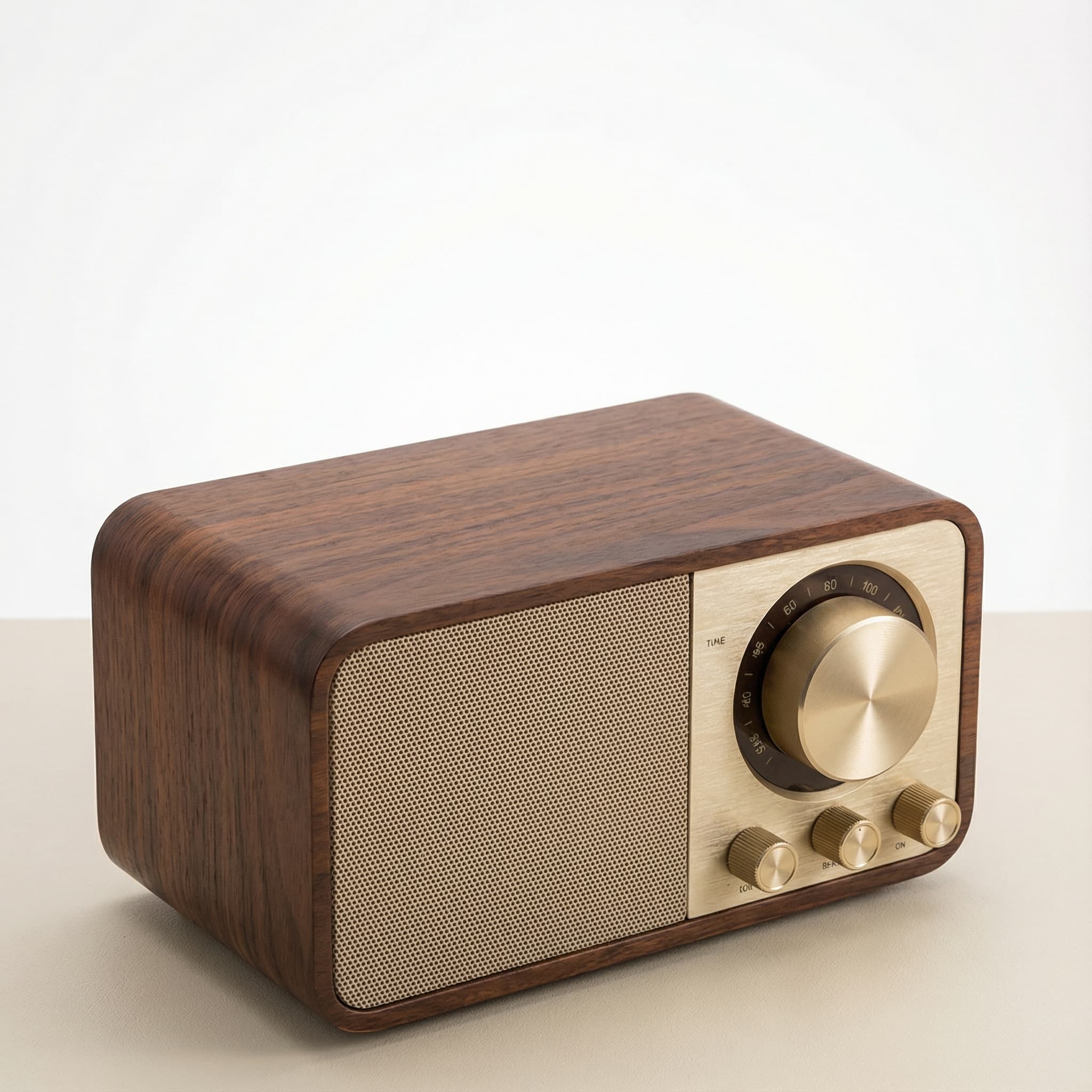 Sale
SaleRetro Wood-Cabinet Bluetooth Speaker with FM Radio
In stock · Ships in 7–21 business days
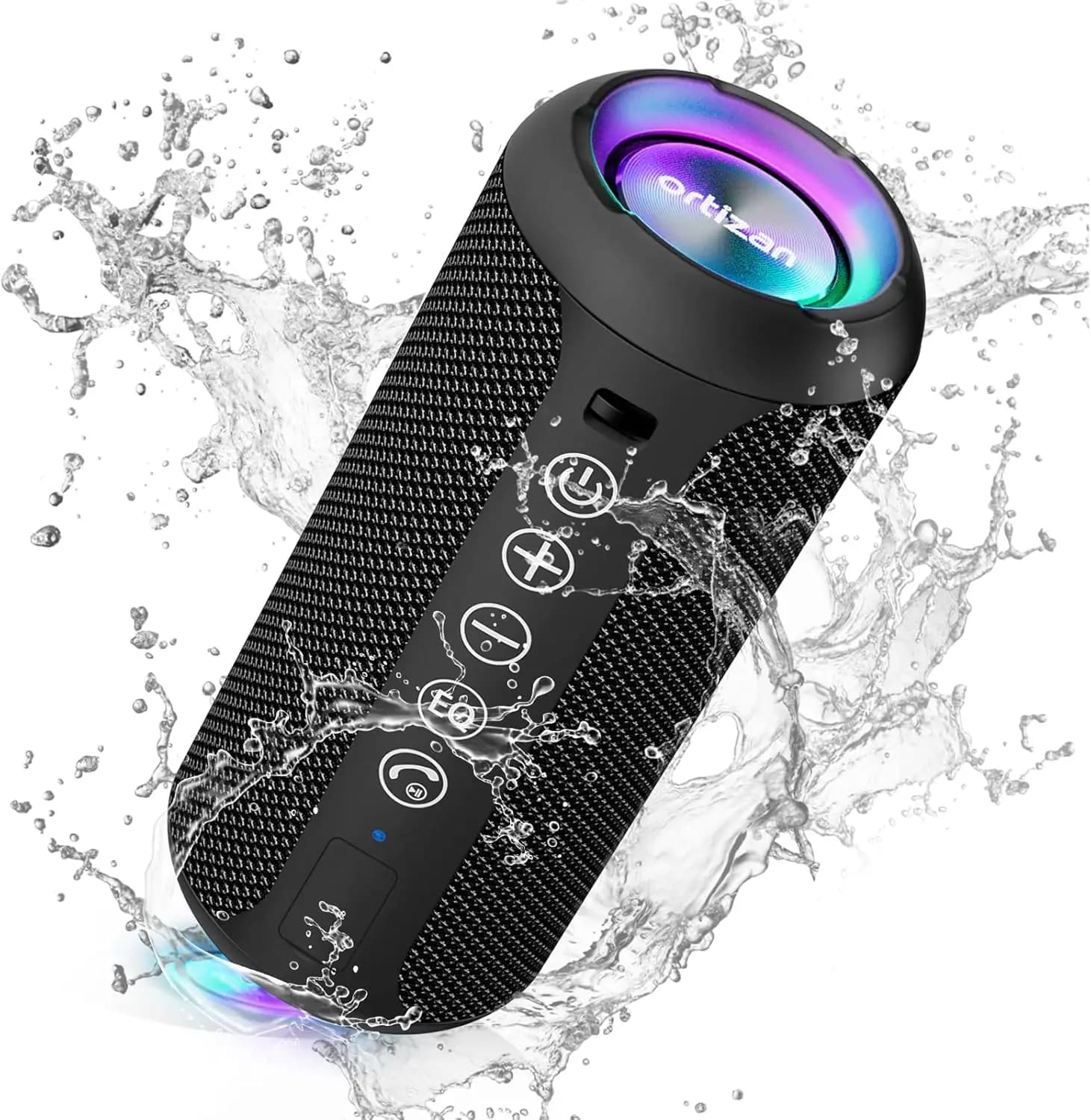
Ortizan X10 Portable Bluetooth Speaker with RGB Lights
In stock · Options available · Ships in 7–21 business days
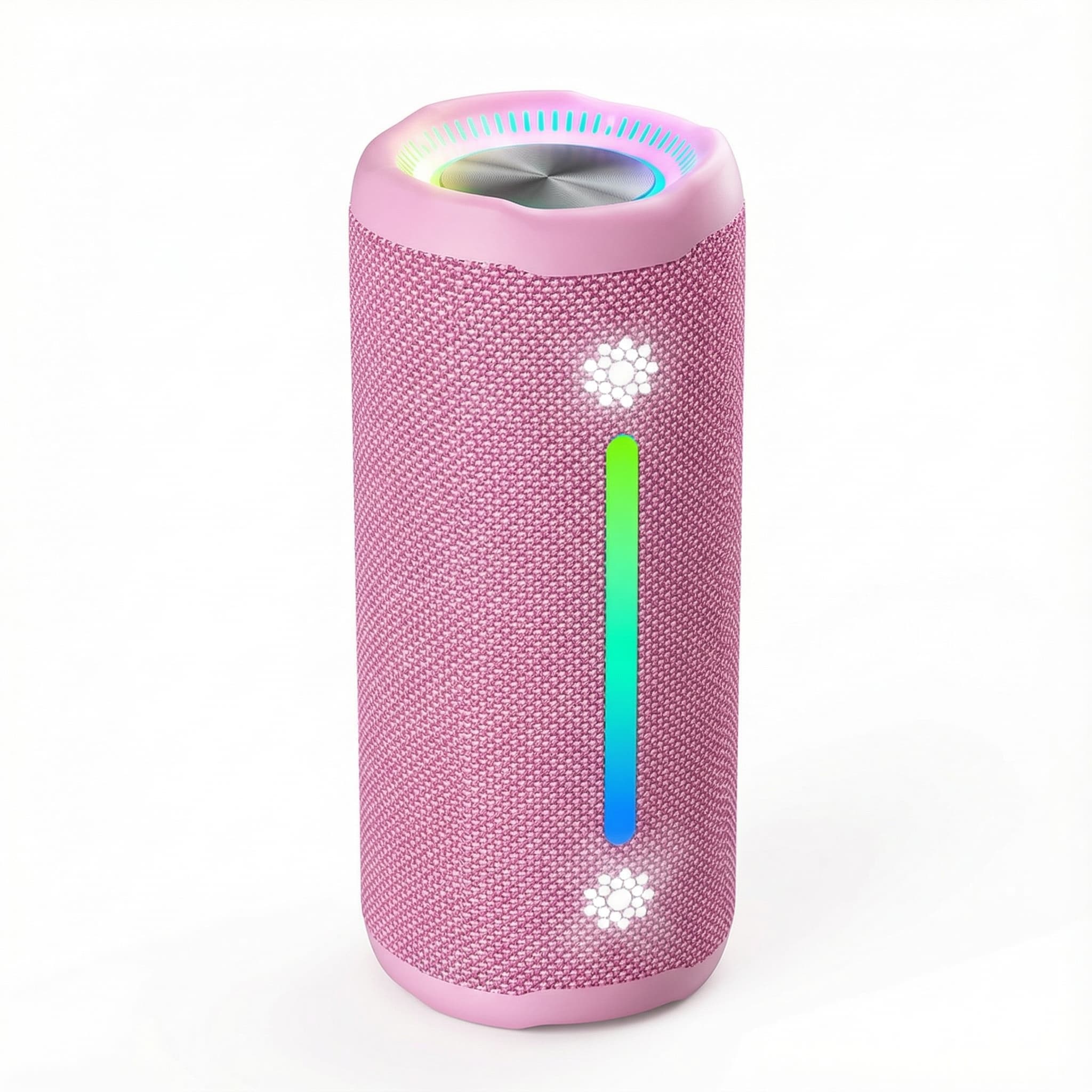
Ohayo X10 Max Bluetooth Speaker with Bass Boost and Lights
In stock · Options available · Ships in 7–21 business days
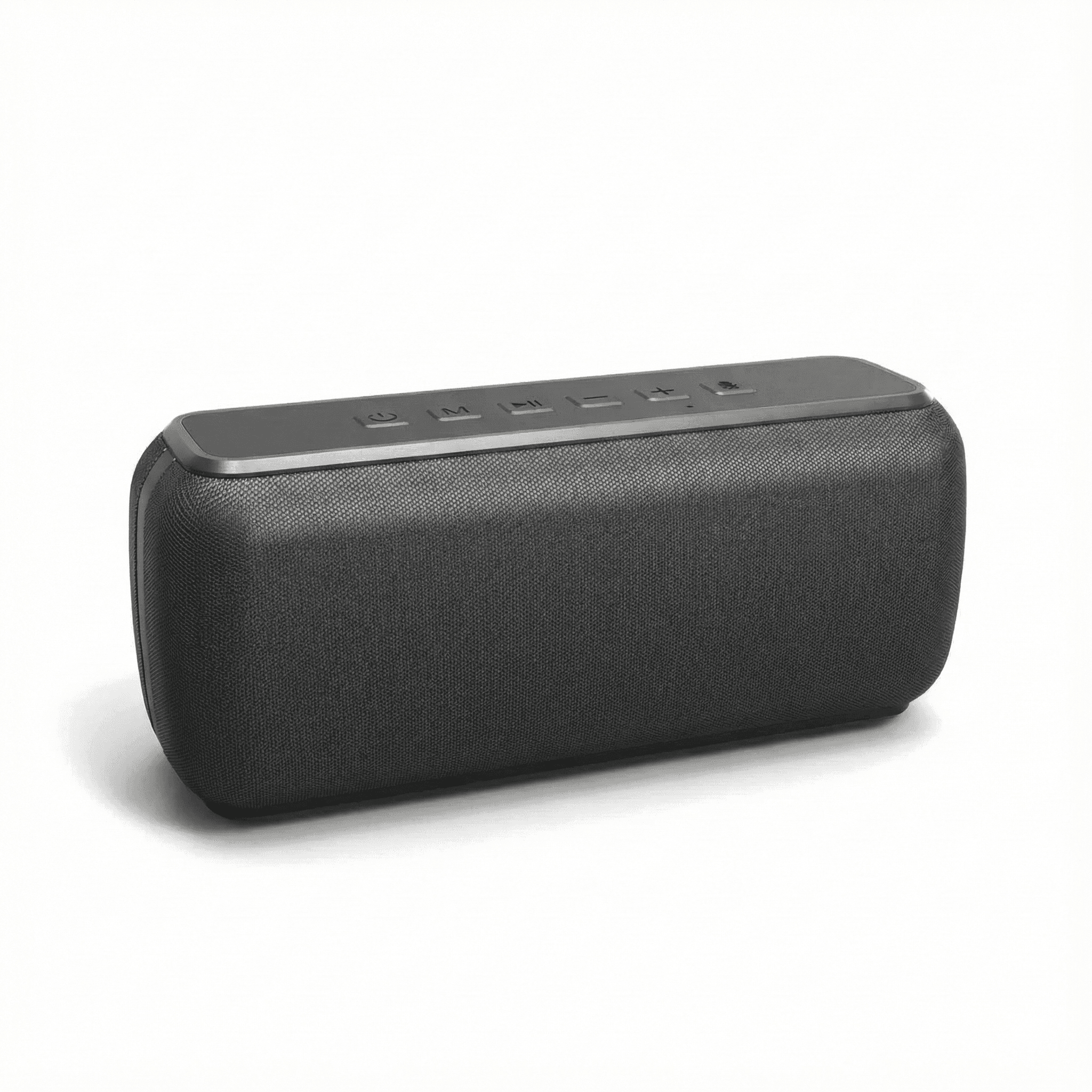
Xdobo X8 II Portable Bluetooth Speaker with Power Bank
In stock · Options available · Ships in 7–21 business days
Continue reading
 Tech & Gadgets
Portable Speaker Battery Care: Charging, Storage and Heat
Portable speaker battery care made simple: how to charge, store and use a Bluetooth speaker so its lithium-ion battery lasts longer and stays safe.
 Tech & Gadgets
Bluetooth Speaker Stereo Pairing: Setup, Sync and Lag Fixes
Bluetooth speaker stereo pairing explained: which speakers can pair, how to set up left and right channels, and how to fix dropouts and video lag.
 Tech & Gadgets
USB-C Hub Buying Guide: Ports, Video and Power Explained
USB-C hub buying guide: check what your laptop port supports, read data speed labels, size power pass-through and match the video and ports you need.