

Smart Plug Vacation Mode: Set Up Safe Away Schedules
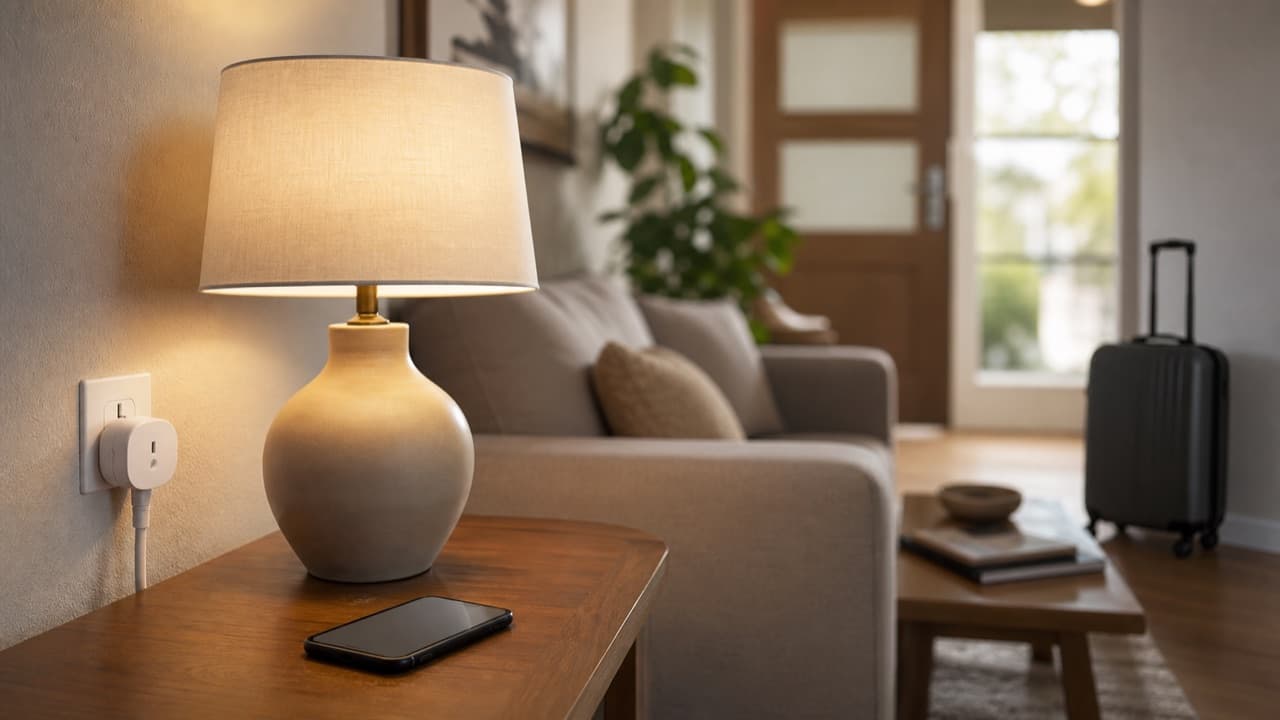
Smart plug vacation mode, often called away mode or randomize, switches lamps on and off at slightly different times each evening so your home looks lived in while you travel. Set up well, it is a cheap, useful layer on top of locks, lighting and a neighbor collecting mail. Set up badly, it puts the wrong appliance on an unattended timer, stops after a power blip, or opens an account that anyone can log into. This guide is for travelers who want to set up smart plugs for a trip the safe way, and it covers which loads to use, how to build believable schedules, and what to test before you leave.
Key takeaways
- Use smart plugs for lamps and similar low, resistive loads; never for space heaters, irons, hair tools, or anything the plug or appliance manual excludes.
- Many US smart plugs are rated up to 15 A (1,800 W at 120 V), but some are lower; check the label and leave plenty of headroom.
- Randomized away modes look more natural than fixed on/off times; if your app lacks one, build two or three overlapping schedules.
- Set each plug’s power-on behavior so it returns to a sensible state after an outage.
- Secure the account with a unique password and two-factor authentication before you leave, and update firmware.
How smart plug vacation mode works
Different apps name it differently: Away Mode, Vacation Mode, Randomize, or simply schedules with a random offset. The idea is the same. Between a start and end time you choose, the plug turns on and off at varying intervals, usually within a window of 15 to 60 minutes, so a passerby does not see a lamp click on at exactly 7:00 p.m. every night.
Schedules are stored either in the plug itself or in the cloud. Plugs that store schedules locally keep running even if your internet drops; cloud-only plugs may stop following the schedule until the connection returns. That difference matters on a two-week trip, so check the app or manual for “local schedule” or “offline schedule” support.
Smart plugs are a convenience, not a security system. They complement good locks, exterior lighting, a mail hold and, if you have one, a monitored alarm or cameras.
What to plug in, and what to keep off
Smart plugs switch power on and off with a relay. Lamps are easy loads; motors, compressors and high-heat appliances are not, and an unattended heater on a schedule is a real fire risk.
| Device | OK on a vacation schedule? | Why |
|---|---|---|
| Table and floor lamps with LED bulbs | Yes | Low, steady load; the classic away-mode use |
| Radio or small TV | Usually | Check the device turns on by itself when power returns; many TVs stay in standby |
| Holiday and string lights | Usually, if rated for the location | Outdoor use needs an outdoor-rated plug and GFCI outlet |
| Space heaters, irons, curling irons, toaster ovens | No | High heat and current; most plug and appliance makers prohibit it |
| Refrigerators, freezers, sump pumps, aquarium heaters | No | A failed or hacked plug could spoil food, flood a basement or harm pets |
| Medical equipment, routers, security systems | No | Anything you need running should not be on a switchable plug |
Some lamps and devices have their own switch, which must be left in the on position or the plug will do nothing. Plug the smart plug directly into a wall outlet, not into another power strip or extension cord, and do not stack plugs. If the plug or outlet feels warm to the touch, unplug it and do not use it for the trip. The same “check the manual and stay conservative” rule applies to anything that heats or mists, including diffusers; our aromatherapy diffuser safety guide explains why those are better switched off while you are away.
Building a schedule that looks lived in
- Use two or three rooms. A living room lamp in the evening and a bedroom lamp later looks more natural than one light.
- Follow your real routine. On at dusk, off around your usual bedtime. Most apps can follow local sunset, which shifts automatically during the trip.
- Add randomness. Use the away mode, or set slightly different times on different days if the app only supports fixed schedules.
- Avoid all-night lighting. A lamp burning at 4 a.m. every night signals an empty house as clearly as darkness.
- Pair with interior blinds. Leave curtains in their normal daytime position so the light is visible but the room is not on display.
If you already use lighting scenes at home, our smart living room ideas article explains how to build them in one ecosystem, so the vacation schedule and everyday scenes do not conflict.
Plan for power outages and Wi-Fi drops
Check the plug’s power-on state setting, sometimes called “restore” or “power-on behavior”. Options are usually off, on, or the last state. For lamps, “off” or “last state” plus a working local schedule is safest, so a plug does not leave a lamp on for days after a storm.
Most budget smart plugs use 2.4 GHz Wi-Fi only. Test the plug in its final location for a few days before the trip. If the router restarts or your internet provider has an outage, plugs should reconnect automatically; confirm by restarting your router once while you watch the app. A weak signal is easier to fix before you leave than from an airport. For a stretched home network, see our Wi-Fi 6 router upgrade guide.
Secure the account before you go
- Use a unique password for the smart plug app and turn on two-factor authentication if offered.
- Install firmware updates for the plugs and router.
- Put smart devices on a guest or separate IoT network if your router supports it, which limits what a compromised device can reach.
- Remove old shared users, such as a former roommate or house-sitter.
- Turn off location features in the app you do not need, and be careful about posting trip photos publicly while you are away.
Browse connected gear in electronics and accessories, and check any plug’s listing for its load rating, Wi-Fi band and app before buying.
Mistakes to avoid
- Exceeding the rating. Plugging a heater or high-wattage appliance into a plug rated for lamps can overheat the relay.
- Setting it the night before. Untested schedules fail silently; run them for at least two evenings first.
- Ignoring the lamp’s own switch. If the lamp is switched off, the plug cannot turn it on.
- Relying on cloud-only schedules. An internet outage can stop everything; prefer plugs that keep schedules locally.
- Sharing the account password. Give house-sitters their own access or none, then remove it when you return.
Is smart plug vacation mode right for your trip?
Use it if you are away for a few days to a few weeks, have lamps in windows visible from the street, and have reliable Wi-Fi. Add more layers, such as a neighbor, mail hold or monitored security, for longer trips or homes that are visibly empty. Skip it for anything that heats, cools, pumps or keeps someone safe; those devices should either stay on normally or be switched off at the wall before you leave.
Frequently asked questions
What is away mode on a smart plug?
Away mode switches a plug on and off at randomized times within a window you set, so lights do not follow an obvious fixed timer. It helps a home look occupied but does not replace locks or a security system.
Is it safe to leave a smart plug on while on vacation?
For a lamp with an LED bulb on a properly rated plug, generally yes. Do not leave heaters, irons, kitchen appliances or anything the manual excludes on a smart plug while you are away.
What happens to a smart plug schedule when the power goes out?
It depends on the plug. Many return to a chosen power-on state and resume local schedules once power and Wi-Fi return, while some cloud-dependent models wait for an internet connection. Check the power-on setting before you travel.
What should you not plug into a smart plug?
Avoid space heaters, hair tools, irons, cooking appliances, refrigerators, sump pumps, medical equipment and anything drawing close to the plug’s rating. Always follow the plug’s and the appliance’s instructions.
Can smart plugs be hacked?
Any internet-connected device can be targeted. Using a unique password, two-factor authentication, current firmware and a separate network for smart devices makes misuse much less likely.
Shop Tech & Gadgets
View all →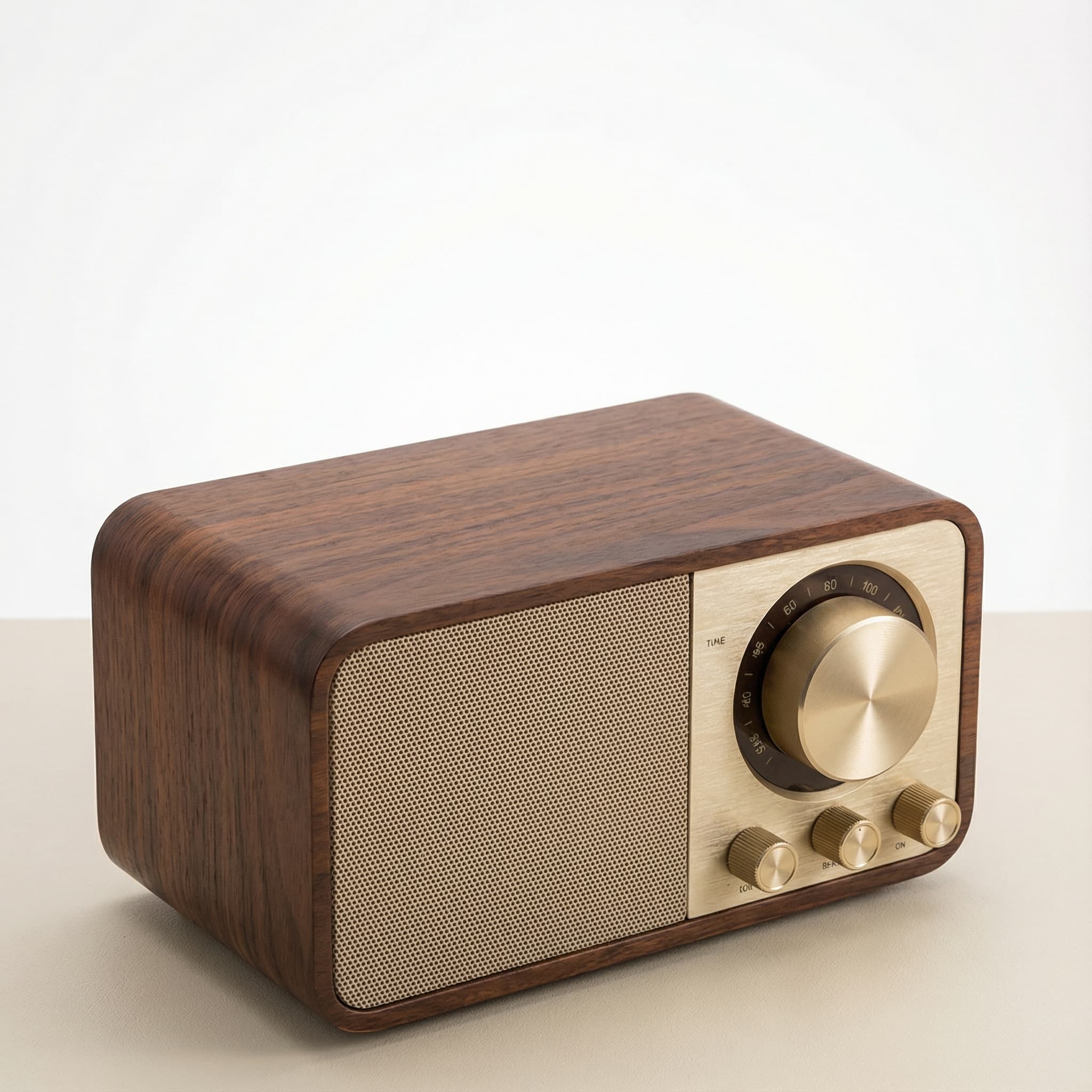 Sale
SaleRetro Wood-Cabinet Bluetooth Speaker with FM Radio
In stock · Ships in 7–21 business days
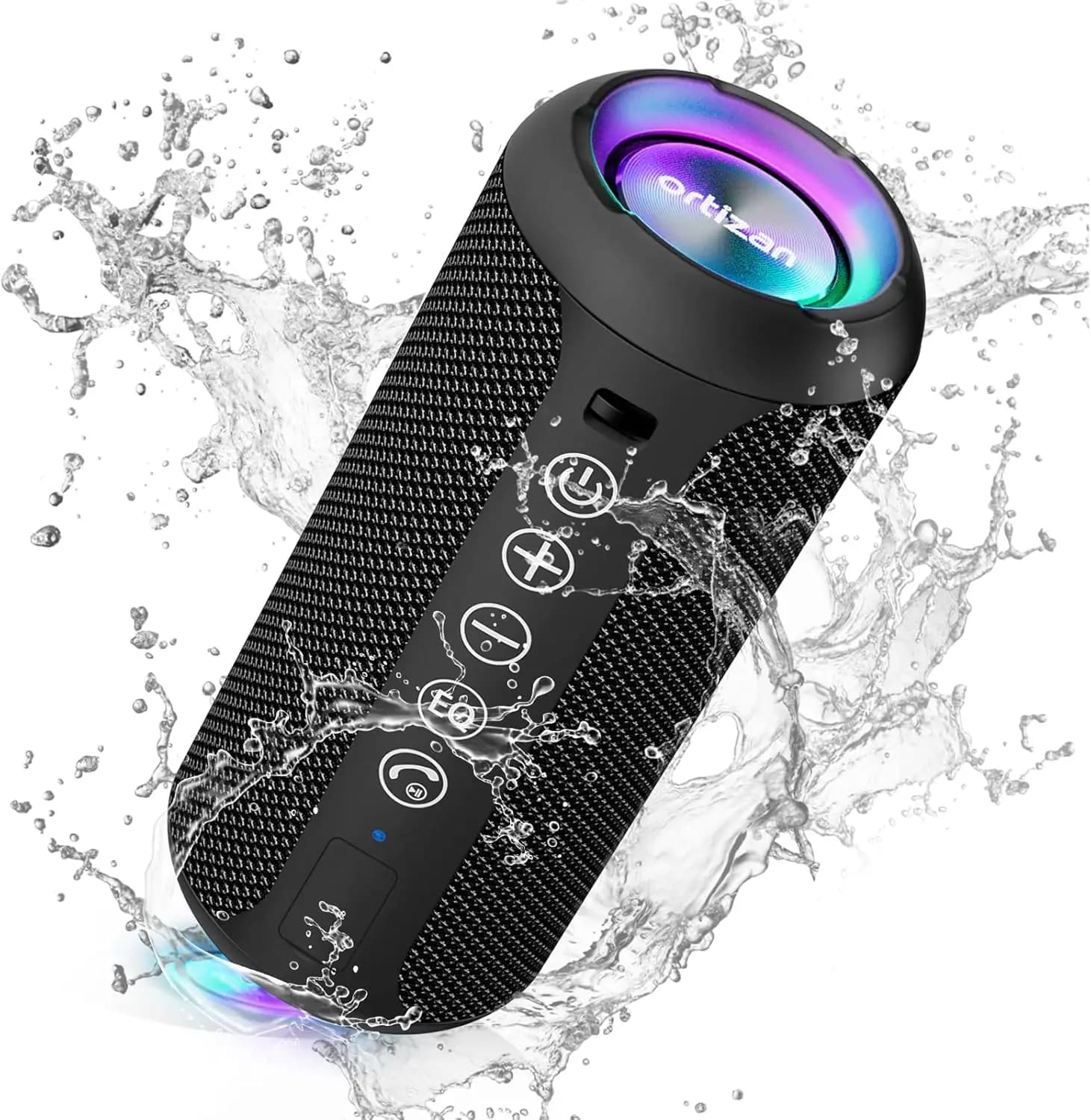
Ortizan X10 Portable Bluetooth Speaker with RGB Lights
In stock · Options available · Ships in 7–21 business days
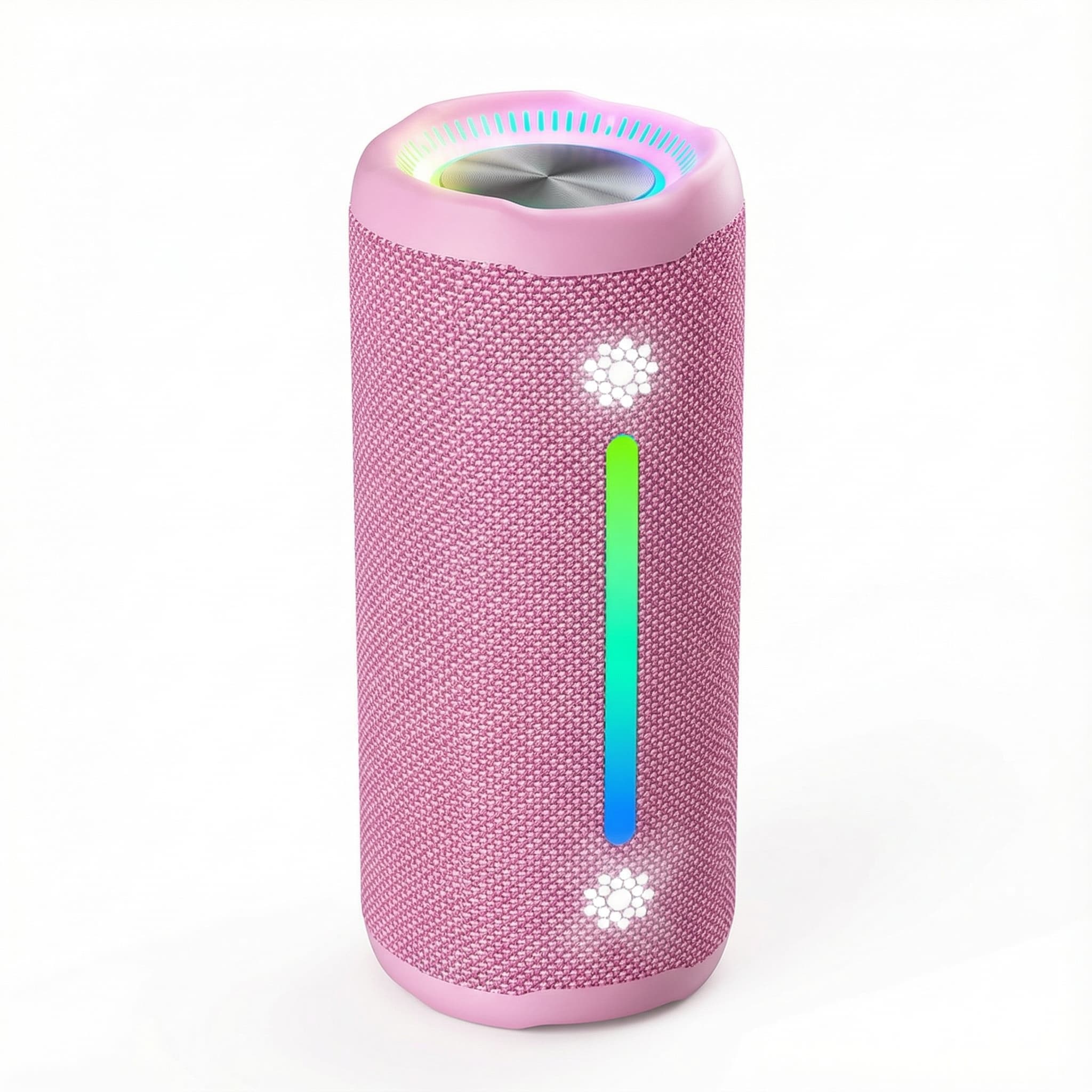
Ohayo X10 Max Bluetooth Speaker with Bass Boost and Lights
In stock · Options available · Ships in 7–21 business days
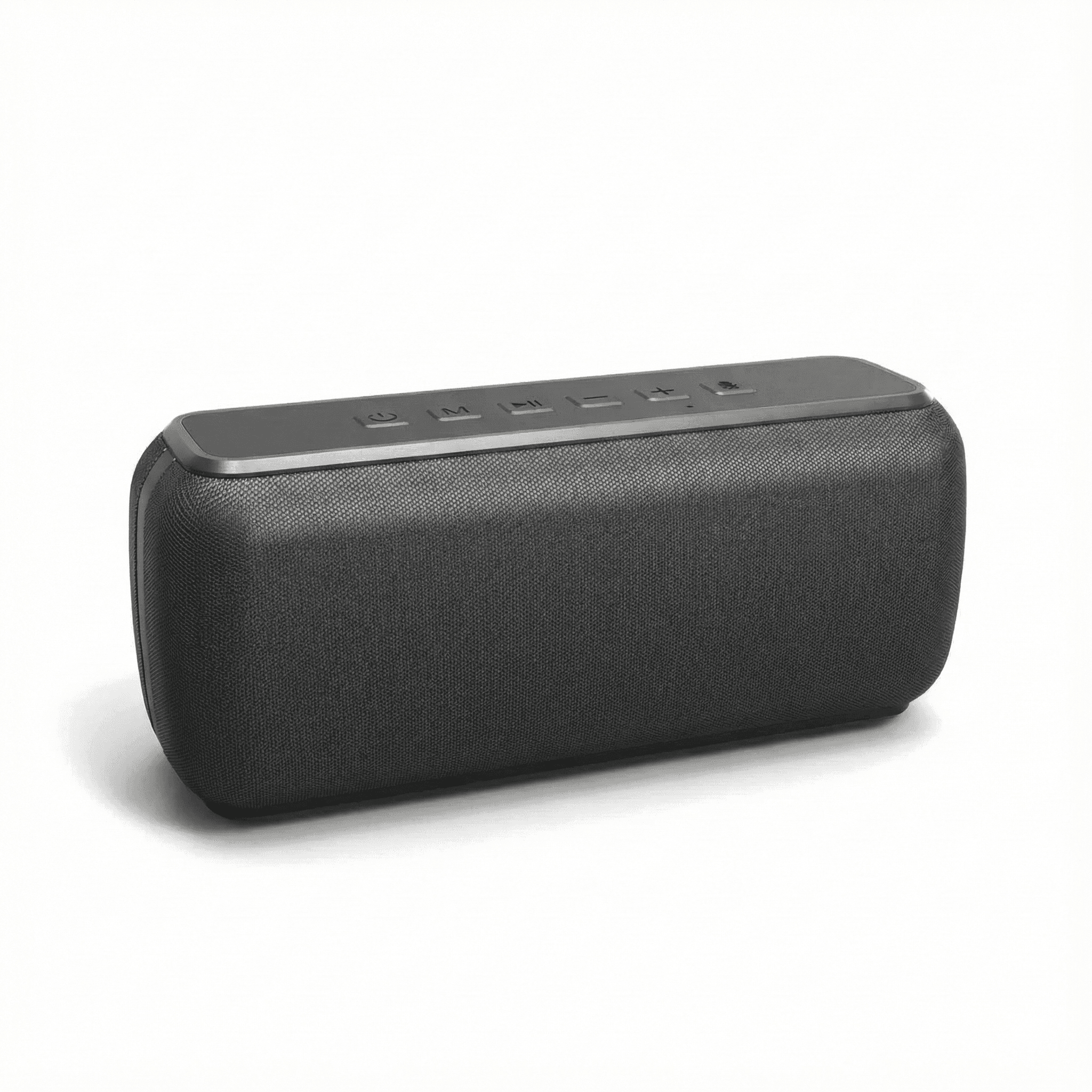
Xdobo X8 II Portable Bluetooth Speaker with Power Bank
In stock · Options available · Ships in 7–21 business days
Continue reading
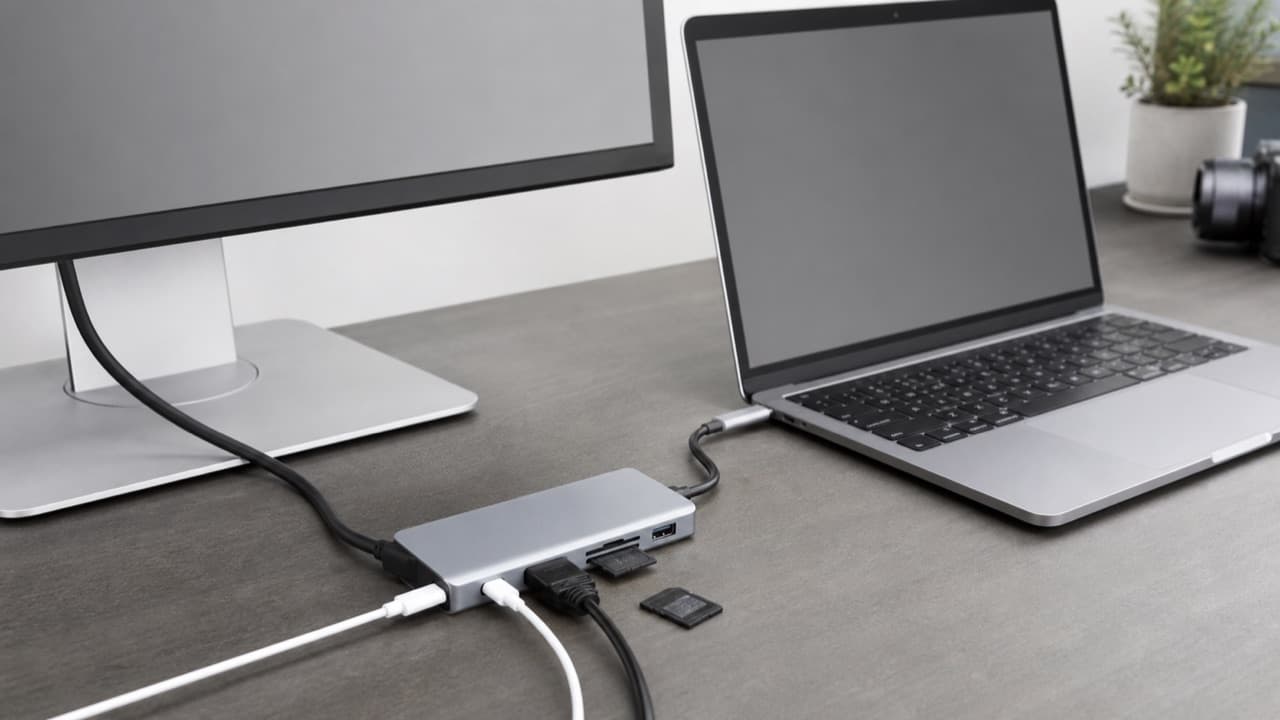 Tech & Gadgets
USB-C Hub Buying Guide: Ports, Video and Power Explained
USB-C hub buying guide: check what your laptop port supports, read data speed labels, size power pass-through and match the video and ports you need.
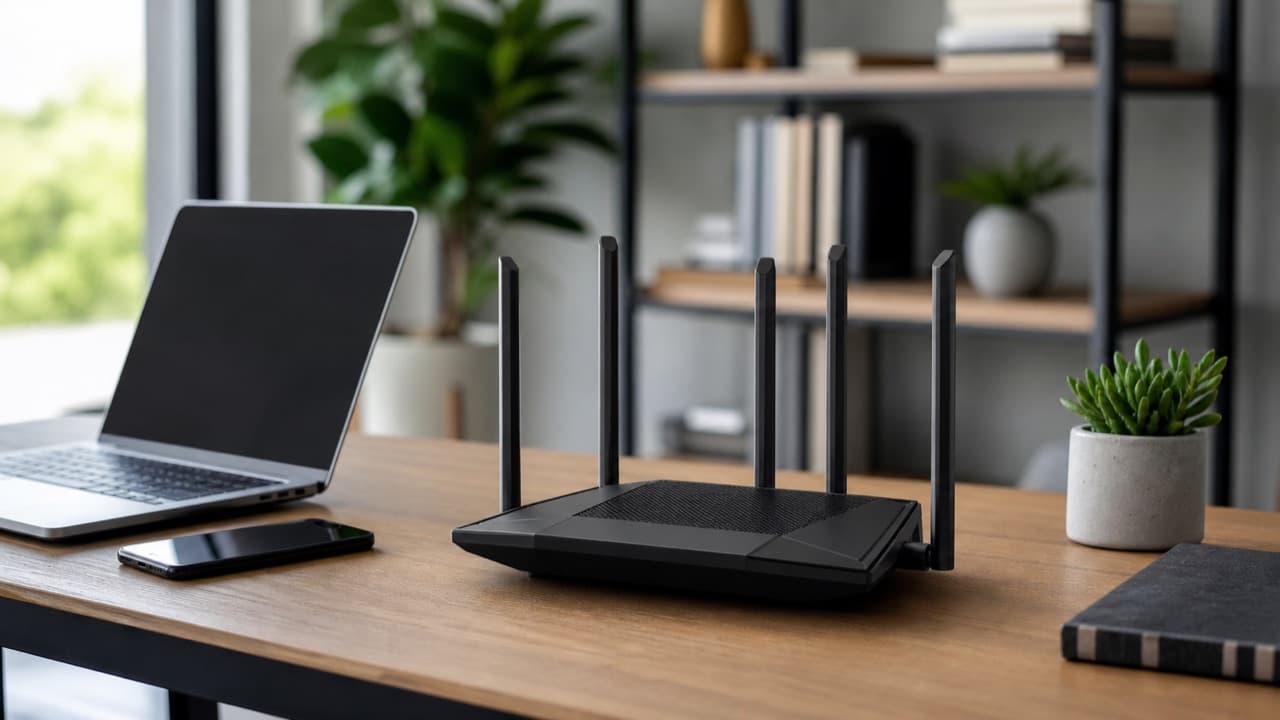 Tech & Gadgets
Wi-Fi 6 Router Upgrade: Is It Worth It in 2026?
Wi-Fi 6 router upgrade guide: when it beats your old router, how it compares with Wi-Fi 6E and 7, what AX numbers mean, and how to size it to your plan.
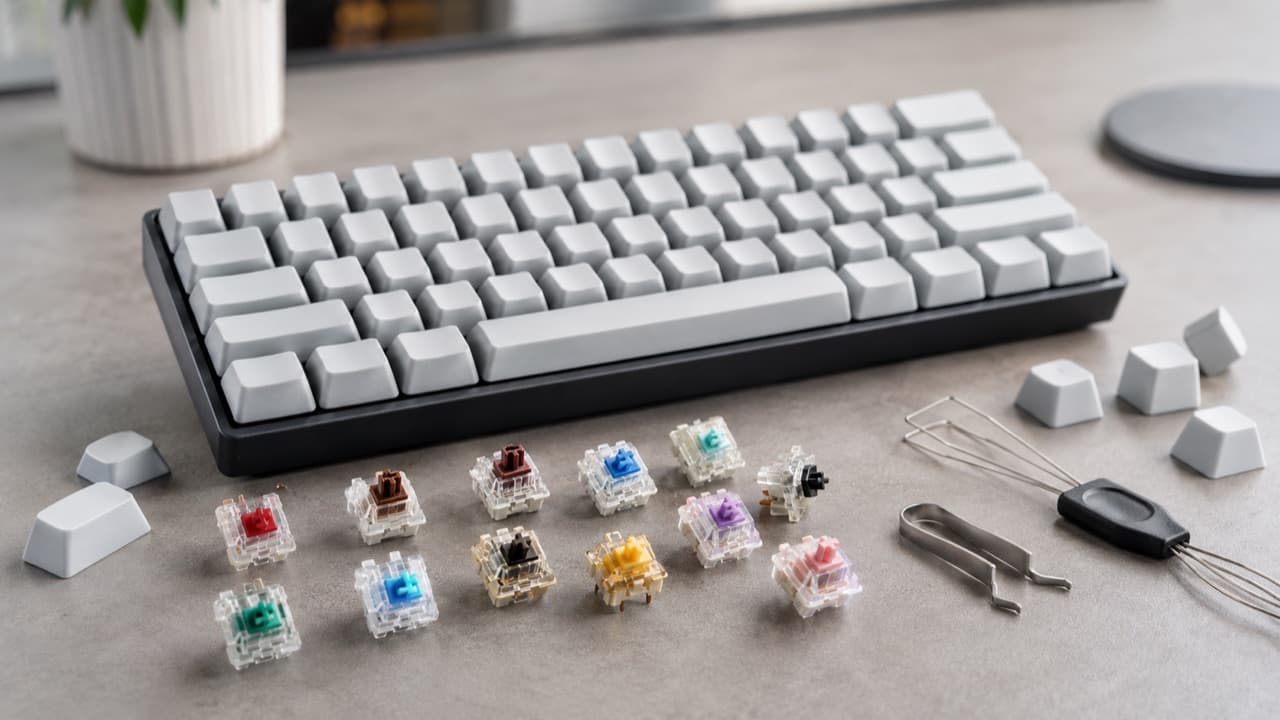 Tech & Gadgets
Mechanical Keyboard Switch Types: Linear, Tactile, Clicky
Mechanical keyboard switch types compared: linear, tactile, clicky, optical and Hall effect, with actuation force, travel, noise and hot-swap fit.