

Mechanical Keyboard Switch Types: Linear, Tactile, Clicky
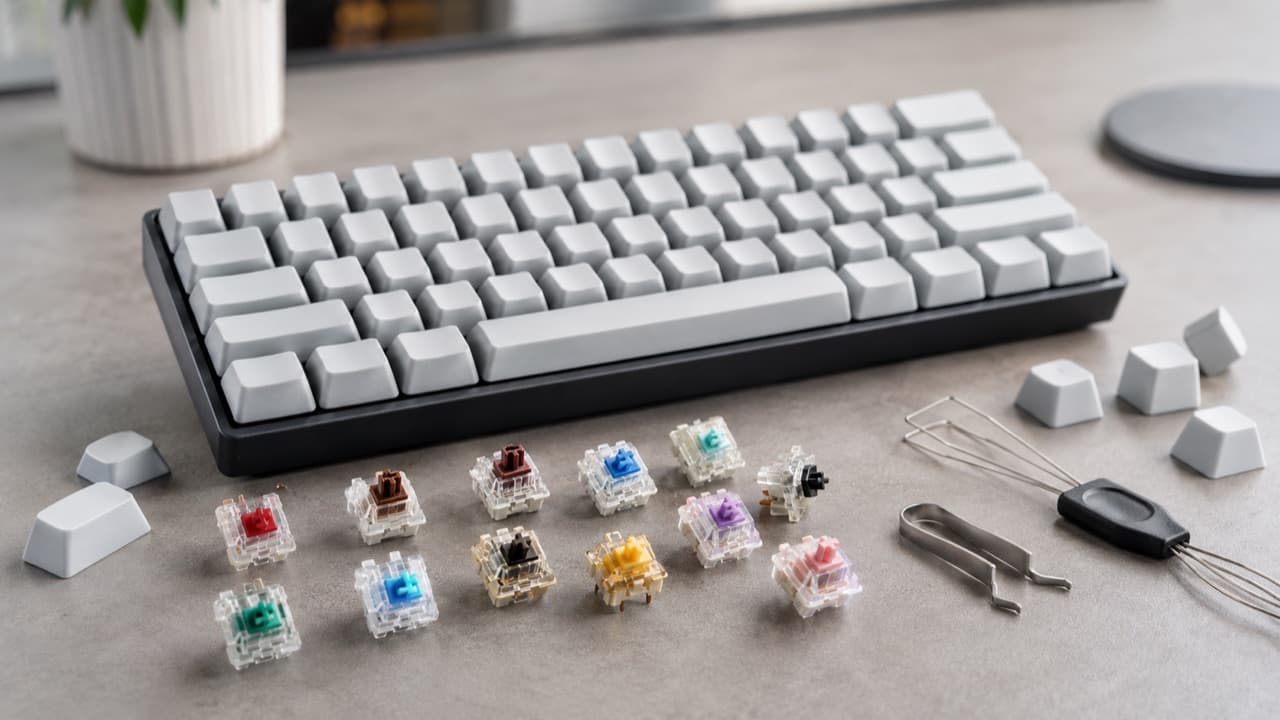
The three main mechanical keyboard switch types are linear, tactile and clicky. Linear switches move straight down smoothly, tactile switches have a small bump you can feel when the key registers, and clicky switches add an audible click to that bump. Beyond those three, newer optical and magnetic Hall effect switches change how the keypress is detected rather than how it feels. This guide is for anyone buying a first mechanical keyboard, or replacing switches on a hot-swappable board, who wants to understand what the colors and numbers on a listing actually mean before committing.
Key takeaways
- Pick by feel first: linear for smooth, fast presses; tactile for feedback without noise; clicky for maximum feedback where noise is not a problem.
- Actuation force (in grams-force or centinewtons) usually falls between about 35 and 80; around 45-55 is the comfortable middle for most typists.
- Common MX-style switches actuate around 2 mm into a 4 mm total travel; “speed” switches shorten that to roughly 1-1.5 mm.
- Switch colors are a loose convention, not a standard. A “brown” from one brand can feel very different from another’s.
- On hot-swap boards, check 3-pin vs 5-pin sockets and whether the board takes standard MX-style or low-profile switches.
Linear, tactile and clicky compared
Every conventional mechanical switch has a stem, a spring and a metal contact. What differs is the shape of the stem’s leg and any extra parts, which decide the feel and sound.
| Type | Feel | Sound | Common color names | Suits |
|---|---|---|---|---|
| Linear | Smooth, consistent from top to bottom | Quiet switch; noise mostly from bottoming out | Red, Black, Yellow, Silver/Speed | Gaming, fast typists who prefer no resistance changes |
| Tactile | Noticeable bump near the actuation point | Moderate | Brown, Clear, many boutique tactiles | Mixed typing and gaming; offices where clicks would annoy |
| Clicky | Bump plus a sharp click | Loud, high-pitched | Blue, Green, White | Home typing where nobody else has to hear it |
| Silent linear or tactile | As above, with dampened top and bottom | Noticeably quieter | Often labeled “Silent Red” or similar | Shared spaces, video calls, late-night use |
Classic MX-style reference points help calibrate listings. A typical red linear is around 45 gf at actuation, a black linear around 60 gf, a brown tactile has a light bump in roughly the same force range, and a blue clicky is a little heavier with a distinct click. Many brands clone these names, and their forces, spring lengths and lubrication vary, so read the numbers rather than relying on the color.
Actuation force, travel and springs
Two forces are worth separating. Actuation force is what it takes to register the keypress. Bottom-out force is what it takes to push the key all the way down, and it is usually higher because the spring compresses further. Grams-force (gf) and centinewtons (cN) are close enough to compare directly.
- Light (about 35-45 gf): fast and easy, but heavy-handed typists may trigger accidental keypresses.
- Medium (about 45-60 gf): the range most people settle into for long typing sessions.
- Heavy (60 gf and up): deliberate and less prone to accidental presses; some typists find it more tiring over long days.
Travel describes distance. Most full-height switches have about 4 mm total travel with actuation near 2 mm. Speed switches actuate around 1-1.5 mm, which some gamers like and some typists find too twitchy. Low-profile switches reduce total height and travel, typically to around 3 mm, for slimmer keyboards. Spring type affects feel too: longer or two-stage springs ramp resistance as you press, which can soften bottoming out.
Optical and Hall effect switches
Optical switches use a beam of light that the stem interrupts, rather than metal contacts touching. They avoid contact wear and bounce, and some feel identical to mechanical linear or clicky designs. The catch is compatibility: optical switches usually only fit keyboards designed for that specific optical family.
Magnetic Hall effect switches place a magnet in the stem and a sensor on the circuit board that measures how far down the key is. Because the keyboard knows the exact position, it can offer an adjustable actuation point (shallow for gaming, deeper for typing) and “rapid trigger,” which resets a key the moment it starts rising instead of at a fixed reset point. These features rely on the keyboard’s firmware and software, so check that the companion app runs on your operating system. Hall effect switches are only swappable with other compatible magnetic switches, not regular mechanical ones.
Hot-swap sockets, stems and compatibility traps
Hot-swappable keyboards let you pull switches out and push new ones in without soldering, which is the cheapest way to try different types. Check these before buying replacement switches:
- 3-pin vs 5-pin: 3-pin (plate-mount) switches have two metal pins and a center post; 5-pin (PCB-mount) switches add two small plastic legs for stability. 5-pin switches fit 5-pin boards, and 3-pin switches fit both. On a 3-pin board, the extra plastic legs on 5-pin switches can be clipped off, which voids any return on those switches.
- Full-height vs low-profile: low-profile switches use different stems and keycaps and do not interchange with standard MX-style parts.
- Stem shape: most aftermarket keycaps fit the cross-shaped MX-style stem. Box-shaped and proprietary stems may not take standard keycaps.
- North- vs south-facing LEDs: this affects how light shines through keycaps and occasionally causes keycap interference with certain profiles, not switch compatibility.
If you are building a desk around the keyboard, connectivity is the other trap. Many keyboards connect over USB-C, and if your laptop has limited ports a hub helps; our USB-C hub buying guide explains what to look for.
Noise, durability and care
Sound depends on more than the switch. Keycap material, case design, foam inside the case and the desk surface all shape how a keyboard sounds. If noise matters, choose a linear or silent switch, add a desk mat, and avoid clicky types entirely. Manufacturers rate switches for lifespans in the tens of millions of keystrokes; treat these as manufacturer ratings rather than guarantees, and note that chatter (double letters) is a more common failure than a switch that simply stops working.
To clean, unplug the keyboard, remove keycaps with a keycap puller, and blow or brush out debris. Do not spray liquid into switches. If a single key chatters on a hot-swap board, swapping that switch is usually a quick fix.
Mistakes to avoid
- Buying on switch color alone. Colors are a convention borrowed from one manufacturer; clones vary widely in force and feel.
- Choosing clicky switches for a shared office or frequent calls. Microphones pick up clicks easily, and coworkers notice.
- Ordering 5-pin switches for a 3-pin board without checking. They will not seat unless you clip the legs.
- Assuming lighter is always faster. Very light switches can increase typos for people who rest their fingers on the keys.
- Ignoring software requirements for magnetic boards. Adjustable actuation and rapid trigger need the vendor’s app or web configurator.
Which switch type should you choose?
Pick a medium-weight linear if you game a lot or like a smooth, quiet keystroke. Pick a tactile if you mostly type and want confirmation that each key registered without disturbing others. Pick a clicky switch if you type alone and love audible feedback. Pick a Hall effect keyboard if competitive gaming is your priority and you want adjustable actuation. If you are unsure, a hot-swappable board or an inexpensive switch tester lets you try several before committing. For more on building a productive desk, see our guide to headphones for remote work and our mobile office checklist, or browse the electronics and accessories collection.
Frequently asked questions
Which mechanical switch is best for typing?
Many typists prefer tactile switches around 45-60 gf because the bump confirms each keypress without loud clicks. Light linear switches also work well if you prefer a smooth feel, so personal preference matters most.
Are red or brown switches better for gaming?
Red linear switches are popular for gaming because they have no bump and are easy to press repeatedly. Brown tactile switches work fine too and suit people who game and type on the same keyboard.
What is the quietest mechanical switch type?
Silent linear switches, which add dampeners to cushion the top and bottom of the stroke, are generally the quietest. Clicky switches are the loudest.
Can I put any switch in a hot-swappable keyboard?
Most hot-swap boards accept MX-style 3-pin switches, and many accept 5-pin too, but low-profile, optical and magnetic switches only fit boards designed for them. Check the keyboard’s socket type before ordering.
What is rapid trigger on a keyboard?
Rapid trigger is a feature of magnetic Hall effect keyboards that resets a key as soon as it starts to rise, rather than at a fixed point. It lets repeated presses register faster and is mainly marketed for competitive gaming.
Shop Tech & Gadgets
View all →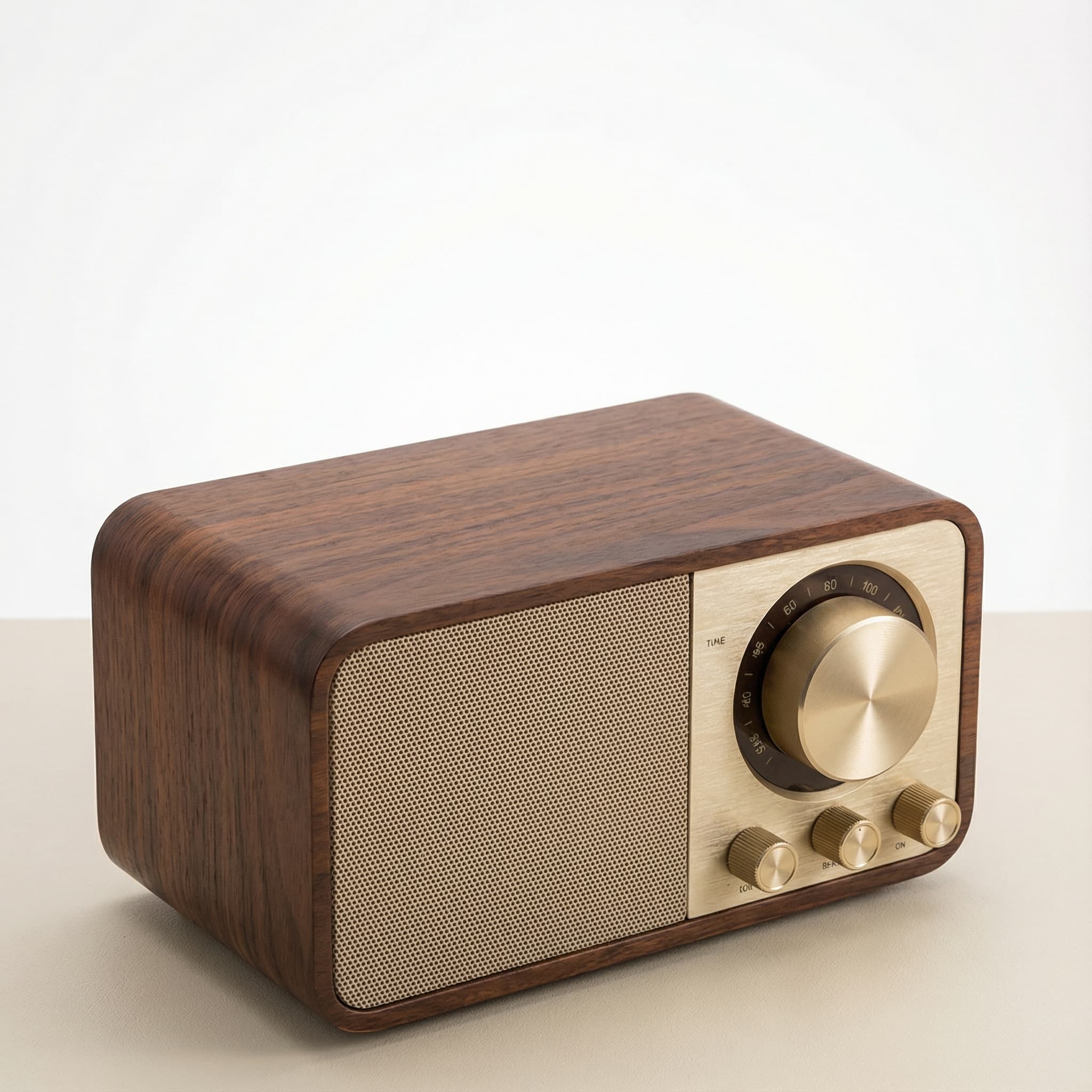 Sale
SaleRetro Wood-Cabinet Bluetooth Speaker with FM Radio
In stock · Ships in 7–21 business days
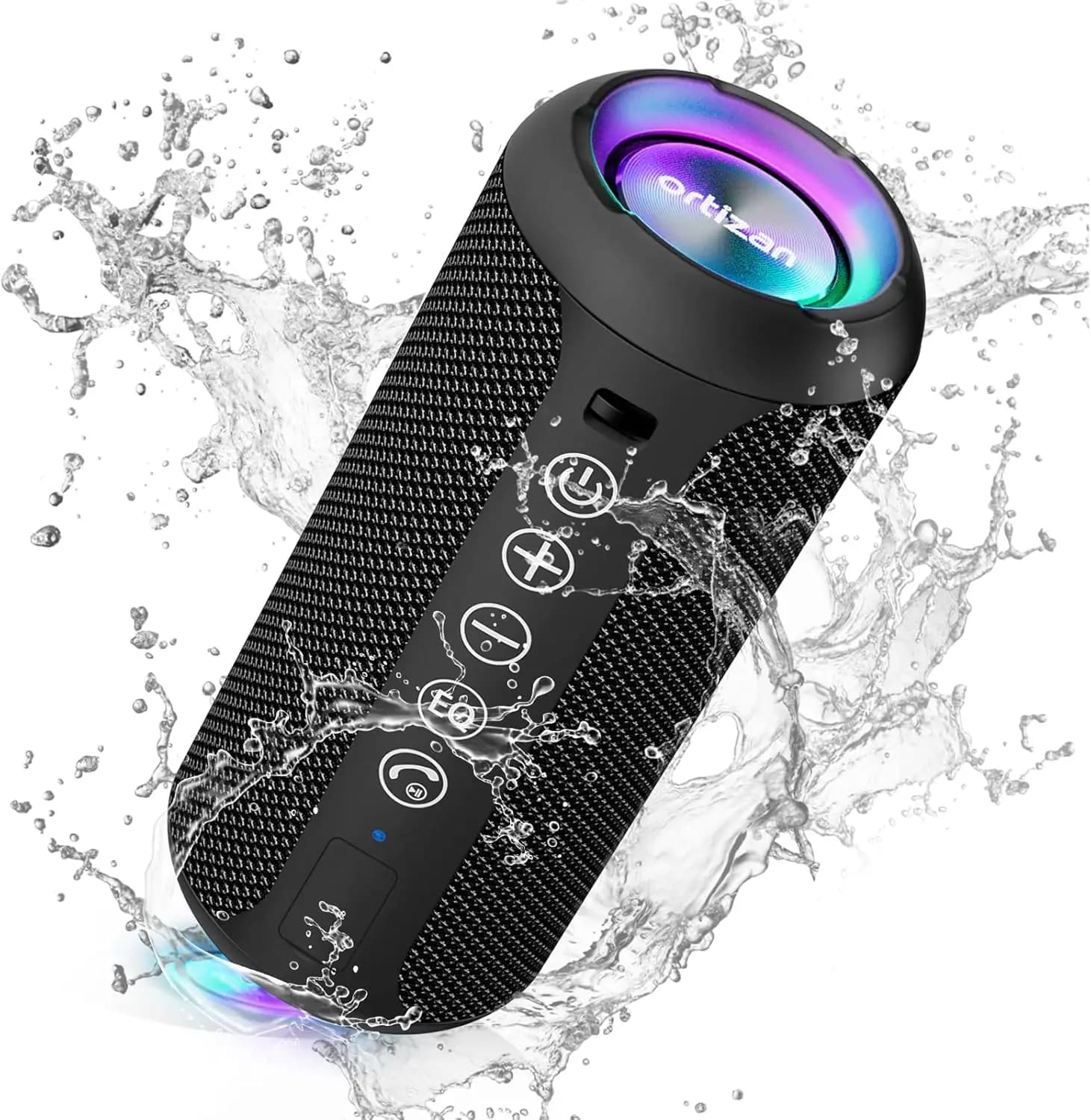
Ortizan X10 Portable Bluetooth Speaker with RGB Lights
In stock · Options available · Ships in 7–21 business days
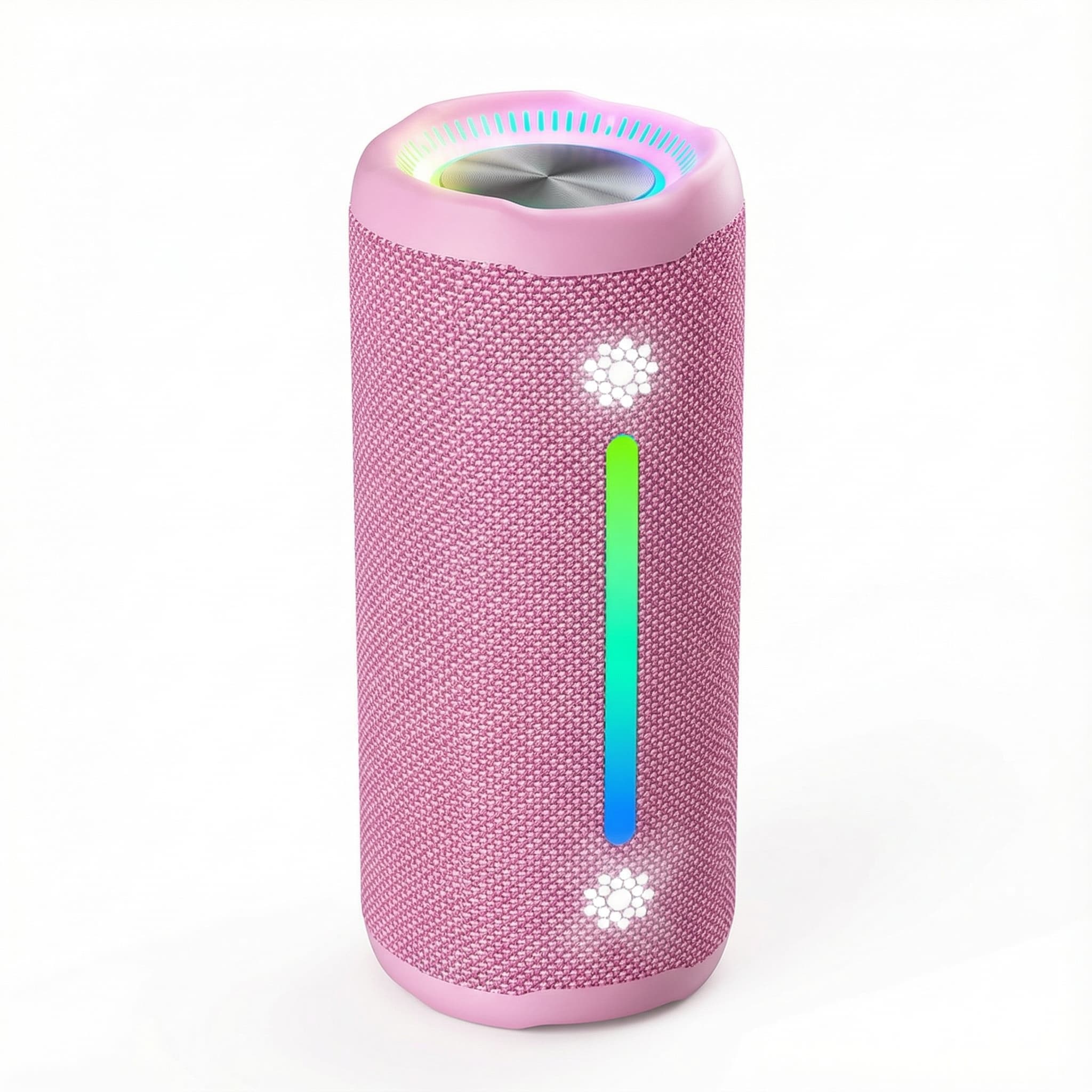
Ohayo X10 Max Bluetooth Speaker with Bass Boost and Lights
In stock · Options available · Ships in 7–21 business days
Xdobo X8 II Portable Bluetooth Speaker with Power Bank
In stock · Options available · Ships in 7–21 business days
Continue reading
 Tech & Gadgets
USB-C Hub Buying Guide: Ports, Video and Power Explained
USB-C hub buying guide: check what your laptop port supports, read data speed labels, size power pass-through and match the video and ports you need.
 Tech & Gadgets
Smart Plug Vacation Mode: Set Up Safe Away Schedules
Smart plug vacation mode explained: how to set realistic away schedules, which appliances never belong on a smart plug, and how to plan for outages and hacks.
 Tech & Gadgets
Wi-Fi 6 Router Upgrade: Is It Worth It in 2026?
Wi-Fi 6 router upgrade guide: when it beats your old router, how it compares with Wi-Fi 6E and 7, what AX numbers mean, and how to size it to your plan.