

Smart Jump Rope Training: Sizing, Counts and a 6-Week Plan
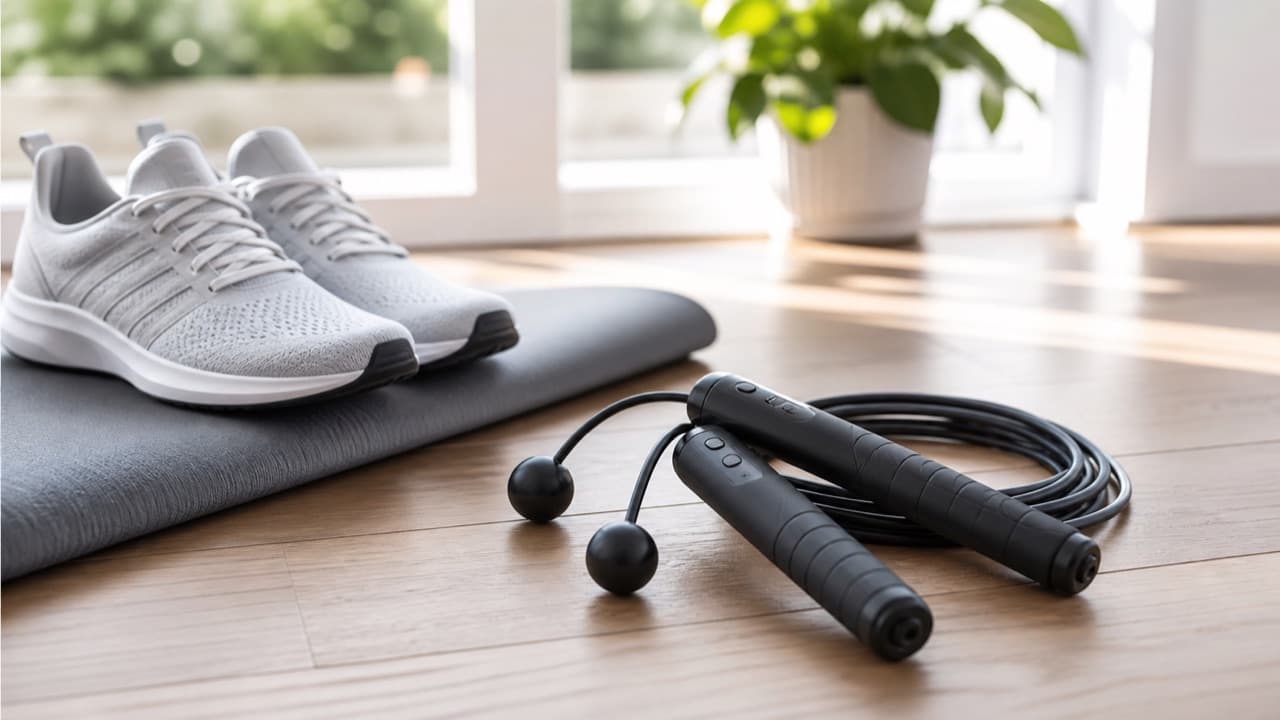
Smart jump rope training works best when you treat the app as a logbook, not a coach: size the rope correctly, learn a relaxed basic bounce, and use the counter to track steady progress over weeks rather than chasing a big number on day one. A smart rope uses a sensor in the handle to count rotations and time your sets, which makes short interval sessions easy to measure. This guide is for beginners and returning exercisers who want to buy a connected rope, understand what its numbers mean, and build up without sore shins.
Key takeaways
- Fit comes first: with one foot on the middle of the rope, the cable should reach roughly your armpits as a beginner, and closer to mid-chest as you improve.
- Jump counts are estimates of handle rotations; partial swings, trips and pauses can be miscounted, so compare with a manual count once.
- Calorie numbers are formula estimates based on your entered weight and time, and are useful only for comparing your own sessions.
- Jump on wood, rubber gym flooring or a firm mat; rough concrete wears coated cables and adds impact.
- Start with 20 to 30 seconds of jumping and longer rests, three times a week, and add volume before speed.
How smart jump ropes count, and why the numbers drift
Most smart ropes put a magnet and a sensor (commonly a Hall-effect sensor) or a motion sensor in one handle. Every time the bearing spins a full turn, the handle registers a rotation and sends it to an on-handle display, the app over Bluetooth, or both. That design is simple and generally consistent for steady skipping, but it counts rotations, not clean jumps. A few situations confuse it:
- Trips and restarts: the swing that catches your foot often still counts.
- Double-unders: some apps count two rotations, others count one jump; check how your app handles them before comparing with friends.
- Half swings and shadow turns: waving the handles while resting can add counts.
- Connection drops: if the phone loses Bluetooth mid-session, some apps lose that segment unless the handle stores data.
To check your rope, jump 50 to 100 skips while counting out loud, then compare. A small difference is normal; a large one usually points to a low battery, loose handle or a sensor that needs a firmware update.
Cordless mode
Many smart ropes ship with short weighted balls that replace the cable. The handles still count rotations, so you can train in a low-ceiling apartment or practice rhythm without tripping. It is good conditioning, but it does not teach timing, because nothing passes under your feet.
Sizing the rope and choosing handles
A common starting rule is your height plus about 3 feet (90 cm) of cable for beginners, shortening toward height plus 2 feet as your technique improves. In practice, stand on the middle of the rope with one foot and lift the handles: the cable should reach about armpit height to start. A rope that is too long slaps the floor and slows you down; one that is too short catches your heels and makes you hunch.
| Rope type | Feel | Best for | Watch out for |
|---|---|---|---|
| PVC or coated cable | Light and fast | General fitness, intervals | Wears quickly on concrete; stings when it hits skin |
| Beaded rope | Slower, audible rhythm | Learning timing, footwork | Bulkier; louder indoors |
| Weighted rope or handles | Heavier feedback | Shoulder and grip conditioning | Fatigues shoulders sooner; not ideal for speed |
| Cordless balls | No cable | Small spaces, warm-ups, rehab-friendly volume | Does not build timing |
Handles should fill your fingers without forcing a tight grip. Long, light handles suit speed work; thicker handles with a textured surface help when your hands sweat. Check how the length adjusts: some ropes use a screw clamp and you trim the spare cable, which is permanent, so adjust in small steps.
App features worth paying attention to
Useful features are the boring ones: interval timers with audible cues, a clear history of sessions, weekly totals, and the ability to tag or name workouts. Count-down modes (“jump 300”) and time modes (“jump for 60 seconds”) make progress easy to see. Check whether the rope still counts on its own display without the phone, whether data can be exported, and whether training plans need a subscription. As with any connected fitness device, review what the app collects; our smartwatch compatibility and privacy guide has a checklist that applies equally well to fitness apps.
If you already wear a fitness watch, the rope’s count and the watch’s heart rate together give the clearest picture of effort. For how wrist sensors behave during jumping and other high-motion exercise, see our GPS sports watch accuracy guide.
Surface, shoes and technique
Jumping rope is high impact, but technique keeps it manageable. Aim for small jumps of about 1 inch (2 to 3 cm), land softly on the balls of your feet, keep elbows close to your sides, and turn the rope from your wrists rather than your shoulders. Wear supportive trainers with cushioning under the forefoot; barefoot or flat-soled shoes push more load onto calves and Achilles tendons.
The best surfaces have a little give: sprung wood, rubber gym flooring, or a firm jump mat. Thick, squishy yoga mats can feel unstable for ankles, and our yoga mat thickness guide explains why soft and stable are trade-offs. Avoid rough asphalt and concrete if you can, both for your joints and because they shred coated cables.
A simple 6-week progression
- Weeks 1 and 2: 8 to 10 rounds of 20 seconds jumping, 40 seconds rest. Three sessions a week with a rest day between.
- Weeks 3 and 4: 10 rounds of 30 seconds on, 30 seconds off. Add alternate-foot step if the basic bounce feels smooth.
- Weeks 5 and 6: 6 to 8 rounds of 45 to 60 seconds on, 30 to 45 seconds off, or a continuous 3 to 5 minute set if form holds.
Increase only one thing at a time: rounds, interval length or speed. Warm up ankles, calves and shoulders first, and stretch calves after. If your shins, knees or Achilles ache the next day, repeat the previous week instead of pushing on. Anyone with joint problems, balance concerns, a heart condition or a recent injury should check with a doctor or physical therapist before starting high-impact training. Jump rope also pairs well with low-impact strength work such as our resistance band progression guide. Browse more training gear in fitness and sports.
Mistakes to avoid
- Chasing the leaderboard. Speed targets in apps tempt beginners into long sets with poor form, which is how shin pain starts.
- Jumping too high. Big jumps double the impact and tire you fast; the rope only needs a small gap.
- Trimming the cable all at once. Cut length cannot be added back; shorten in small steps over several sessions.
- Trusting calorie totals. They are estimates and can be far off for your body; use them only for comparing sessions.
- Letting the battery die mid-plan. Some handles lose unsynced sessions; sync after each workout.
Which smart jump rope setup fits you
Pick a beaded or standard coated smart rope if you are learning, because the rhythm is easier to feel. Pick a rope with cordless mode if you have low ceilings, share a floor with neighbors, or want an option for days your calves need a break from timing practice. Pick weighted handles if you are already comfortable and want more shoulder and grip work. Whatever you choose, confirm the length range for your height, the app’s phone compatibility and the return policy on the product page.
Protect your floor and joints. If you train indoors, a cushioned mat under your landing area helps. The thick TPE yoga mat on ADLTHUB is one option for home workouts.
Frequently asked questions
Are smart jump rope counters accurate?
They are reasonably consistent for steady skipping because they count handle rotations. They can overcount trips and half swings and may handle double-unders differently, so treat the number as a training estimate and spot-check with a manual count.
How long should a jump rope be for my height?
A common starting point is your height plus about 3 feet. With one foot on the middle of the rope, the cable should reach your armpits as a beginner; shorten it gradually as your technique gets tighter.
How many minutes a day should a beginner jump rope?
Start with about 3 to 5 minutes of total jumping split into short intervals, three times a week. Build up gradually over several weeks and back off if your calves or shins stay sore.
Is jumping rope bad for your knees?
For most healthy people, jumping rope with small, soft landings on a forgiving surface is manageable. People with existing knee problems should get advice from a medical professional first and may prefer cordless or low-impact options.
Do I need the app to use a smart jump rope?
Usually not; most smart ropes work as normal ropes and many show counts on the handle. The app adds history, interval plans and syncing, so check what works offline before buying.
Shop Fitness & Active Life
View all →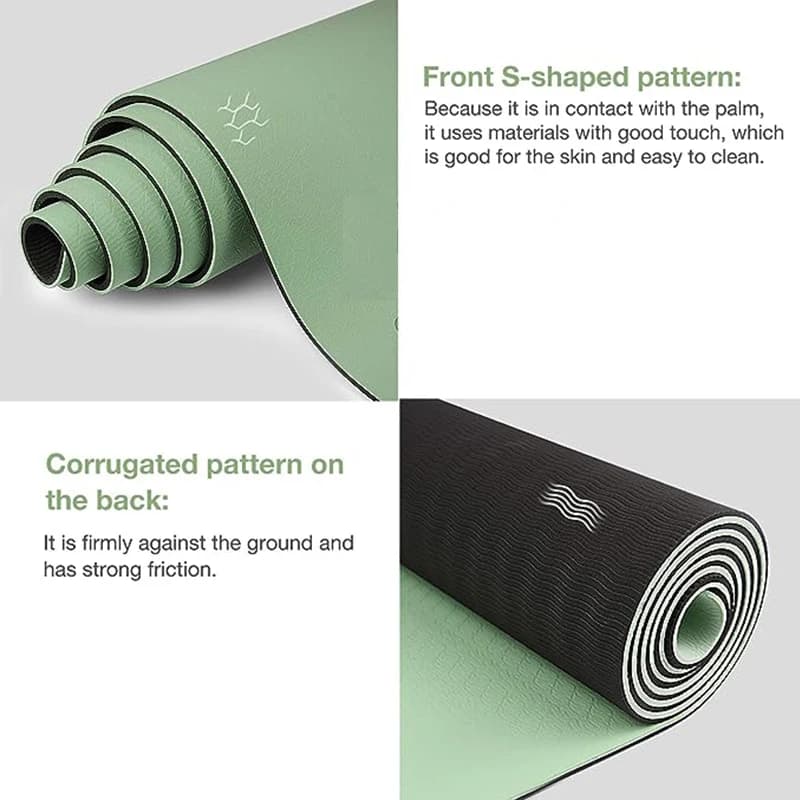
Continue reading
 Tech & Gadgets
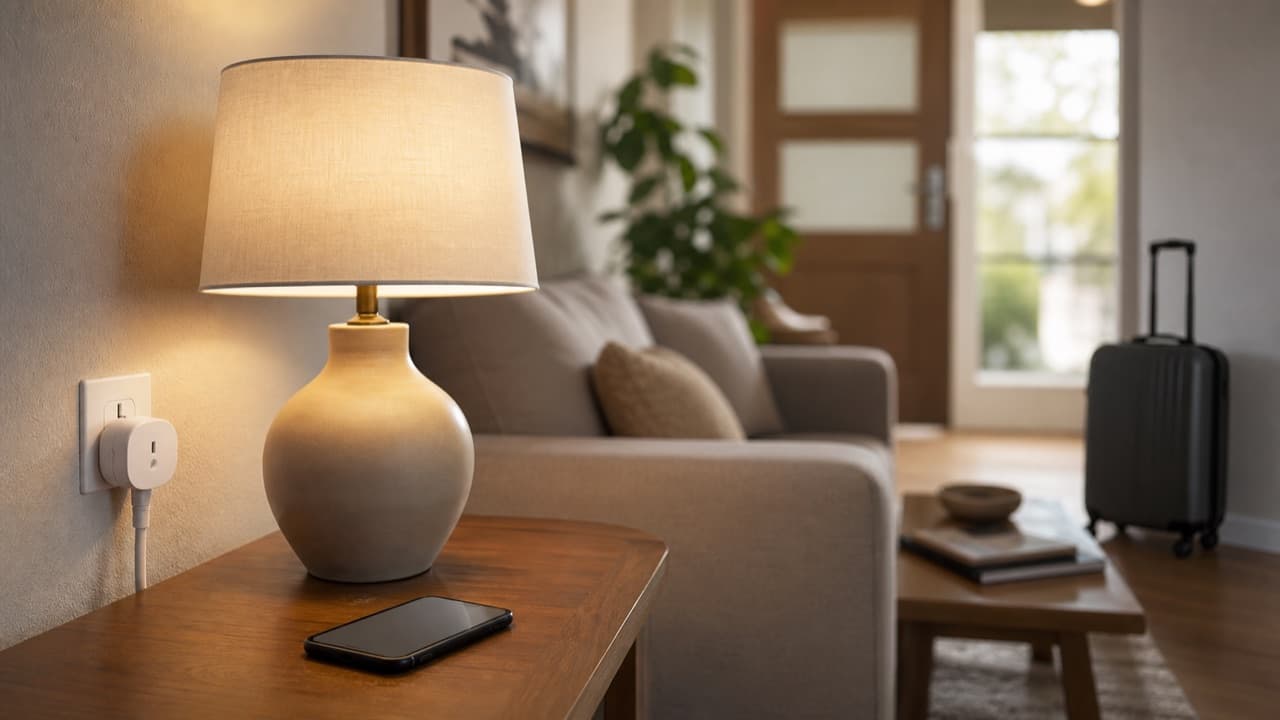
Smart Plug Vacation Mode: Set Up Safe Away Schedules
Smart plug vacation mode explained: how to set realistic away schedules, which appliances never belong on a smart plug, and how to plan for outages and hacks.
 Fitness & Active Life
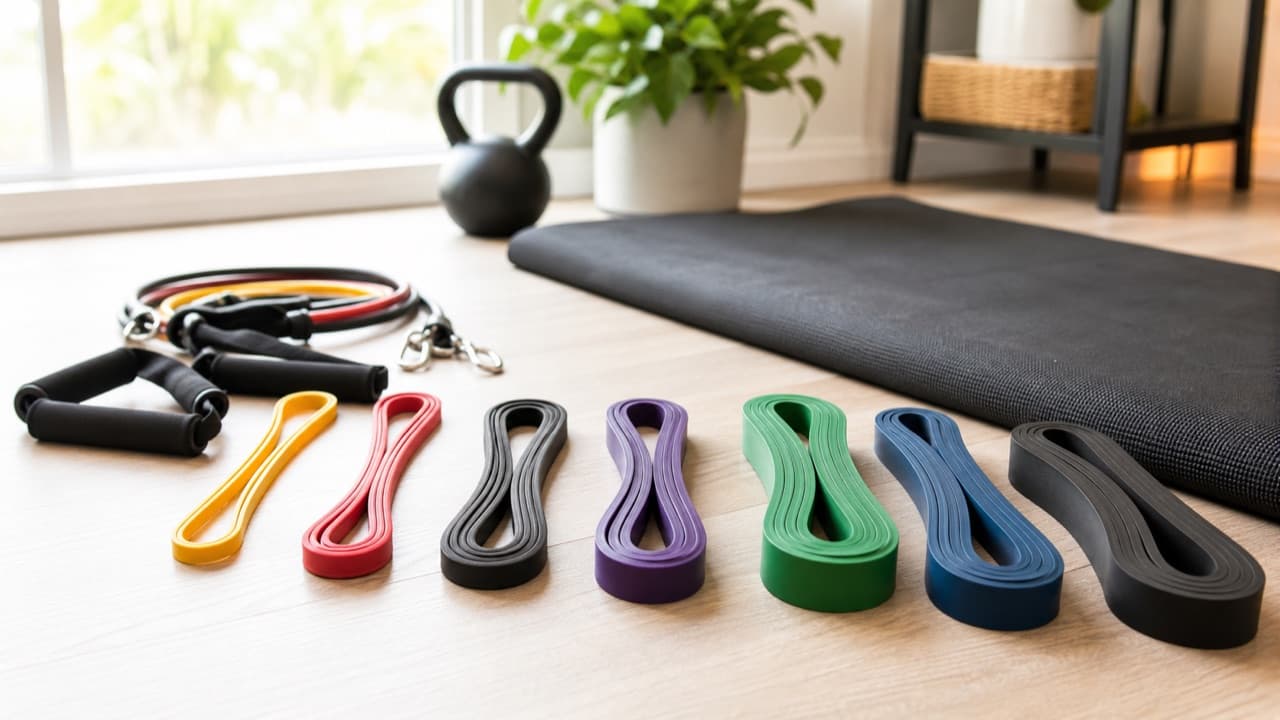
Resistance Band Progression: When to Move Up a Band
Resistance band progression explained: when to move up a band, six ways to add challenge before switching, how band tension works, and how to train safely.
 Fitness & Active Life
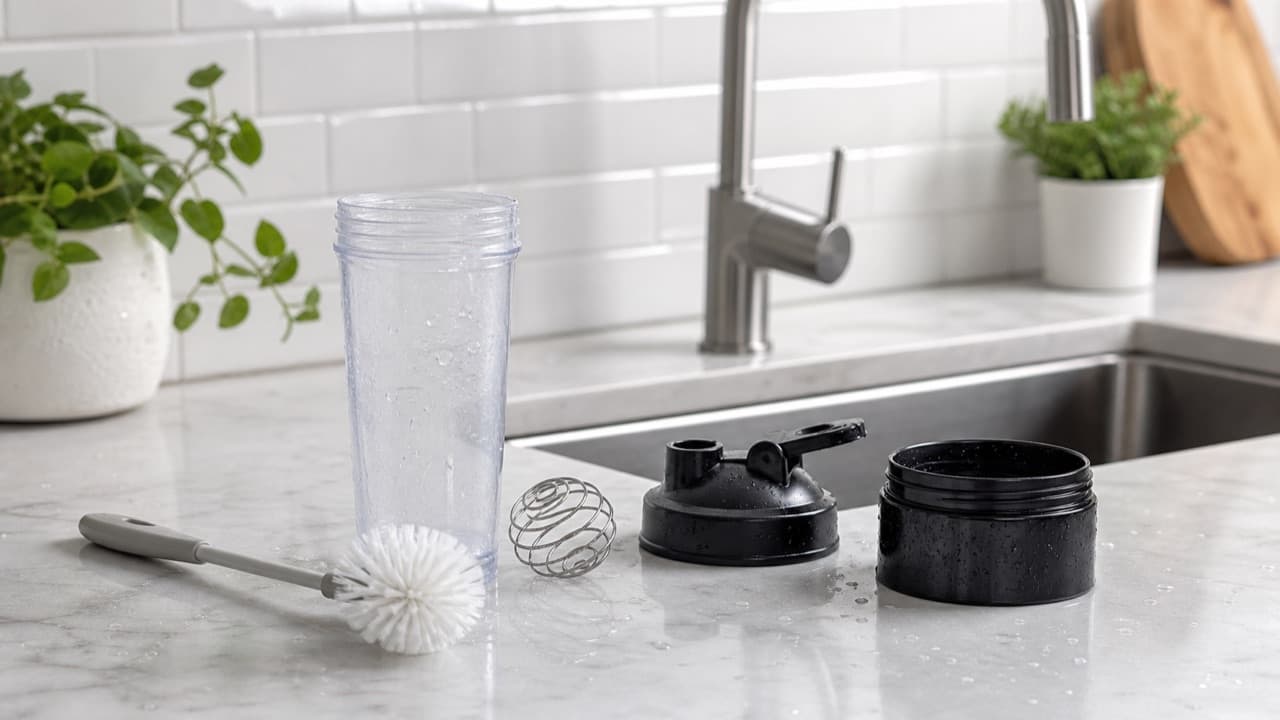
How to Clean a Protein Shaker and Get Rid of the Smell
How to clean a protein shaker: a two-minute daily routine, a deep clean for smelly bottles and stuck gaskets, safe soaking options and when to replace it.