

Smartwatch Phone Compatibility and Privacy: Check First
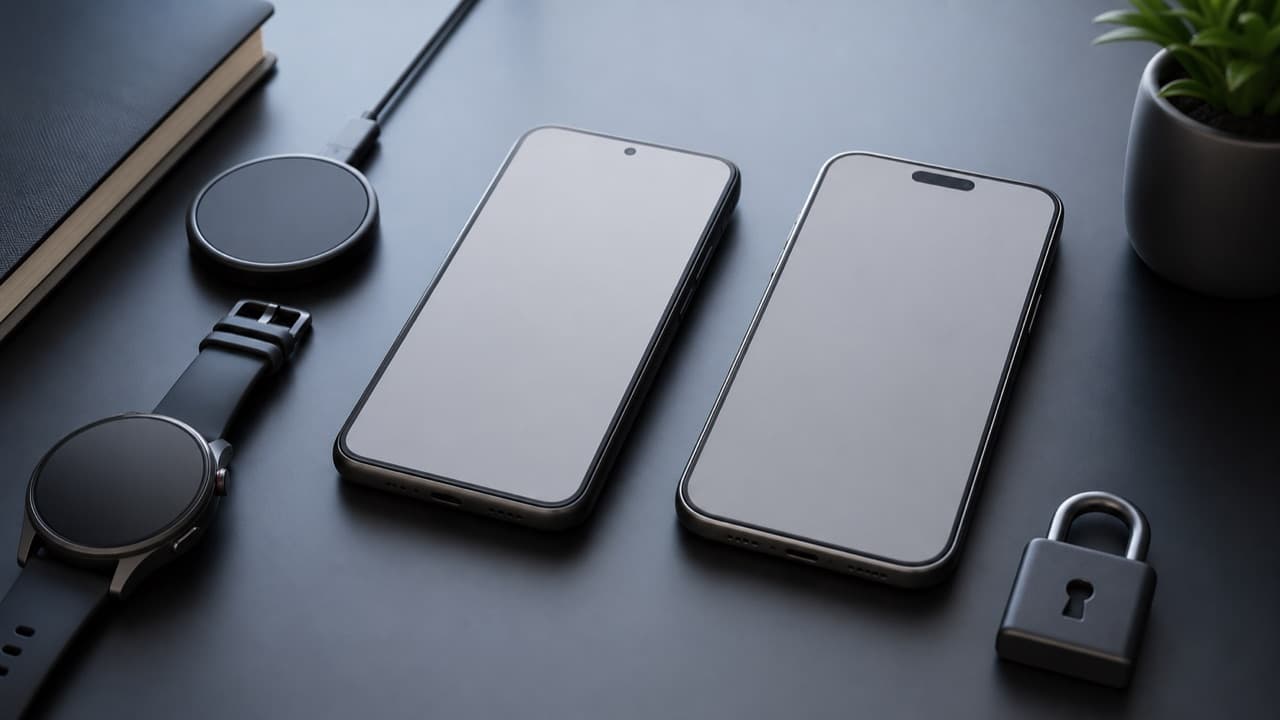
Smartwatch phone compatibility is not just “does it pair”: a watch can connect over Bluetooth and still lose message replies, health features, payments or cellular service if your phone, operating system version or region is not fully supported. The second question is privacy, because the companion app may ask to read every notification, track location and store health data in the cloud. This guide is for anyone buying a smartwatch online, especially a budget or lesser-known model, and it shows what to verify before you order and how to set the watch up so it shares only what you choose.
Key takeaways
- Apple Watch needs an iPhone; Google Pixel Watch and recent Samsung Galaxy Watches need an Android phone.
- Cross-platform watches (many fitness and budget brands) work with both, but iPhone typically limits what third-party watches can do, such as replying to messages.
- Confirm the minimum phone OS version and the exact companion app name before buying; budget watches often rely on third-party apps.
- Notification access lets a companion app read the content of your notifications, including messages and sign-in codes; grant it only to apps you trust.
- In the US, health data in consumer fitness apps is generally not covered by HIPAA, so the app’s privacy policy is your main protection.
Which smartwatches work with which phones
| Watch type | Works with iPhone | Works with Android | What to watch for |
|---|---|---|---|
| Apple Watch | Yes, paired iPhone required | No | Each watchOS version needs a minimum iPhone model and iOS version |
| Google Pixel Watch and most Wear OS watches | No for current models | Yes, with a minimum Android version | Some features are tied to Google services or specific regions |
| Samsung Galaxy Watch (Galaxy Watch4 and later) | No | Yes | Some health tools, such as ECG, require a Samsung Galaxy phone |
| Garmin, Fitbit trackers, Amazfit and similar | Yes | Yes | Fewer actions on iPhone; check feature lists per platform |
| Budget and unbranded smartwatches | Usually | Usually | Depend on a third-party app; check app reviews, permissions and update history |
If you might switch between iPhone and Android in the next few years, a cross-platform watch avoids being stuck with a watch that no longer pairs.
Features that often break on the “wrong” phone
A watch can be listed as compatible while important features work on only one platform. Check each feature you care about individually:
- Notifications and replies: on iPhone, third-party watches usually show notifications but cannot reply to messages or take many actions. Android generally allows more, such as quick replies.
- Calls: “Bluetooth calling” means the watch acts as a speakerphone for your phone, not that it has its own number. LTE models need carrier support and, for some brands, the same carrier as your phone.
- Payments: contactless payment depends on the watch platform, your bank and your country. Many budget watches have none.
- Health features: ECG, irregular rhythm notifications and blood-oxygen readings may be region-locked, phone-brand-locked or not available at all. None of these replace medical care.
- GPS: some watches have built-in GPS; others borrow your phone’s location and need the phone with you on runs. Our GPS sports watch accuracy guide explains the difference.
- Music and voice assistants: offline music storage, streaming apps and assistants vary widely by platform.
ADLTHUB carries options such as the North Edge GPS Rugged Sports Smart Watch and the Hello 4 Mini Series 10 42mm Smart Watch. Check each product page for supported phones, the companion app, feature list, delivery and returns before ordering. More wearables are in electronics and accessories.
Companion apps: what to verify before you buy
The app does most of the work: pairing, syncing, settings and updates. Before ordering, find the exact app name on the listing or in the manual and look it up in the App Store or Google Play.
- Minimum OS: confirm your phone’s iOS or Android version is supported.
- Developer: is it the watch brand or a third party that serves many brands? Lookalike watches that copy popular designs often use generic third-party apps.
- Update history: a recent update suggests the app is maintained; an app untouched for years may break with your next phone update.
- Account requirement: some apps require an account, phone number or email before the watch works at all.
- Data handling: read the store’s privacy label or data-safety section for what is collected, shared and whether you can delete it.
Permissions: what the watch app can see
Companion apps ask for permissions so the watch can do its job, but some requests are broader than you might expect:
- Notification access (Android) or notification sharing (iPhone): lets the app read the content of your notifications, which can include private messages and two-factor codes. Limit which apps forward notifications to the watch.
- Location: needed for some Bluetooth scanning, weather and phone-based GPS. “While using the app” is enough for many watches; grant “all the time” only if workouts need it.
- Contacts and call logs: used for caller names. Optional if you can live with numbers on screen.
- Battery optimization exemption (Android): often needed for reliable notifications, since phones can put the app to sleep. This is normal, but it means the app runs in the background constantly.
- Microphone: needed for voice assistants and Bluetooth calls; decline if you do not use them.
Health data privacy and long-term ownership
Heart rate, sleep, location tracks, cycle tracking and stress scores are personal. In the US, HIPAA generally applies to health providers and insurers, not to the consumer fitness app you choose, so protection depends on the company’s policy and applicable consumer protection laws. Before you commit, check whether you can export your data, delete your account and history, opt out of data sharing for advertising or research, and see where data is stored.
Secure the account with a strong unique password and two-factor authentication if available, and keep watch firmware and the app updated. For long-term value, also check replacement charger availability, band size and lug width; our watch band material guide helps when you replace the original strap.
Mistakes to avoid
- Buying an Apple Watch for an Android phone, or a Galaxy Watch for an iPhone. They will not pair, and returns may not cover opened wearables.
- Assuming “works with iPhone” means full features. Expect read-only notifications on most non-Apple watches.
- Granting every permission during setup. Approve the essentials, then add others only when a feature needs them.
- Ignoring the app’s track record. An abandoned app can leave the watch unusable after a phone update.
- Treating health readings as diagnoses. Wellness sensors are estimates; talk to a medical professional about symptoms.
How to choose a smartwatch for your phone
Pick Apple Watch if you use an iPhone and want full message replies, payments and tight integration. Pick Wear OS or Galaxy Watch if you use Android and want a similar app-rich experience. Pick a cross-platform fitness watch if you switch phones, want long battery life, or care most about workouts. Pick a budget smartwatch for basic notifications and step tracking, after checking the companion app, permissions and return policy.
Frequently asked questions
Can I use an Apple Watch with an Android phone?
No. Apple Watch must be set up and paired with an iPhone, and there is no official Android app. If you use Android, choose a Wear OS, Galaxy or cross-platform watch instead.
Do Samsung Galaxy Watches work with iPhone?
Galaxy Watch4 and newer models run Wear OS and do not support iPhone. Some older Samsung watches did, but they no longer receive feature updates.
Why can’t I reply to messages from my smartwatch on iPhone?
iPhone generally limits third-party watches to viewing notifications, so actions like replying are typically only available on Apple Watch. Android phones usually allow quick replies on supported watches.
Is smartwatch health data protected by HIPAA?
Usually not. HIPAA covers health providers, insurers and their partners, not most consumer fitness apps. Review the app’s privacy policy, sharing settings and deletion options instead.
Do cheap smartwatches spy on you?
Not necessarily, but some request broad permissions and send data to servers you know little about. Check the companion app’s developer, privacy label and permissions, and limit notification and location access to what you need.
Shop Tech & Gadgets
View all →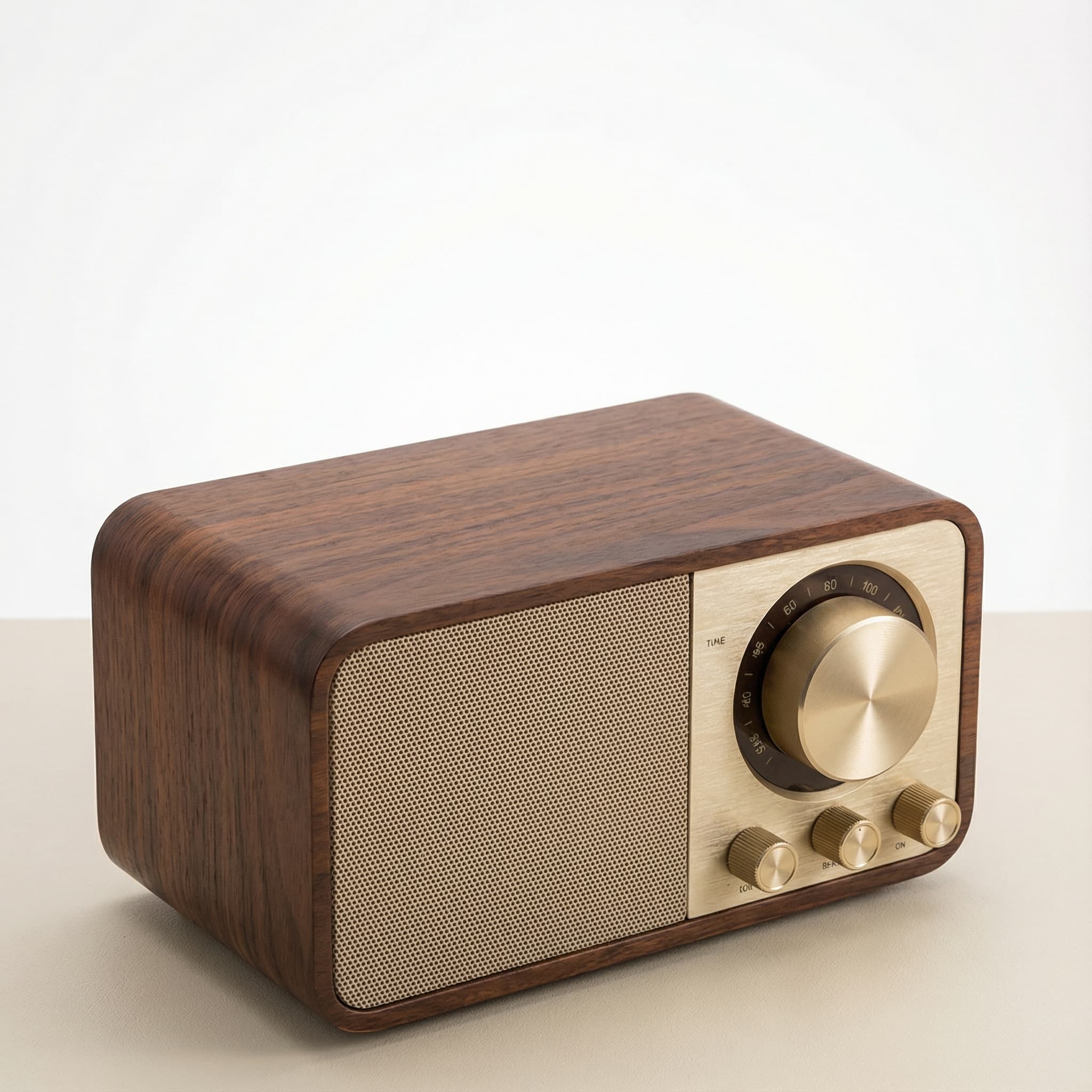 Sale
SaleRetro Wood-Cabinet Bluetooth Speaker with FM Radio
In stock · Ships in 7–21 business days
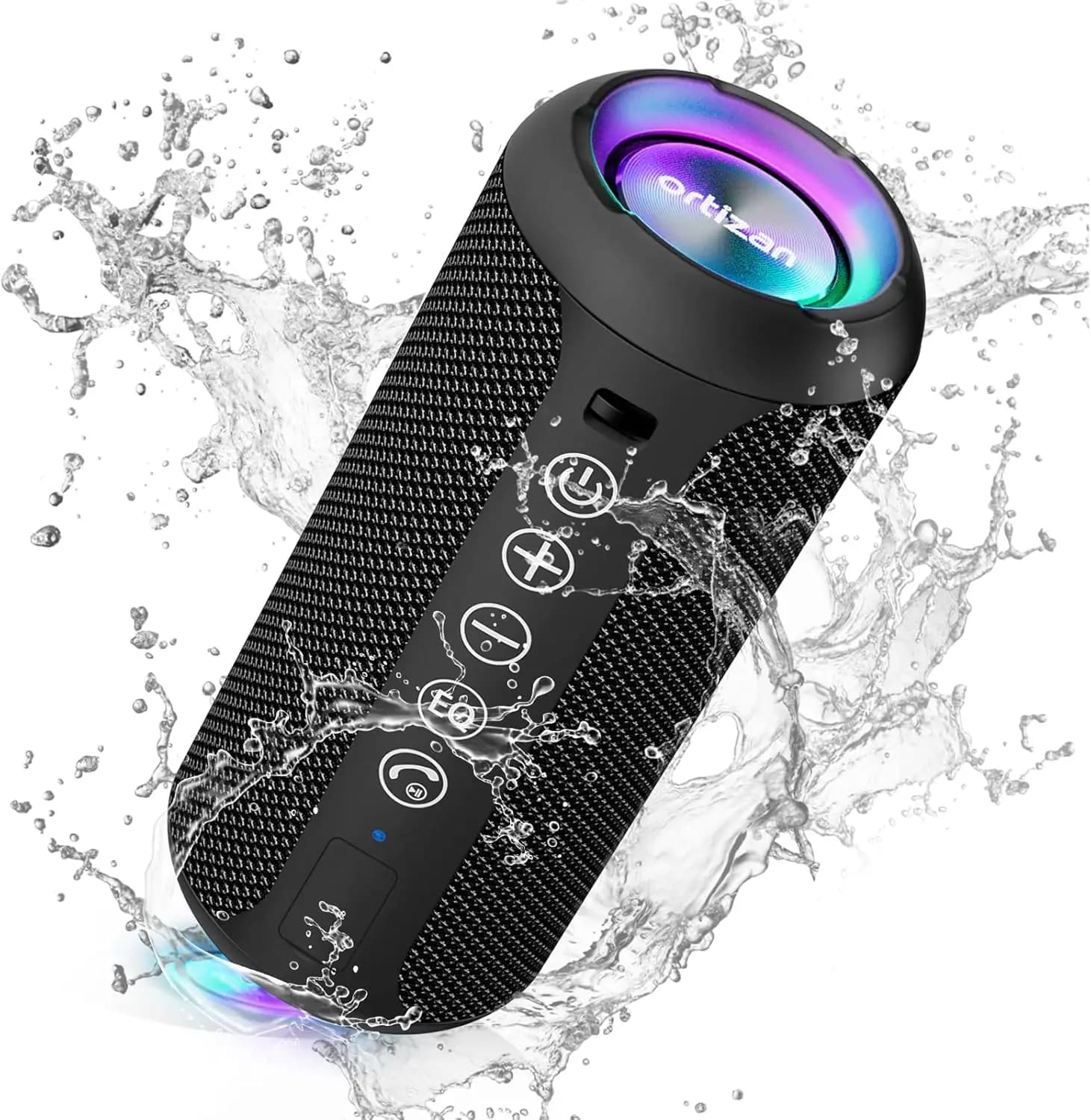
Ortizan X10 Portable Bluetooth Speaker with RGB Lights
In stock · Options available · Ships in 7–21 business days
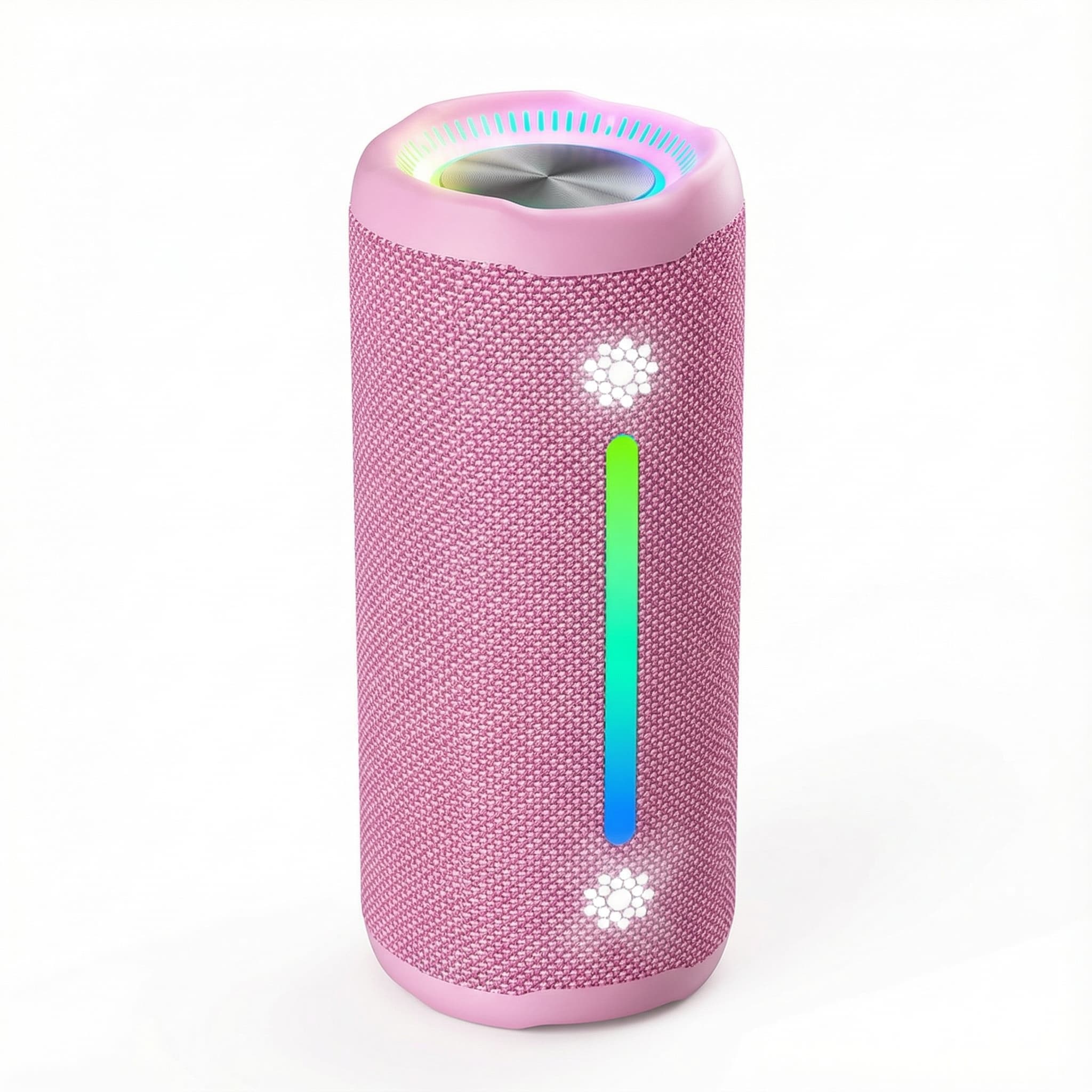
Ohayo X10 Max Bluetooth Speaker with Bass Boost and Lights
In stock · Options available · Ships in 7–21 business days
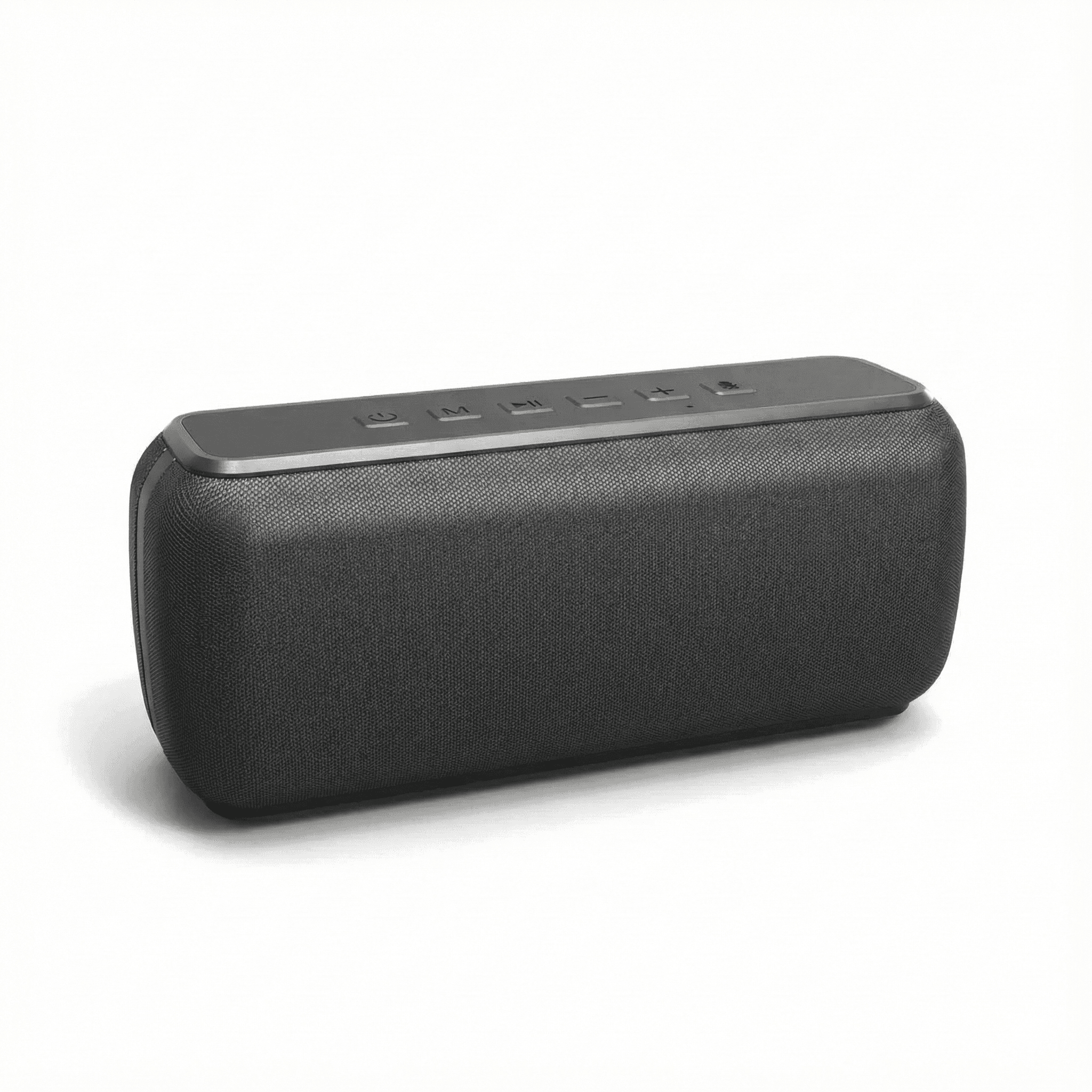
Xdobo X8 II Portable Bluetooth Speaker with Power Bank
In stock · Options available · Ships in 7–21 business days
Continue reading
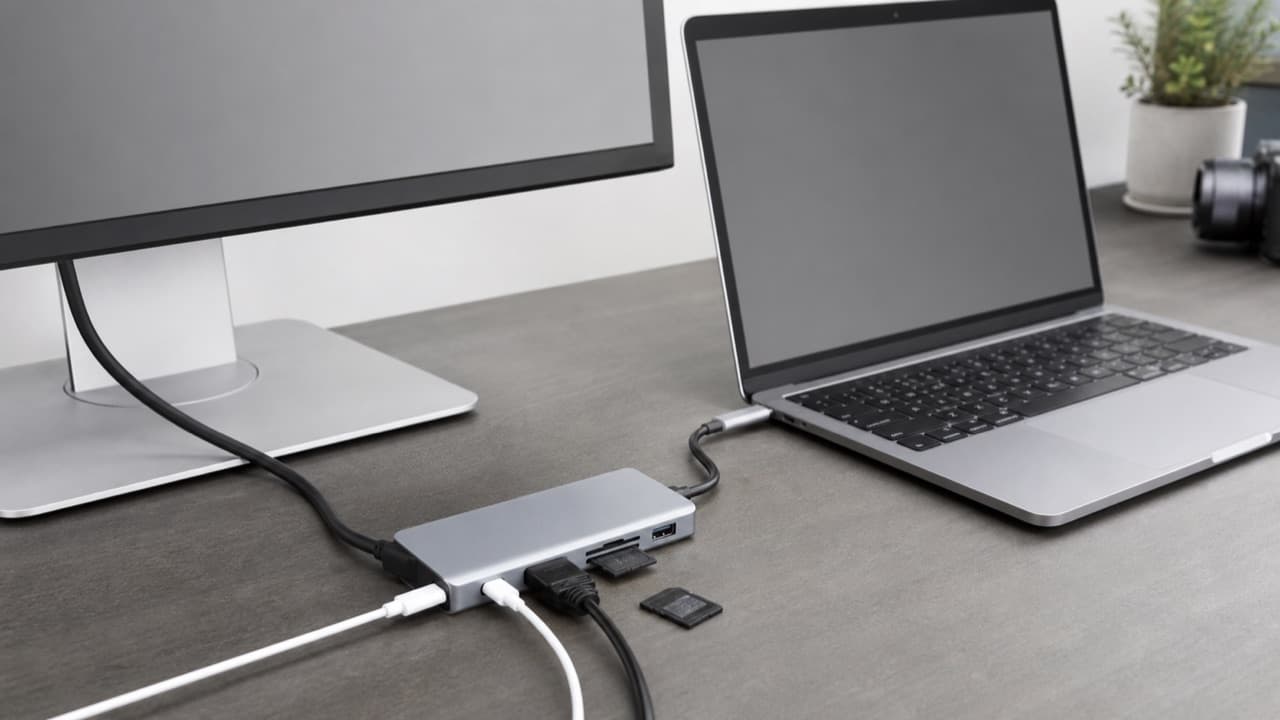 Tech & Gadgets
USB-C Hub Buying Guide: Ports, Video and Power Explained
USB-C hub buying guide: check what your laptop port supports, read data speed labels, size power pass-through and match the video and ports you need.
 Tech & Gadgets
Smart Plug Vacation Mode: Set Up Safe Away Schedules
Smart plug vacation mode explained: how to set realistic away schedules, which appliances never belong on a smart plug, and how to plan for outages and hacks.
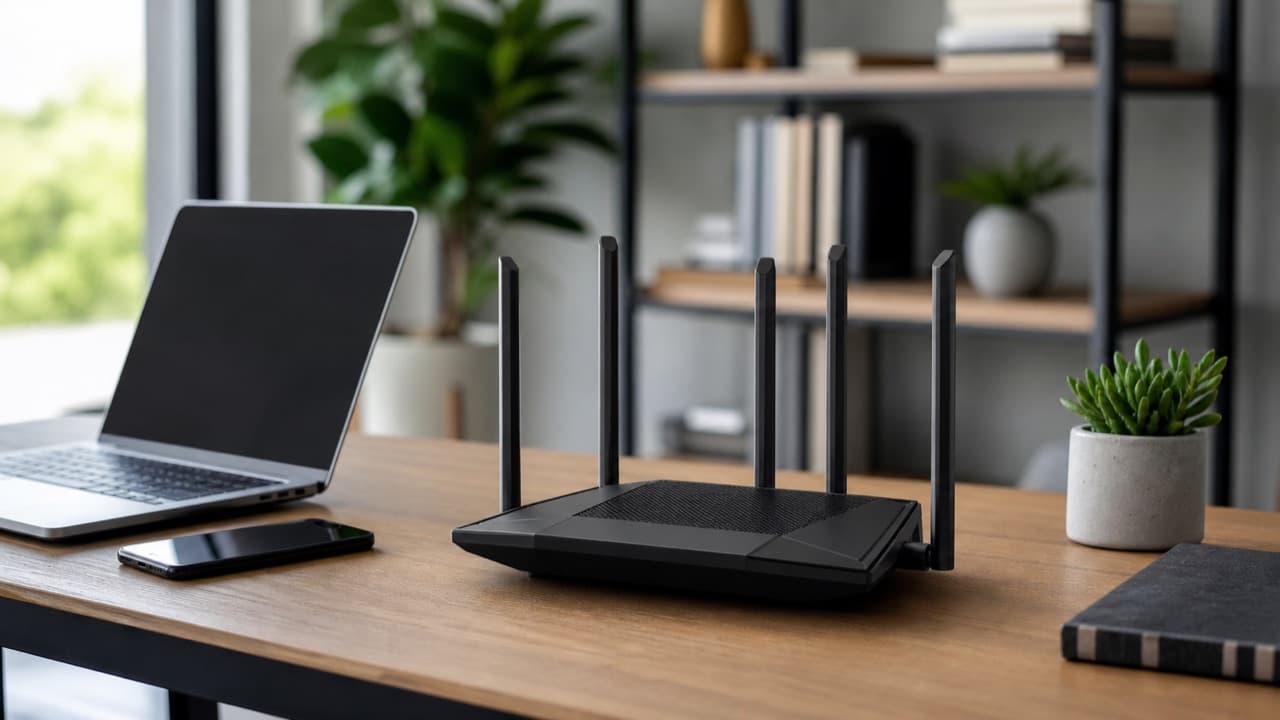 Tech & Gadgets
Wi-Fi 6 Router Upgrade: Is It Worth It in 2026?
Wi-Fi 6 router upgrade guide: when it beats your old router, how it compares with Wi-Fi 6E and 7, what AX numbers mean, and how to size it to your plan.