

Bluetooth Codec and Range Guide: Quality, Lag and Dropouts
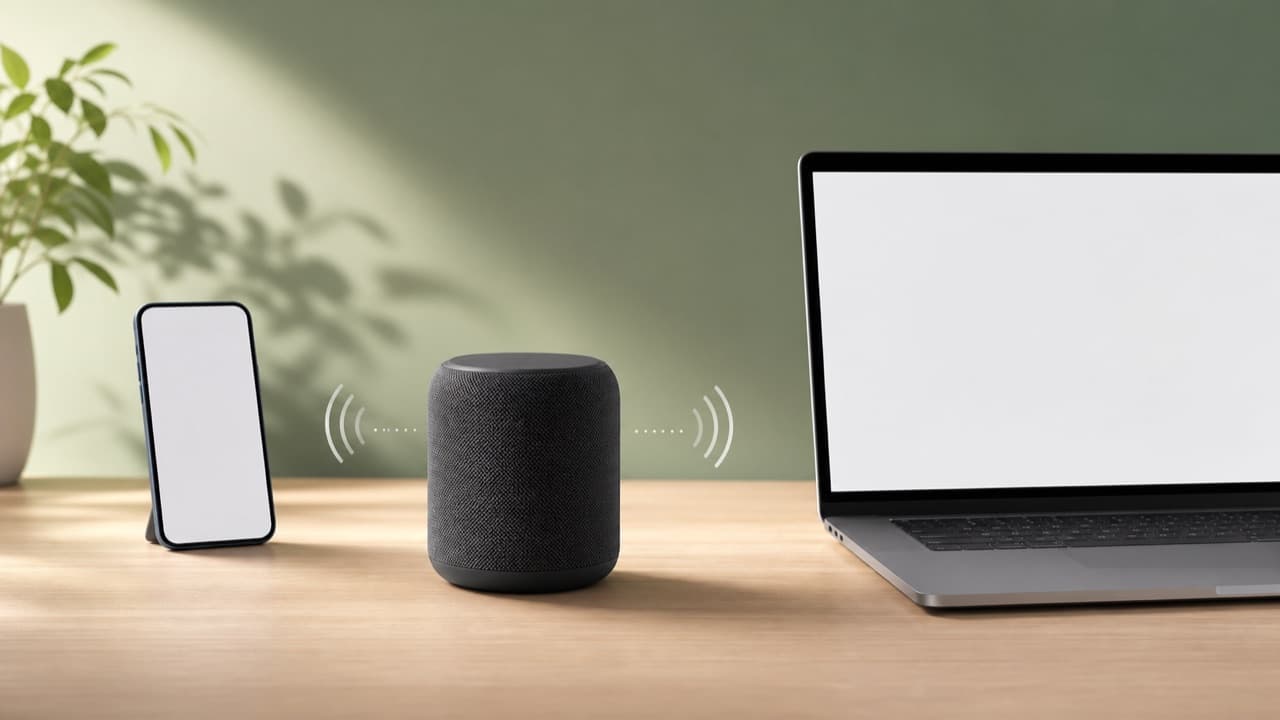
Bluetooth codec and range questions come down to one rule: your phone, laptop or TV and your headphones or speaker must both support a codec for it to be used, and the connection only reaches as far as the weaker device’s radio and the obstacles between them allow. Expect roughly 30 feet (10 meters) of reliable range indoors for most audio gear, less through walls or bodies. This guide is for anyone choosing wireless audio, or trying to work out why their current setup sounds flat, lags behind video or keeps cutting out.
Key takeaways
- The codec actually used is the best one both ends support. An LDAC headphone paired to an iPhone runs AAC or SBC, because iPhones don’t support LDAC or aptX.
- On Apple devices, AAC is the codec to look for. On Android, codec support depends on the phone model and is usually visible in Developer options.
- Most Bluetooth audio uses Class 2 radios rated for about 33 feet (10 m). Headline Bluetooth 5 range figures mostly apply to low-energy data, not classic audio streaming.
- Higher-bitrate modes drop out sooner at distance. LDAC at its top setting is the first to stutter; adaptive or connection-priority modes trade bitrate for stability.
- For video, most apps compensate for delay automatically. For gaming or playing an instrument, standard Bluetooth latency is noticeable and a wired or low-latency connection is better.
How Bluetooth codecs are chosen
A codec compresses audio so it fits through the Bluetooth link. When a source and a speaker connect, they exchange lists of supported codecs and settle on one they share, usually the source’s preferred option. You don’t normally pick it yourself, which is why the logo on the box only tells you what is possible, not what you’ll get.
Three things decide the outcome:
- The source device. iPhones, iPads and Macs use AAC and SBC. Android phones support SBC and AAC, and many also support aptX variants (common on Qualcomm-based phones) and LDAC. Windows PCs and TVs vary by model and driver.
- The receiving device. Budget speakers often support only SBC; many earbuds add AAC; some headphones add aptX, LDAC or LC3.
- Settings and apps. Some headphone apps offer a “sound quality priority” or “connection priority” mode, and Android lets you inspect or change the active codec in Developer options.
SBC, AAC, aptX, LDAC and LC3 compared
| Codec | Typical bitrate | Where you’ll find it | Practical notes |
|---|---|---|---|
| SBC | Up to about 345 kbps; often lower | Every Bluetooth audio device | Mandatory baseline. Can sound fine at high settings; cheap implementations sound thin. |
| AAC | Around 256 kbps on Apple devices | Apple devices, most earbuds, many Android phones | Excellent on Apple. Quality on Android depends on the phone’s encoder. |
| aptX / aptX HD | About 352–384 kbps / about 576 kbps | Many Android phones, some headphones and speakers | Consistent quality. HD adds 24-bit support. Not on Apple devices. |
| aptX Adaptive | Variable, scaling with link quality | Recent Snapdragon-based phones and compatible earbuds | Lowers bitrate to stay connected in crowded or distant conditions. |
| LDAC | 330, 660 or 990 kbps | Most Android phones (Android 8 and later), some Sony and other headphones | The 990 kbps mode needs a strong, close link; the lower modes are more stable. |
| LC3 (LE Audio) | Variable; efficient at lower bitrates | Newer phones and earbuds with LE Audio support | Designed for better quality per bit, lower power and broadcast audio (Auracast). Both ends need LE Audio. |
How much the codec matters depends on the speaker. On a small portable speaker or in a noisy room, the difference between AAC and LDAC is usually hard to hear; driver size, tuning and fit matter far more. Codec quality shows most on good over-ear headphones in a quiet room. When you shop headphones such as the Baseus Bowie H1s or QCY H3, check the product page for the supported codecs and match them to your phone.
Realistic Bluetooth range indoors and outdoors
Bluetooth audio runs on the 2.4 GHz band using “Classic” Bluetooth (BR/EDR). Most headphones and speakers use Class 2 radios, nominally good for about 33 feet (10 m). Some speakers and transmitters use Class 1 radios with a longer nominal reach, but the connection is limited by whichever end is weaker, and phones are not built for long range.
Bluetooth version numbers cause a lot of confusion. The large range gains promoted with Bluetooth 5 come from low-energy features designed for data (trackers, sensors), not the classic audio link. A Bluetooth 5.3 speaker will not automatically play four times farther than a 4.2 speaker. Newer versions can still help with connection stability and power use, and LE Audio is a genuine change, but only when both devices support it.
What shortens range
- Bodies and water. 2.4 GHz signals are absorbed by water, and people are mostly water. A phone in a back pocket can cause the earbud on the opposite side to stutter.
- Walls and metal. Drywall costs a little range; brick, concrete, mirrors, appliances and metal desks cost a lot.
- Competing 2.4 GHz traffic. Wi-Fi on the 2.4 GHz band, wireless keyboards and mice, baby monitors and microwave ovens share the same airspace. Crowded places such as gyms and train stations are hard on Bluetooth.
- USB 3.0 noise. USB 3.0 ports, hubs and poorly shielded cables are a known source of 2.4 GHz interference, which is why a laptop dongle plugged next to a USB 3.0 hub can misbehave.
How to fix Bluetooth audio dropouts
Work through these in order; most problems are solved by the first three.
- Shorten and clear the path. Keep the source within a few feet and in line of sight, out of back pockets and bags.
- Lower the codec’s demands. Switch LDAC to its adaptive or connection-priority mode, or choose a stability setting in the headphone app.
- Reduce interference. Move your router’s devices to 5 GHz or 6 GHz Wi-Fi where possible (see our Wi-Fi 6 router upgrade guide) and keep USB 3.0 hubs away from Bluetooth adapters.
- Clear old pairings. Forget the device on both ends, restart both, then pair again. Devices that remember many hosts can try to reconnect to the wrong one.
- Charge and update. Low batteries and outdated firmware are common culprits. Update the phone, the headphone or speaker app and the device firmware.
- Check multipoint. Being connected to a laptop and phone at once can reduce stability or lock you to a lower codec on some models.
Linking several speakers adds its own constraints, because one speaker usually relays audio to the others. Our stereo pairing guide and multi-speaker party linking guide cover spacing and sync.
Bluetooth latency: video, games and music
Every Bluetooth link adds delay from encoding, buffering and decoding. With SBC and AAC this is commonly in the range of a couple of hundred milliseconds, and buffering for stability can add more. For video, phones, tablets and most streaming apps measure the delay and shift the picture to match, so lip-sync is usually fine. Games and music-making apps can’t do that, because the sound must follow your input immediately.
If latency matters, use a game mode in the headphone app, a low-latency 2.4 GHz wireless dongle designed for gaming, or a wired connection. TVs are inconsistent: some offer an audio delay adjustment, which is worth using with a Bluetooth soundbar or headphones.
Mistakes to avoid
- Paying extra for LDAC or aptX when you use an iPhone. You’ll get AAC either way, so put the money toward better drivers, fit or noise cancelling.
- Treating the Bluetooth version as a range spec. A higher version number is not a promise of more distance for audio.
- Forcing the highest bitrate everywhere. LDAC at its top setting on a commute is a recipe for stutter. Use adaptive modes outside the house.
- Blaming the speaker for a crowded room. Test at home, close up, before deciding a device is faulty.
- Expecting game-ready latency from standard earbuds. Check for a dedicated low-latency mode or plan on a wired option.
How to choose for your devices
- Pick AAC-capable gear if you mainly use an iPhone, iPad or Mac. Most quality earbuds and headphones have it.
- Pick aptX Adaptive or LDAC support if you use a recent Android phone and listen to high-quality files or lossless streams on good headphones in quiet places.
- Prioritize stability over bitrate for gym, commute and outdoor speakers; a solid SBC or AAC connection beats a fragile high-bitrate one.
- Look for LE Audio and LC3 if both your phone and headphones support it and you want efficient battery use or broadcast features.
- Stay wired for rhythm games, recording and instrument practice.
For speaker-specific buying advice, start with how to choose a portable Bluetooth speaker, then browse the electronics and accessories category.
Frequently asked questions
How do I know which Bluetooth codec my phone is using?
On Android, enable Developer options and look at the Bluetooth audio codec setting while connected; it shows the active codec. Some headphone apps also display it. iPhones don’t show the codec, but they use AAC with any device that supports it, otherwise SBC.
Does aptX or LDAC work with an iPhone?
No. Apple devices support AAC and SBC for Bluetooth audio. Headphones with LDAC or aptX will still work, but they’ll fall back to AAC or SBC.
How far can Bluetooth headphones be from the phone?
Plan on about 30 feet (10 m) in open space with most consumer gear, and noticeably less through walls, bodies or crowded wireless environments. Some speakers reach farther in line of sight, but the phone’s radio is often the limit.
Why does my Bluetooth audio cut out when I walk?
Usually your body is blocking the signal, especially with the phone in a back pocket or bag on the opposite side from the earbuds. Moving the phone to a front pocket on the same side, or switching to a connection-priority mode, often fixes it.
Is LE Audio better than classic Bluetooth audio?
LE Audio with the LC3 codec is designed to deliver comparable or better quality at lower bitrates and power, and it adds broadcast sharing. It only works when the phone, its software and the headphones all support it, so check both spec sheets.
Shop Tech & Gadgets
View all →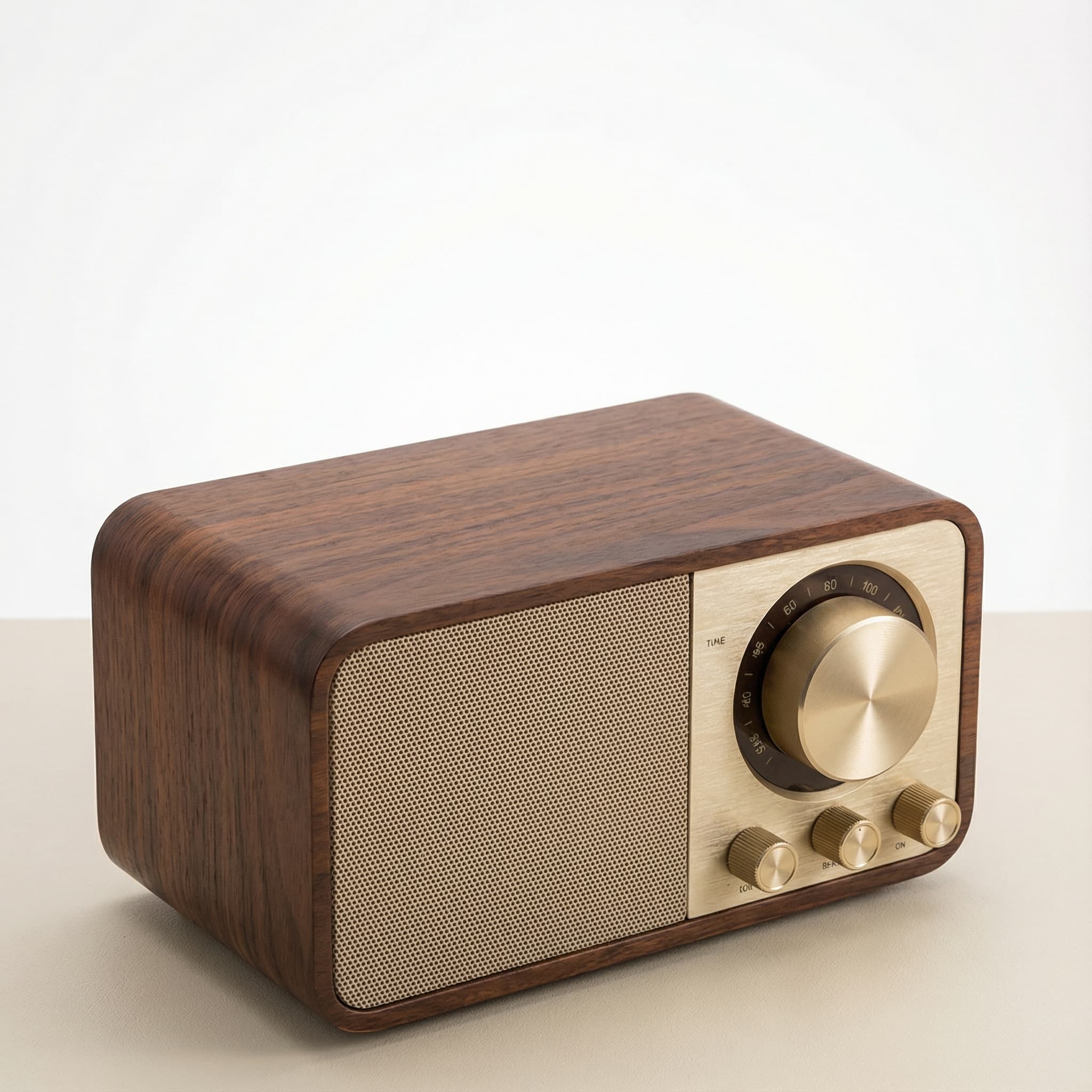 Sale
SaleRetro Wood-Cabinet Bluetooth Speaker with FM Radio
In stock · Ships in 7–21 business days
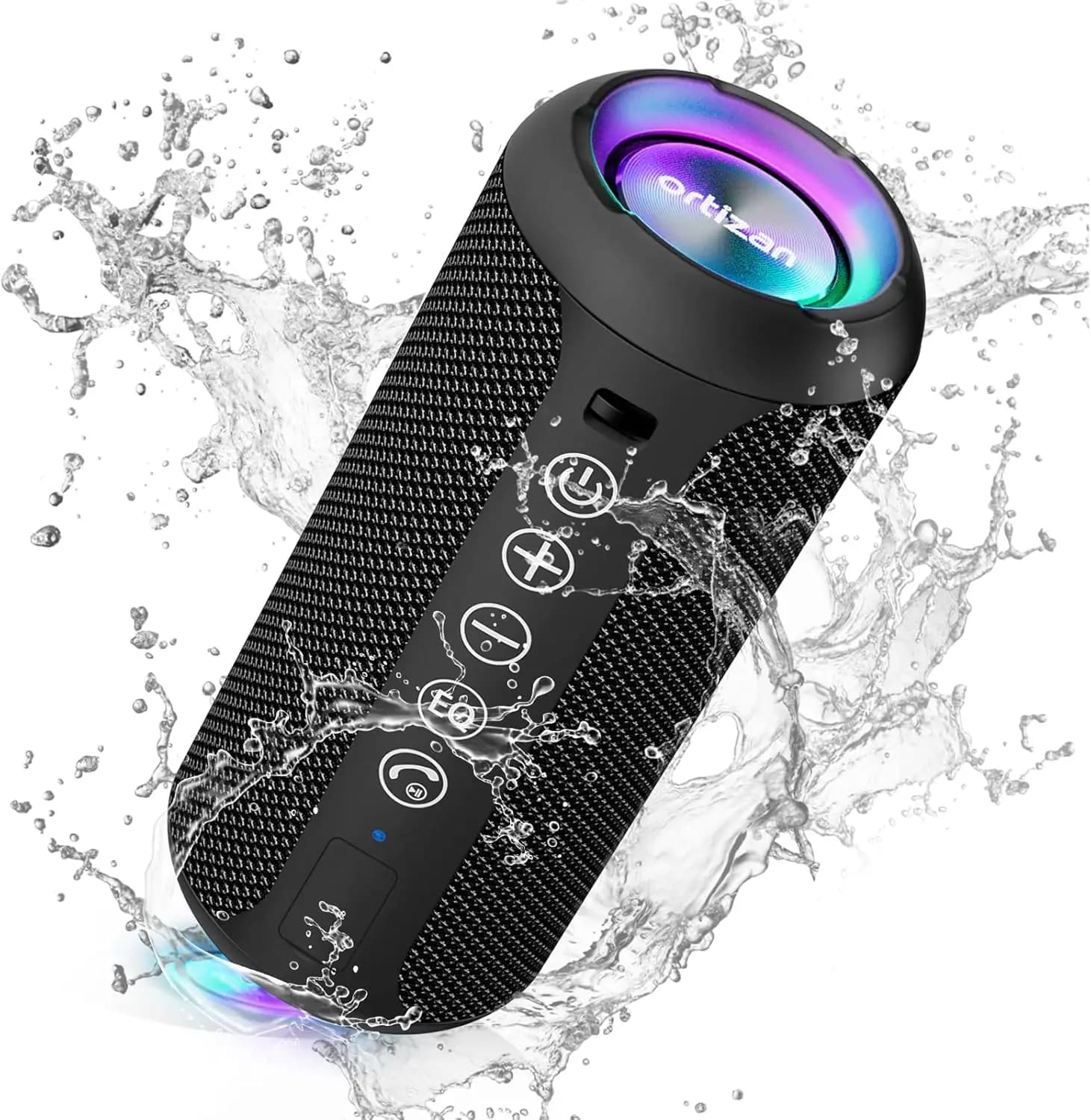
Ortizan X10 Portable Bluetooth Speaker with RGB Lights
In stock · Options available · Ships in 7–21 business days
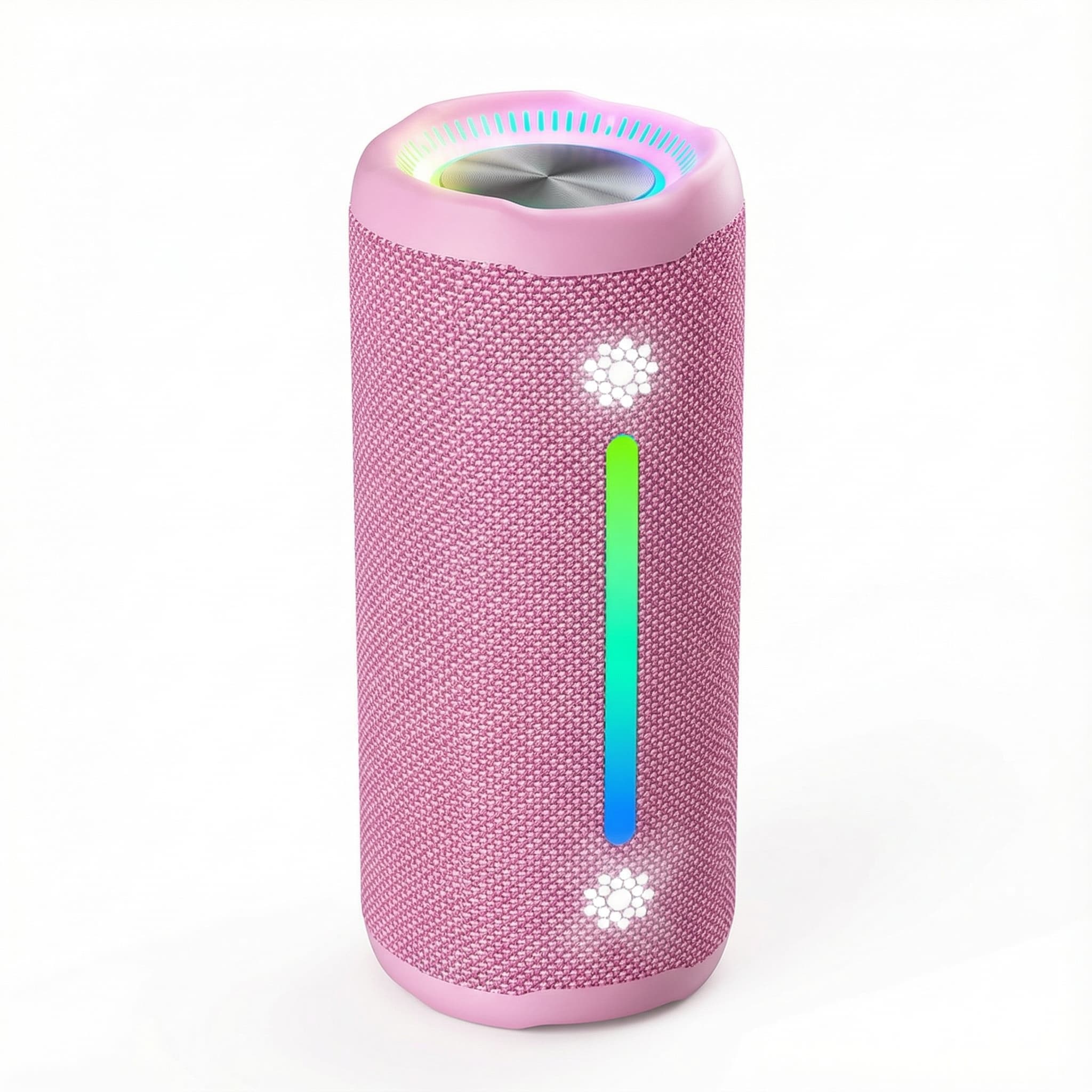
Ohayo X10 Max Bluetooth Speaker with Bass Boost and Lights
In stock · Options available · Ships in 7–21 business days
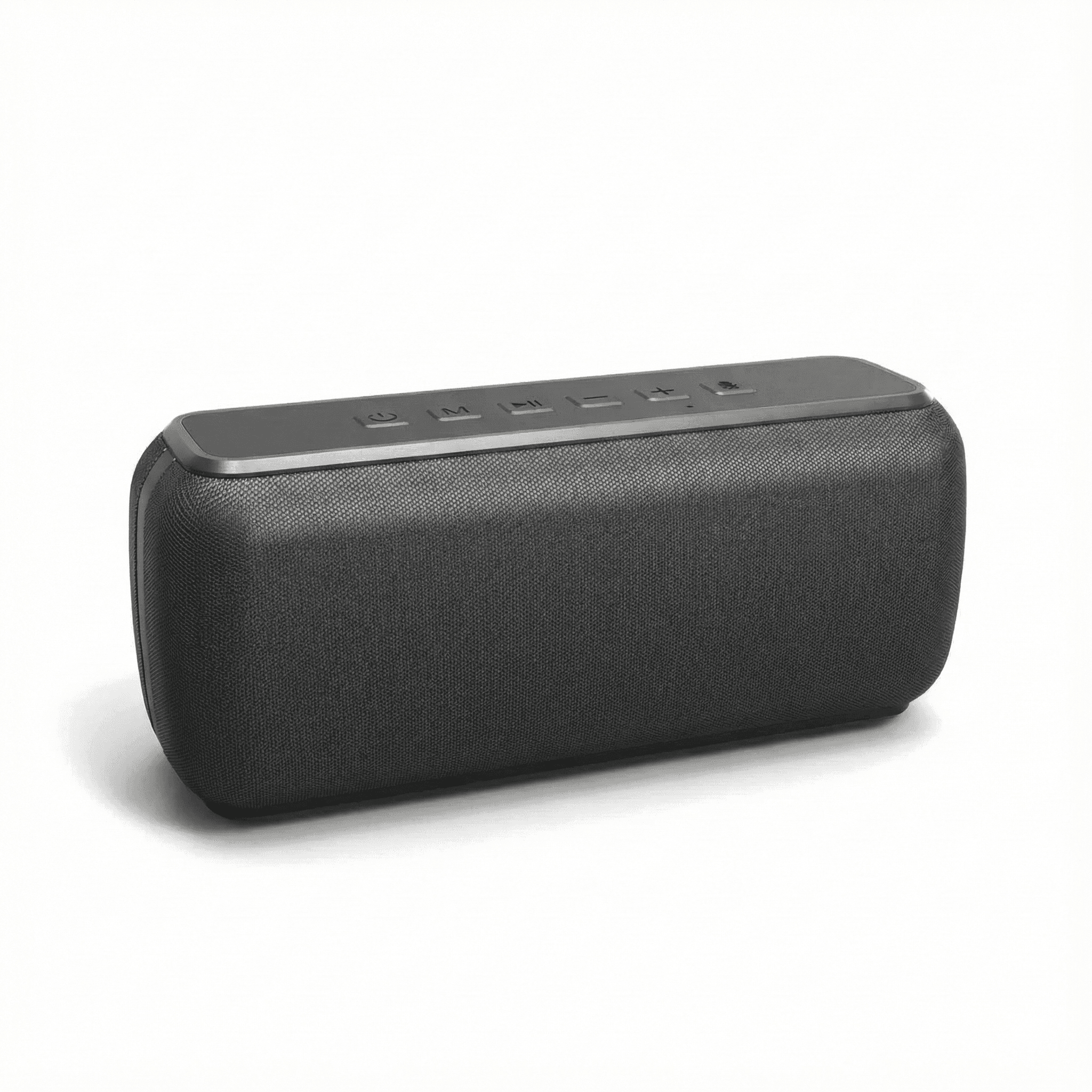
Xdobo X8 II Portable Bluetooth Speaker with Power Bank
In stock · Options available · Ships in 7–21 business days
Continue reading
 Tech & Gadgets
Bluetooth Speaker Stereo Pairing: Setup, Sync and Lag Fixes
Bluetooth speaker stereo pairing explained: which speakers can pair, how to set up left and right channels, and how to fix dropouts and video lag.
 Tech & Gadgets
Motorcycle Bluetooth Intercom Guide: Mesh, Range, Fit
Motorcycle Bluetooth intercom guide: compare Bluetooth vs mesh, real-world range, group size, helmet speaker fit, mics, battery and safe-use rules.
 Tech & Gadgets
How to Connect Multiple Bluetooth Speakers for a Party
How to connect multiple Bluetooth speakers: compare party mode, Auracast and Wi-Fi multiroom, then link, place and test speakers for even, echo-free sound.