

Soundbar Connection Guide: HDMI ARC vs eARC vs Optical

For most TVs, the best soundbar connection is HDMI ARC or eARC: one cable carries sound from the TV to the bar and lets your TV remote control volume and power. Optical is the fallback for older TVs or bars without HDMI, and Bluetooth is the convenient but least reliable option for movies because of lip-sync delay. This guide is for anyone setting up a new soundbar or trying to work out why the existing one has no sound, no surround, or needs its own remote, and it explains what each connection supports and how to fix the common problems.
Key takeaways
- Use the TV’s HDMI port labeled ARC or eARC; other HDMI inputs on the TV will not send audio out.
- ARC carries stereo and compressed 5.1 (such as Dolby Digital); eARC adds lossless formats and full Dolby Atmos from apps and players that provide it.
- HDMI-CEC must be on (it goes by brand names like Anynet+, Bravia Sync and SimpLink) for the TV remote to control the bar.
- Optical handles stereo and compressed 5.1 but no Atmos, and no TV-remote control unless the bar learns IR codes.
- When you hear nothing, the fix is usually a TV audio-output setting, not a faulty cable.
Soundbar connection types compared
| Connection | Audio it can carry | TV remote control | Best for |
|---|---|---|---|
| HDMI eARC | Stereo, compressed 5.1, uncompressed multichannel PCM, Dolby TrueHD, Dolby Atmos (including lossless), DTS:X | Yes, via CEC | Recent TVs and Atmos soundbars |
| HDMI ARC | Stereo, Dolby Digital 5.1, often Dolby Digital Plus (which can carry Atmos from streaming), DTS on some TVs | Yes, via CEC | Most TVs from roughly the last decade |
| Optical (TOSLINK) | Stereo PCM, Dolby Digital 5.1, DTS 5.1 | No, unless the bar learns the TV remote | Older TVs; troubleshooting HDMI issues |
| Bluetooth | Compressed stereo | Sometimes | Phones and music, not critical movie watching |
| 3.5 mm aux | Analog stereo | No | Very old TVs, computers, simple setups |
“Atmos over ARC” is real but limited: streaming apps usually deliver Atmos inside Dolby Digital Plus, which ARC can pass on many TVs. Lossless Atmos from Blu-ray discs (Dolby TrueHD) needs eARC, or the player connected straight to a soundbar with HDMI passthrough.
How to connect a soundbar with HDMI ARC or eARC
- Find the right port. On the TV, look for HDMI ARC or eARC printed next to one HDMI input. On the soundbar, use the port labeled HDMI OUT (TV ARC/eARC).
- Use a suitable cable. A High Speed HDMI cable works for ARC. For eARC, a High Speed HDMI with Ethernet or Ultra High Speed HDMI cable is the safe choice.
- Turn on CEC. In the TV menu, enable HDMI-CEC. Samsung calls it Anynet+, Sony Bravia Sync, LG SimpLink, Philips EasyLink, and other brands have their own names.
- Turn on ARC or eARC mode if the TV has a separate setting, then choose the soundbar or “HDMI ARC” as the audio output instead of TV speakers.
- Set the digital audio format. Try Auto, Passthrough or Bitstream to send surround formats to the bar. If you hear nothing, switch to PCM to test, then go back.
What about HDMI inputs on the soundbar?
Some bars include HDMI inputs for passthrough. Plugging a game console or player into the bar lets the bar decode the audio directly, which is useful if your TV only has ARC. Check whether the bar passes through 4K, HDR and high refresh rates, because some older passthrough ports cap video quality. For gaming at 120 Hz, connecting the console to the TV and using eARC is often simpler.
Optical and Bluetooth: when to use them
Optical
Optical is reliable and immune to the handshake problems that sometimes affect HDMI. Remove the small plastic caps from both ends, push the plug in until it clicks, and set the TV’s digital output to Dolby Digital or Auto. Avoid tight bends in the cable. The main drawbacks are no Atmos or lossless audio, and no CEC, so you will either use the soundbar’s remote or a TV remote the bar can learn. Some bars and TVs manage volume through a learned IR code; check your manual.
Bluetooth
Bluetooth is wireless and easy for music from a phone. For TV, it introduces delay that can show up as lip-sync error, and TVs often limit Bluetooth audio to basic codecs. If you use it, look for an audio delay or AV sync setting on the TV or bar. Our Bluetooth codec and range guide explains why some combinations lag more than others. A compact Bluetooth bar such as the Wireless Bluetooth Sound Bar with LED Clock suits bedrooms and desks; check its product page for which inputs it includes before planning a TV setup around it.
Troubleshooting soundbar connection problems
- No sound over HDMI ARC: confirm you are in the TV’s ARC-labeled port, CEC is on, and TV audio output is set to the external speaker. Power everything off, unplug the TV and bar for a minute, then turn on the bar first and the TV second.
- Sound from apps but not from a connected console or player: the device may be sending a format the TV cannot pass over ARC. Set the source device to Dolby Digital or PCM, or set the TV’s output to PCM.
- TV remote does not change volume: CEC is off on one device, or the TV only allows CEC control for certain brands. Enable CEC on both ends and update firmware.
- Sound cuts out or the bar turns on randomly: CEC devices can wake each other up. Disable CEC on devices that do not need it, such as a streaming stick that keeps turning the system on.
- Lip-sync delay: use the TV’s or bar’s AV sync setting, and avoid Bluetooth for movies. Some TVs add delay in picture-processing modes; game mode often reduces it.
- Only stereo when you expected surround: check the TV’s digital audio output is not set to PCM or stereo, and that the content actually carries 5.1 or Atmos.
Mistakes to avoid
- Using a non-ARC HDMI port. The bar will not receive TV audio, and nothing in the menus will fix it.
- Running both HDMI and optical at once. Some bars and TVs get confused about which input to use; pick one.
- Expecting Atmos over optical. It is not supported; you need ARC with Dolby Digital Plus or eARC.
- Buying a long, cheap HDMI cable for eARC. Marginal cables can cause dropouts; use a certified cable of the length you actually need.
- Forgetting firmware. Many ARC and CEC bugs are fixed by TV or soundbar updates.
Which connection should you use?
Use eARC if both your TV and soundbar support it, especially for Atmos or Blu-ray. Use ARC for most other modern TVs; it gives you one remote and Dolby Digital surround. Use optical if your TV has no ARC port, or temporarily while you troubleshoot HDMI. Use Bluetooth for music from your phone and for small bedroom or desk setups where a little delay does not matter. Once connected, position the bar well, as covered in our soundbar size and room placement guide. Browse more audio gear in electronics and accessories.
Frequently asked questions
Is HDMI ARC better than optical for a soundbar?
Usually, yes. ARC supports the same Dolby Digital surround as optical plus Dolby Digital Plus on many TVs, and it lets the TV remote control the soundbar through CEC. Optical is a good fallback when HDMI misbehaves.
What is the difference between ARC and eARC?
eARC has much more bandwidth, so it can carry lossless and uncompressed multichannel audio such as Dolby TrueHD and lossless Dolby Atmos. ARC is limited to compressed formats. Both need the TV and soundbar to support the same standard.
Why is my soundbar not working with HDMI ARC?
The most common causes are using the wrong HDMI port, CEC being turned off, or the TV still outputting to its own speakers. Power-cycling both devices and setting the TV’s digital audio output to PCM to test usually narrows it down.
Can I connect a soundbar to a TV without HDMI?
Yes. Use optical if both have it, Bluetooth if the TV supports Bluetooth audio, or a 3.5 mm aux cable for older TVs. You will usually need the soundbar’s own remote for volume.
Do I need a special HDMI cable for eARC?
Not necessarily special, but use a High Speed HDMI cable with Ethernet or an Ultra High Speed HDMI cable. Older, very long or uncertified cables are a common cause of eARC dropouts.
Shop Tech & Gadgets
View all →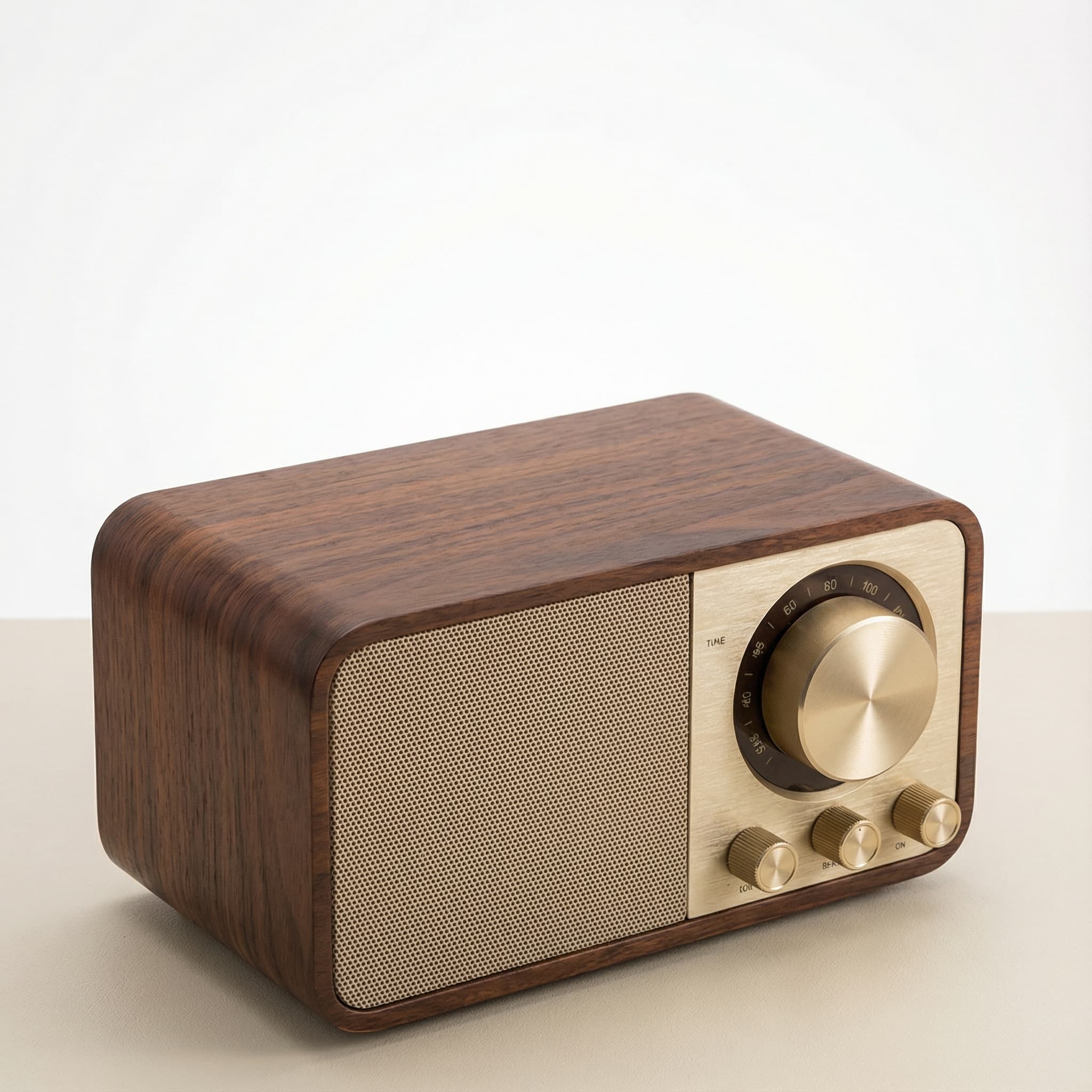 Sale
SaleRetro Wood-Cabinet Bluetooth Speaker with FM Radio
In stock · Ships in 7–21 business days

Ortizan X10 Portable Bluetooth Speaker with RGB Lights
In stock · Options available · Ships in 7–21 business days

Ohayo X10 Max Bluetooth Speaker with Bass Boost and Lights
In stock · Options available · Ships in 7–21 business days
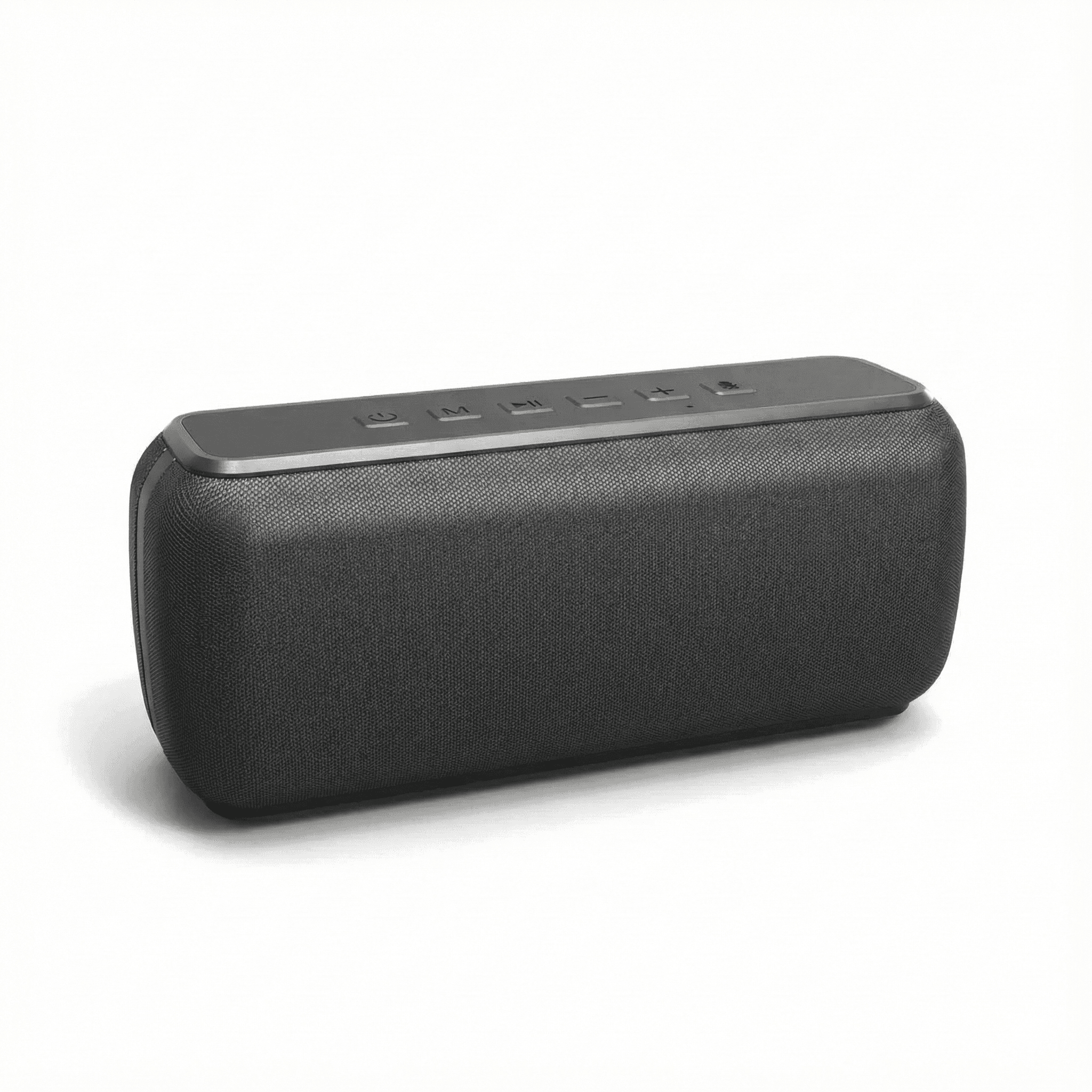
Xdobo X8 II Portable Bluetooth Speaker with Power Bank
In stock · Options available · Ships in 7–21 business days
Continue reading
 Tech & Gadgets
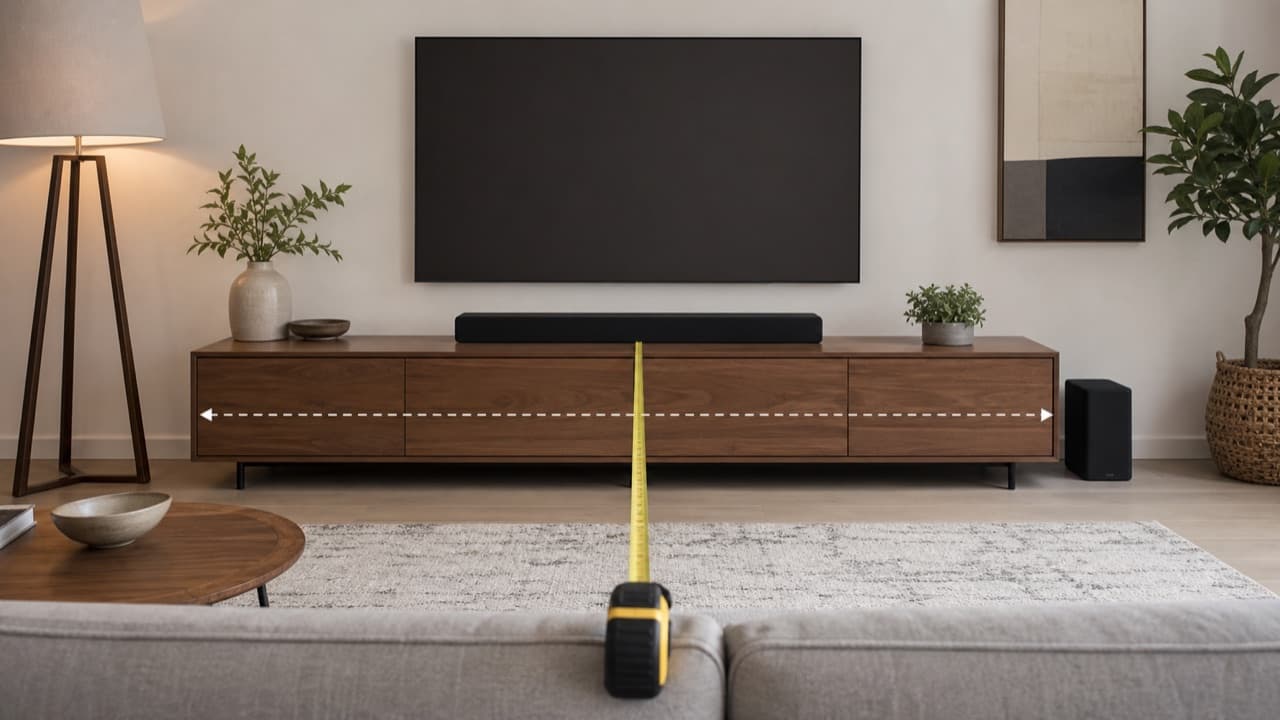
Soundbar Size Guide: TV Width, Height and Placement
Soundbar size guide: match bar width to your TV, check height against the screen and IR sensor, and place the bar, subwoofer and Atmos speakers well.
 Tech & Gadgets
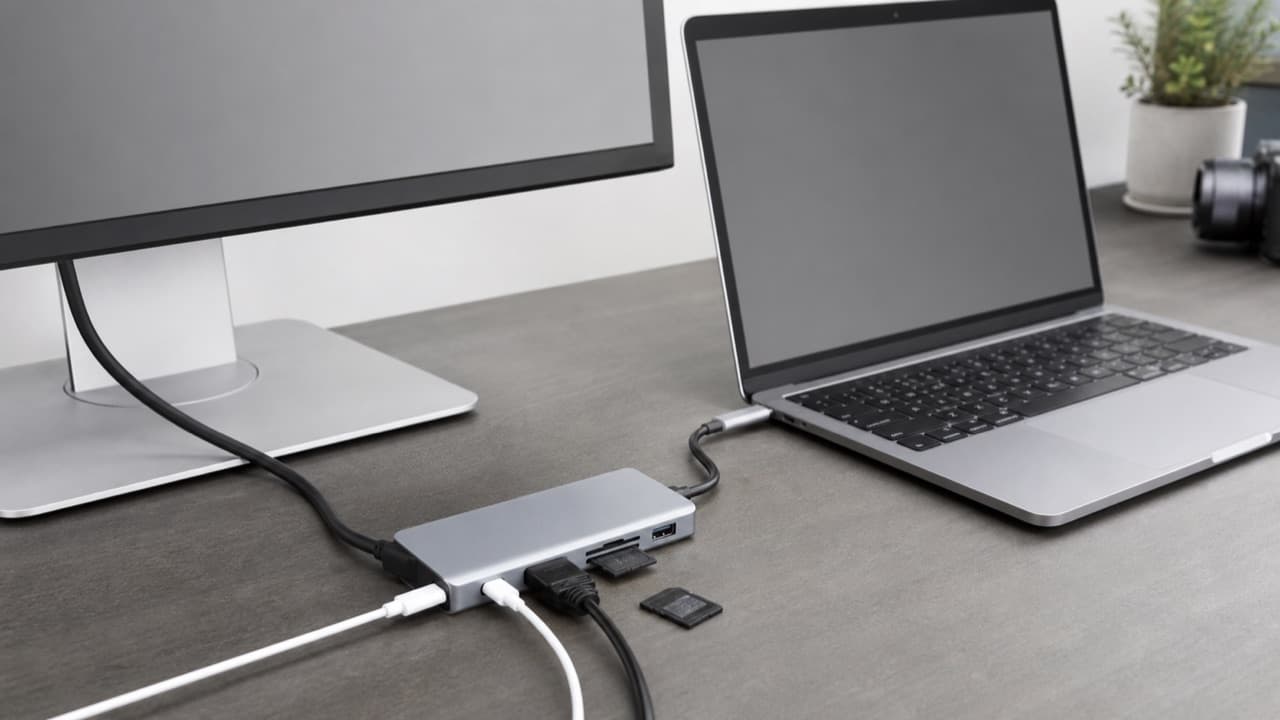
USB-C Hub Buying Guide: Ports, Video and Power Explained
USB-C hub buying guide: check what your laptop port supports, read data speed labels, size power pass-through and match the video and ports you need.
 Tech & Gadgets
Smart Plug Vacation Mode: Set Up Safe Away Schedules
Smart plug vacation mode explained: how to set realistic away schedules, which appliances never belong on a smart plug, and how to plan for outages and hacks.