

Car Vacuum Filter Cleaning: How to Restore Lost Suction
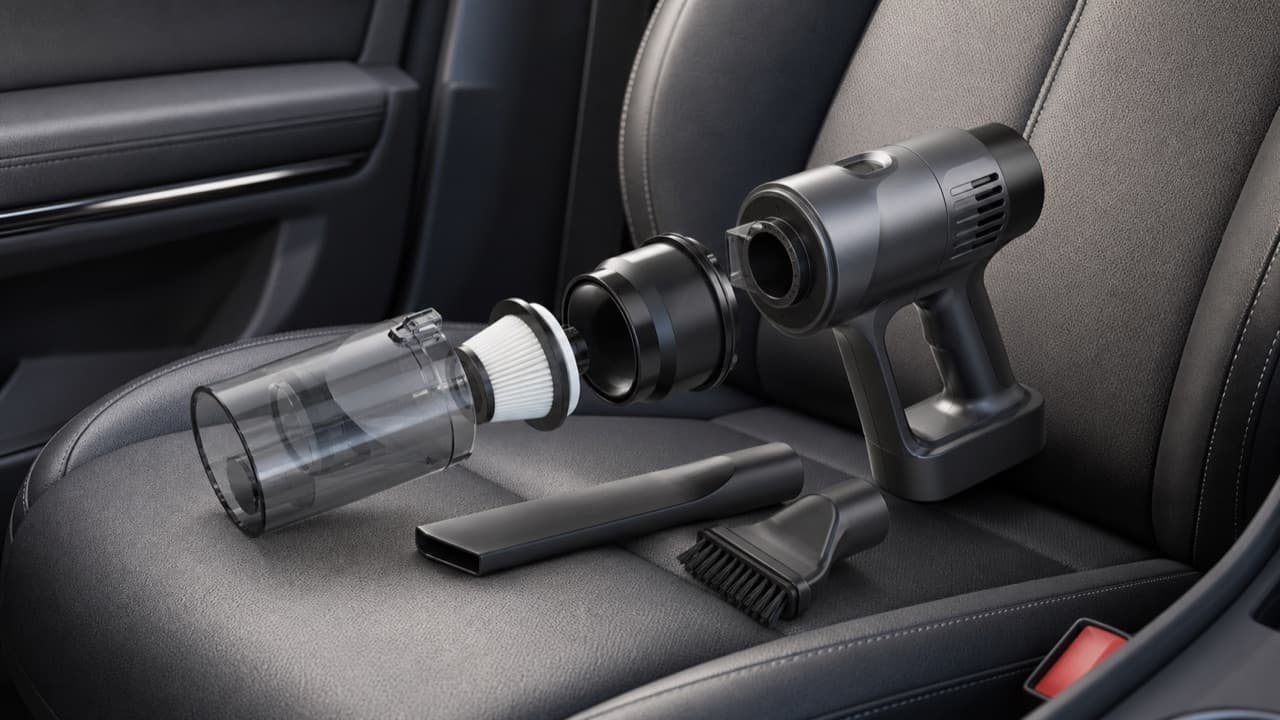
Car vacuum filter cleaning is the first thing to try when a handheld vacuum suddenly feels weak: in most cases the motor and battery are fine, and the problem is fine dust coating the filter or a blockage somewhere in the airflow path. Empty the bin, clean the filter the way its type requires, let it dry completely, and check the nozzle and inlet for clogs, and suction usually comes back. This guide is for owners of cordless and 12V car vacuums who want a routine that keeps them working and a clear way to tell cleaning problems from worn-out parts.
Key takeaways
- Fine dust blinds a filter long before the bin looks full. Empty and tap out the filter after every one or two cleaning sessions.
- Only wash filters that the manual says are washable, use plain cool water, and let them air-dry for at least 24 hours.
- Never refit a damp filter. Moisture can reach the motor and creates mildew and odor.
- Don’t blast pleated HEPA-style filters with compressed air at close range; it can tear the filter material.
- If suction stays weak with a clean, dry filter and clear airways, check seals, then the battery.
- Replace filters that are torn, warped, stained through or permanently stiff with dust.
Why car vacuums lose suction
A vacuum works by pulling air through a nozzle, into a bin and out through one or more filters. Anything that restricts that path reduces airflow, and with it the vacuum’s ability to lift dirt. Car interiors make this worse than most homes: road dust, sand and dried mud are very fine and pack into filter pleats quickly, and the small bins on car vacuums fill fast.
Troubleshooting weak suction
| Symptom | Likely cause | What to do |
|---|---|---|
| Weak suction, bin half full | Fine dust caked on the filter | Empty bin, tap out or wash filter, dry fully |
| Strong at the body, weak at the tool | Clog in the crevice tool or hose | Look through the tool; push debris out with a blunt dowel |
| Whistling or high-pitched motor | Blocked inlet or completely clogged filter | Switch off at once and clear the blockage |
| Dust puffing out of the vents | Torn filter, missing seal or bin not seated | Inspect filter and gaskets; replace damaged parts |
| Musty or sour smell | Damp debris or a filter refitted wet | Empty, wash washable parts, dry fully before use |
| Short runtime, normal suction | Battery aging or heat damage | Check charging, storage conditions and warranty |
| Cuts out during use | Overheating protection or low battery | Let it cool, clear airways, recharge |
How to clean each type of car vacuum filter
Start the same way every time: switch off, unplug or remove from the charger, take the vacuum outside, and empty the bin into a bag or outdoor bin. Avoid breathing the dust cloud; holding the bin low inside a trash bag works well.
Mesh or stainless pre-filters
These coarse screens catch hair and larger debris before it reaches the main filter. Tap them out, then brush with a soft, dry brush. If washable, rinse under cool running water until clear and let them air-dry.
Pleated and HEPA-style filters
Tap the filter gently against the inside of a trash bag or bin, rotating so every side is knocked out. A soft brush run along the pleats loosens trapped dust. Wash only if the manual says the filter is washable; some paper-based filters are ruined by water. When washing, rinse with cool water from the clean side to the dirty side, don’t use soap unless the manual allows it (residue attracts dust), and don’t scrub the pleats.
Foam and felt filters
Rinse and gently squeeze under cool water until it runs clear; don’t wring or twist, which tears foam. Press out excess water with a towel.
Drying properly
Air-dry washed filters at room temperature for at least 24 hours, longer for thick foam or in humid weather. Don’t use a hair dryer, oven, radiator or direct hot sun, because heat can warp frames and shrink foam. Squeeze a corner of foam or press a pleat; if it feels cool or damp, wait. A spare filter means you can keep cleaning while one dries.
Clean the rest of the airflow path
- Bin and cyclone. Wipe out the bin with a damp cloth and dry it. If your vacuum has a cyclone or cone separator, brush dust from its openings.
- Seals and gaskets. Check rubber seals around the bin and filter housing for cracks, hair or grit that stops them sealing. A poor seal lets air bypass the nozzle.
- Nozzle and tools. Hold each tool up to the light. Remove clogs with a blunt dowel or pipe cleaner, not a knife or screwdriver.
- Inlet and motor vents. Brush dust from exhaust vents. Never push anything into the motor area or battery compartment.
- Powered heads. Cut hair from the brush roll with scissors, staying clear of the bristles’ base, and clear its bearings if accessible.
A simple maintenance schedule
- After every session: empty the bin and tap out the pre-filter.
- Every few sessions or weekly with heavy use: tap out and brush the main filter, check tools for clogs.
- Monthly: wash washable filters and the bin (if the manual allows), check seals and vents.
- Every few months: inspect filters for damage; many manufacturers suggest replacing main filters at regular intervals, often a few months to a year depending on use. Follow your manual’s guidance.
Heavy use with sand, pet hair or construction dust shortens every interval. If you’re still choosing a vacuum, our car vacuum buying guide explains which filter designs are easiest to live with.
Battery and motor care
A clean filter also protects the motor, because a restricted airflow path makes it run hotter. Beyond that:
- Store cordless vacuums indoors at room temperature; parked cars get far hotter than lithium-ion batteries should be stored at.
- Charge with the supplied or specified charger and cable.
- If you won’t use it for a few months, store it partly charged rather than empty and top it up occasionally.
- If a battery swells, gets unusually hot, or the vacuum smells of burning, stop using it and contact the seller or manufacturer.
Mistakes to avoid
- Refitting a damp filter. It can let moisture reach the motor and quickly grows mildew.
- Washing a non-washable filter. Paper-based media can collapse or lose its filtering ability when wet.
- Using compressed air up close on pleated filters. A hard blast can tear the media, letting fine dust straight through to the motor.
- Running without the filter. Even for a quick job, dust goes straight into the motor.
- Vacuuming the wrong things. Liquids (unless wet-rated), hot ash, drywall dust, toner and sharp glass shards can clog, damage or ignite. Pick up glass by hand with gloves before vacuuming the fragments.
- Buying a vacuum without available spare filters. When the only filter tears, the vacuum is effectively finished.
Clean, repair or replace: how to decide
- Clean if suction returns once the filter is dry and the airways are clear. This is the outcome most of the time.
- Replace the filter if it’s torn, warped, permanently discolored or still restricts airflow after a thorough clean.
- Replace seals or the bin if dust leaks out around them.
- Contact the seller or manufacturer if runtime has collapsed, the battery is swollen, or the motor sounds wrong with a clean filter. Our warranty registration guide explains why keeping proof of purchase helps here.
If you own the Xiaomi Car Vacuum Cleaner or another model from our range, check its product page and manual for the filter type, washing instructions and replacement parts. For blowing dust out of vents and seams before you vacuum, see car vacuum vs electric air duster, and browse more accessories in electronics and accessories.
Frequently asked questions
How often should I clean my car vacuum filter?
Tap out the filter after every one or two uses and give it a proper clean or wash about monthly with regular use. Clean it sooner if you’ve picked up sand, pet hair or lots of fine dust.
Can I wash a HEPA filter from a car vacuum?
Only if the manual says it’s washable. Some HEPA-style filters are designed to be rinsed with water; others are paper-based and must only be tapped out and brushed. Washed filters need to dry completely before use.
How long does a vacuum filter take to dry?
Plan on at least 24 hours of air-drying at room temperature, and longer for foam or in humid conditions. Don’t use heat to speed it up, because it can warp the filter.
Why does my car vacuum smell bad?
Usually because damp debris sat in the bin or a filter was refitted before it was fully dry. Empty the bin, wash the washable parts, let everything dry thoroughly, and replace the filter if the smell persists.
When should I replace a car vacuum filter?
Replace it when it’s torn, warped or still clogged after cleaning, or at the interval in your manual. Keeping a spare makes it easy to swap one in while the other dries.
Shop Tech & Gadgets
View all →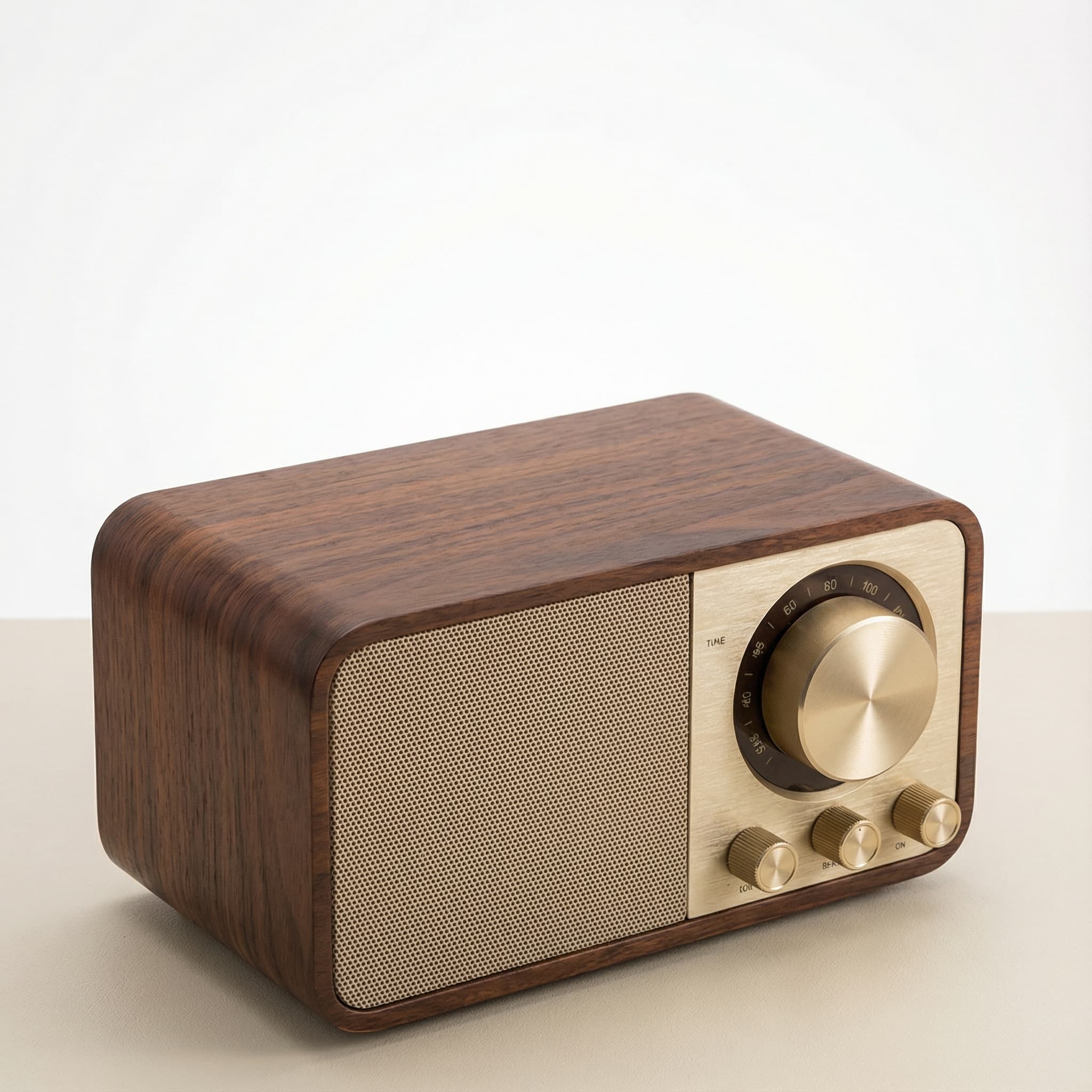 Sale
SaleRetro Wood-Cabinet Bluetooth Speaker with FM Radio
In stock · Ships in 7–21 business days
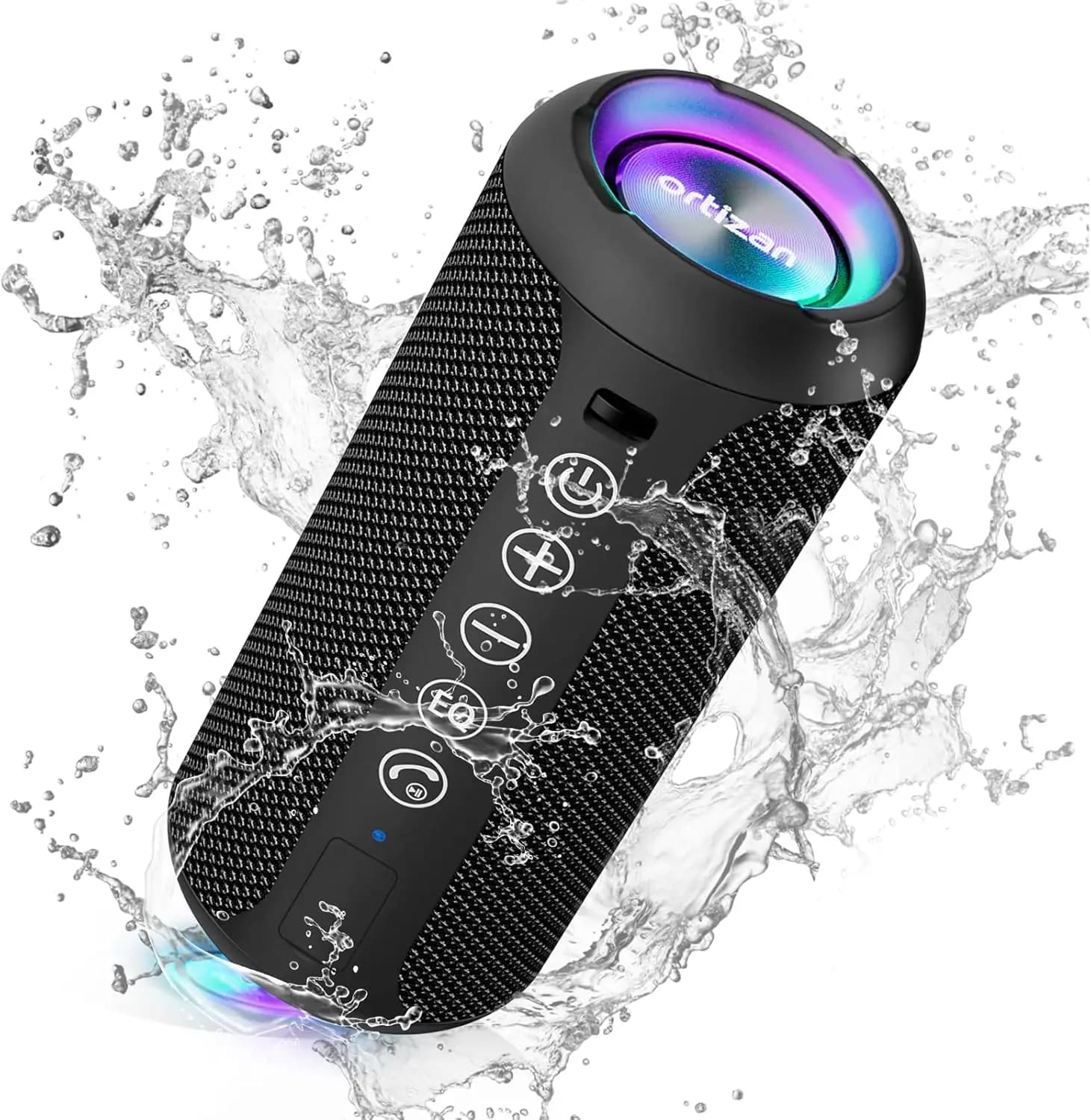
Ortizan X10 Portable Bluetooth Speaker with RGB Lights
In stock · Options available · Ships in 7–21 business days
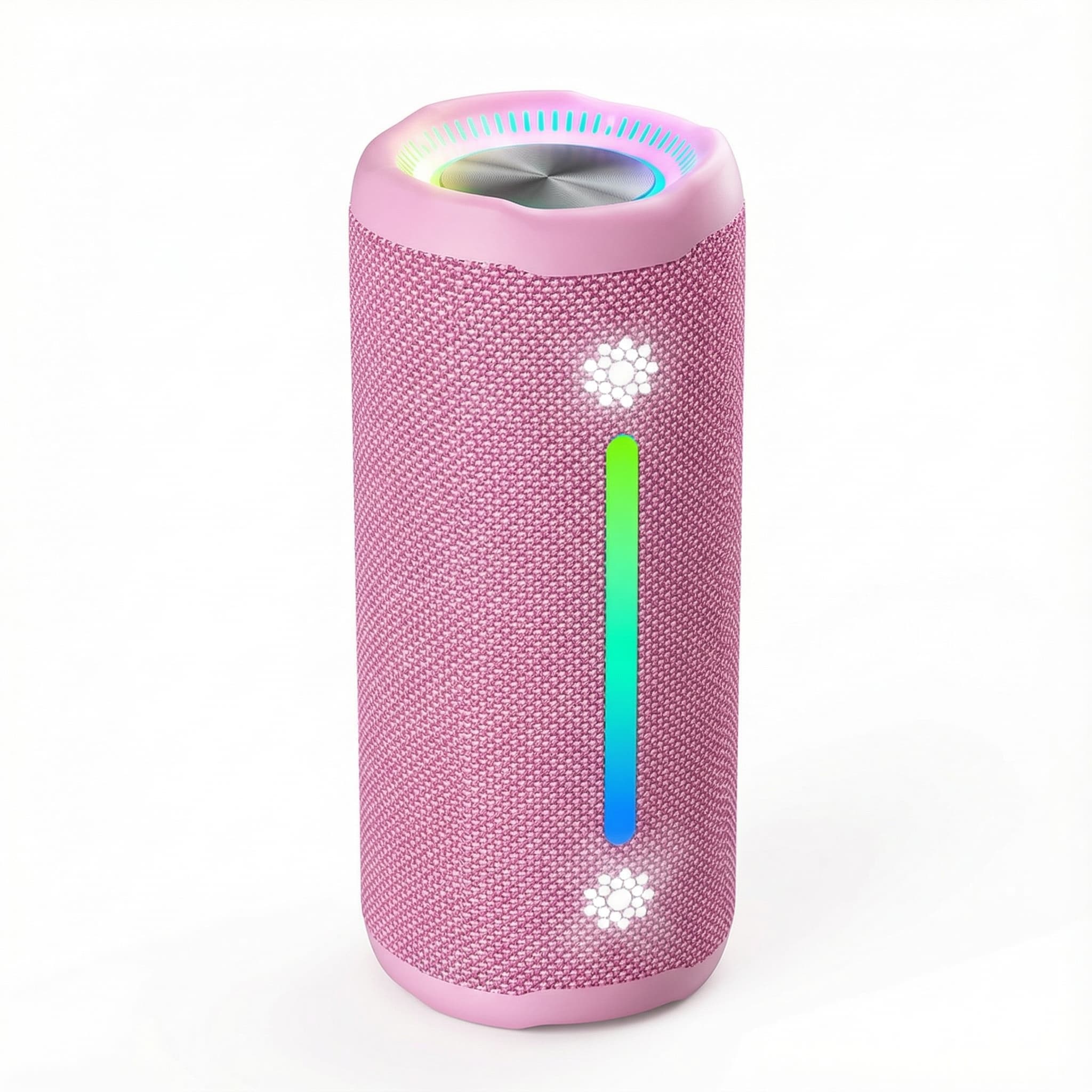
Ohayo X10 Max Bluetooth Speaker with Bass Boost and Lights
In stock · Options available · Ships in 7–21 business days
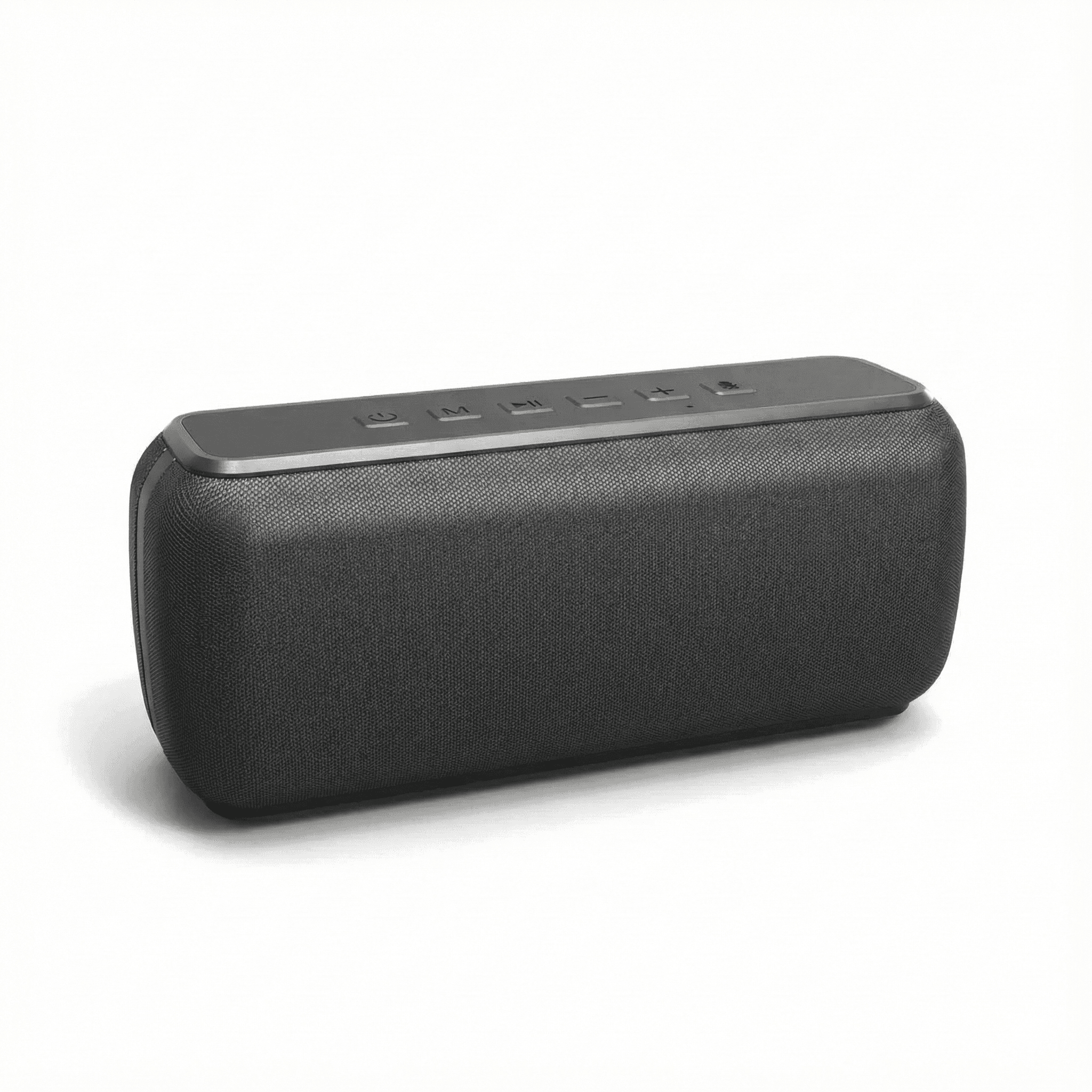
Xdobo X8 II Portable Bluetooth Speaker with Power Bank
In stock · Options available · Ships in 7–21 business days
Continue reading
 Tech & Gadgets
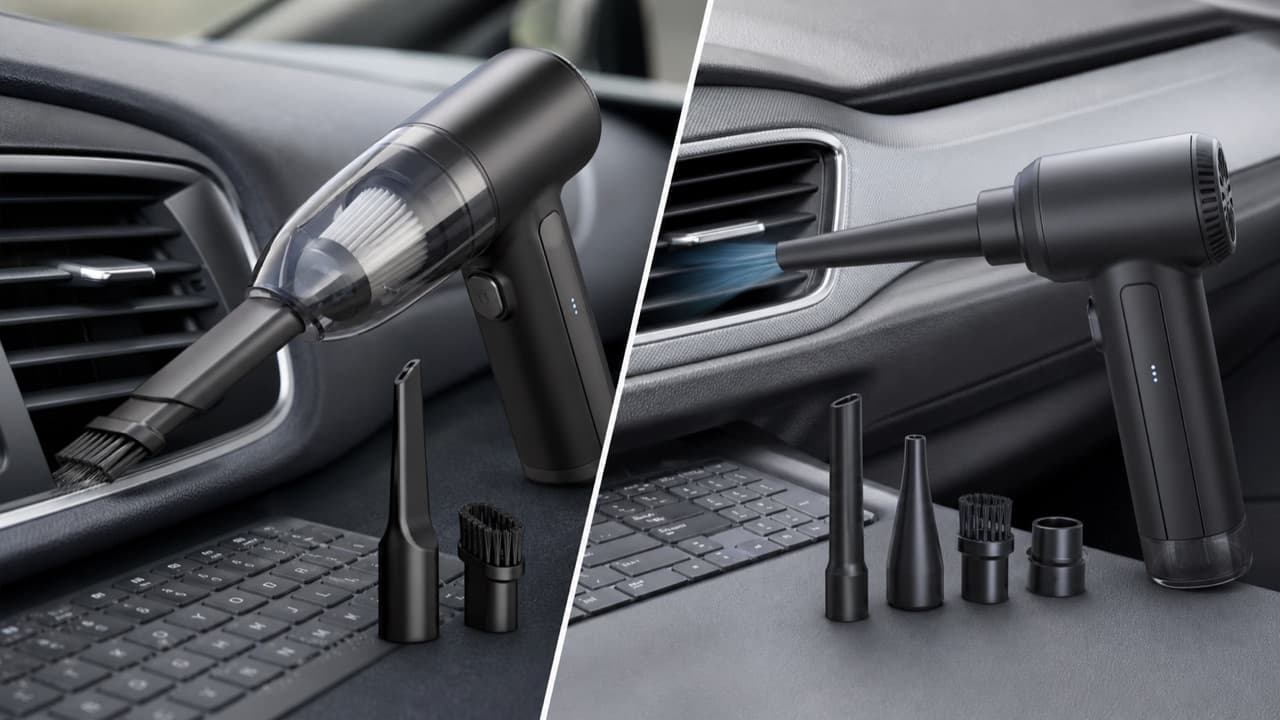
Car Vacuum vs Air Duster: Which Cleans Your Car Better?
Car vacuum vs air duster: what each tool removes, why blowers move dust rather than collect it, 2-in-1 trade-offs and a blow-then-vacuum routine for cars.
 Tech & Gadgets
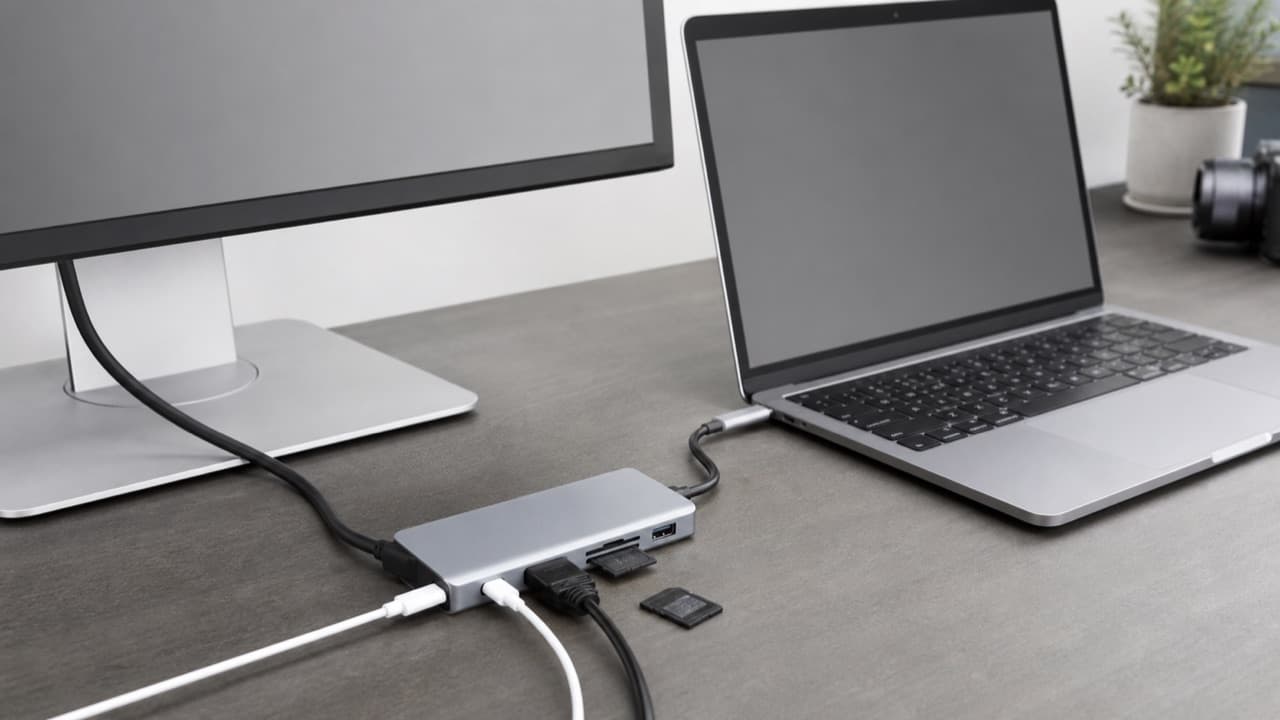
USB-C Hub Buying Guide: Ports, Video and Power Explained
USB-C hub buying guide: check what your laptop port supports, read data speed labels, size power pass-through and match the video and ports you need.
 Tech & Gadgets
Smart Plug Vacation Mode: Set Up Safe Away Schedules
Smart plug vacation mode explained: how to set realistic away schedules, which appliances never belong on a smart plug, and how to plan for outages and hacks.