

Online Price Tracking: How to Set Alerts and Read History

Online price tracking means watching a specific product’s price over time and getting an alert when it falls to a level you have already decided is worth paying. Done well, it saves money on planned purchases and stops you from paying a “sale” price that is actually the usual price. Done badly, it turns a phone full of alerts into a stream of reasons to buy things you never needed. This guide is for shoppers who want to set up price tracking, read price history honestly, and act on an alert with confidence.
Key takeaways
- Track one exact variant: model number, size, color, capacity and seller, because similar listings price differently.
- Set a target price before you start watching, based on price history, not on the discount percentage a store shows.
- Read price history for patterns: a price that drops every few weeks means the low price is normal, not special.
- Check a store’s price adjustment policy; if the price falls shortly after you buy, you may be able to claim the difference.
- Review the data permissions of browser extensions before installing one; some read every page you visit.
- Give yourself a deadline; if the target price never comes, decide whether to pay the going rate or skip the purchase.
How price trackers work
Price trackers check a product page on a schedule, record the price, and send you a notification when it crosses a threshold you set. They come in a few forms:
- Retailer wish lists and watchlists. Many stores email or notify you when a saved item drops in price or comes back in stock. Coverage is limited to that store, but the data comes straight from the source.
- Search engine shopping tools. Some search engines show price history and offer tracking toggles on shopping results, which can cover several retailers at once.
- Browser extensions and websites. Third-party trackers display history charts on product pages and send alerts. Some focus on a single large marketplace, others cover many stores.
- Your own spreadsheet. For a few high-value purchases, a simple sheet with date, store, price, shipping and seller is surprisingly effective and needs no permissions.
Every tracker has gaps. Coverage of smaller stores is patchy, checks may run only a few times a day, and prices tied to a member login, coupon, or cart discount often do not show up. Always confirm the current price on the store’s own page before you buy.
How to read a price history chart
A price history chart is the most useful thing a tracker gives you, provided you read it as a pattern rather than looking at the lowest dot.
| Pattern on the chart | What it usually means | What to do |
|---|---|---|
| Flat line with rare, deep dips | Real promotions tied to events or clearance | Set your target near the dip price and wait for the next event |
| Regular sawtooth up and down every few weeks | The low price is routine; the high price is the anchor | Never pay the high point; buy at the regular low |
| Price raised shortly before a big sale, then cut | The advertised discount is measured from an inflated price | Compare the sale price with the price from a month or two earlier |
| Steady slow decline | Older model being replaced or a product aging | Check whether a newer version has launched before buying |
| Sudden jump with gaps in data | Out of stock, third-party sellers only | Wait for the main seller to return or compare other retailers |
Look at at least three months of history where possible, longer for seasonal items. Our Black Friday vs seasonal sales guide explains which product types tend to hit their lows in which months, which helps you judge whether to wait.
Set a target price and a deadline
Tracking without a plan just generates noise. Before you set an alert, decide three things:
- Your target price. Base it on the history: the typical low over the last few months is a realistic target. A target below anything the item has ever sold for may never trigger.
- Your walk-away total. Add shipping, tax, any membership fee and the cost of a return if the item does not suit you. The target should be a total you are happy to pay, not just a sticker price.
- Your deadline. If you need the item by a certain date, write it down. When the deadline arrives, either buy at the going rate from a seller you trust or drop the purchase.
This rule protects you from both extremes: overpaying because a countdown timer told you to hurry, and waiting months for a price that is not coming.
Make sure you are tracking the right listing
Price trackers follow a URL or product identifier, not your intention. A tracked listing can change seller, bundle or even product without you noticing. Before trusting an alert:
- Check the model number and version still match what you want.
- Confirm who is selling and shipping. On marketplaces, the same product page can switch to a third-party seller with different return terms and warranty.
- Check the condition. Alerts sometimes fire on open-box, renewed or used offers attached to the same product page. Our open-box vs new electronics guide explains when that is a good deal.
- Compare the alerted price across stores. The step-by-step method in our guide to comparing online prices helps you work out the real total.
Price adjustments: tracking after you buy
Price tracking does not have to stop at checkout. Some retailers offer a price adjustment: if their own price drops within a set number of days after your purchase, they refund the difference on request. Windows vary by store and are often around one to two weeks, and many policies exclude flash sales, holiday events, clearance or marketplace sellers. Read the policy before you buy, and keep tracking the item for that window.
If a store does not adjust prices but the drop is large, compare the return policy: returning an unopened item and rebuying it may work, though it costs time and sometimes return shipping, and some stores restrict it. Credit card price protection used to cover this gap, but many card issuers have dropped the benefit, so check your current card terms rather than relying on it.
Privacy and safety of price tracking tools
Browser extensions are the most convenient trackers and the ones that deserve the most scrutiny. Before installing one:
- Read the permissions it requests. “Read and change all your data on all websites” lets an extension see every page you visit, including account pages.
- Check who makes it and how it earns money. Many trackers earn affiliate commissions, which is fine, but some also collect browsing data.
- Install only from official browser extension stores and remove extensions you no longer use.
- Be cautious with extensions that automatically apply coupons or change checkout pages.
If an extension feels too intrusive, a retailer’s own wishlist alerts or a search engine’s tracking toggle give you much of the benefit with fewer permissions.
Mistakes to avoid
- Tracking without a target. Every small dip feels like a deal, and you end up buying at an ordinary price.
- Trusting the “was” price. The reference price is a store claim. History tells you what the item has actually sold for.
- Ignoring shipping and returns. A cheaper listing with paid return shipping can cost more if the item does not work out.
- Tracking too many items. Alerts for things you only half want train you to buy on impulse. Track planned purchases only.
- Missing the adjustment window. Note the date you bought and the policy length, then check the price before it closes.
- Waiting forever for a mythical low. If a product has never been cheaper than a certain level, it is unlikely to drop much further without a new model launch.
How to choose a price tracking approach
- Use the retailer’s own watchlist if you already know where you will buy and want the simplest, most private option.
- Use a search engine tracker if you want to watch several stores at once without installing anything.
- Use an extension with history charts if you shop often on a large marketplace and want history on every product page.
- Use a spreadsheet if you are planning one or two big purchases and want full control of the data, including shipping and seller.
Whatever you use, finish with a quick look at the seller’s warranty and return terms; our online return policy checklist covers what to check. You can also browse the full range on the ADLTHUB shop or start with electronics and accessories, where prices move most often.
Frequently asked questions
Are price tracking extensions safe?
Many are, but they often request broad permissions to read the pages you visit. Install only from official extension stores, check the developer and privacy policy, and remove any extension you no longer use. If permissions worry you, use retailer wishlists or search engine tracking instead.
How long should I track a price before buying?
For most planned purchases, a few weeks to a couple of months is enough to see the normal pattern. For seasonal items, look at a full year of history if available. Set a deadline so tracking does not become indefinite waiting.
Do online prices change based on who is looking?
Prices can differ by region, membership status, logged-in offers and time of day, and some stores test different prices. Compare prices while logged in and logged out, and always check the final total at checkout.
Can I get a refund if the price drops after I buy?
Sometimes. Some retailers offer price adjustments within a set window, often around one to two weeks, with exclusions. Check the store’s policy, keep your receipt, and contact customer service with the new price before the window closes.
What is a good target price?
A realistic target is the typical low price from the last few months of history, plus shipping and tax. Setting it far below anything the item has sold for usually means the alert never triggers.
Deals mentioned in our guides
View all →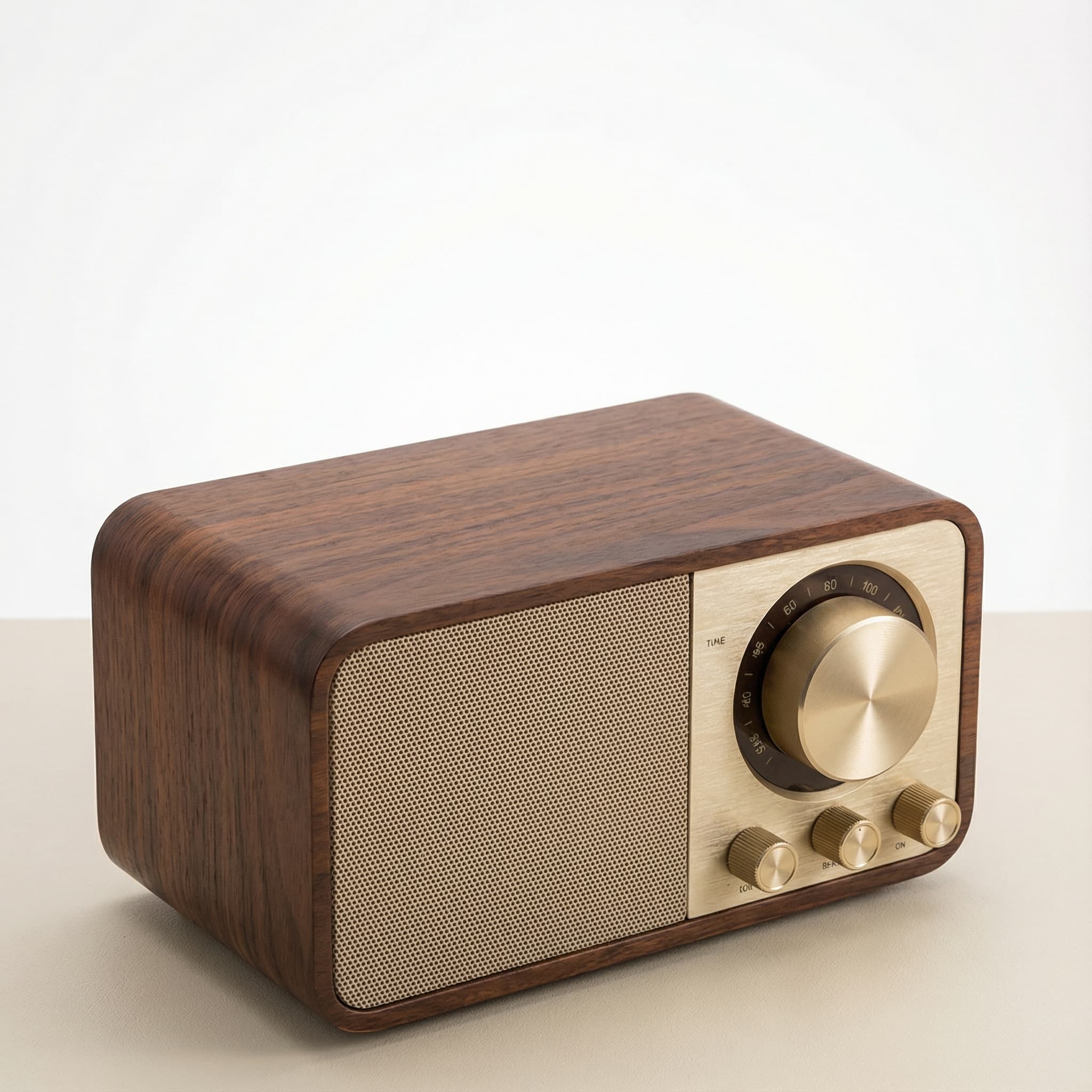 Sale
SaleRetro Wood-Cabinet Bluetooth Speaker with FM Radio
In stock · Ships in 7–21 business days

Ortizan X10 Portable Bluetooth Speaker with RGB Lights
In stock · Options available · Ships in 7–21 business days

Ohayo X10 Max Bluetooth Speaker with Bass Boost and Lights
In stock · Options available · Ships in 7–21 business days
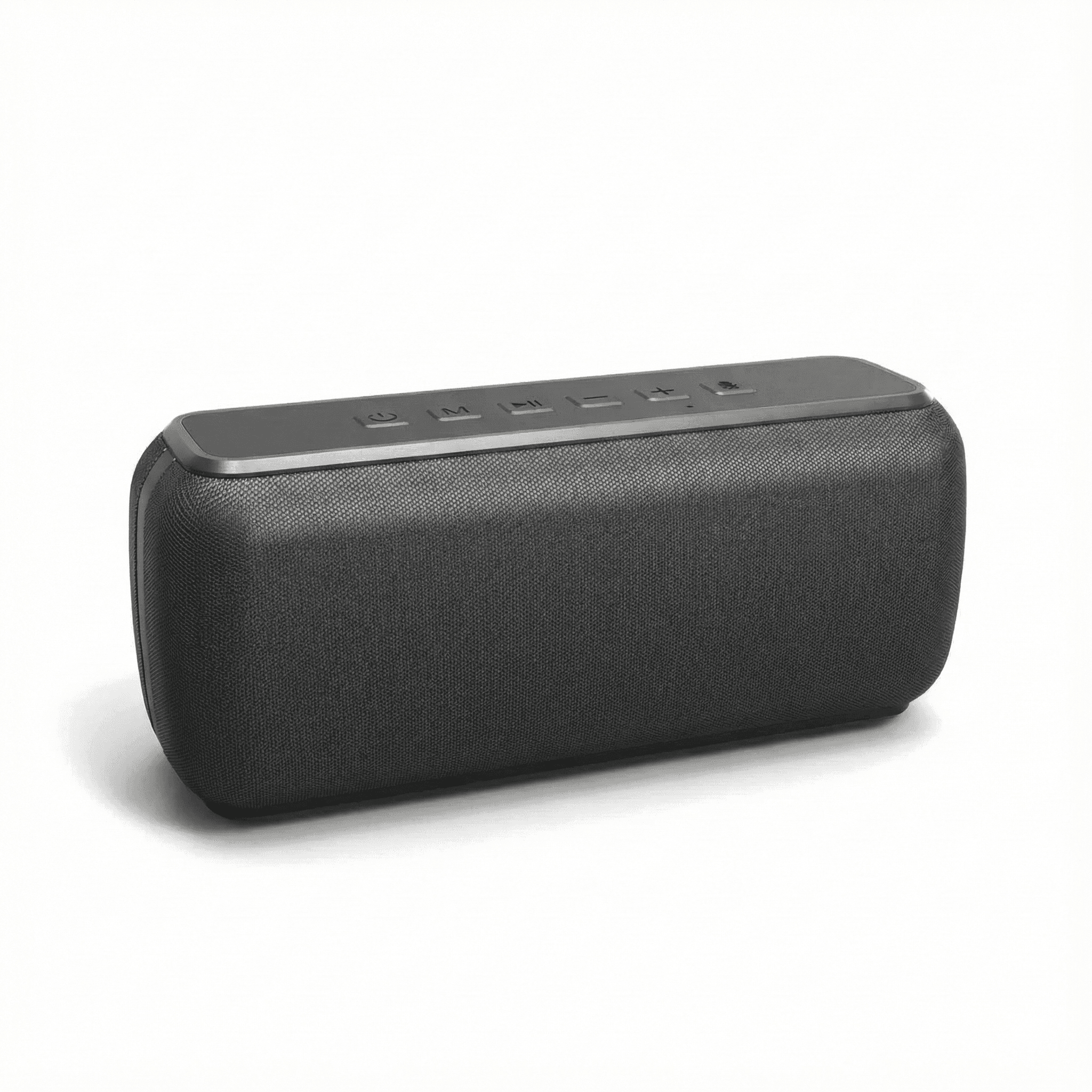
Xdobo X8 II Portable Bluetooth Speaker with Power Bank
In stock · Options available · Ships in 7–21 business days
Continue reading
 Deals & Smart Shopping
How to Compare Online Prices and Spot Fake Discounts
How to compare online prices across stores: match exact model numbers, add shipping, tax and return costs, check the seller, and see through fake was prices.
 Tech & Gadgets
Smart Plug Vacation Mode: Set Up Safe Away Schedules
Smart plug vacation mode explained: how to set realistic away schedules, which appliances never belong on a smart plug, and how to plan for outages and hacks.
 Deals & Smart Shopping
Black Friday vs Seasonal Sales: When to Buy What
Black Friday vs seasonal sales by product: when TVs, laptops, clothing, mattresses and outdoor gear usually hit their lowest prices, and when waiting pays.